Switch: routing by status

Intermediate Power Automate

Dani Kahil

Solution Architect | Microsoft MVP

Nested Conditions vs Switch
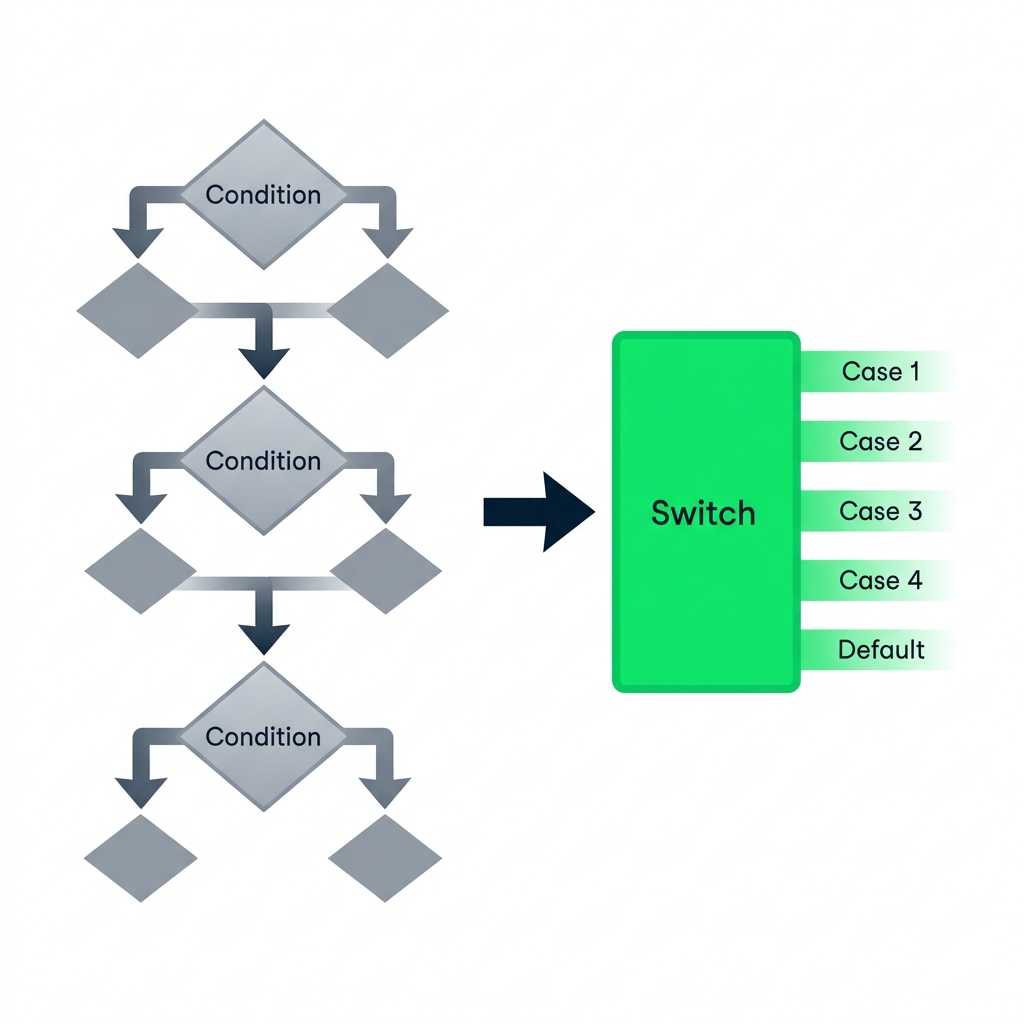
nanobanana: A clean flat illustration on a pure white background showing two flow diagrams side by side. Left: a deeply nested set of three stacked Condition diamonds, each branching left and right, drawn in muted grey to suggest complexity. Right: a single Switch action shown as a rectangular box labelled "Switch" with five clean horizontal output lanes labelled Case 1, Case 2, Case 3, Case 4, Default, drawn in DataCamp green. A bold arrow points from left to right.


  • Conditions split on booleans - one yes/no per action
  • Switch routes on one value to many cases
  • Past two nested Conditions, reach for Switch
Intermediate Power Automate

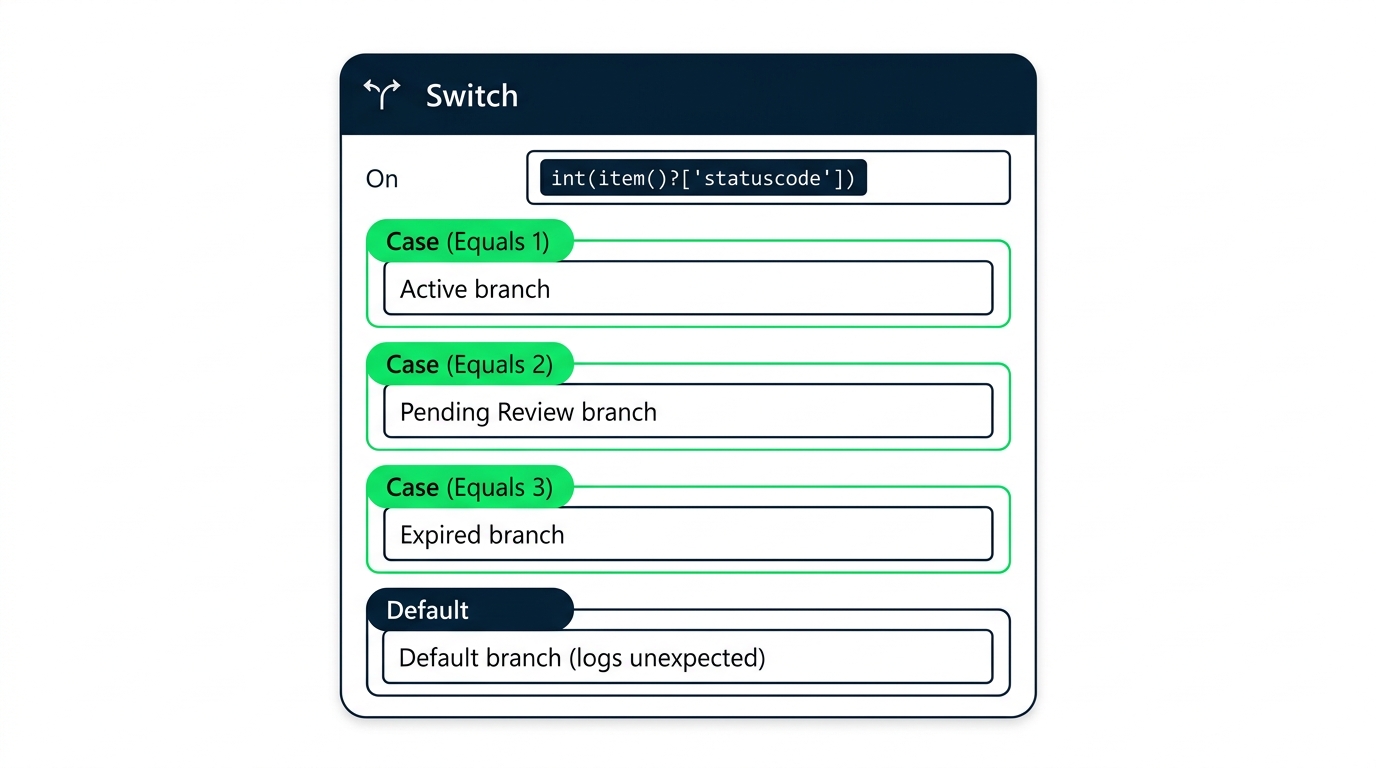
Anatomy of a Switch


screenshot_switch_action_config_panel: Power Automate Switch action expanded, showing the On field with the Status Value dynamic content token, three case slots labelled Case (Equals Active), Case (Equals Lapsed), Case (Equals Renewed), and a Default case at the bottom


  • On - the value the Switch evaluates
  • Case - one branch per exact match
  • Default - everything that didn't match
Intermediate Power Automate

Cases match exactly: case-sensitivity bites
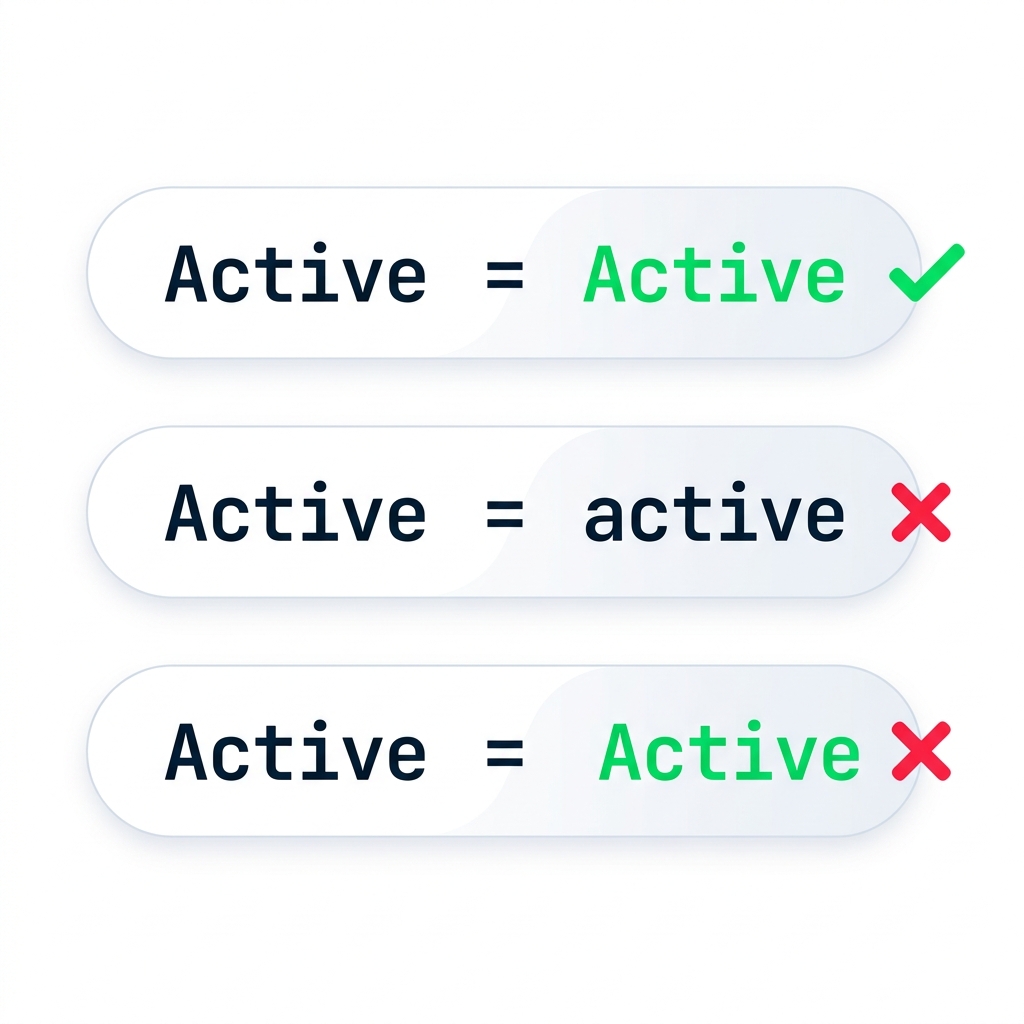
nanobanana: A clean flat illustration on a pure white background. Three stacked horizontal pill-shaped rows. Top row: "Active" on left, equals sign, "Active" on right, with a green checkmark beside it. Middle row: "Active" on left, equals sign, "active" on right (lowercase), with a red X beside it. Bottom row: "Active" on left, equals sign, " Active" on right (with a leading space), with a red X. All text in monospace, minimalist, DataCamp green and navy accents.


  • Switch compares character for character
  • 'Active''active' — case mismatch
  • A trailing space breaks the match too
  • Fix: toLower() or trim() before the Switch
Intermediate Power Automate

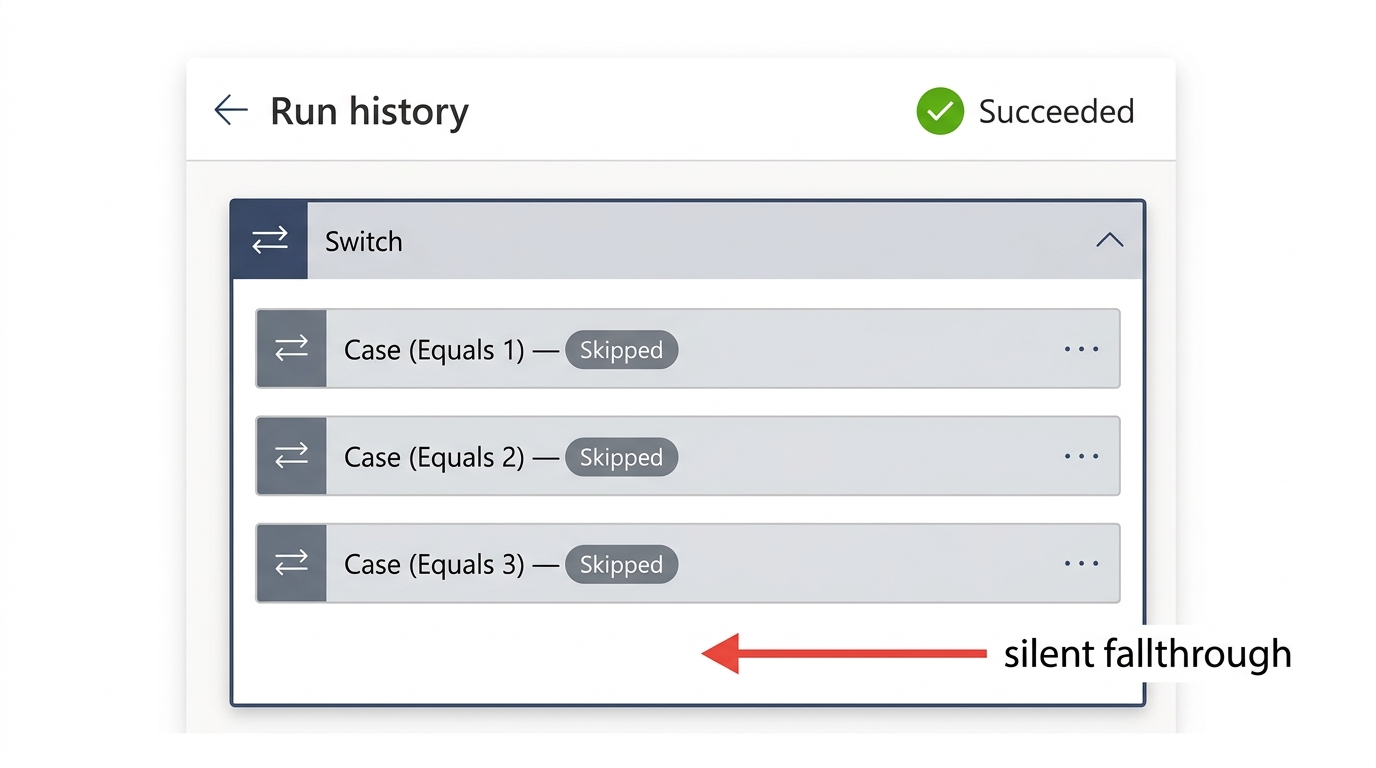
Why Default is non-negotiable


screenshot_switch_run_history_no_default_no_match: Power Automate run history showing a Switch action expanded with all three cases displayed as Skipped, no Default case present, and the overall run status showing green Succeeded


  • No match + no Default → runs green, does nothing
  • The worst kind of bug - invisible
  • Default logs the unexpected value
Intermediate Power Automate

Let's practice!

Intermediate Power Automate

Preparing Video For Download...