Condition: branching on contract value

Intermediate Power Automate

Dani Kahil

Solution Architect | Microsoft MVP

The Condition action, in one sentence
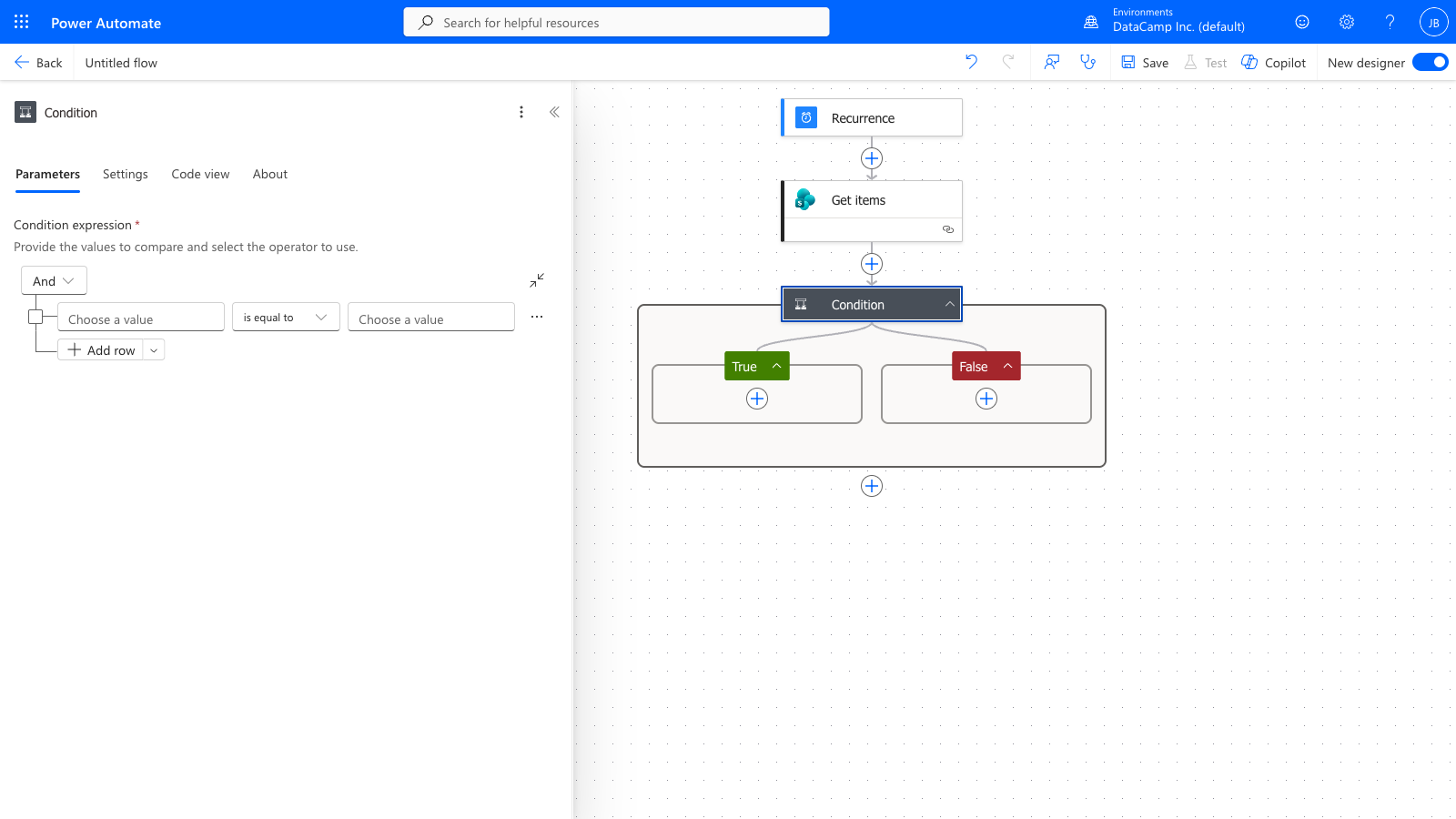
 

Power Automate Condition action expanded in the designer, showing the boolean expression fields and the If yes / If no branch containers below


  • Condition evaluates a boolean expression
  • True → If yes branch runs
  • False → If no branch runs
Intermediate Power Automate

Conditions inside Apply to Each

$$

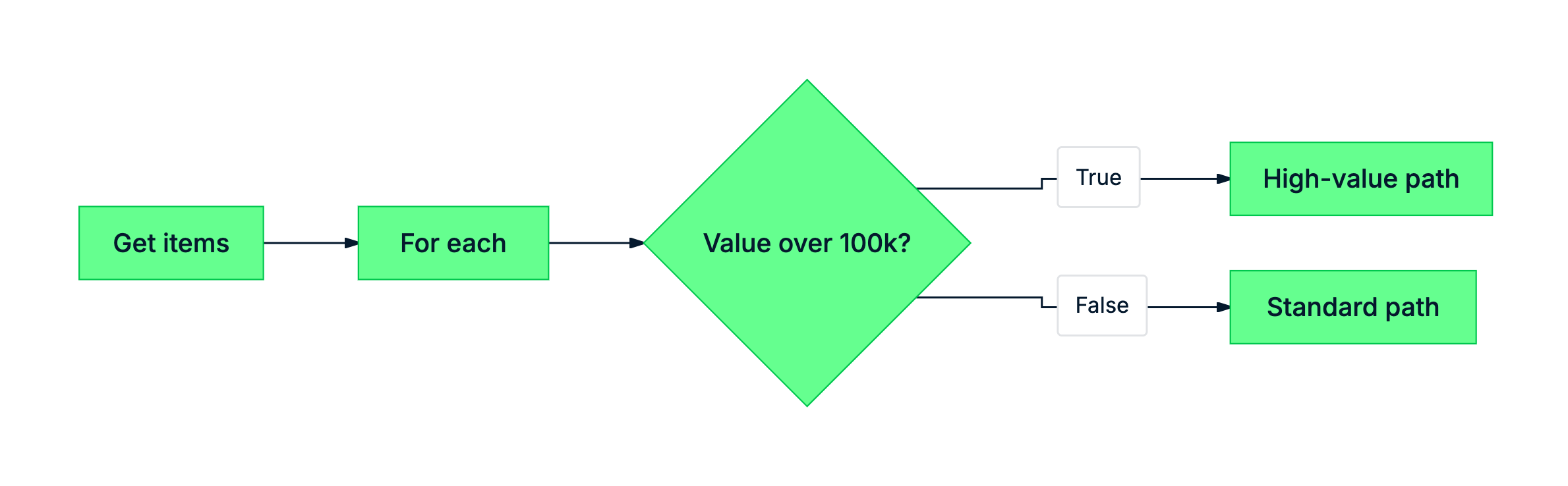
mermaid: green-navy: Apply to Each looping over contracts with a Condition splitting standard vs high-value renewals


  • Place the Condition inside the loop body
  • It re-evaluates per row
  • Each row takes its own branch independently
Intermediate Power Automate

The string-vs-number gotcha

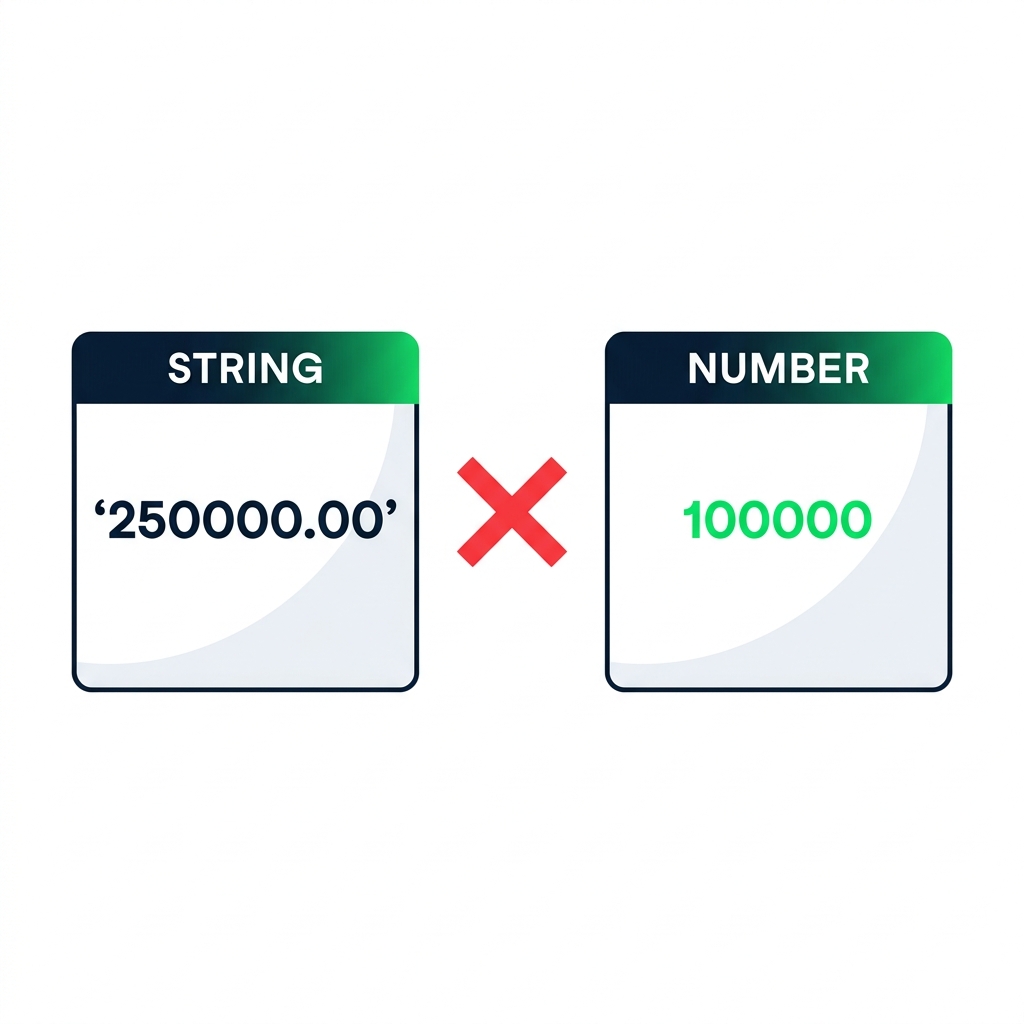
nanobanana: A clean flat illustration on a pure white background showing two boxes side by side. Left box labelled "STRING" containing the text '250000.00' in quotes, in dark navy. Right box labelled "NUMBER" containing 100000 (no quotes), in DataCamp green. Between them, a large red "X" symbol indicating they cannot be compared. Minimalist, no shadows.


  • Numeric columns sometimes surface as strings
  • '250000.00' vs 100000 — compared lexicographically
  • Result: '2...' < '1...' — wrong branch runs green
  • Fix: wrap with int() or float()
Intermediate Power Automate

Writing the expression

nanobanana: A clean flat minimalist illustration on a pure white background. Two boxes side by side in the upper half: left box labelled "STRING" in bold uppercase containing the text '"250000.00"' in quotes, drawn in DataCamp navy; right box labelled "NUMBER" containing 100000 (no quotes), drawn in DataCamp green. A large red X symbol between them indicating they cannot be compared directly. Below the two boxes, a third row showing the expression `int("250000.00") > 100000` with a green checkmark on the right. Flat 2D, no shadows, no 3D.


  • Use items('For each')['contractvalue'] inside For Each
  • Wrap with int() to force numeric comparison
  • Operator: is greater than, value: 100000
Intermediate Power Automate

AND, OR, and grouping

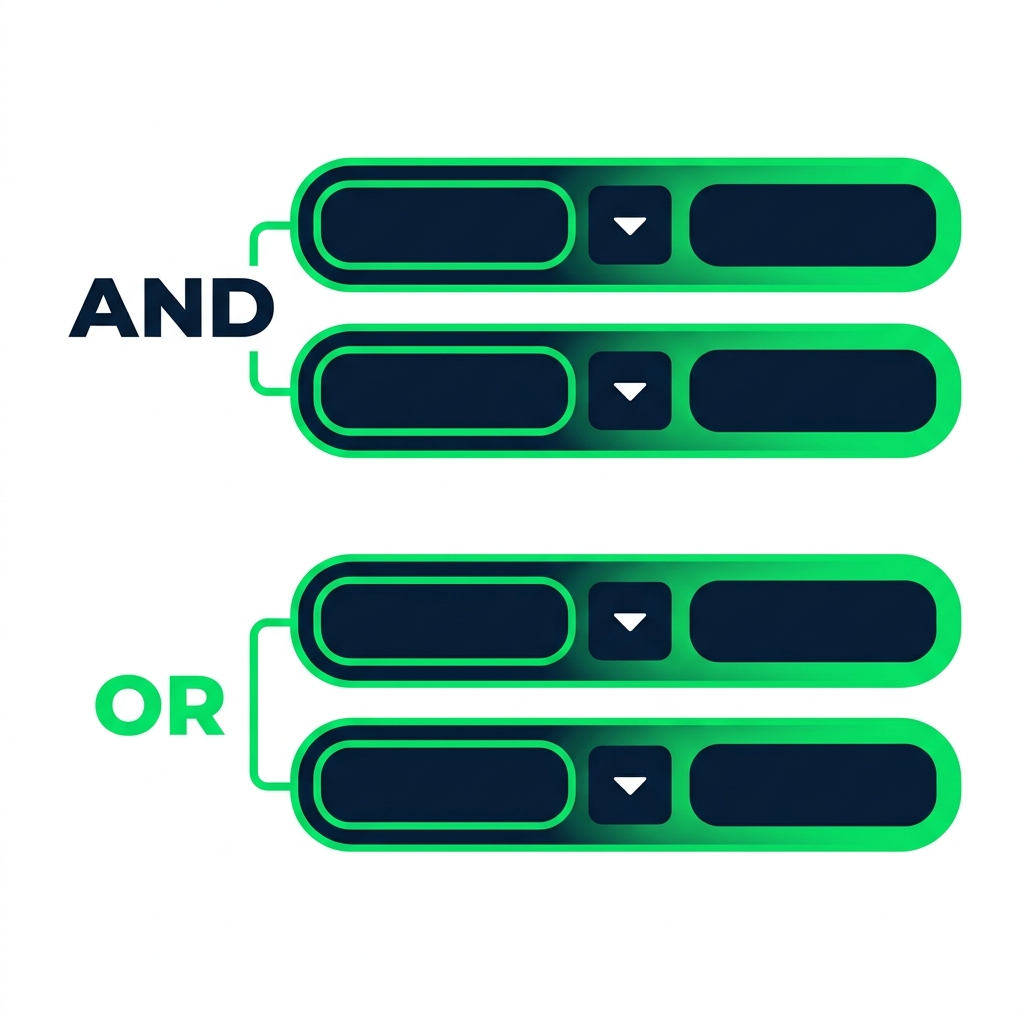
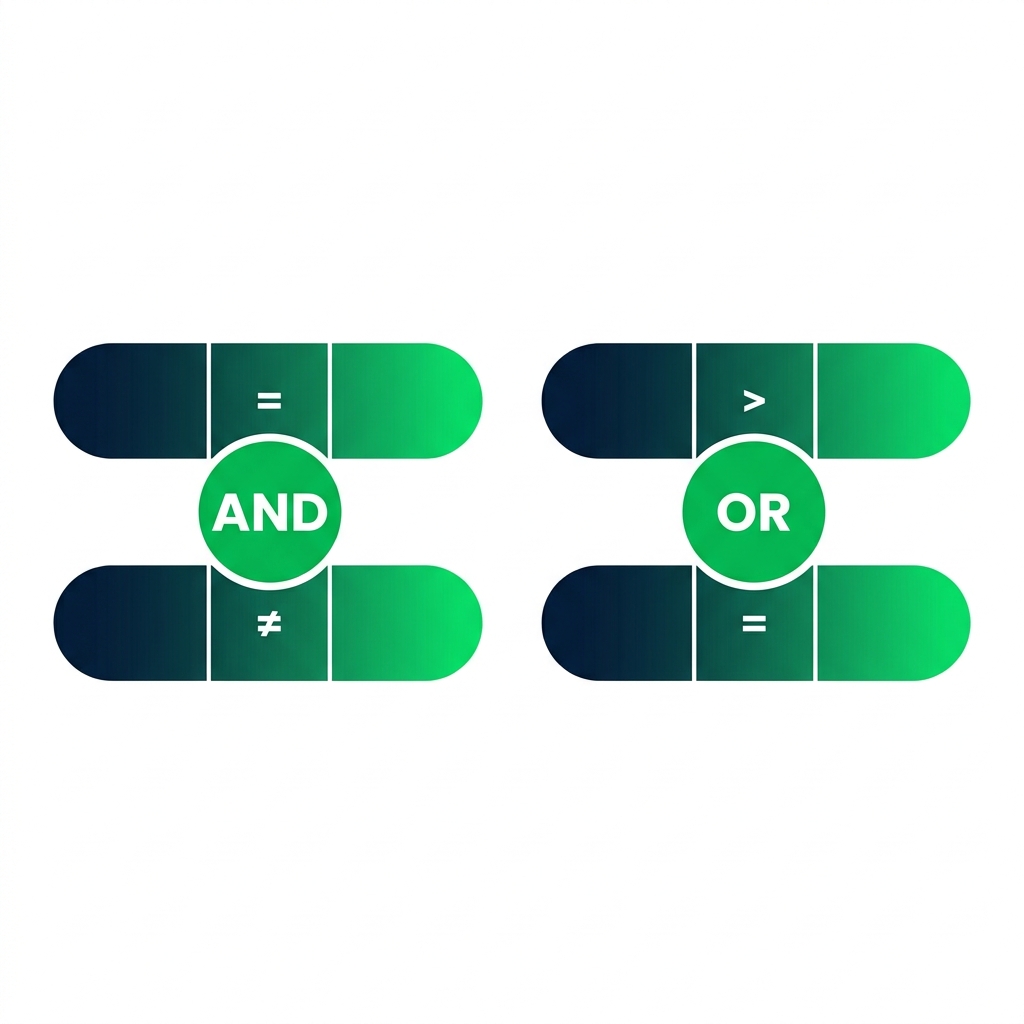
nanobanana: half: A clean flat minimalist illustration on a pure white background showing two stacked groups of condition rows. Left group: two horizontal pill-shaped condition rows connected by a bold green AND label between them. Right group: two horizontal pill-shaped condition rows connected by a bold green OR label between them. Each condition pill has three segments for left value, operator, and right value. DataCamp navy and green color palette. Flat 2D, no shadows, no text other than AND and OR.


  • AND - every row in the group must be true
  • OR - at least one row must be true
  • Group rows to mix AND and OR in one Condition
Intermediate Power Automate

Let's practice!

Intermediate Power Automate

Preparing Video For Download...