Congratulations!

Intermediate Power Automate

Dani Kahil

Solution Architect | Microsoft MVP

The arc you've walked

$$

Power Automate


  • Ch 1 — pick the right trigger
  • Ch 2 — read data, resolve people, notify
  • Ch 3 — branch, route, recover from failures
  • Ch 4 — approve, share, ship to production
Intermediate Power Automate

What you can ship now

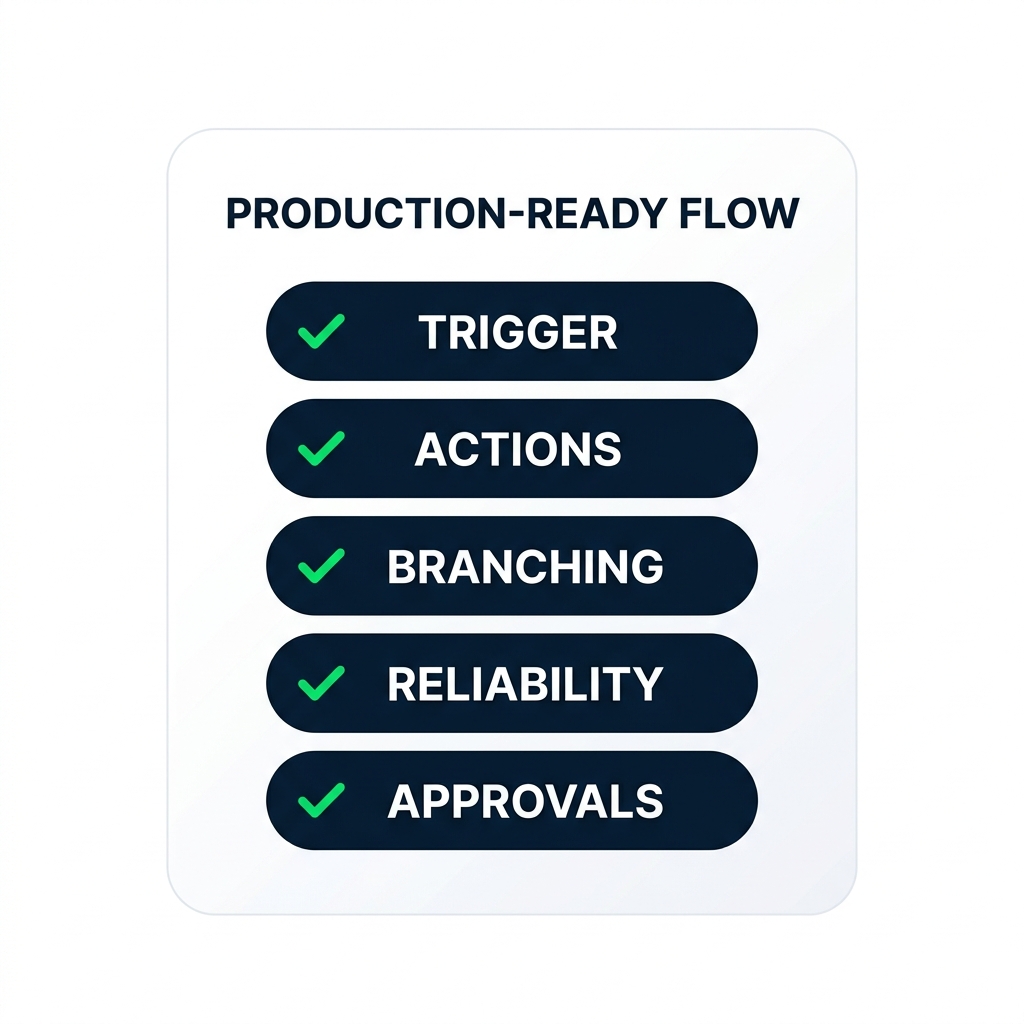
nanobanana: A clean flat minimalist illustration on a pure white background. A single rounded rectangle card labelled "PRODUCTION-READY FLOW" in bold uppercase. Inside the card, five smaller horizontal pill rows stacked vertically, each with a small green checkmark on the left. From top to bottom the pills read in bold uppercase: "TRIGGER", "ACTIONS", "BRANCHING", "RELIABILITY", "APPROVALS". No other elements. Flat 2D, no shadows.


  • Build flows on SharePoint and Excel
  • Branch, recover from failures, route through approvals
  • Hand a flow over - co-owned, audited, on
Intermediate Power Automate

Where Power Automate goes next

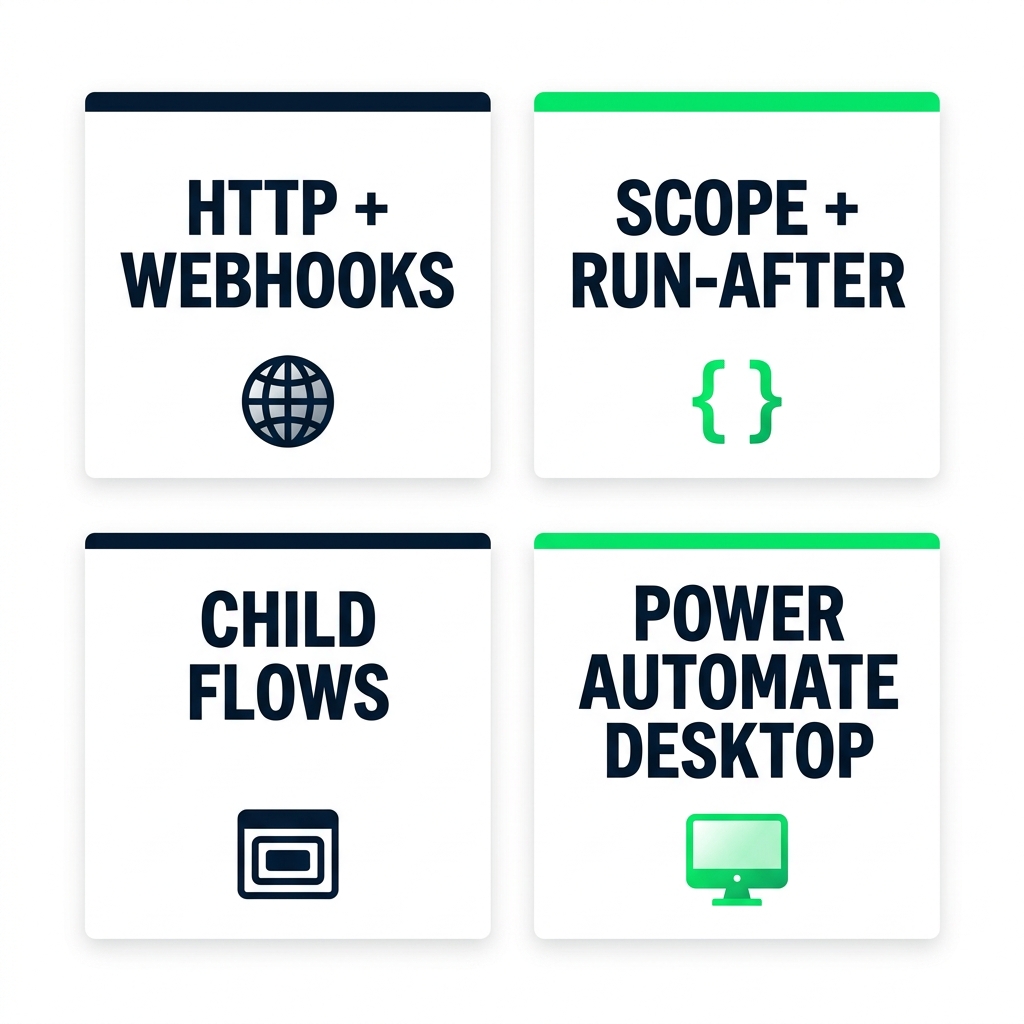
nanobanana: A clean flat minimalist illustration on a pure white background. Four rectangular cards arranged in a 2x2 grid. Each card has a bold uppercase label at the top and a small icon below. Top-left card: "HTTP + WEBHOOKS" with a globe icon in DataCamp navy. Top-right card: "SCOPE + RUN-AFTER" with a try-catch braces icon in DataCamp green. Bottom-left card: "CHILD FLOWS" with a nested-rectangles icon in DataCamp navy. Bottom-right card: "POWER AUTOMATE DESKTOP" with a desktop-monitor icon in DataCamp green. Equal sizing on all four cards. Flat 2D, no shadows.


  • HTTP / webhooks - talk to external systems
  • Scope + Run After - structured try/catch/finally
  • Child flows and Power Automate Desktop for legacy UIs
  • Microsoft certifications
Intermediate Power Automate

Thank you

Intermediate Power Automate

Preparing Video For Download...