Approvals fundamentals: Start and wait

Intermediate Power Automate

Dani Kahil

Solution Architect | Microsoft MVP

Why pause a flow for a human?
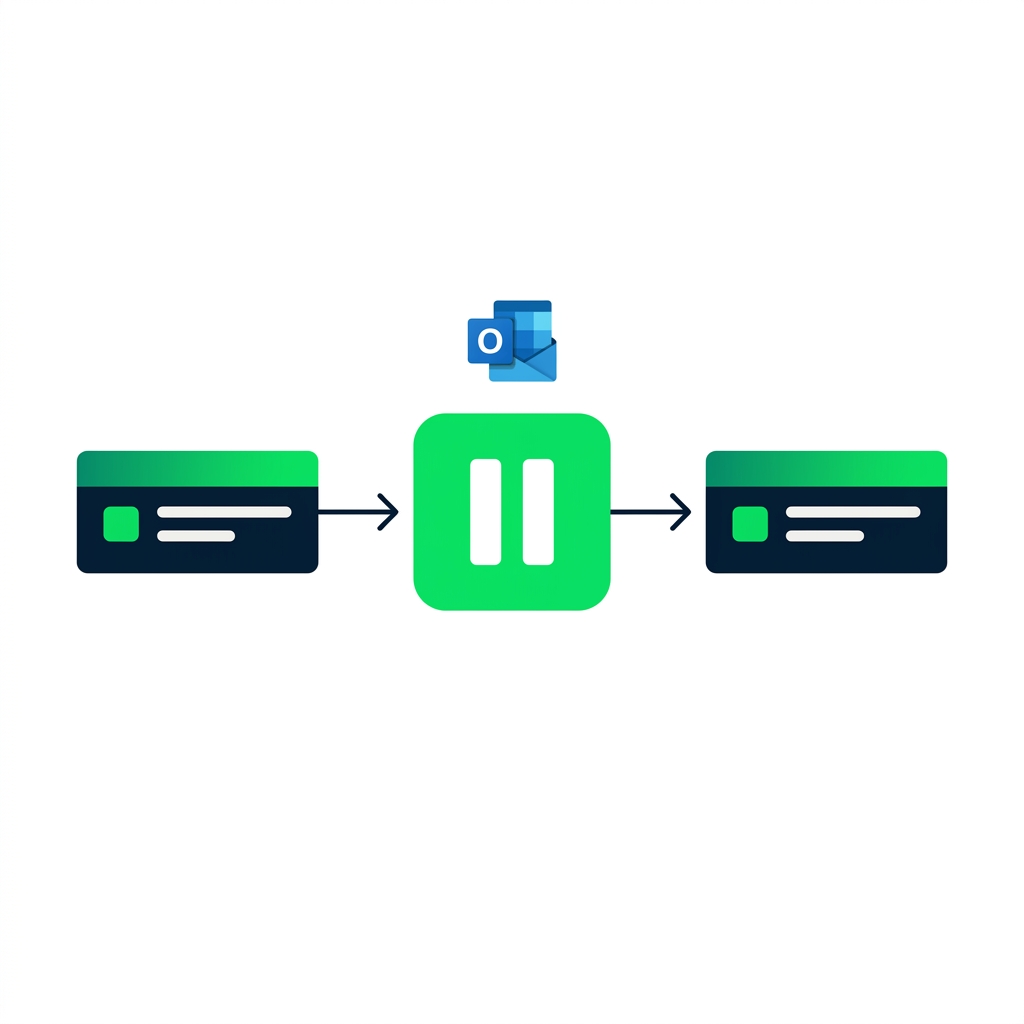
nanobanana: A clean flat minimalist illustration on a pure white background. A horizontal Power Automate flow runs left to right with three rectangular action steps connected by arrows. The middle step is replaced with a large pause icon in DataCamp green — two vertical bars inside a rounded square. Above the pause icon, a small Outlook envelope icon hovers, suggesting an email is sent while the flow waits. No labels, no other elements. Flat 2D, no shadows.


  • Approvals pause the flow until a human responds
  • High-stakes decisions shouldn't auto-execute
  • The connector sends the email and waits - no extra wiring
Intermediate Power Automate

Anatomy of Start and wait


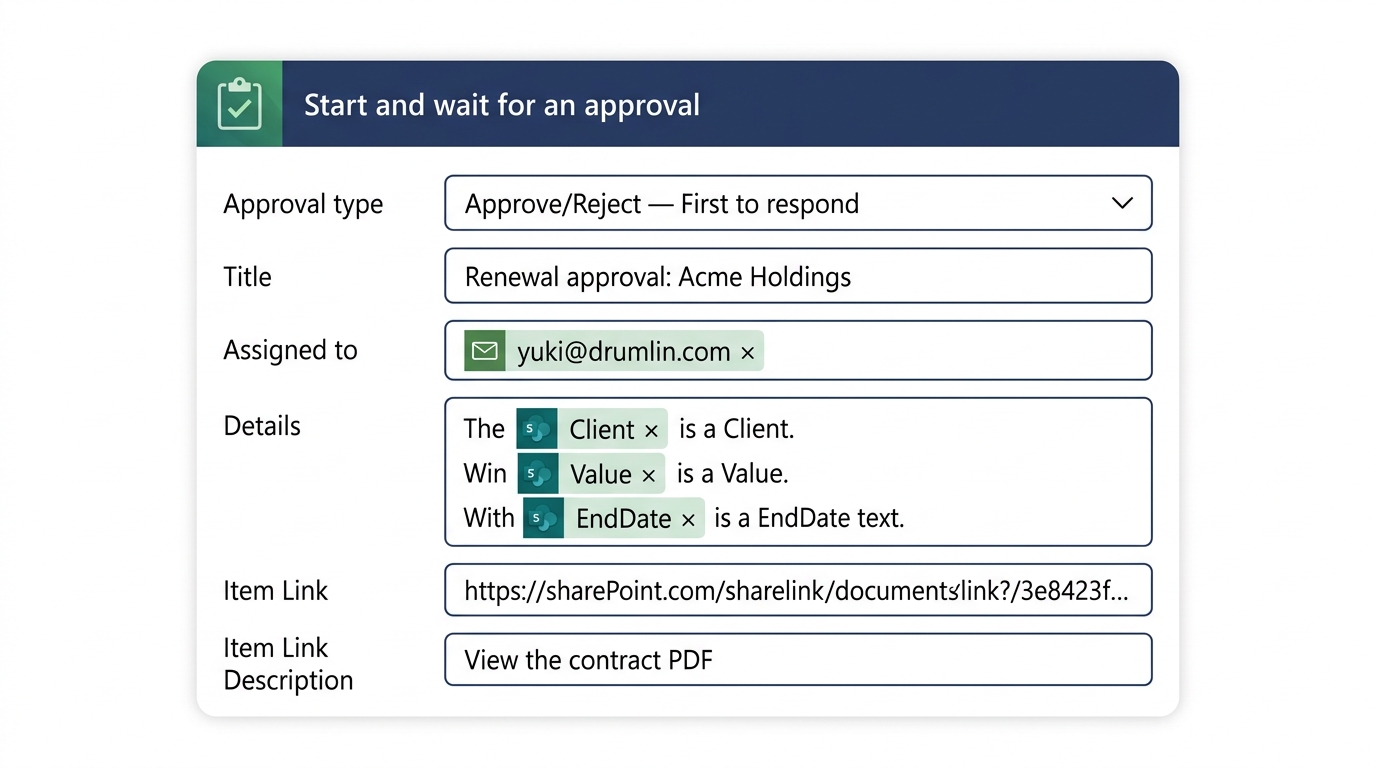
Start and wait for an approval action expanded in the Power Automate designer, showing the Approval type dropdown, Title, Assigned to, Details, and Item Link fields


  • Approval type - binary or custom
  • Assigned to - the approver's email
  • Title, Details, Item Link - what they see
Intermediate Power Automate

What the approver actually sees

$$

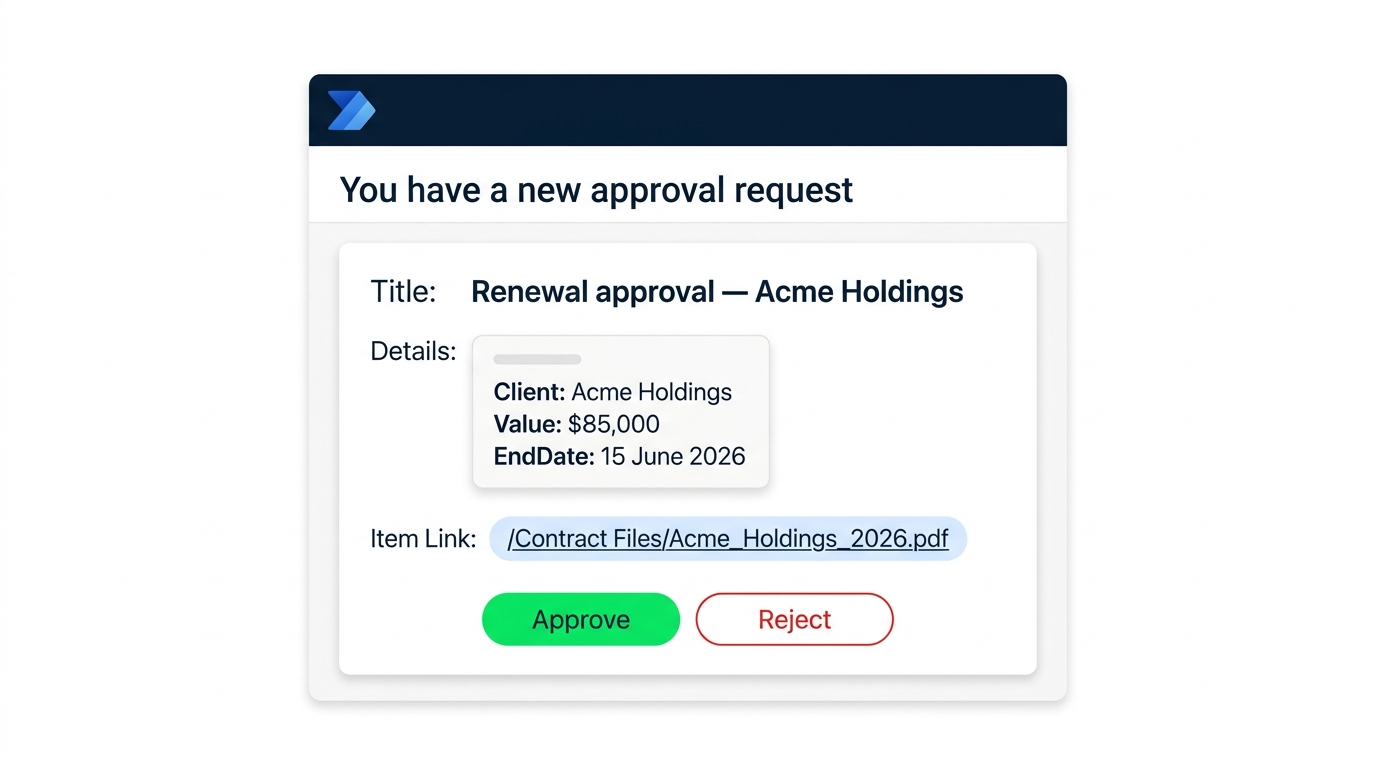
Outlook actionable approval email rendering showing Title, Details, Item Link, and embedded Approve and Reject buttons inline


  • Title + Details populate the email body
  • Item Link opens the record (contract PDF)
  • Approve / Reject buttons submit without leaving Outlook
Intermediate Power Automate

Outcome: the casing trap

$$

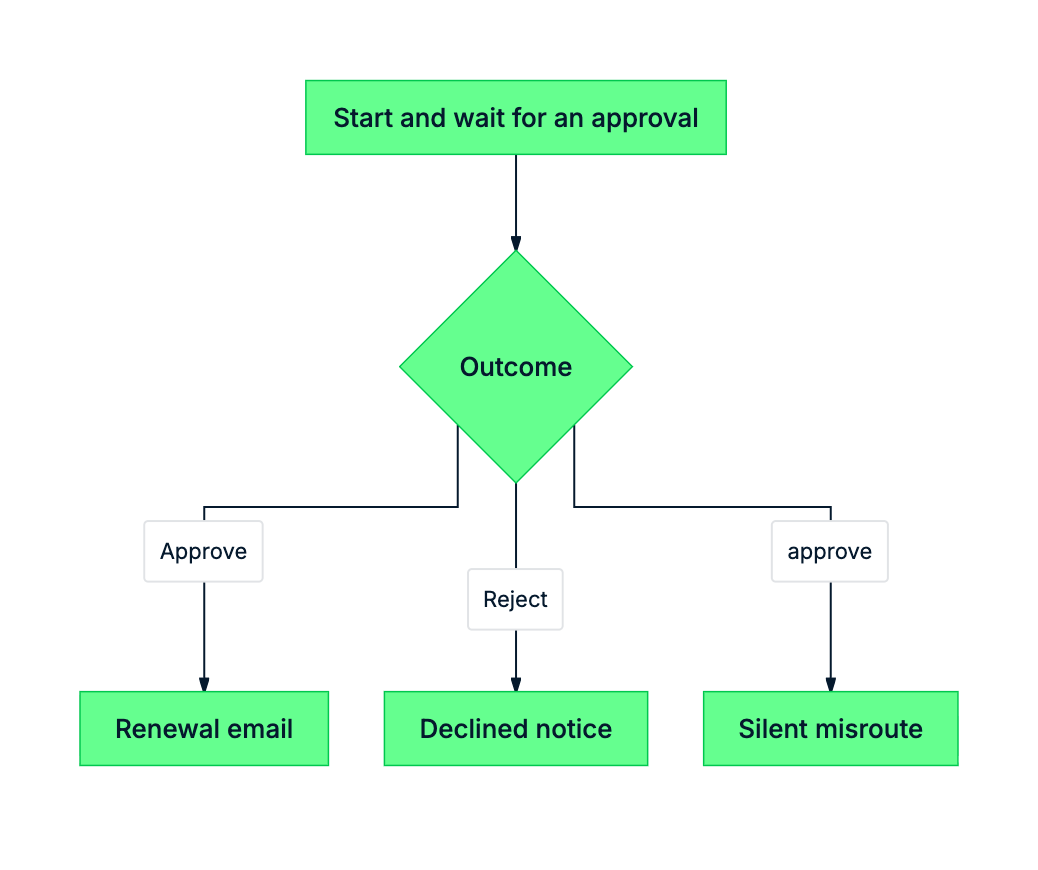
mermaid: outcome casing trap


  • Outcome is a string - 'Approve' or 'Reject'
  • Capital A, capital R - always
  • A lowercase comparison silently routes to If no
Intermediate Power Automate

Where the approval slots into the flow
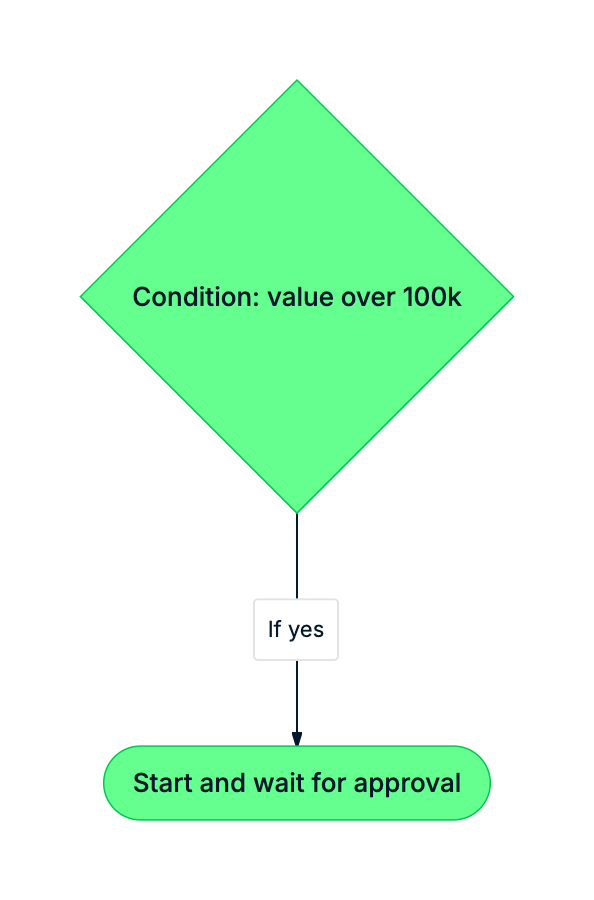
mermaid: green-navy: Condition splits flow on value; high-value branch uses approval, low-value sends email directly


  • Low-value renewals don't need a human in the loop
  • Approvals sit on the high-stakes branch
  • One approval = one Condition downstream on Outcome
Intermediate Power Automate

Let's practice!

Intermediate Power Automate

Preparing Video For Download...