Einführung in das Databricks Lakehouse
Gang Wang
Senior Data Scientist
$$
my_project/
|-- databricks.yml
|-- src/
| |-- etl_pipeline.py
| |-- data_quality.py
|-- resources/
| |-- jobs/
| | |-- nightly_etl.yml
| |-- pipelines/
| |-- sales_pipeline.yml
|-- tests/
|-- test_etl.py
$$
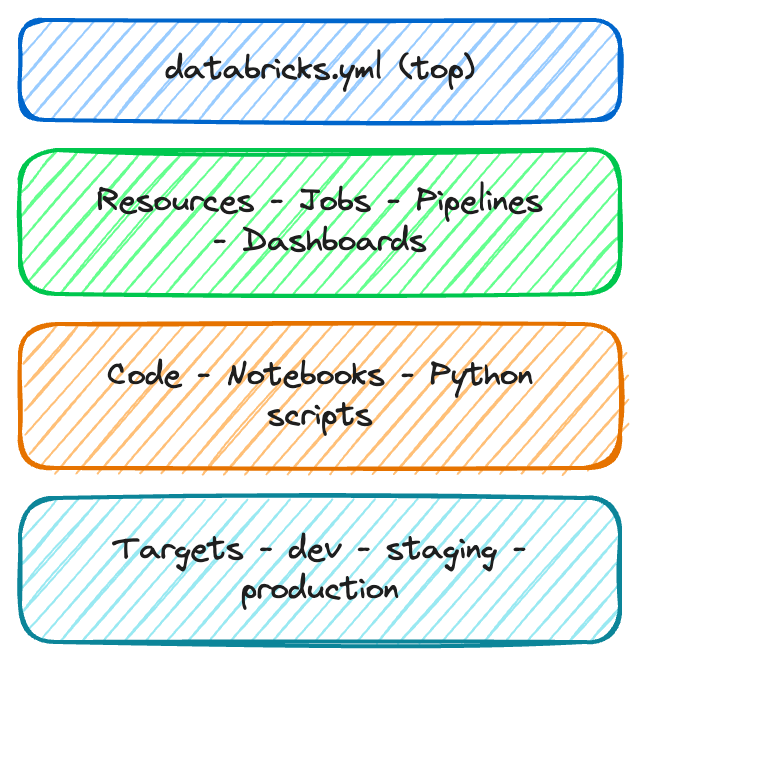
databricks.yml – die zentrale Konfigsrc/ – deine Notebooks und dein Coderesources/ – Job- und Pipeline-Definitionentests/ – optionale Testdateienbundle:
name: sales_analytics
workspace:
host: https://myworkspace.databricks.com
targets:
dev:
default: true
workspace:
root_path: /Users/me/dev
production:
workspace:
root_path: /Shared/production
permissions:
- level: CAN_MANAGE
group_name: data_engineers
$$

$$
resources:
jobs:
nightly_etl:
name: "Nightly ETL Pipeline"
schedule:
quartz_cron: "0 0 2 * * ?"
tasks:
- task_key: ingest
notebook_task:
notebook_path: src/etl.py
$$
| Command | Purpose |
|---|---|
bundle validate |
Konfig auf Fehler prüfen |
bundle deploy |
In ein Target deployen |
bundle run |
Einen deployten Job starten |
bundle destroy |
Deployte Ressourcen entfernen |
$$
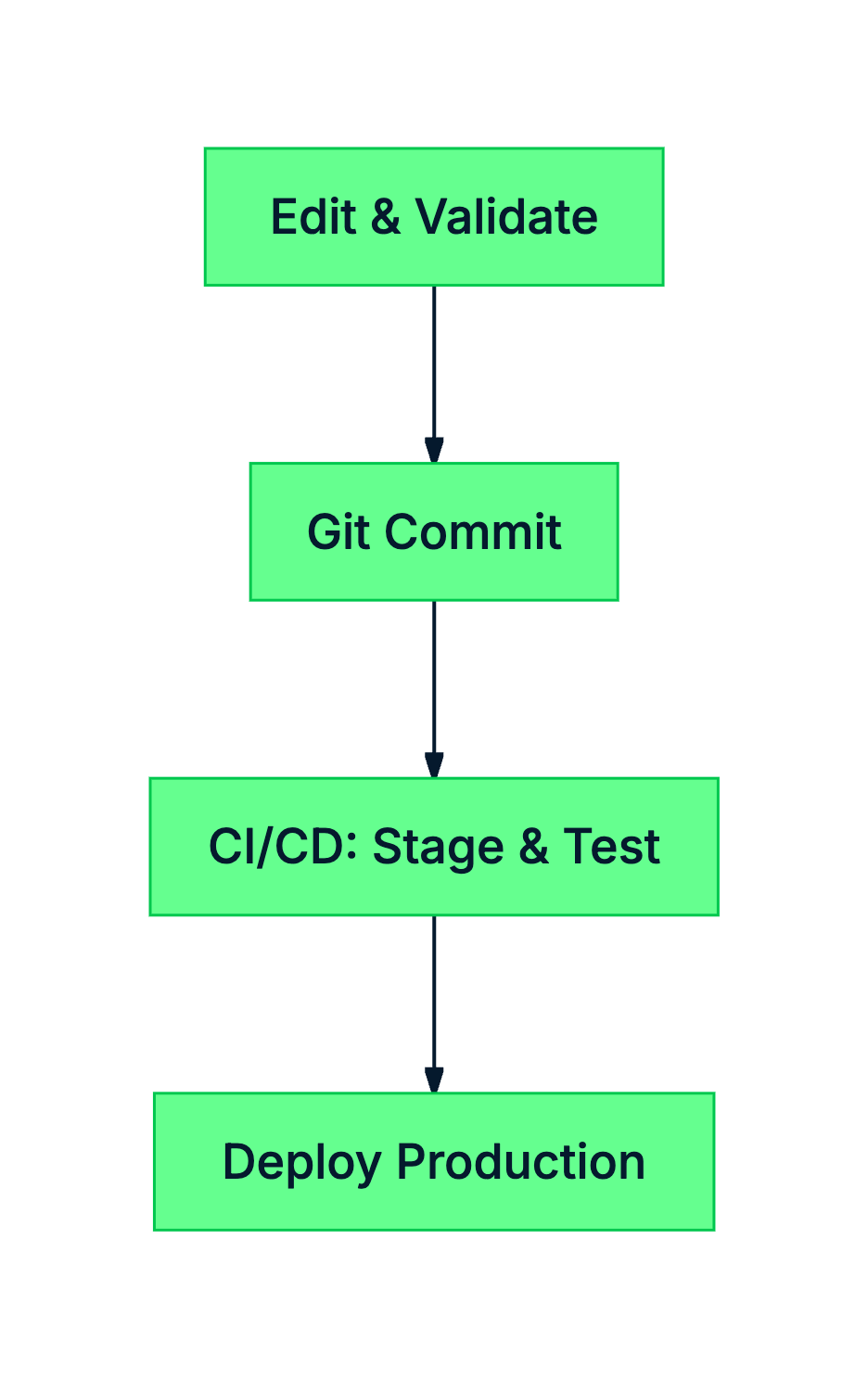
# Vor dem Deploy validieren
databricks bundle validate
# In Produktion deployen
databricks bundle deploy \
--target production
# Einen Lauf starten
databricks bundle run nightly_etl

$$
$$
databricks.yml definiert Projekt, Targets und Ressourcenvalidate, deploy, run, destroyEinführung in das Databricks Lakehouse