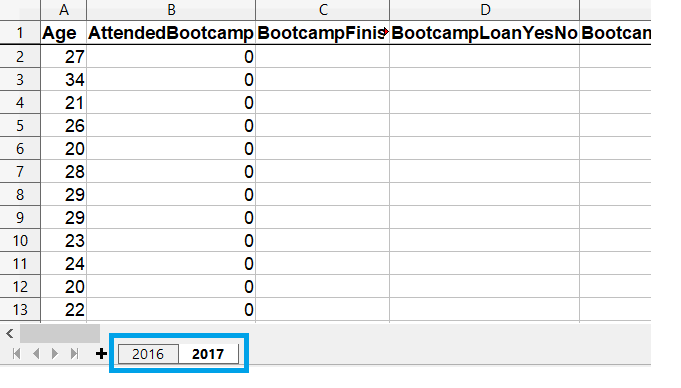
read_excel() načte ve výchozím nastavení první list souboru Excel
Pomocí argumentu sheet_name lze načíst jiné listy
Listy lze specifikovat názvem nebo pozicí (indexováno od nuly)
Předáním seznamu názvů/čísel načtete více listů najednou
Všechny argumenty read_excel() se vztahují na všechny načítané listy
Výběr listů k načtení
Načtení vybraných listů
# Get the second sheet by position index
survey_data_sheet2 = pd.read_excel('fcc_survey.xlsx',
                                   sheet_name=1)


# Get the second sheet by name
survey_data_2017 = pd.read_excel('fcc_survey.xlsx',
                                 sheet_name='2017')


print(survey_data_sheet2.equals(survey_data_2017))
True
Načtení všech listů
Předání sheet_name=None do read_excel() načte všechny listy sešitu
# Create empty dataframe to hold all loaded sheets
all_responses = pd.DataFrame()


# Iterate through dataframes in dictionary
for sheet_name, frame in survey_responses.items():
    # Add a column so we know which year data is from
    frame["Year"] = sheet_name


    # Add the dataframe to all_responses
    all_responses = pd.concat([all_responses, frame])


# View years in data
print(all_responses.Year.unique())