Tvorba dashboardů s Dash a Plotly
Alex Scriven
Data Scientist
Praktické použití uživatelských vstupů:
number)search nebo text)password a email/text)
Uživatelský vstup je komponenta Input z Dash Core Components (dcc.Input)
id je povinné pro integraci s callbackemtype má výchozí hodnotu textplaceholder zobrazuje šedý nápovědy text
dcc.Input(
id='my_input',
type='text',
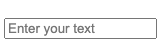
placeholder="Enter your text")
# @callback()
def update_plot(entered_data):
fig = px.scatter(
data_frame=sales,
y='OrderValue', x='Quantity',
, title=f'{entered_data}')
return fig
'text', 'number', 'password', 'email''range' vytvoří posuvník rozsahu'tel' a 'url' jsou pro telefonní čísla a webové adresy'search' a 'hidden' zahrnují pokročilou interakci s prohlížečem
Argument type automaticky nastavuje omezení.
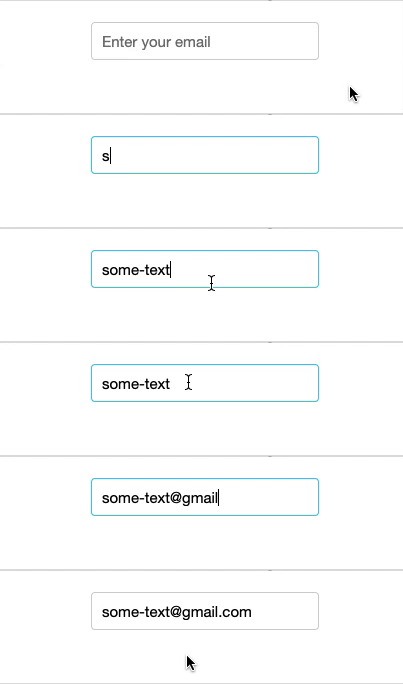
email vyžaduje formát [email protected]dcc.Input(
id='my_input',
type='email',
placeholder="Enter your email")

number povoluje pouze číslamin a max nastavují číselné limityminLength / maxLength pro textové vstupy (text)text podporuje také pattern pro validaci pomocí regulárních výrazů

dcc.Input(
id='my_input',
type='number',
max=250)
disabled
required$$
dcc.Input()

dcc.Input(id='my_input', disabled=True)

dcc.Input(id='my_input', required=True)
$$
dcc.Input(id='my_input', type='text',
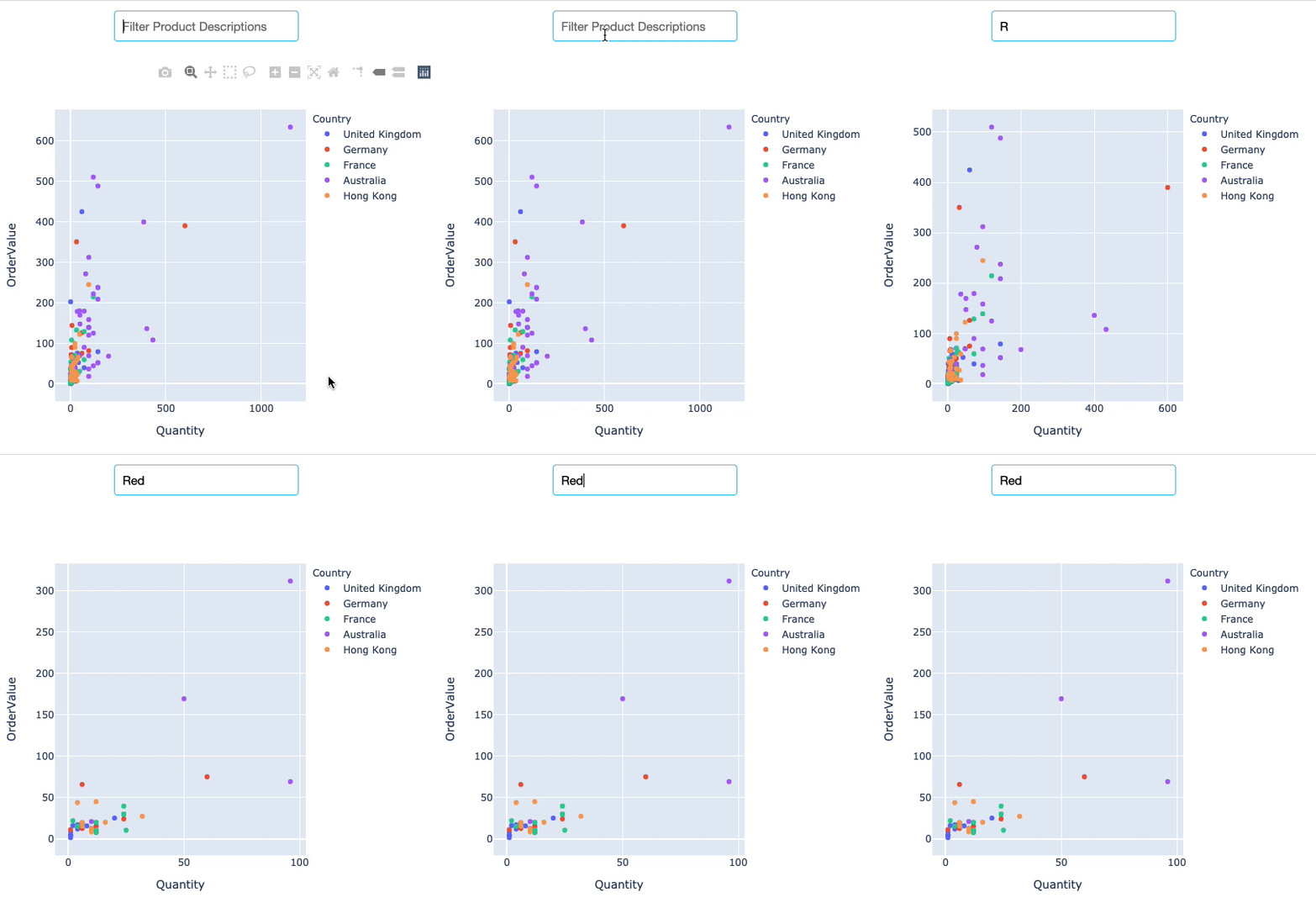
debounce=False)
$$
R, Re, Red, Redd
Tvorba dashboardů s Dash a Plotly