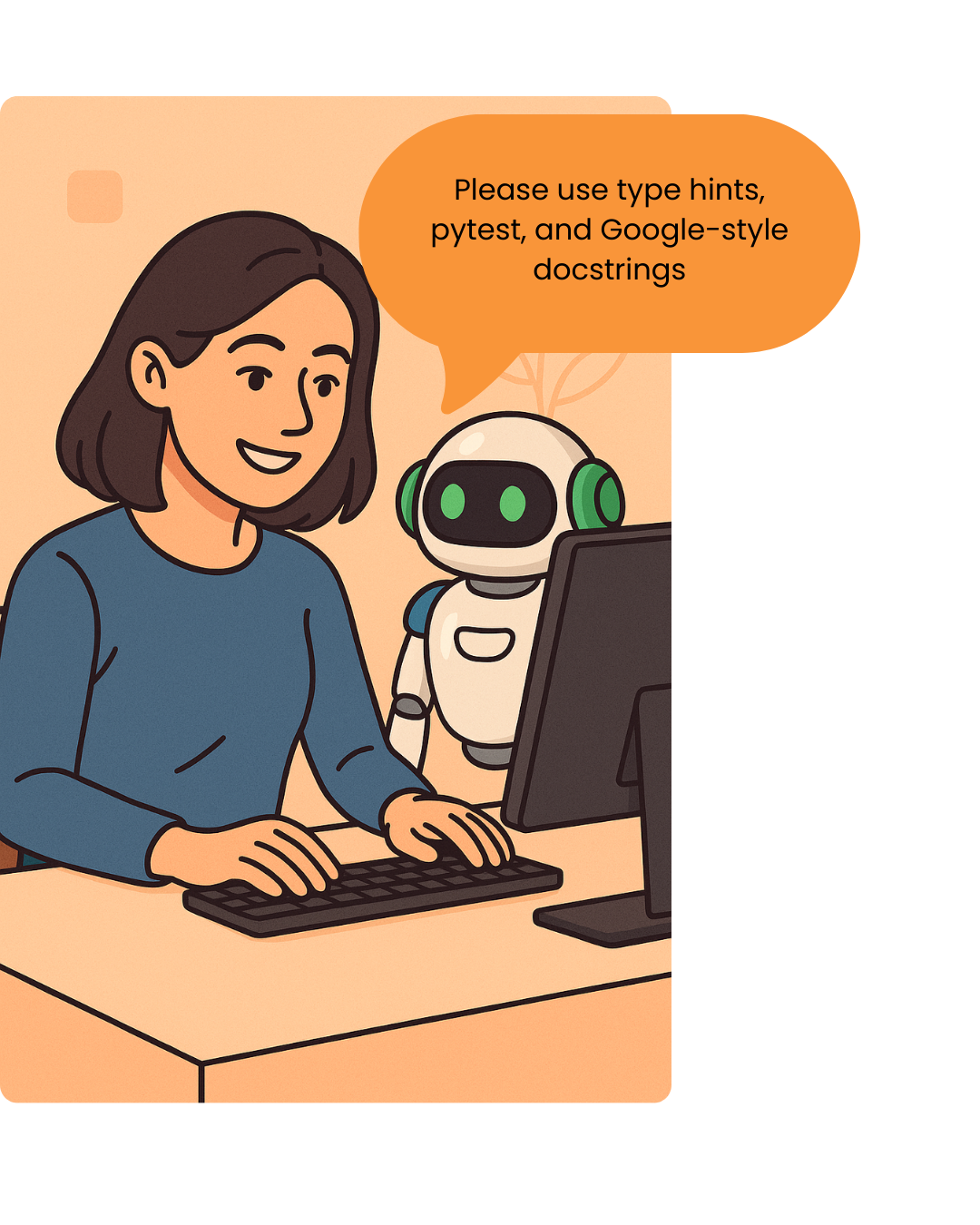
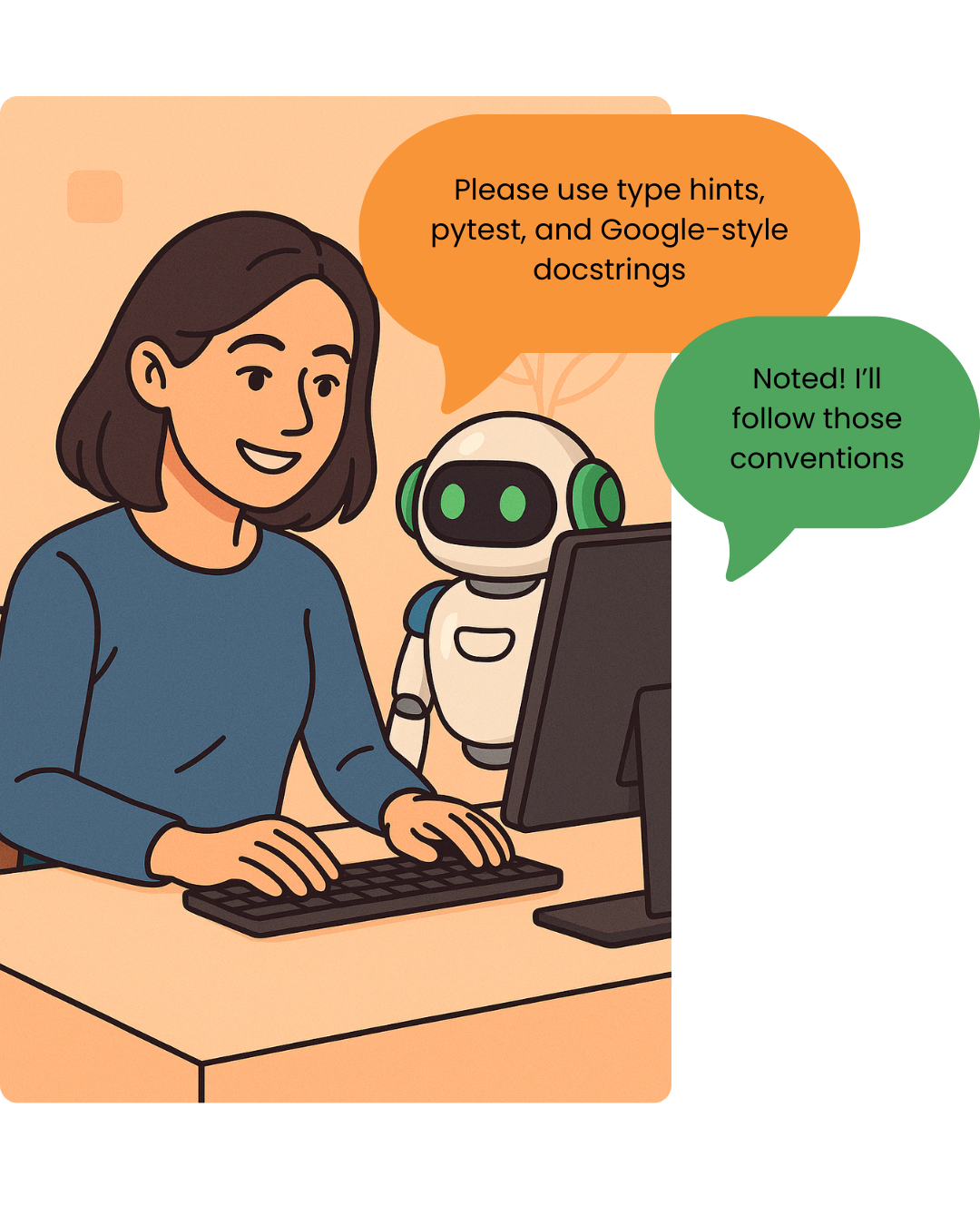
Copilotのカスタマイズ

GitHub Copilot を使ったソフトウェア開発

Thalia Barrera

AI Engineering Curriculum Manager, DataCamp
GitHub Copilot を使ったソフトウェア開発

GitHub Copilot を使ったソフトウェア開発

GitHub Copilot を使ったソフトウェア開発

GitHub Copilot を使ったソフトウェア開発

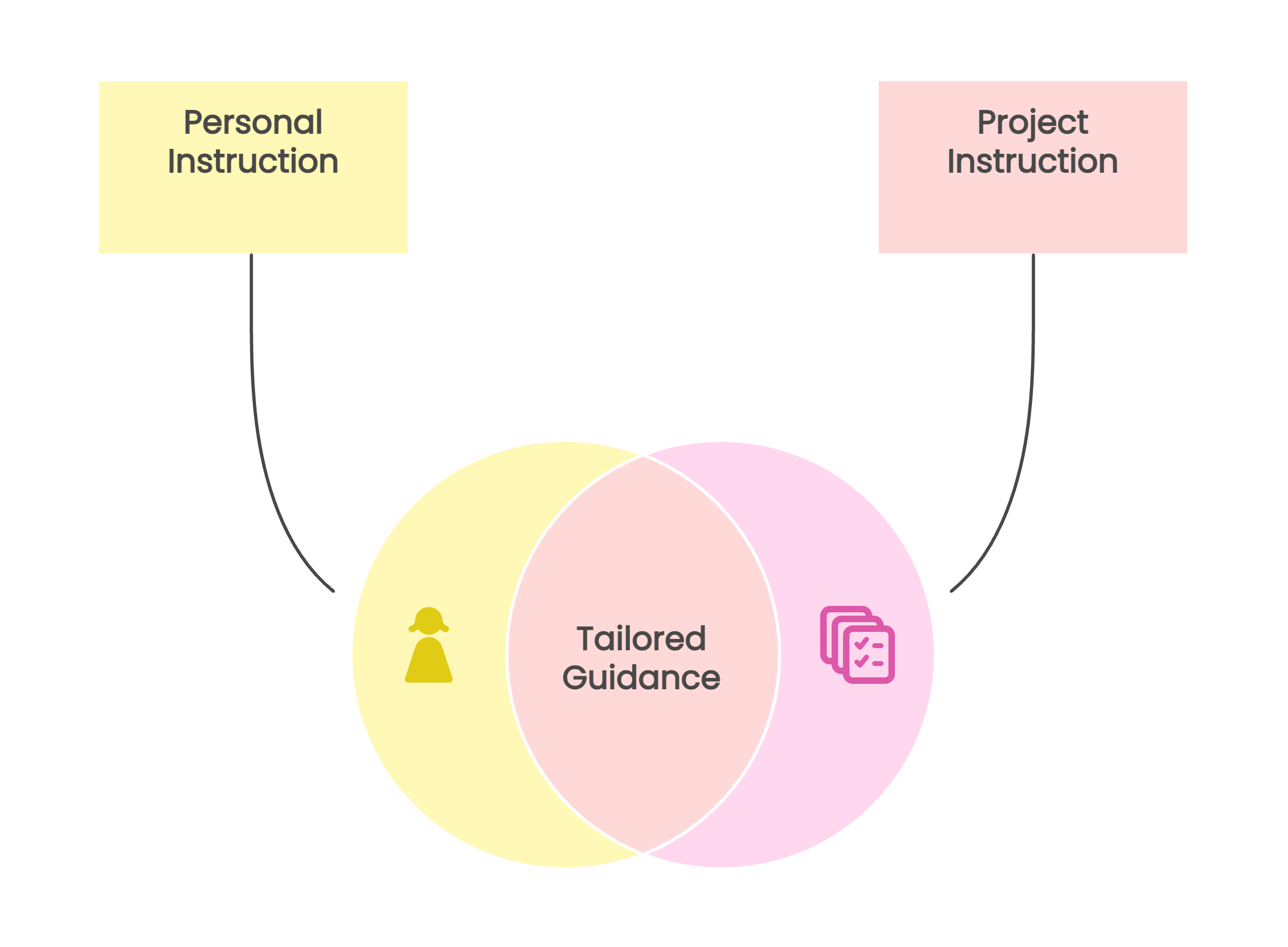
カスタム指示の仕組み

$$

定義できる内容:

  • コーディング規約
  • ツールの設定
  • プロジェクトのコンテキスト

GitHub Copilot を使ったソフトウェア開発

カスタム指示の仕組み

$$

定義できる内容:

  • コーディング規約
  • ツールの設定
  • プロジェクトのコンテキスト

GitHub Copilot を使ったソフトウェア開発

カスタム指示の定義方法

保存先: .github/copilot-instructions.md

## Project context
Python project for processing data pipelines with Airflow.

## Coding style - Use type hints for all functions
- Follow PEP8
- Use snake_case naming
- Write Google-style docstrings
## Testing - Use pytest
- Include one test per function
## More instructions...
GitHub Copilot を使ったソフトウェア開発

効果的な指示の条件

$$

✅ 効果的な指示:

  • 簡潔かつ具体的
  • 自己完結している
  • コンテキストや関連情報を含む

$$

❌ 効果的でない指示:

  • 外部ドキュメントやリポジトリの参照
  • 特定のトーンや文体の指定
  • 詳細量や書式の制限
1 https://docs.github.com/en/copilot/how-tos/configure-custom-instructions/add-repository-instructions
GitHub Copilot を使ったソフトウェア開発

$$

$$

## Style guidelines

- Conform to the coding styles defined 
in styleguide.md in repo my-org/my-repo

- Answer in the style of a friendly 
colleague, using informal language

- Answer in fewer than 1,000 characters

GitHub Copilot を使ったソフトウェア開発

$$

$$

## Style guidelines

- Conform to the coding styles defined 
in styleguide.md in repo my-org/my-repo

- Answer in the style of a friendly 
colleague, using informal language

- Answer in fewer than 1,000 characters

GitHub Copilot を使ったソフトウェア開発

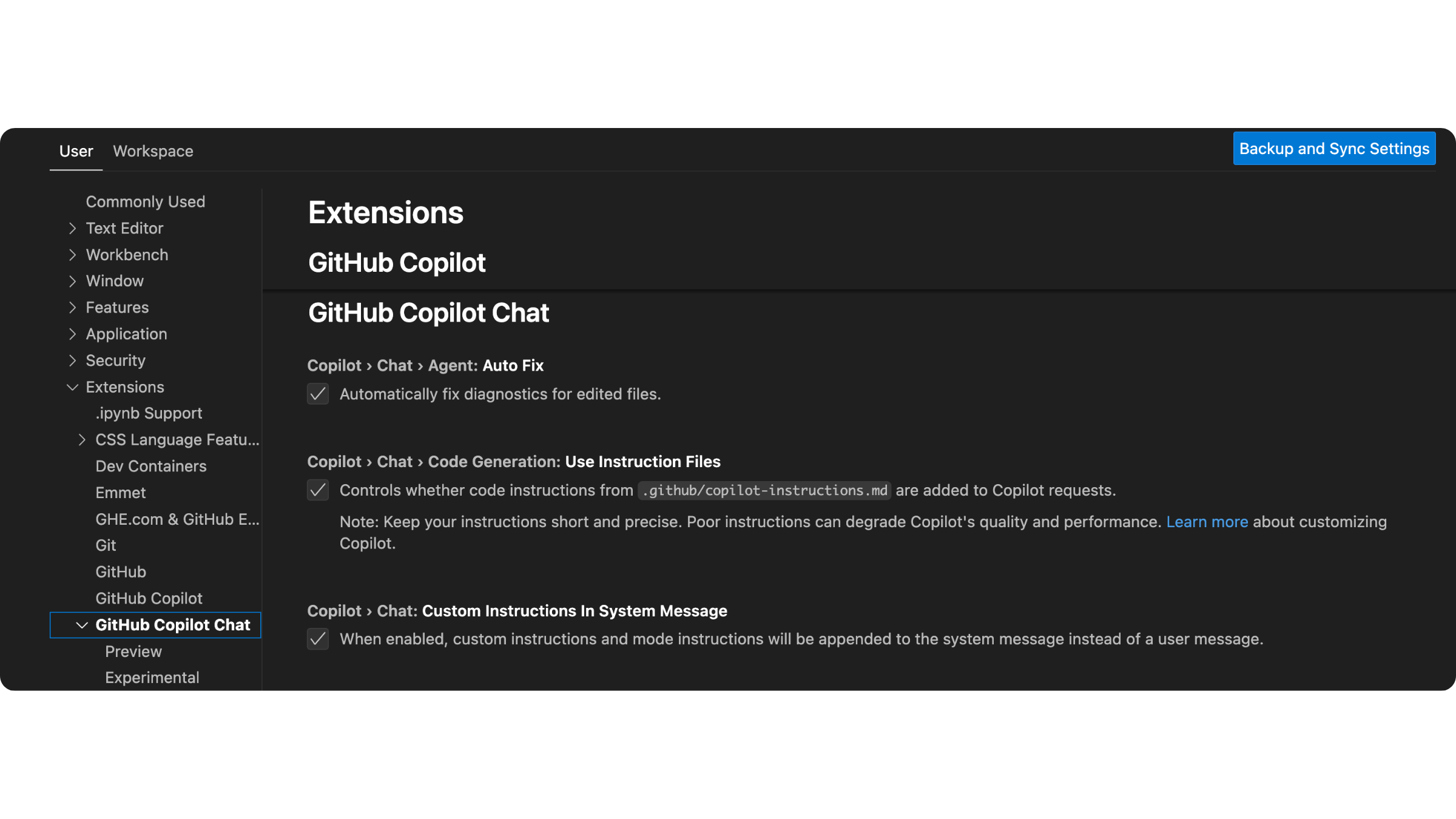
カスタム指示の有効化方法

  • copilot-instructions.md ファイルを保存する
  • プロンプトに自動的に含まれる

GitHub Copilot を使ったソフトウェア開発

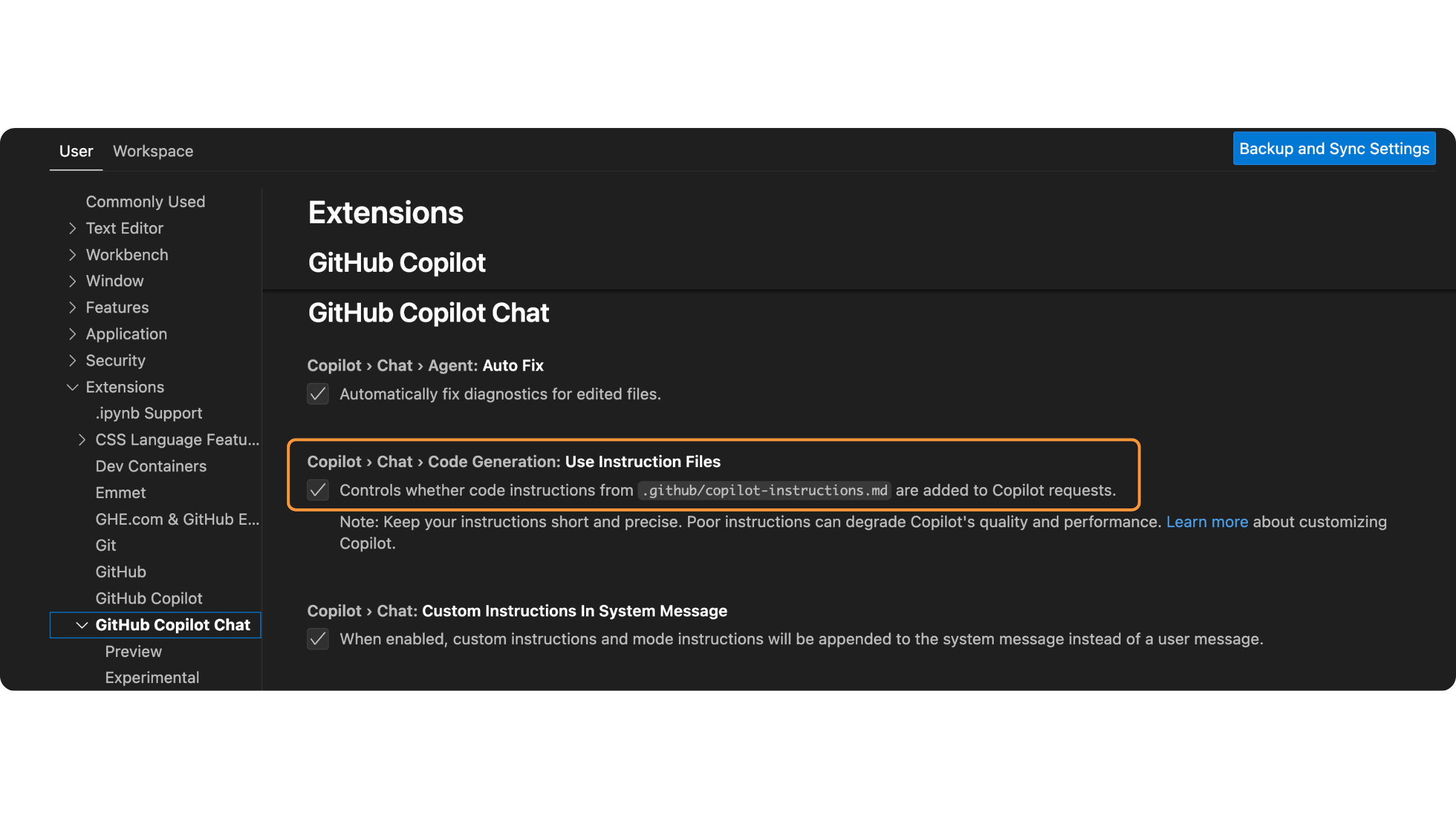
カスタム指示の有効化方法

  • copilot-instructions.md ファイルを保存する
  • プロンプトに自動的に含まれる

GitHub Copilot を使ったソフトウェア開発

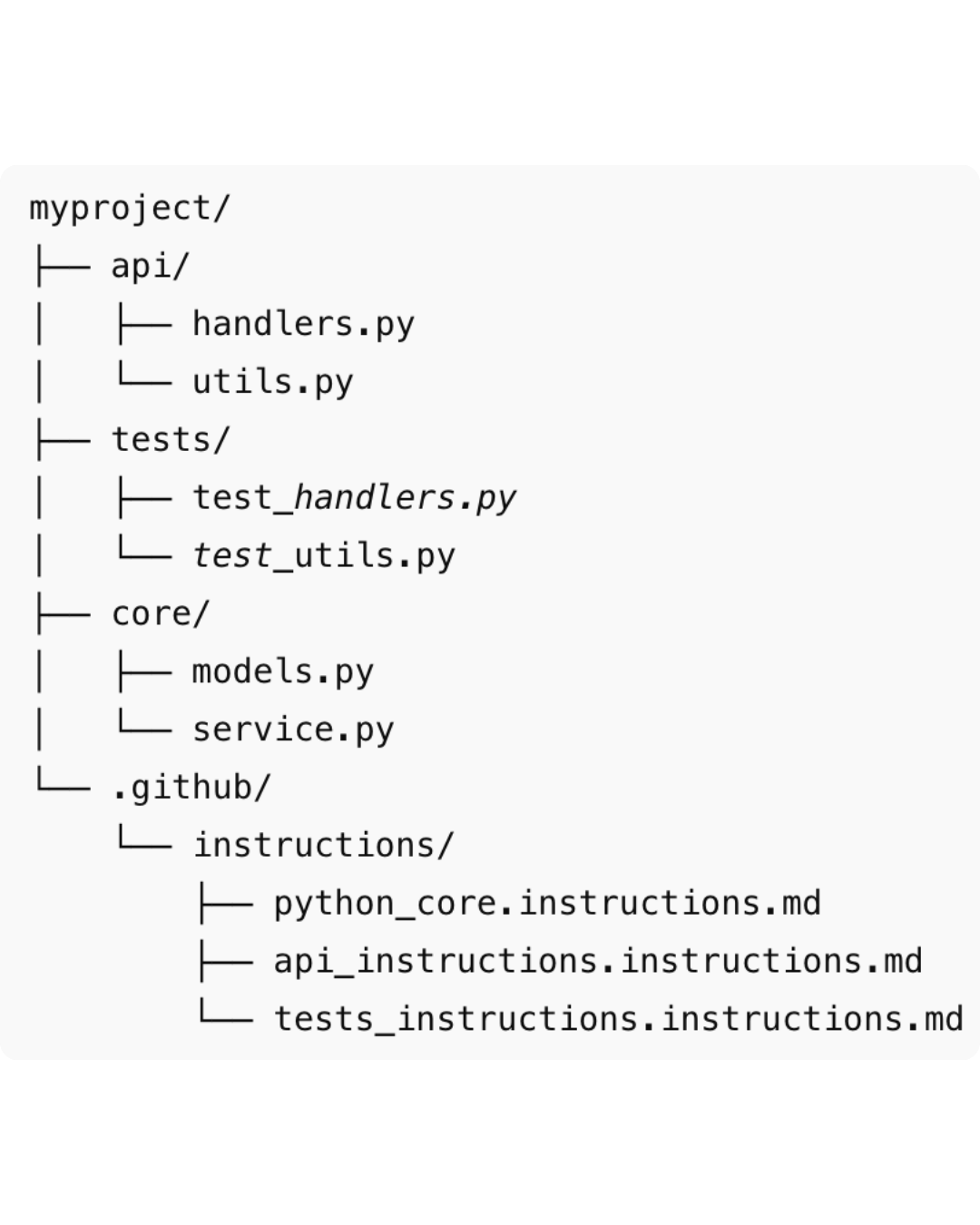
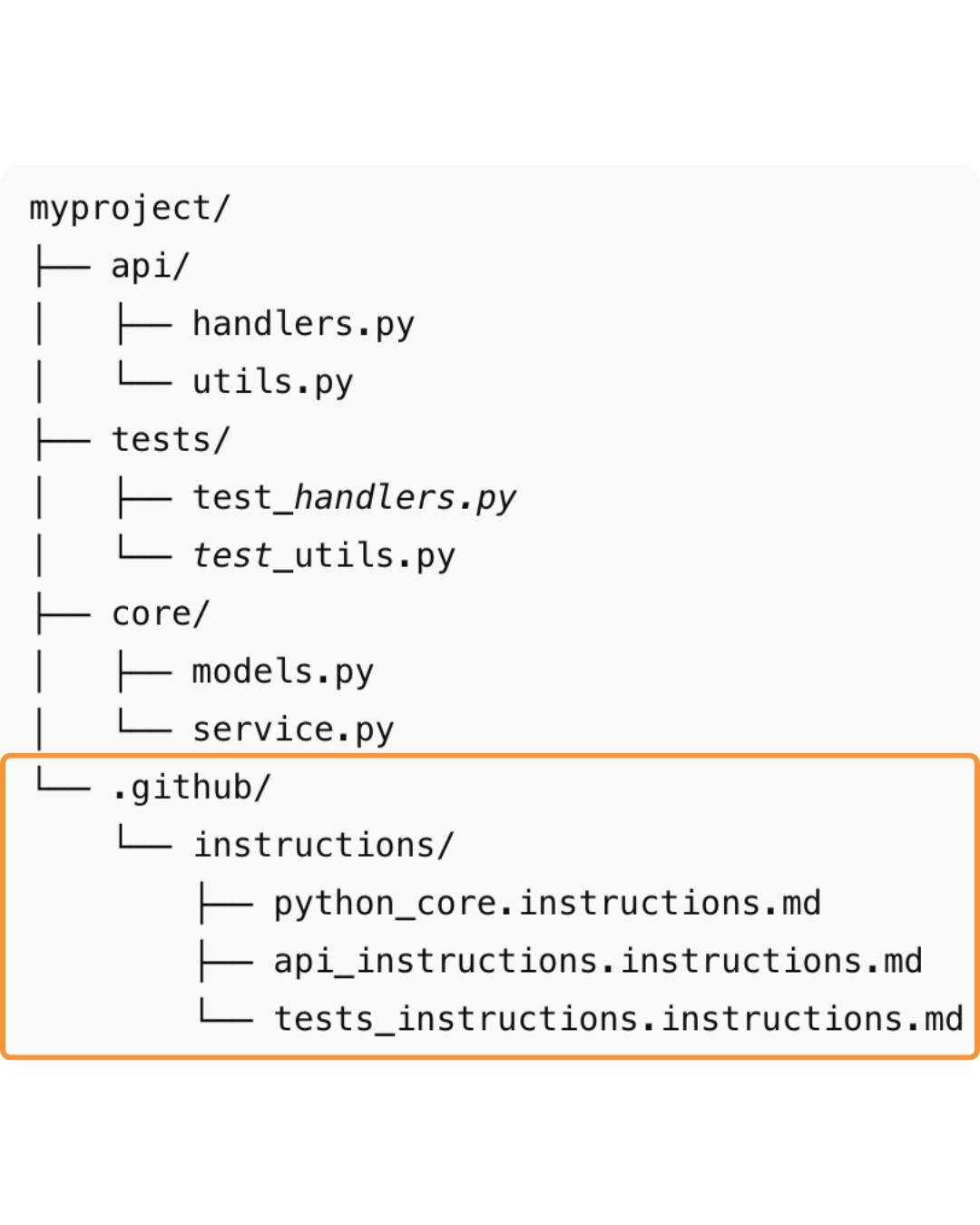
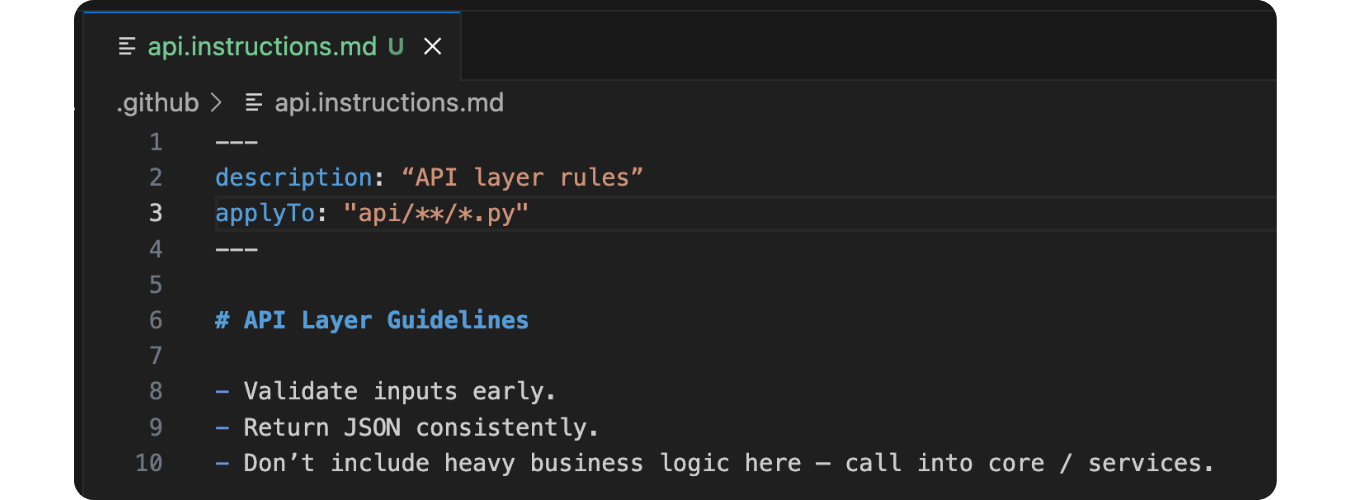
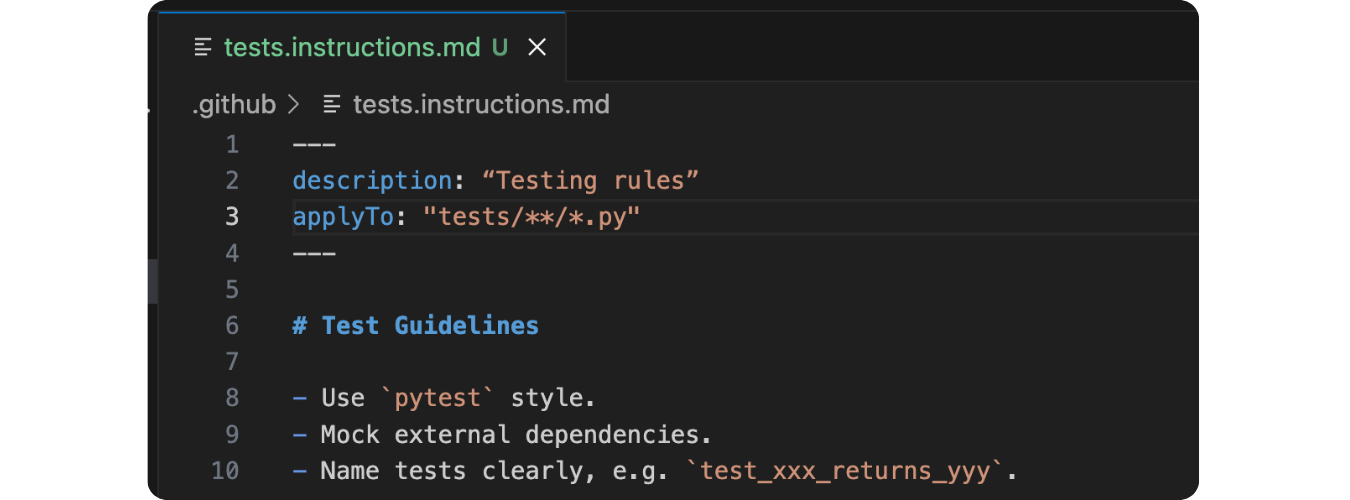
複数の指示ファイルの使用

GitHub Copilot を使ったソフトウェア開発

複数の指示ファイルの使用

GitHub Copilot を使ったソフトウェア開発

複数の指示ファイルの使用

$$

GitHub Copilot を使ったソフトウェア開発

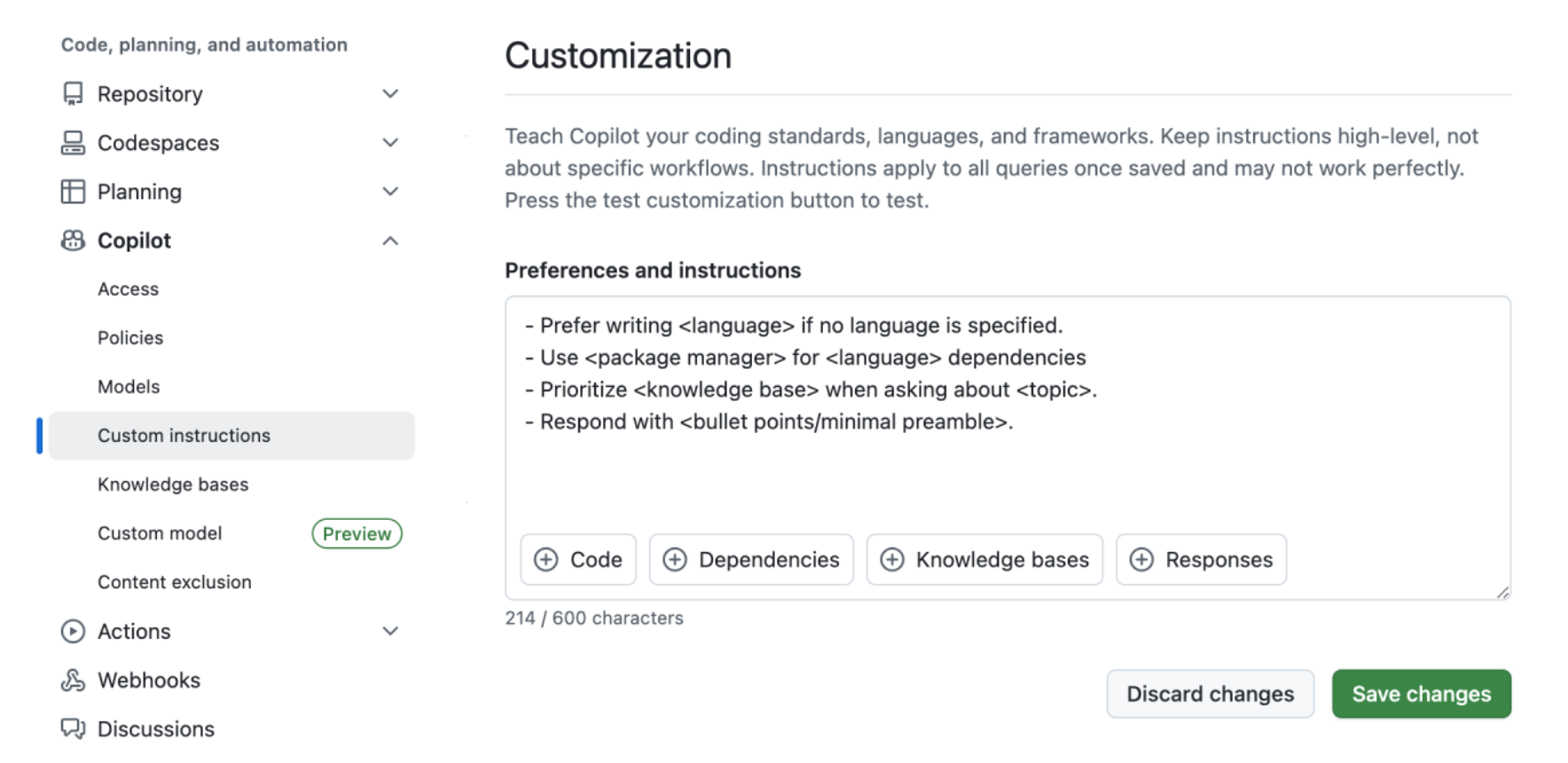
組織レベルの指示の設定

$$

GitHub Copilot を使ったソフトウェア開発

組織レベルの指示の設定

$$

会社全体のルール例:

  • 社内ツールの使用
  • 特定ライブラリの強制
  • 一貫したスタイルの適用
  • 非推奨パターンへの警告
GitHub Copilot を使ったソフトウェア開発

複数レベルの指示の優先度

$$

$$

$$

スコープ 優先度
個人の指示 最高
プロジェクトの指示
組織の指示 最低
GitHub Copilot を使ったソフトウェア開発

$$

プロンプト例: 「数値リストの平均を計算する関数を書いてください。」

def calculate_average(numbers: List[float]) -> float:
    """Calculate the average of a list of numbers.

    Args:
        numbers (List[float]): A list of numbers to average.

    Returns:
        float: The average value of the numbers.

    Raises:
        ValueError: If the list is empty.
    """
    if not numbers:
        raise ValueError("The list of numbers cannot be empty.")
    return sum(numbers) / len(numbers)
GitHub Copilot を使ったソフトウェア開発

$$

プロンプト例: 「数値リストの平均を計算する関数を書いてください。」

def calculate_average(numbers: List[float]) -> float:
    """Calculate the average of a list of numbers.

    Args:
        numbers (List[float]): A list of numbers to average.

    Returns:
        float: The average value of the numbers.

    Raises:
        ValueError: If the list is empty.
    """
    if not numbers:
        raise ValueError("The numbers list cannot be empty.")
    return sum(numbers) / len(numbers)

$$

GitHub Copilot を使ったソフトウェア開発

練習しましょう!

GitHub Copilot を使ったソフトウェア開発

Preparing Video For Download...