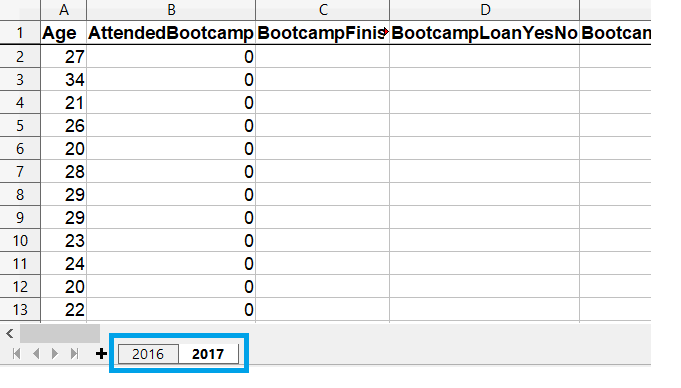
read_excel() domyślnie ładuje pierwszy arkusz pliku Excel
Argument sheet_name pozwala załadować inne arkusze
Arkusze można wskazać nazwą lub numerem pozycji (indeksowanie od zera)
Lista nazw/numerów umożliwia załadowanie wielu arkuszy jednocześnie
Wszystkie argumenty read_excel() dotyczą każdego ładowanego arkusza
Wybór arkuszy do załadowania
Ładowanie wybranych arkuszy
# Get the second sheet by position index
survey_data_sheet2 = pd.read_excel('fcc_survey.xlsx',
                                   sheet_name=1)


# Get the second sheet by name
survey_data_2017 = pd.read_excel('fcc_survey.xlsx',
                                 sheet_name='2017')


print(survey_data_sheet2.equals(survey_data_2017))
True
Ładowanie wszystkich arkuszy
Przekazanie sheet_name=None do read_excel() wczytuje wszystkie arkusze ze skoroszytu
# Create empty dataframe to hold all loaded sheets
all_responses = pd.DataFrame()


# Iterate through dataframes in dictionary
for sheet_name, frame in survey_responses.items():
    # Add a column so we know which year data is from
    frame["Year"] = sheet_name


    # Add the dataframe to all_responses
    all_responses = pd.concat([all_responses, frame])


# View years in data
print(all_responses.Year.unique())