Fixtures autouse
Wprowadzenie do testowania w Pythonie

Alexander Levin
Data Scientist
Argument autouse
- Opcjonalny argument logiczny fixture
- Przekazywany do dekoratora fixture
- Gdy
autouse=True, funkcja fixture wykonuje się niezależnie od żądania - Redukuje liczbę zbędnych wywołań fixture
Kiedy używać
Stosowany, gdy konieczne jest przygotowanie lub modyfikacja środowiska dla wszystkich testów.
Na przykład, gdy chcemy zagwarantować, że wszystkie testy:
- Mają te same dane
- Mają te same połączenia (dane, API itp.)
- Mają tę samą konfigurację środowiska
- Mają monitor, logowanie lub profilowanie
Wszystkie takie przypadki należy obsłużyć za pomocą argumentu „autouse".
Przykład autouse
Przykład fixture z „autouse":
import pytest
import pandas as pd

# Autoused fixture
@pytest.fixture(autouse=True)
def set_pd_options():
    pd.set_option('display.max_columns', 5000)

# Test function
def test_pd_options():
    assert pd.get_option('display.max_columns') == 5000
Niepoprawny przykład autouse
Niepoprawny przykład fixture z „autouse":
import pytest
import pandas as pd

# Wrong autoused fixture
@pytest.fixture(autouse=True)
def wrong_fixture():
    return [1,2,3,4,5]

# Test function
def test_type():
    assert type(wrong_fixture) == list
Poprawiony przykład fixture:
import pytest
import pandas as pd

# Wrong autoused fixture
@pytest.fixture
def correct_fixture():
    return [1,2,3,4,5]

# Test function
def test_type(correct_fixture):
    assert type(correct_fixture) == list
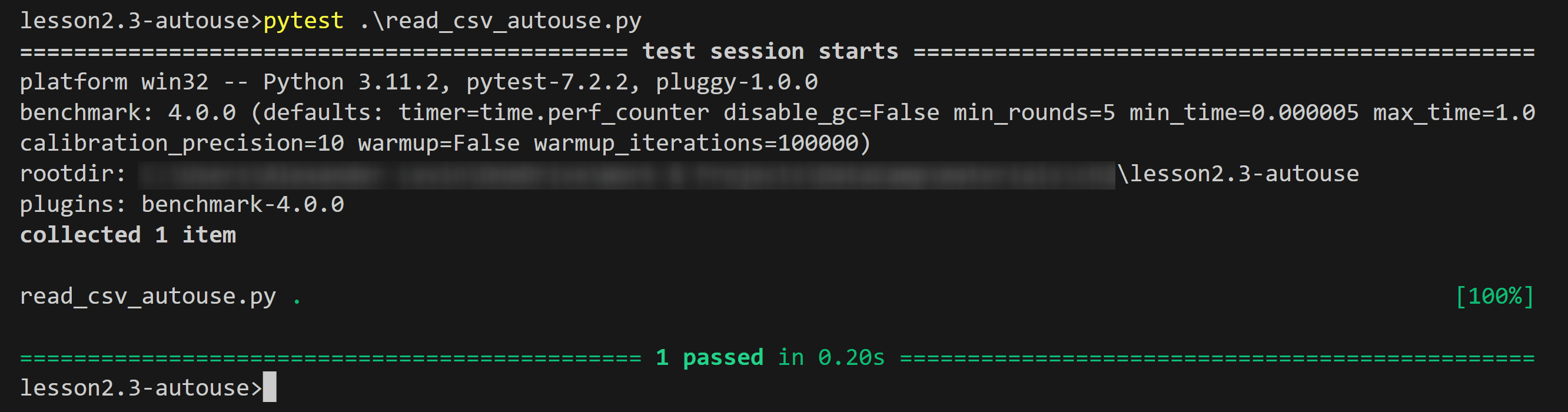
Przykład autouse: wynik
Wynik działania przykładu:
Podsumowanie
- Definicja
autouse: Opcjonalny argument logiczny dekoratora fixture - Użycie:
@pytest.fixture(autouse=True) - Zaleta: Redukuje liczbę zbędnych wywołań fixture, upraszczając kod
- Właściwość:
autouse=True– funkcja fixture wykonuje się niezależnie od żądania - Kiedy używać: gdy konieczne jest przygotowanie lub modyfikacja środowiska
- Przykłady zastosowań:
- Wczytywanie i przygotowywanie danych dla wszystkich testów
- Konfiguracja połączeń i parametrów środowiska
- Implementacja monitora, loggera lub profilera
Czas na ćwiczenia!
Wprowadzenie do testowania w Pythonie

