Tworzenie dashboardów z Dash i Plotly
Alex Scriven
Data Scientist
Przydatne zastosowania danych wejściowych:
number)search lub text)password i email/text)
Dane wejściowe użytkownika to komponent Input z Dash Core Components (dcc.Input)
id jest wymagane do integracji z callbackiemtype domyślnie przyjmuje wartość textplaceholder wyświetla przyciemniony tekst pomocniczy
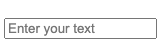
dcc.Input(
id='my_input',
type='text',
placeholder="Enter your text")
# @callback()
def update_plot(entered_data):
fig = px.scatter(
data_frame=sales,
y='OrderValue', x='Quantity',
, title=f'{entered_data}')
return fig
'text', 'number', 'password', 'email''range' tworzy suwak zakresu'tel' i 'url' służą do numerów telefonów i adresów URL'search' i 'hidden' wymagają zaawansowanej interakcji z przeglądarką
Argument type automatycznie ustawia pewne ograniczenia.
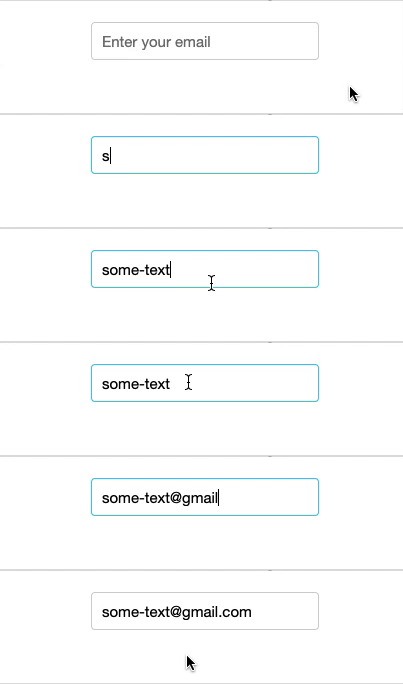
email wymaga formatu [email protected]dcc.Input(
id='my_input',
type='email',
placeholder="Enter your email")

number akceptuje wyłącznie liczbymin i max ustalają granice numeryczneminLength / maxLength dla wejść texttext obsługuje również pattern do walidacji regex

dcc.Input(
id='my_input',
type='number',
max=250)
disabled
required$$
dcc.Input()

dcc.Input(id='my_input', disabled=True)

dcc.Input(id='my_input', required=True)
$$
dcc.Input(id='my_input', type='text',
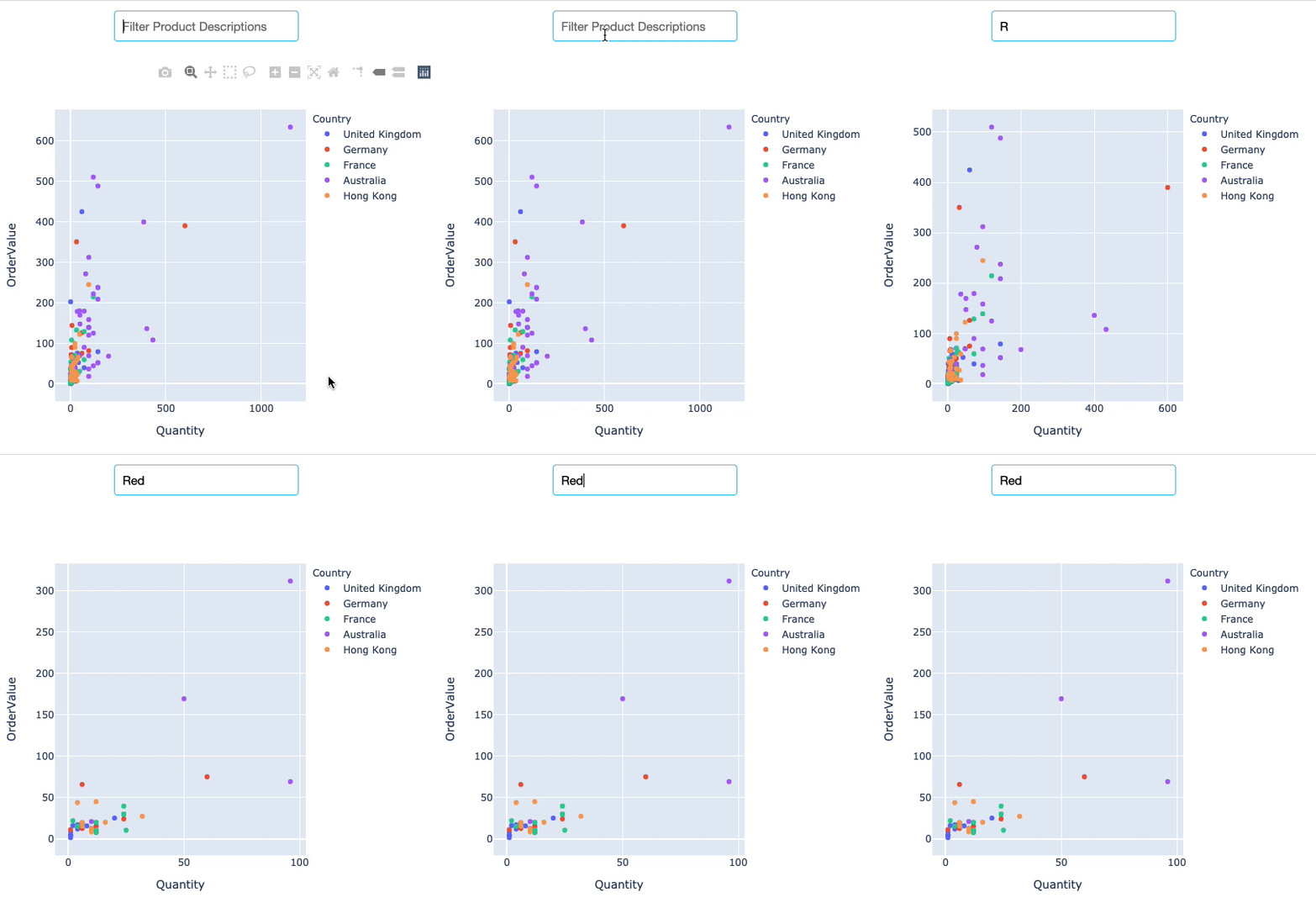
debounce=False)
$$
R, Re, Red, Redd
Tworzenie dashboardów z Dash i Plotly