Statusy, kolory i skórki
Tworzenie dashboardów z shinydashboard

Png Kee Seng
Researcher
Upiększanie restauracji

1 Image by Freepik
Statusy w shinydashboard
- Niektóre obiekty shinydashboard mają właściwość
status - Statusy ustawia się za pomocą argumentu
status<object>(status = <status>, ...)

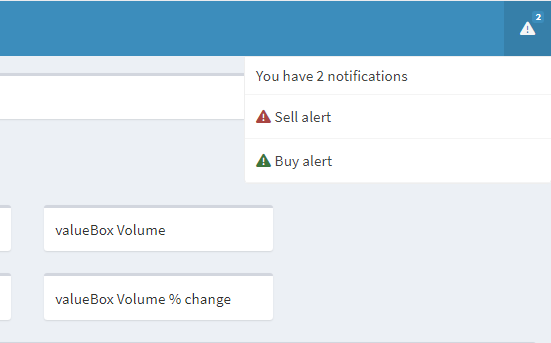
Statusy w notificationItems
- Dodanie dwóch powiadomień w nagłówku
- Ustawienie alertu kupna jako komunikat sukcesu
- Ustawienie alertu sprzedaży jako komunikat błędu
- Domyślny status
notificationItem()to"success"
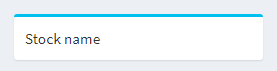
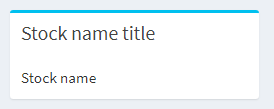
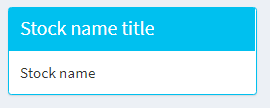
Statusy w polach
Dodawanie koloru w shinydashboard
- W niektórych obiektach shinydashboard można ustawić
color - Załóżmy, że cena
closespadła o 2% od wczoraj- Renderowanie
valueBox()z czerwonym kolorem w celu ostrzeżenia Sally
- Renderowanie

Więcej kolorów
- Dostępne kolory w shinydashboard:
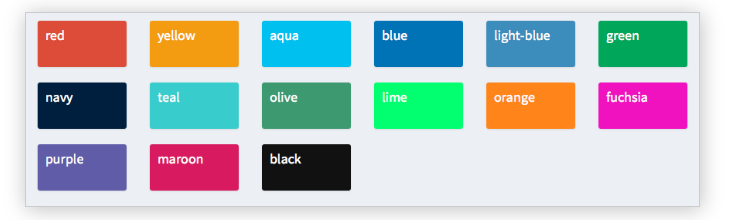
- Dostępne statusy i kolory można sprawdzić za pomocą
?validStatusesi?validColors
Wypróbowanie różnych skórek


