恭喜!

使用 OpenAI API

James Chapman

Curriculum Manager, DataCamp

第 1 章
 

  • OpenAI API 的用途
  • 如何向 Chat Completions 端点发起请求

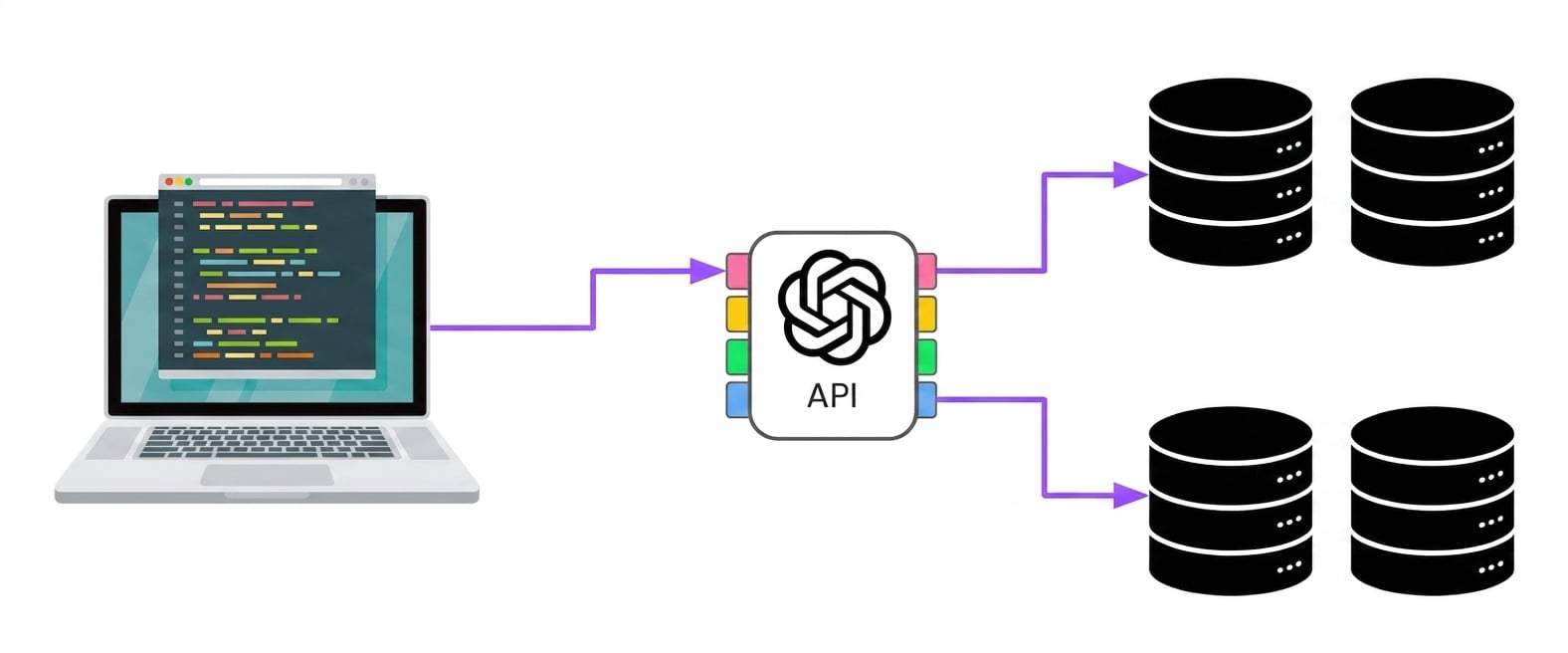
一台电脑通过多个接入点连接到 OpenAI,这些接入点再连接到不同服务器。

client = OpenAI(api_key="<OPENAI_API_TOKEN>")

response = client.chat.completions.create(
    model="gpt-4o-mini",
    messages=[{"role": "user", "content": "..."}]
)
print(response.choices[0].message.content)
使用 OpenAI API

第 2 章

response = client.chat.completions.create(
  model="gpt-4o-mini",
  messages=[{"role": "user", "content": "..."}],
  max_completion_tokens=20,
  temperature=0.5
)
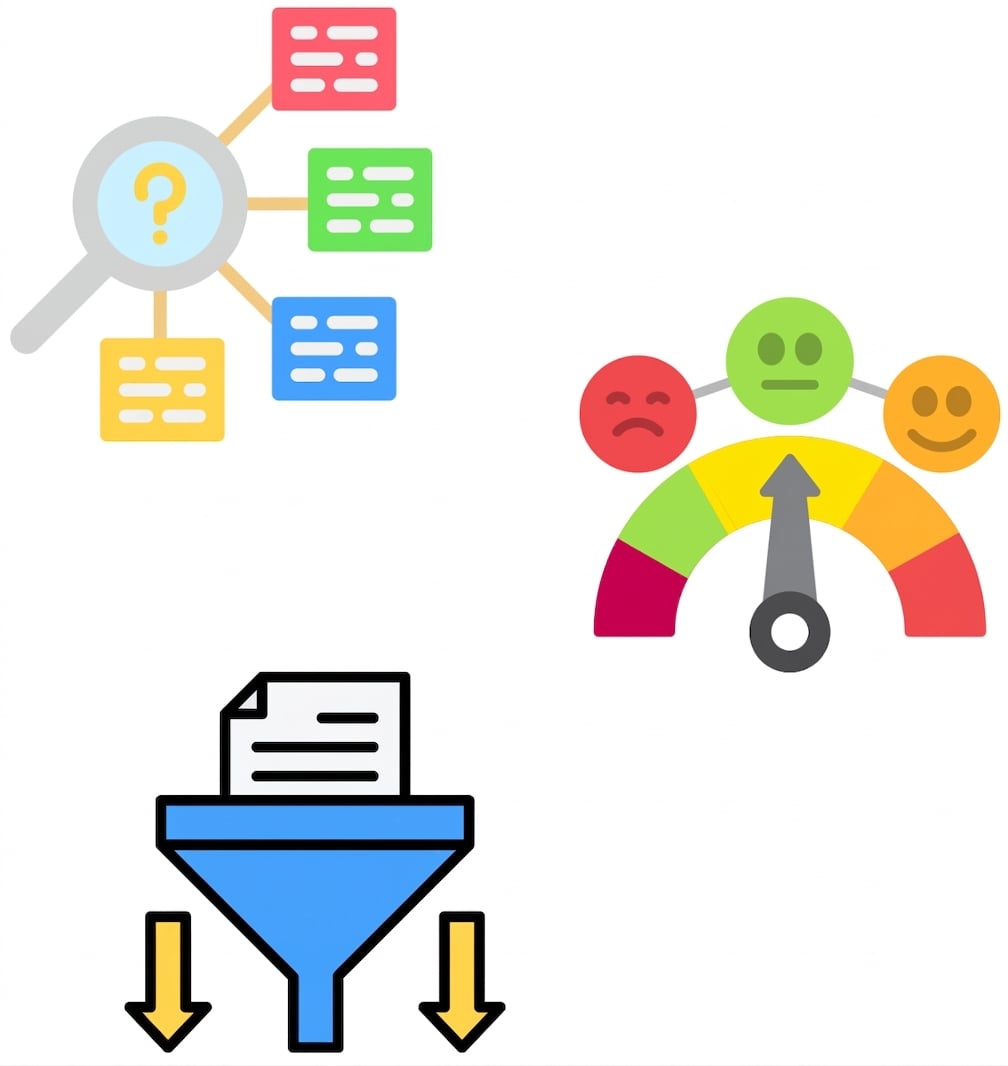
  • 问答
  • 文本转换
  • 内容生成
  • 情感分析
  • 分类
  • max_completion_tokenstemperature

不同 OpenAI 模型的应用。

使用 OpenAI API

第 3 章


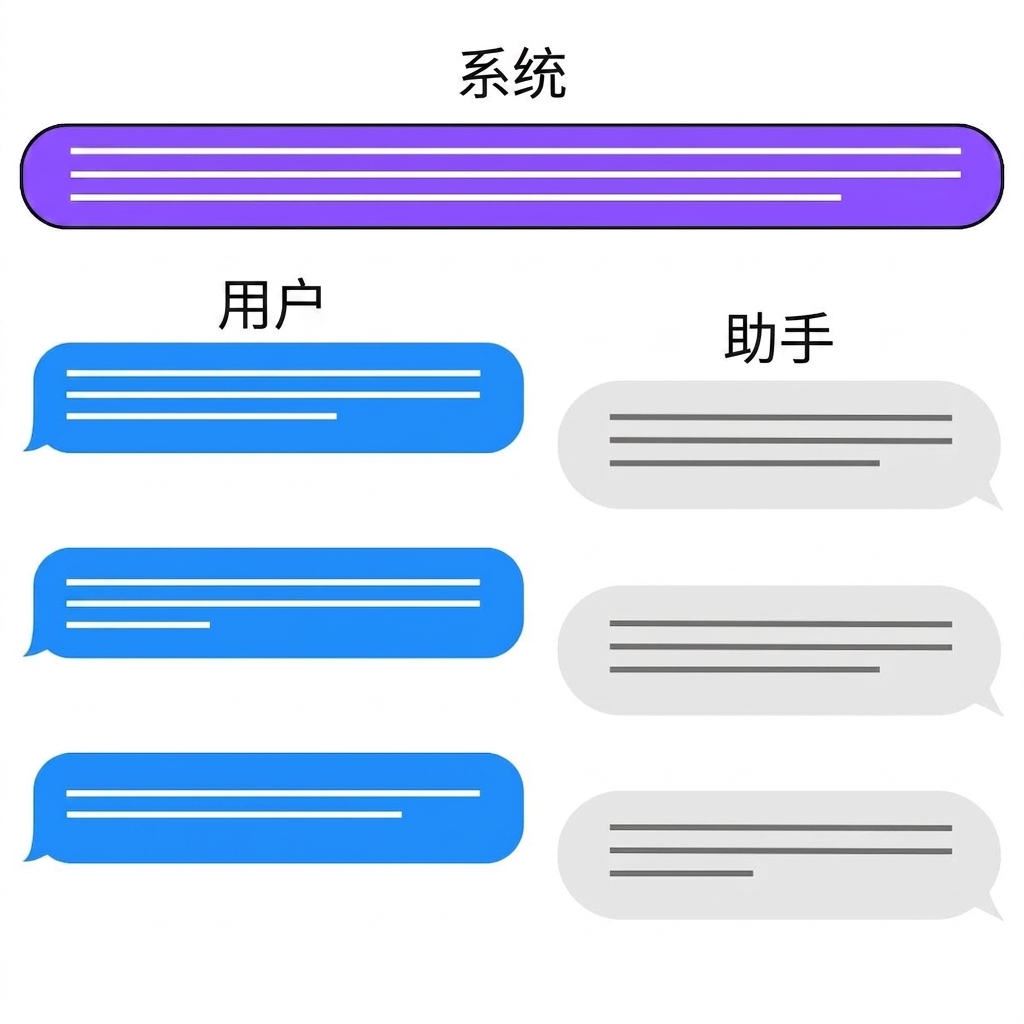
  • "system"

    • 引导模型输出
    • 设置护栏
  • "assistant"

    • 结构化 few-shot 提示
    • 构建对话历史

聊天交互的三种角色:system、user、assistant。

使用 OpenAI API

下一步?

使用 OpenAI API

Passons à la pratique !

使用 OpenAI API

Preparing Video For Download...