处理字符串

Python for Developers 入门

Jasmin Ludolf

Senior Data Science Content Developer

字符串无处不在!

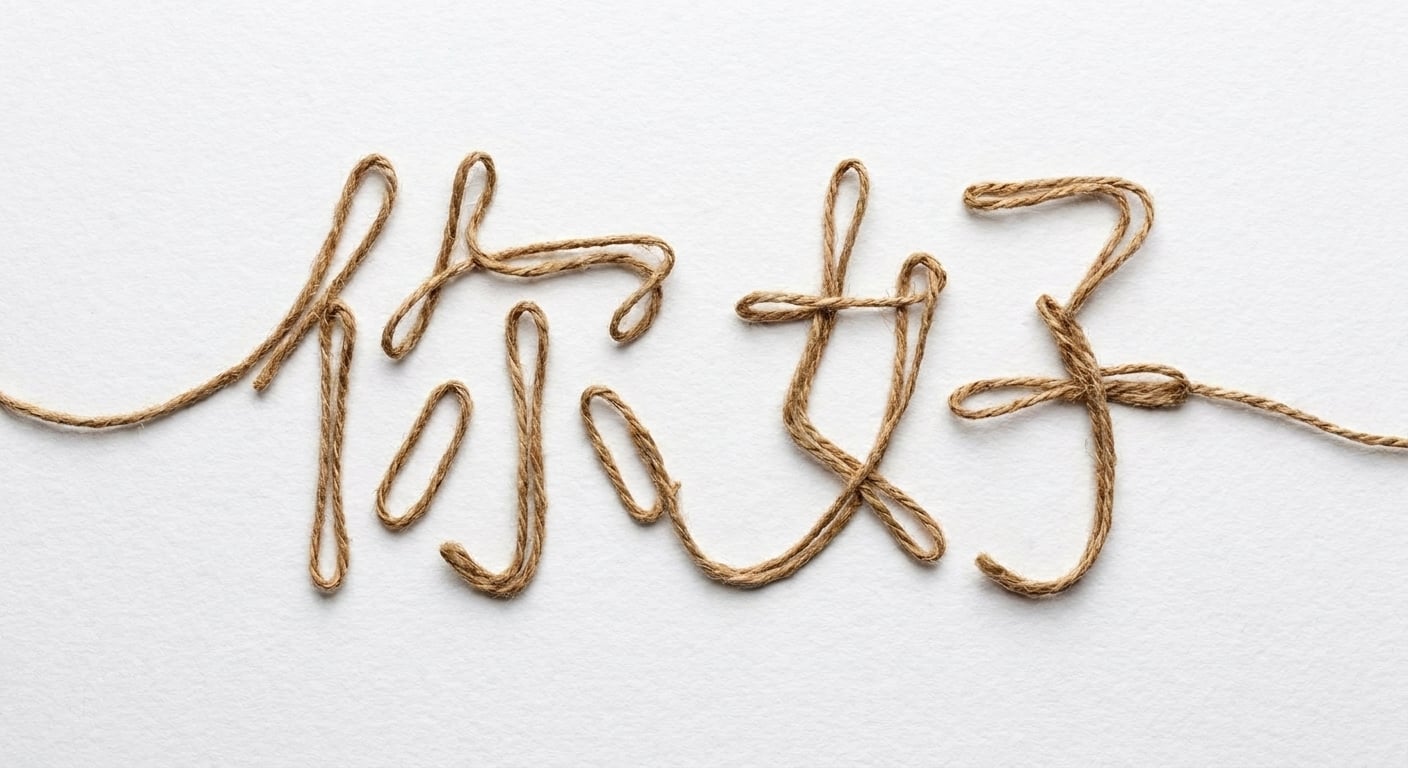
用字符串写成的 Hello

  • 显示消息
  • 处理文本输入
  • 文件名
  • 格式化输出
  • 处理数据
1 Image generated by ChatGPT
Python for Developers 入门

Python 识别单引号和双引号

# 可行
ingredient_name = 'San Marzano tomatoes'

# 也可行
ingredient_name = "San Marzano tomatoes"
  • ' = 撇号 = 单引号
Python for Developers 入门

双引号的优势

# 单引号字符串中包含撇号
ingredient_name = 'Chef's special seasoning'
print(ingredient_name)
SyntaxError: invalid syntax.
# 双引号字符串中包含撇号
ingredient_name = "Chef's special seasoning"
print(ingredient_name)
Chef's special seasoning
Python for Developers 入门

句子与段落

recipe_step = "Heat olive oil in a large pan and sauté garlic until fragrant"
Python for Developers 入门

多行字符串

# 跨多行创建字符串变量
recipe_instructions = """1. Bring a large pot of salted water to boil and cook pasta
2. Heat olive oil in a pan and sauté minced garlic until fragrant
3. Add chopped tomatoes and simmer for 10 minutes
4. Toss cooked pasta with tomato sauce and fresh basil leaves
"""
  • """text""":多行字符串
    • 提升可读性
    • 用于文档
    • 长文本,如说明或错误信息
Python for Developers 入门

方法

  • 方法:仅适用于特定数据类型的函数

  • str 方法

    • 标准化输入或转换文本
# 调用字符串方法
string_variable.method()
Python for Developers 入门

替换字符串片段

  • .replace(text_to_be_replaced, text_to_change_it_to)
welcome_message = "Welcome to the recipe scaler, George"

welcome_message = welcome_message.replace("George", "John")

print(welcome_message)
Welcome to the recipe scaler, John
Python for Developers 入门

更改大小写

  • 标准化用户输入,如电子邮件
ingredient_name = "Basil Leaves"

# 转为小写 ingredient_name = ingredient_name.lower() print(ingredient_name)
basil leaves
# 转为大写
ingredient_name = ingredient_name.upper()
print(ingredient_name)
BASIL LEAVES
Python for Developers 入门

开始练习吧!

Python for Developers 入门

Preparing Video For Download...