文本分类

使用 Hugging Face

Jacob H. Marquez

Lead Data Engineer

文本分类:情感分析

$$

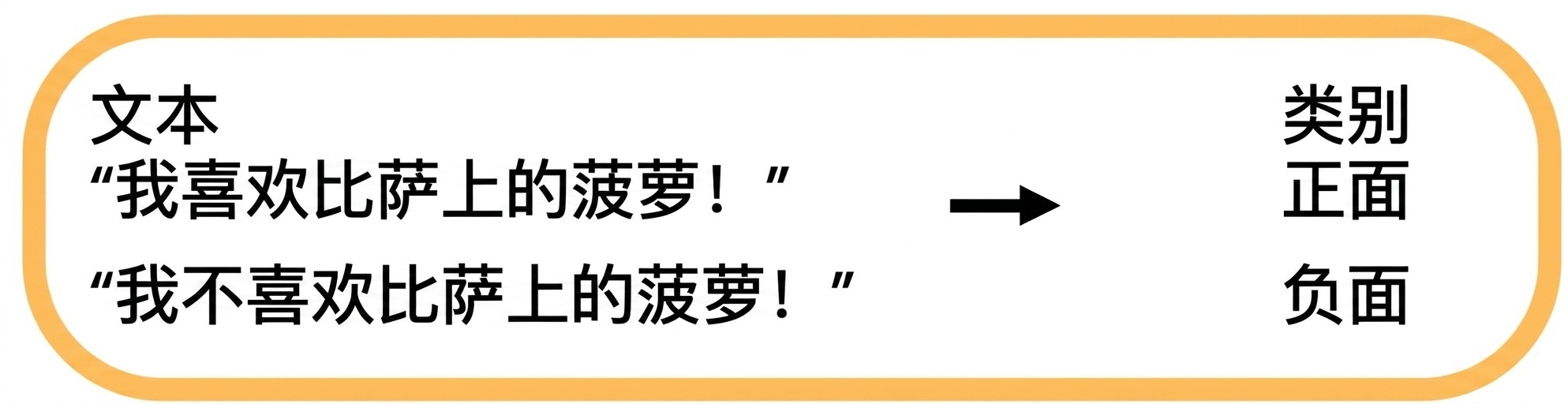
  • 按情感倾向为文本打标签

$$

情感分析

$$

  • 应用: 分析评论、跟踪社交媒体情绪

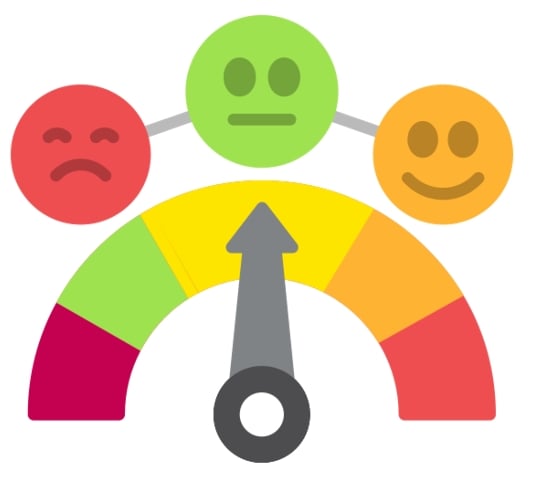
情感图标

使用 Hugging Face

情感分析:代码示例

from transformers import pipeline

my_pipeline = pipeline( "text-classification", model="distilbert-base-uncased-finetuned-sst-2-english" )
print(my_pipeline("Wi-Fi 比蜗牛还慢!"))
[{'label': 'NEGATIVE', 'score': 0.99}]
使用 Hugging Face

文本分类:语法正确性

$$

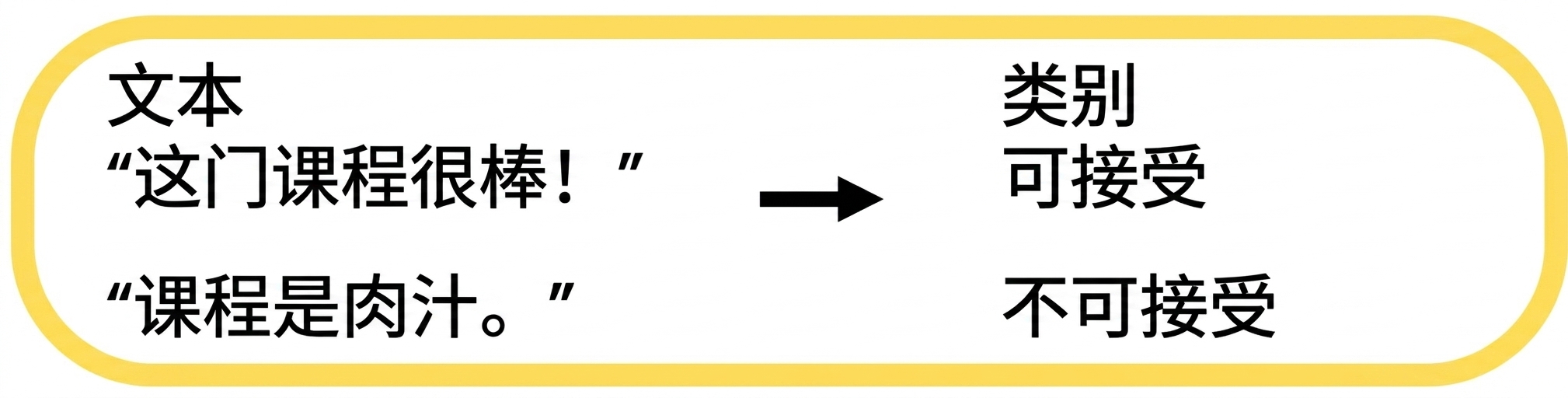
语法检查

$$

  • 评估文本语法是否正确

$$

语法正确性示例

$$

  • 应用: 语法检查、语言学习工具
使用 Hugging Face

语法正确性:代码示例

from transformers import pipeline


# Create a pipeline for grammar checking grammar_checker = pipeline( task="text-classification", model="abdulmatinomotoso/English_Grammar_Checker" )
# Check grammar of the input text print(grammar_checker("He eat pizza every day."))
[{'label': 'LABEL_0', 'score': 0.99}]
使用 Hugging Face

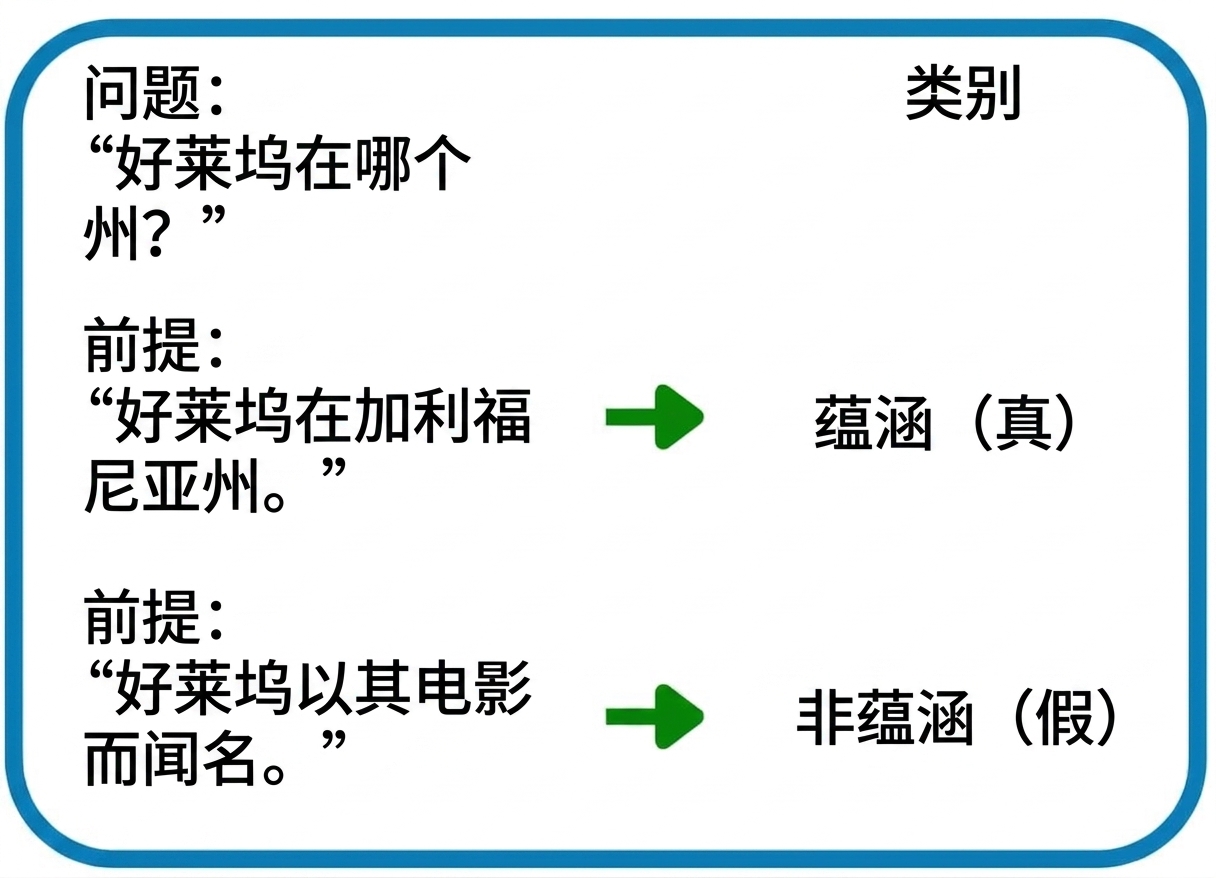
文本分类:QNLI

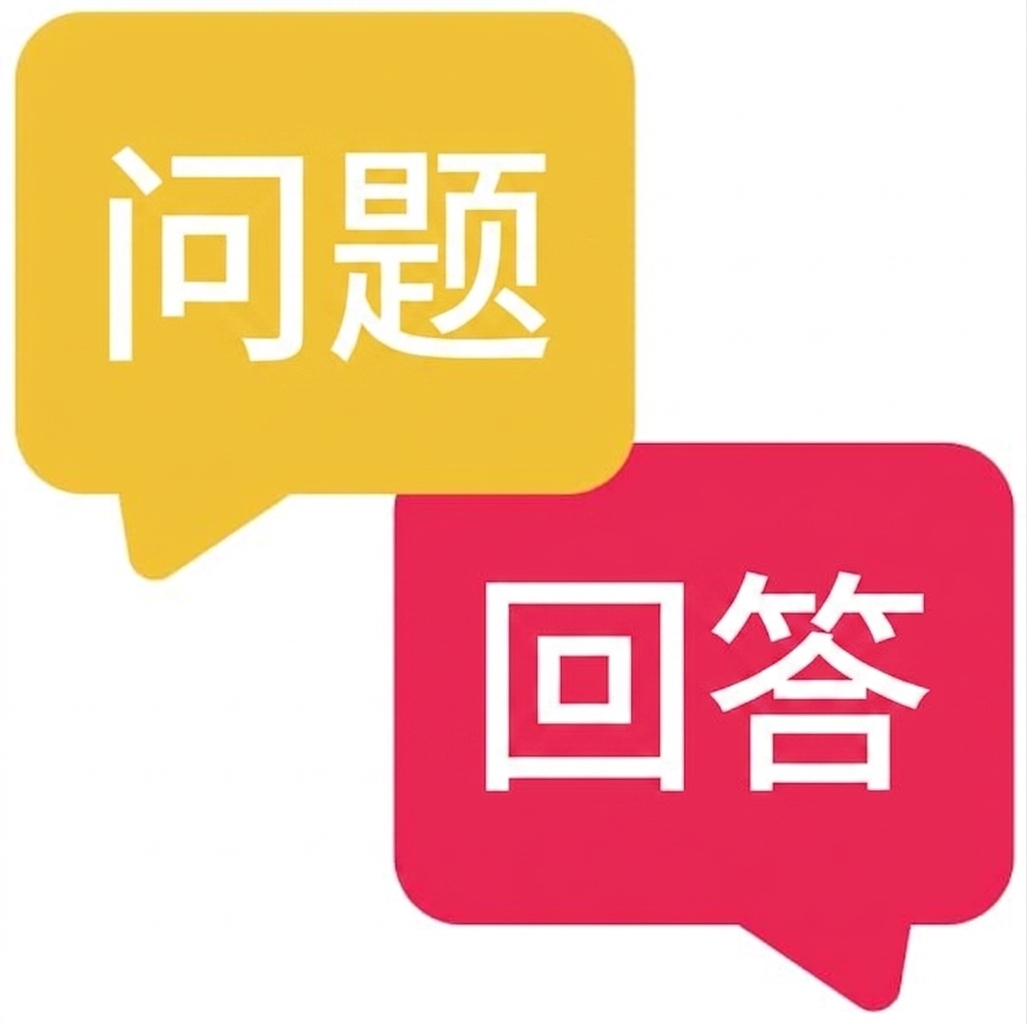
$$ 问答

$$

$$

  • 检查前提是否回答了问题

  • 应用: 问答系统、事实核查

QNLI 示例

使用 Hugging Face

QNLI:代码示例

from transformers import pipeline


classifier = pipeline( task="text-classification", model="cross-encoder/qnli-electra-base" )
classifier("Where is Seattle located?, Seattle is located in Washington state.")
[{'label': 'LABEL_0', 'score': 0.997}]
使用 Hugging Face

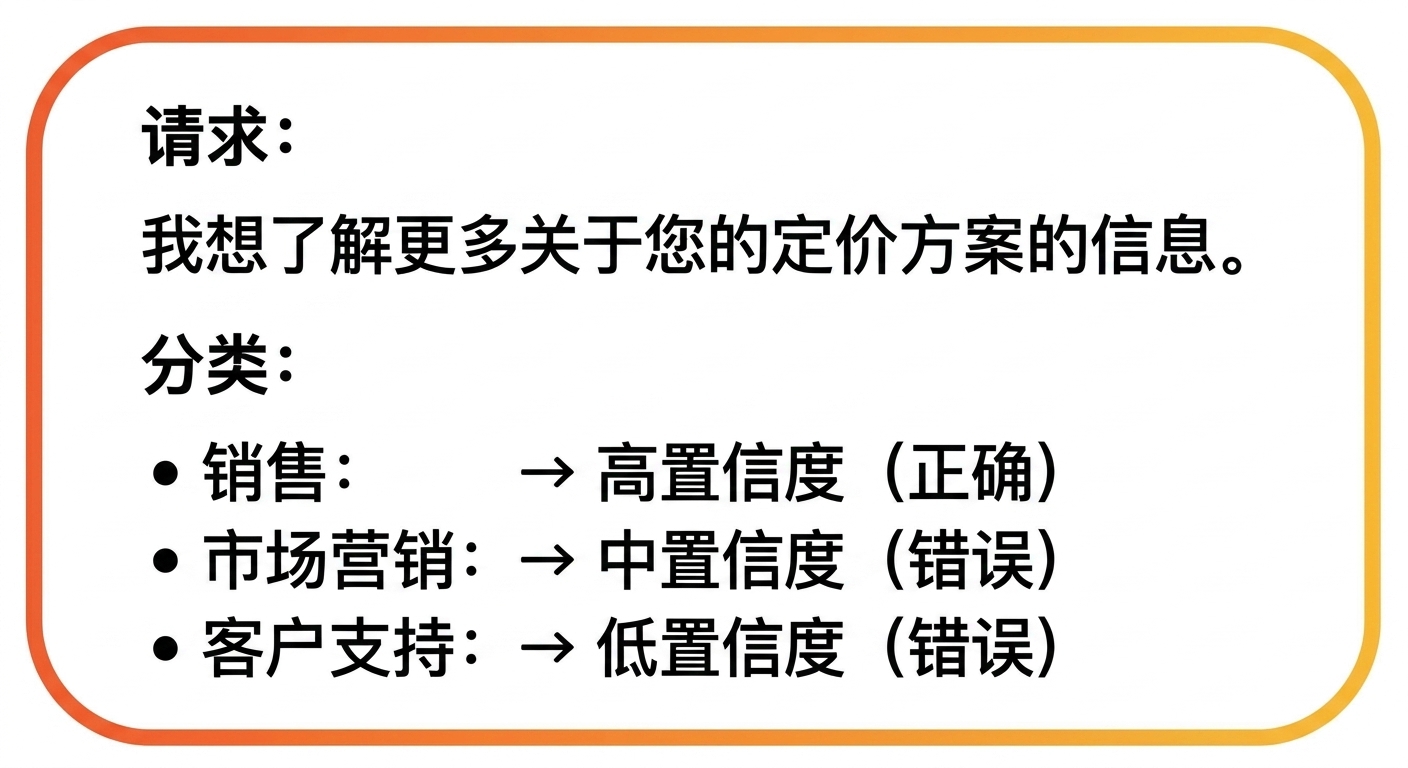
文本分类:动态类别分配

$$

  • 基于内容动态分配类别

类别分配示例

  • 应用: 内容审核、推荐系统

$$

类别分配

使用 Hugging Face

动态类别分配:代码示例

classifier = pipeline(
  task="zero-shot-classification", 
  model="facebook/bart-large-mnli")


text = "Hey, DataCamp; we would like to feature your courses in our newsletter!" categories = ["marketing", "sales", "support"]
output = classifier(text, categories)
print(f"Top Label: {output['labels'][0]} with score: {output['scores'][0]}")
Top Label: support with score: 0.8183
使用 Hugging Face

文本分类的挑战

歧义

使用 Hugging Face

文本分类的挑战

讽刺

使用 Hugging Face

文本分类的挑战

多语言

使用 Hugging Face

Ayo berlatih!

使用 Hugging Face

Preparing Video For Download...