文本分析
使用 OpenAI API 的 Prompt Engineering

Fouad Trad
Machine Learning Engineer
文本分析
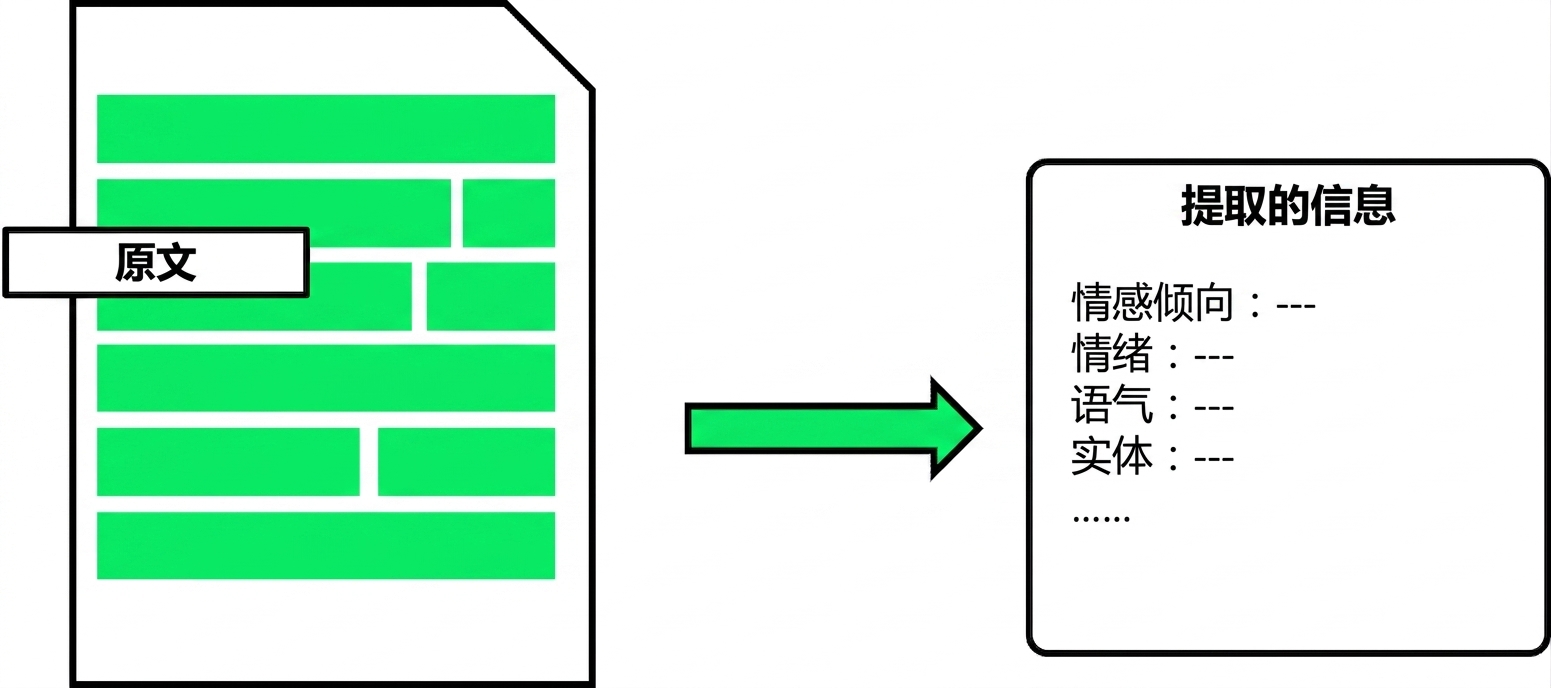
- 通过分析文本提取信息
- 文本分类
- 实体抽取
- 使用客户数据时应寻求法律意见
文本分类
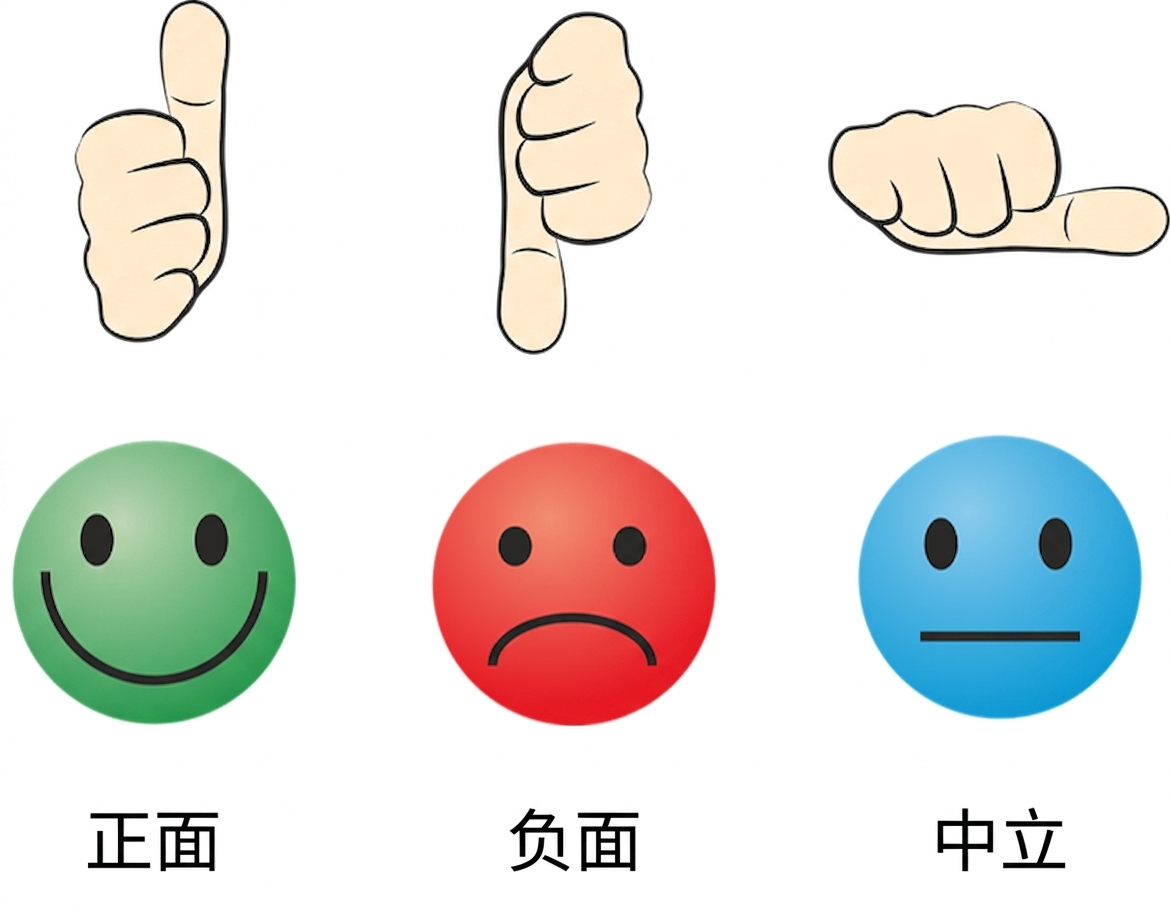
- 为文本分配类别
- 例:情感分析
指定类别
- 已知类别时需明确给出
- 说明输出要求
text = "I bought your XYZ Smart Watch and wanted to share my positive experience. Impressed with its sleek design, comfort, and touchscreen usability."prompt = f"""Classify the sentiment of the text delimited by triple backticks as positive, negative, or neutral. Give your answer as a single word: ```{text}```""" print(get_response(prompt))
positive
未指定类别
- 未指定类别时,模型会用其知识推断
text = "I bought your XYZ Smart Watch and wanted to share my positive experience.
Impressed with its sleek design, comfort, and touchscreen usability."

prompt = f"""Classify the sentiment of the text delimited by triple backticks.
             Give your answer as a single word.
           ```{text}```"""
print(get_response(response))
positive.
- 对部分开放性问题,此法可能效果不佳
多类别
- 文本可属于多个类别
- 若未知类别,设定最大类别数
text = "I bought your XYZ Smart Watch and wanted to share my positive experience. Impressed with its sleek design, comfort, and touchscreen usability."prompt = f"""Identify emotions used in this text. Don't use more than 3 emotions. Format your answer as a list of words separated by commas: ```{text}```""" print(get_response(prompt))
impressed, positive, comfortable
实体抽取
- 从文本中抽取特定实体
- 例如:人名、地点、组织、日期

实体抽取:指定实体
- 指定要抽取的实体
- 说明输出格式
text = "The XYZ Mobile X200: a sleek 6.5-inch Super AMOLED smartphone with a 48MP triple-camera, octa-core processor, 5000mAh battery, 5G connectivity, and Android 11 OS. Secure with fingerprint and facial recognition. 128GB storage, expandable up to 512GB."prompt = f"""Identify the following entities from the text delimited by triple backticks: - Product Name ```{text}```""" print(get_response(prompt))
实体抽取:指定实体
- 指定要抽取的实体
- 说明输出格式
text = "The XYZ Mobile X200: a sleek 6.5-inch Super AMOLED smartphone with a 48MP triple-camera, octa-core processor, 5000mAh battery, 5G connectivity, and Android 11 OS. Secure with fingerprint and facial recognition. 128GB storage, expandable up to 512GB."prompt = f"""Identify the following entities from the text delimited by triple backticks: - Product Name - Display Size ```{text}```""" print(get_response(prompt))
实体抽取:指定实体
- 指定要抽取的实体
- 说明输出格式
text = "The XYZ Mobile X200: a sleek 6.5-inch Super AMOLED smartphone with a 48MP triple-camera, octa-core processor, 5000mAh battery, 5G connectivity, and Android 11 OS. Secure with fingerprint and facial recognition. 128GB storage, expandable up to 512GB."prompt = f"""Identify the following entities from the text delimited by triple backticks: - Product Name - Display Size - Camera Resolution ```{text}```""" print(get_response(prompt))
实体抽取:指定实体
- 指定要抽取的实体
- 说明输出格式
text = "The XYZ Mobile X200: a sleek 6.5-inch Super AMOLED smartphone with a 48MP triple-camera, octa-core processor, 5000mAh battery, 5G connectivity, and Android 11 OS. Secure with fingerprint and facial recognition. 128GB storage, expandable up to 512GB."prompt = f"""Identify the following entities from the text delimited by triple backticks: - Product Name - Display Size - Camera Resolution Format the answer as an unordered list. ```{text}```""" print(get_response(prompt))
实体抽取:指定实体
Product Name: XYZ Mobile X200
Display Size: 6.5-inch
Camera Resolution: 48MP triple-camera
少样本提示的实体抽取
- 适用于复杂结构
ticket_1 = "Hello, I'm Emma Adams. I'd
like to ask about my reservation with
the code CAR123.
You can reach me at +123456 if needed."

ticket_2 = "This is Sarah Williams.
I would like to request some information
regarding my upcoming flight with
reservation code FLIGHT987. Thank you."
entities_1 = """
* Customer Details:
  - Name: Emma Adams
  - Phone: +123456
* Reservation Details:
  - Reservation Code: CAR123"""
entities_2 = """
* Customer Details:
  - Name: Sarah Williams
* Reservation Details:
  - Reservation Code: FLIGHT987"""
少样本提示的实体抽取
ticket_3 = "Hello, I'm David Brown (CUST123). I need assistance with my reservation under the code HOTEL456. There are some questions and issues related to my upcoming stay that require your attention."prompt = f"""Text: {ticket_1} -> Entities: {entities_1} Text: {ticket_2} -> Entities: {entities_2} Text: {ticket_3} -> Entities: """ print(get_response(prompt))
* Customer Details:
  - Name: David Brown
  - Customer ID: CUST123
* Reservation Details:
  - Reservation Code: HOTEL456
Passons à la pratique !
使用 OpenAI API 的 Prompt Engineering

