Pinecone 索引简介

使用 Pinecone 构建 AI 应用

James Chapman

Curriculum Manager, DataCamp

Pinecone 标志


您将学到:

  • 创建索引并导入向量
  • 检索与查询向量
  • 构建常见 AI 应用


→ 构建并扩展 GenAI 应用!


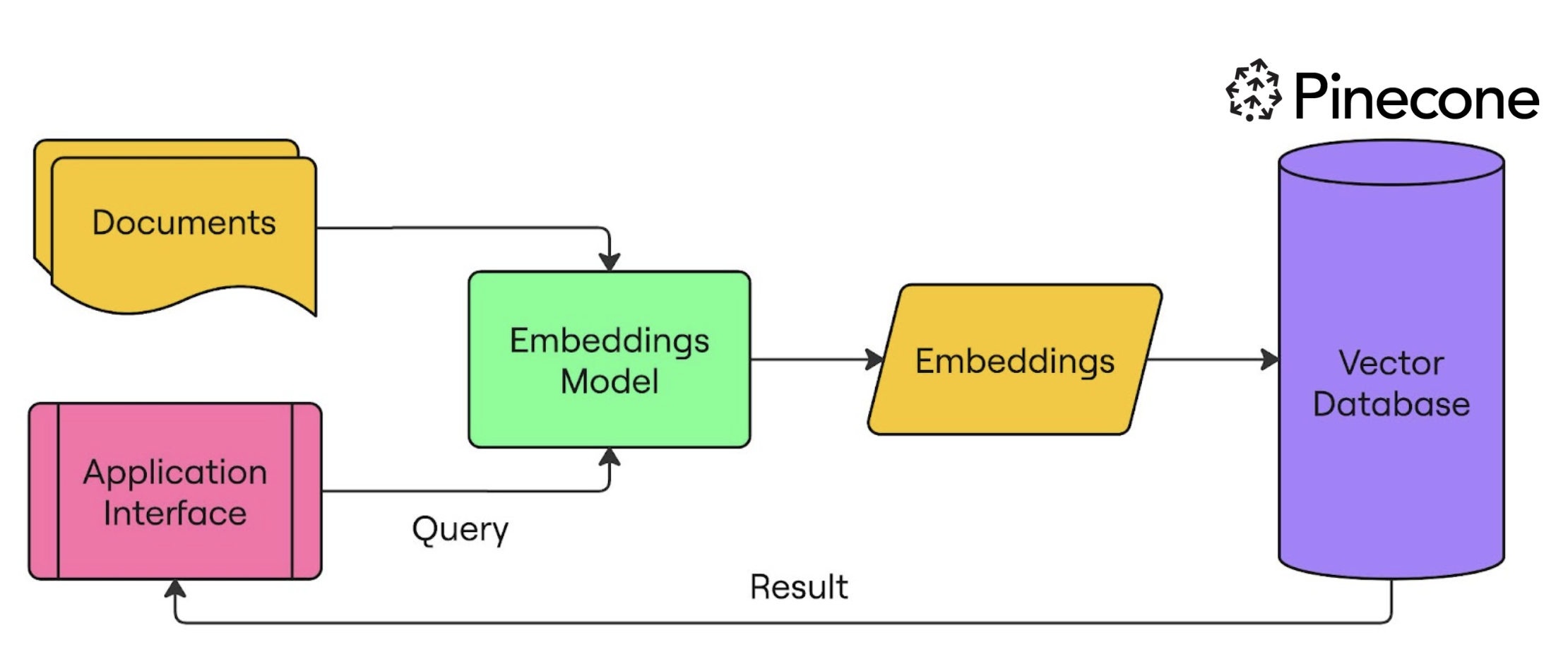
语义搜索

使用 Pinecone 构建 AI 应用

索引


  • 用于存储向量
  • 提供查询与其他向量操作
  • 索引为每个向量包含记录元数据
  • 可创建多个索引

一个有四个抽屉的文件柜,每个抽屉里有多个文件夹。

使用 Pinecone 构建 AI 应用

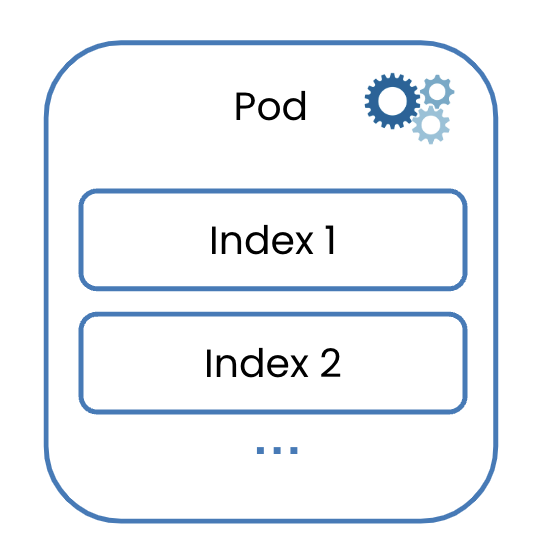
基于 Pod

一个 pod,包含多个索引。

  • 选择硬件来创建索引 → pods
  • Pod 类型决定_存储、查询时延、查询吞吐_

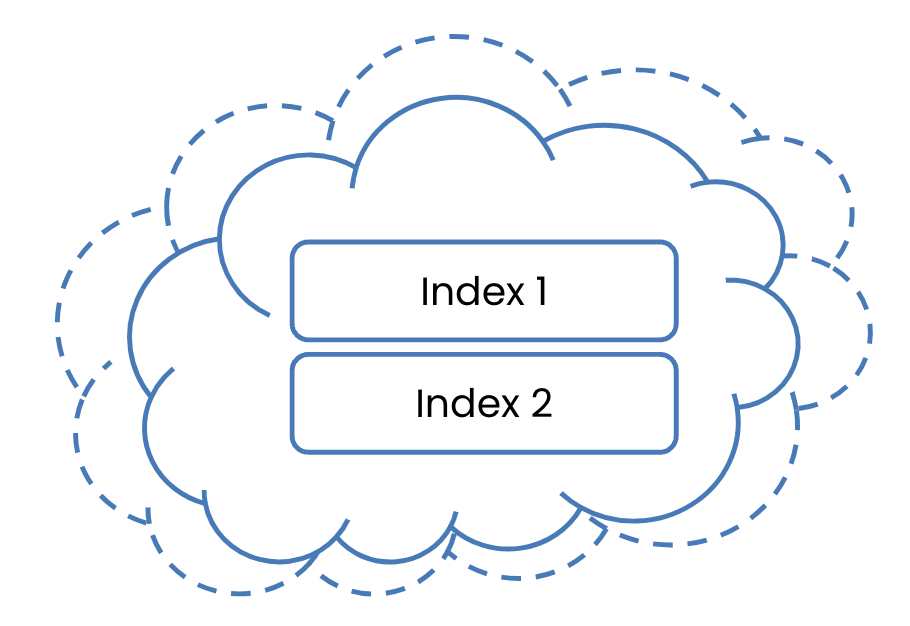
无服务器

存储在云中的索引。

  • 无需资源管理
  • 索引自动扩展
  • 运行于_云_并存储在 blob 中
  • 更易用且通常成本更低

本课程将使用此方式

1 https://docs.pinecone.io/guides/indexes/understanding-indexes
使用 Pinecone 构建 AI 应用

创建 Pinecone API key


  1. 创建 Pinecone Starter 账户 → pinecone.io
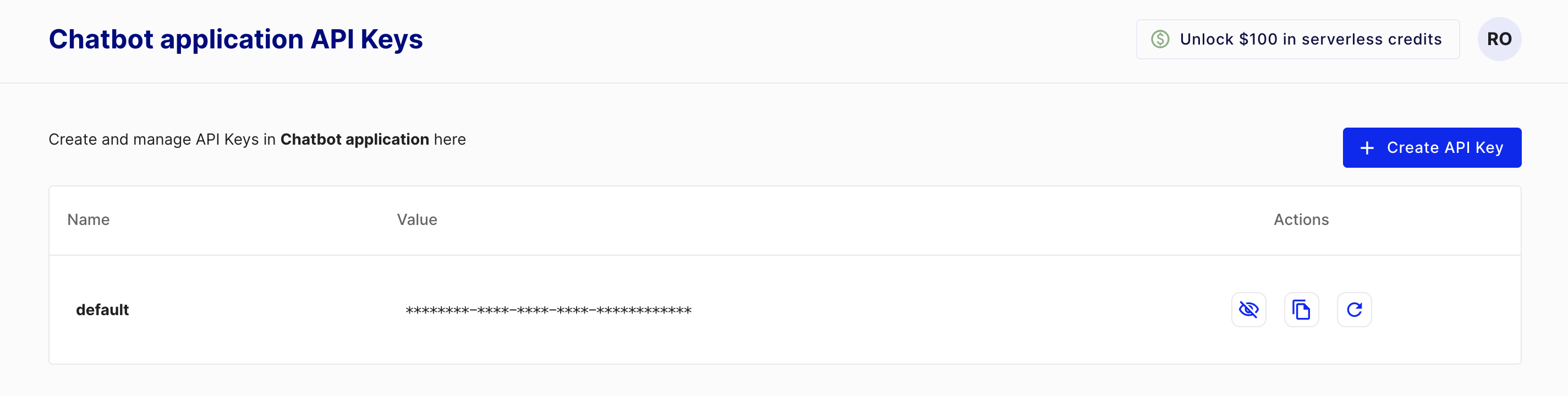
  2. 前往"API Keys"
  3. 复制您的 API key

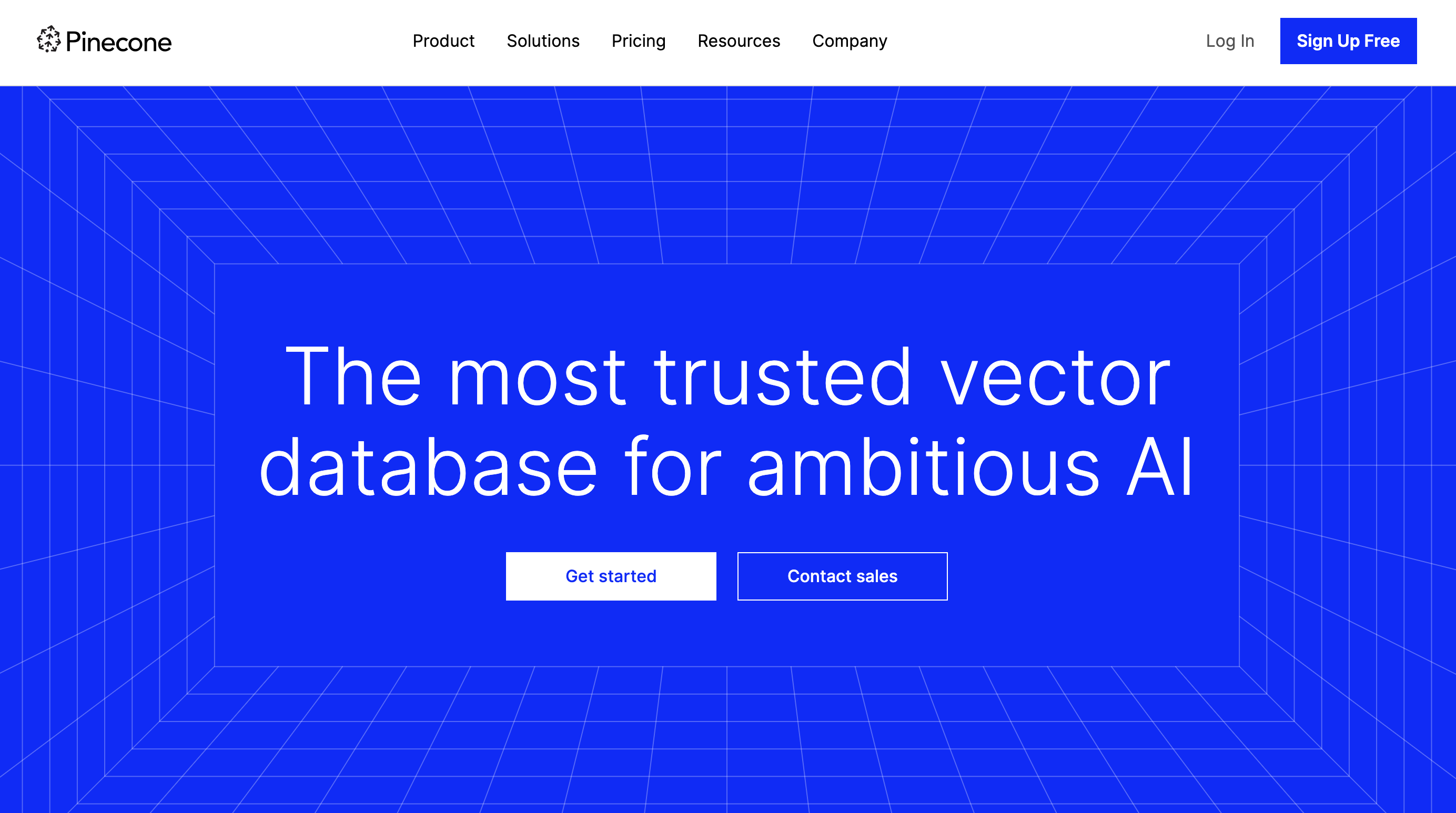
Pinecone 主页

Pinecone 的 API keys 页面

使用 Pinecone 构建 AI 应用

创建无服务器索引

from pinecone import Pinecone, ServerlessSpec


pc = Pinecone(api_key="API_KEY")
pc.create_index(
name='datacamp-index',
dimension=1536,
spec=ServerlessSpec(
cloud='aws', region='us-east-1'
)
)
使用 Pinecone 构建 AI 应用

检查索引

pc.list_indexes()
{'indexes': [{'dimension': 1536,
              'host': 'datacamp-index-1eef0f4.svc.aped-4627-b74a.pinecone.io',
              'metric': 'cosine',
              'name': 'datacamp-index',
              'spec': {'serverless': {'cloud': 'aws', 'region': 'us-east-1'}},
              'status': {'ready': True, 'state': 'Ready'}}]}
使用 Pinecone 构建 AI 应用

让我们来练习!

使用 Pinecone 构建 AI 应用

Preparing Video For Download...