Building your first Copilot agent

Working with Microsoft Copilot

Susanth Sutheesh

Copilot Solution Engineer, Microsoft

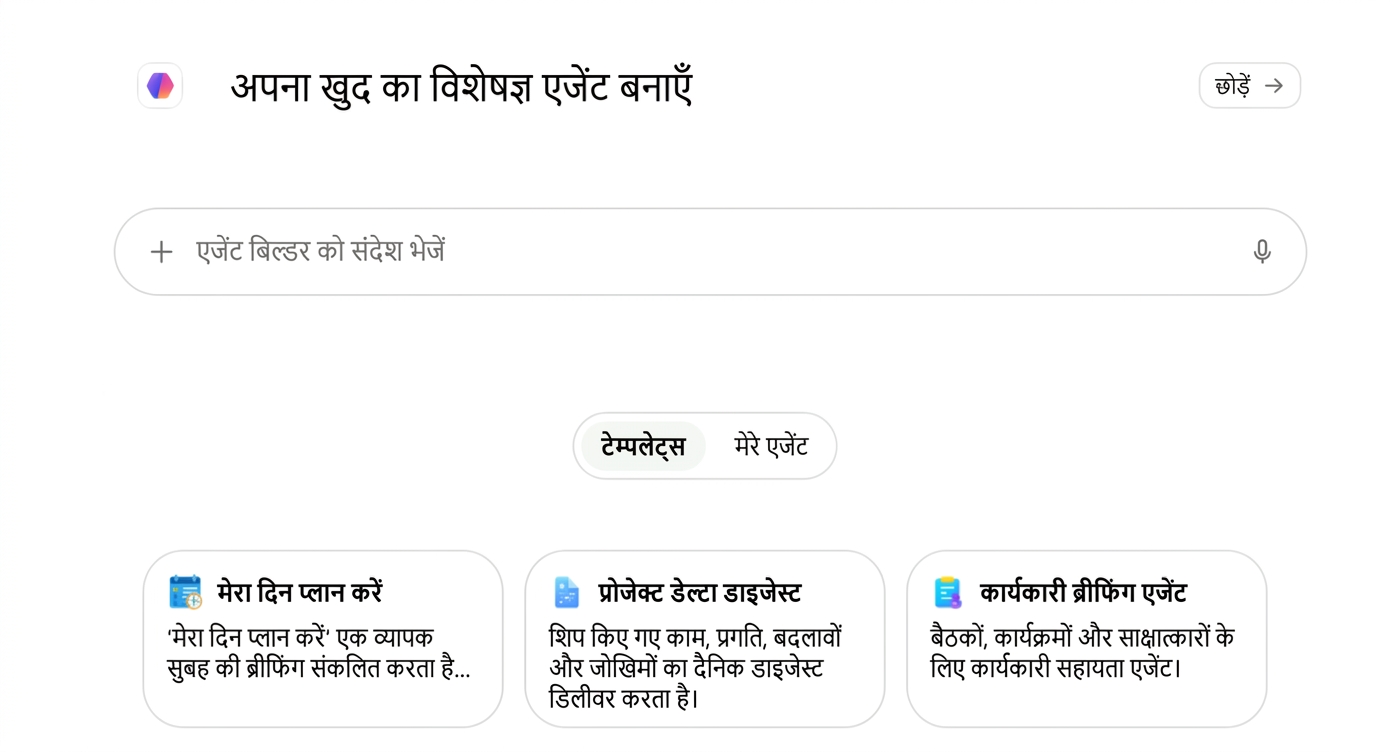
What is Agent Builder?

$$

  • Build a custom Copilot for one job
  • It answers from your business content
  • Describe it in plain language, or fill the fields yourself

Screenshot 2026-09-21 at 10.53.20.png

Working with Microsoft Copilot

Where Agent Builder is available

$$

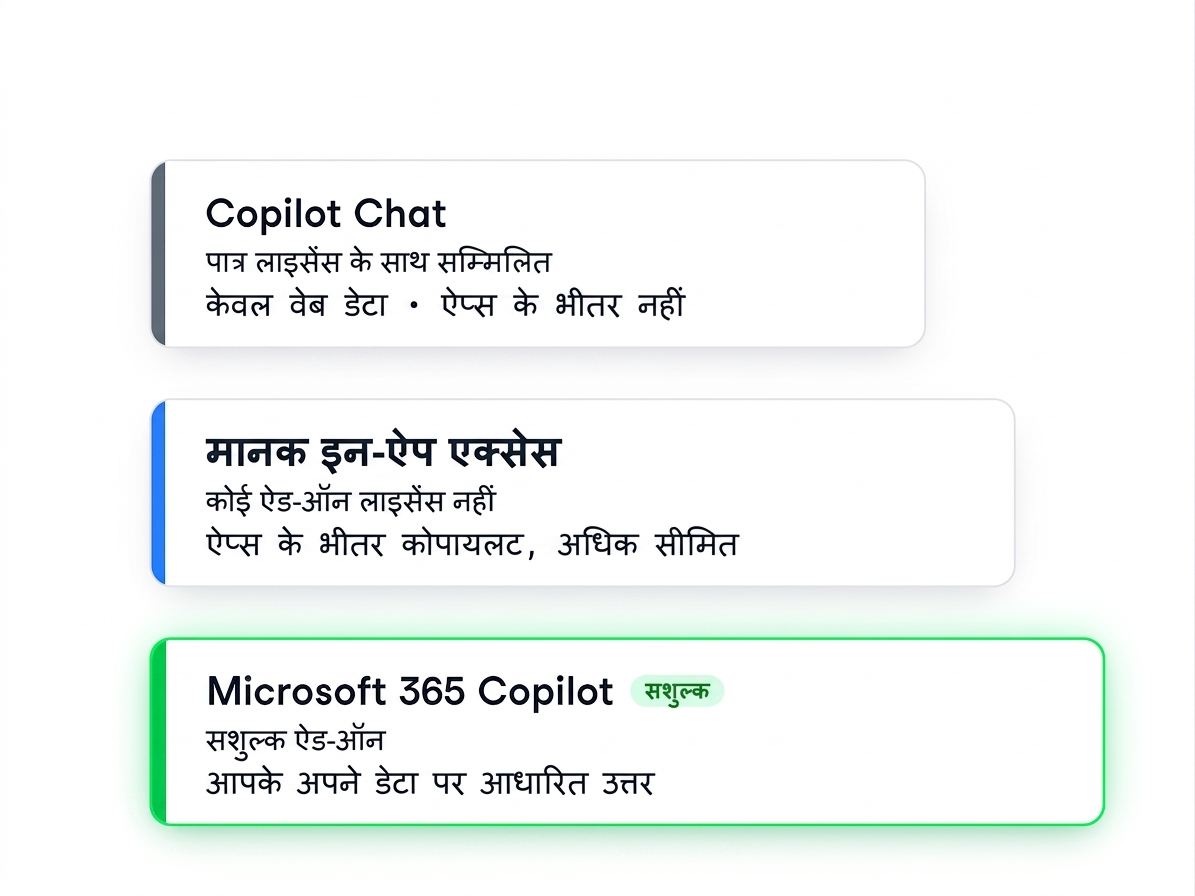
  • Needs an enterprise Microsoft 365 Copilot plan
  • On a personal or small business plan you may not see it

Three ascending tiers: Copilot Chat (web data only), standard in-app access, and the paid Microsoft 365 Copilot add-on grounded in your own data

Working with Microsoft Copilot

What's involved in building an agent


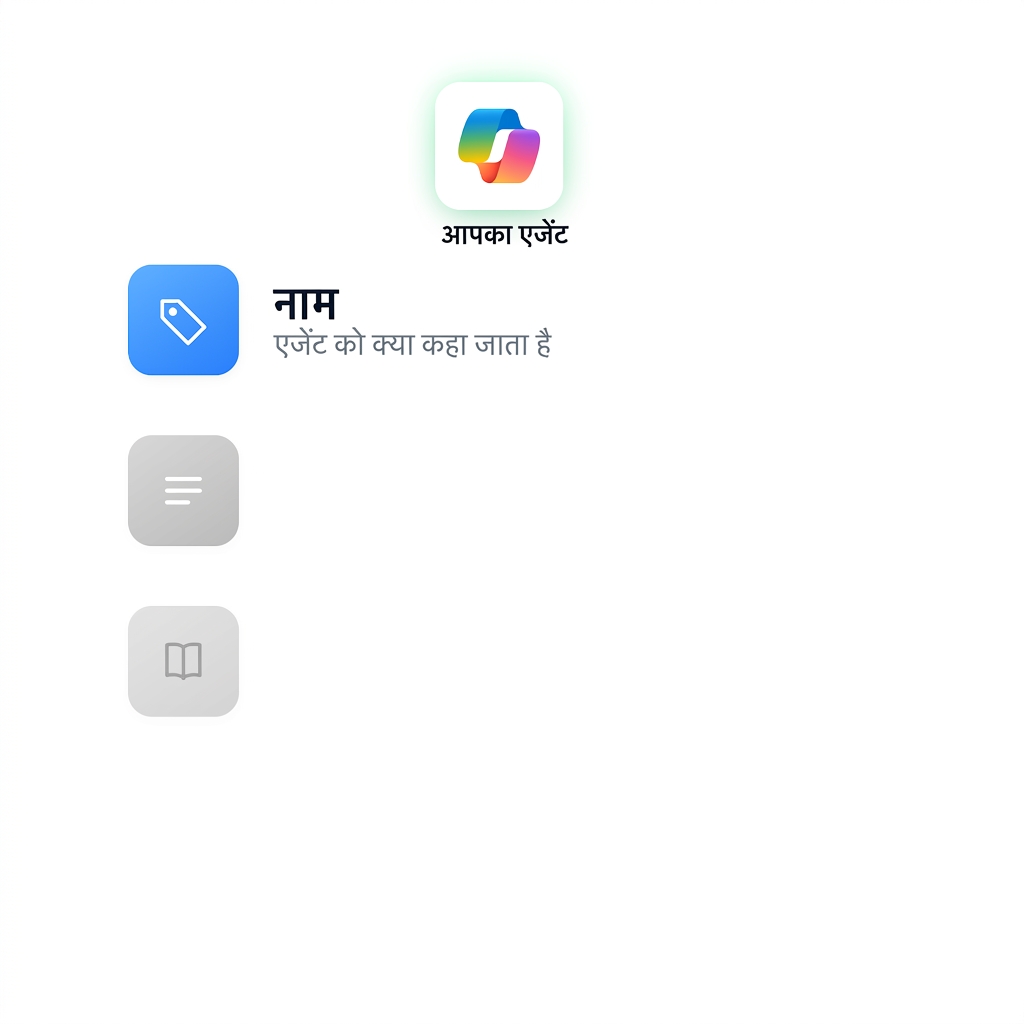
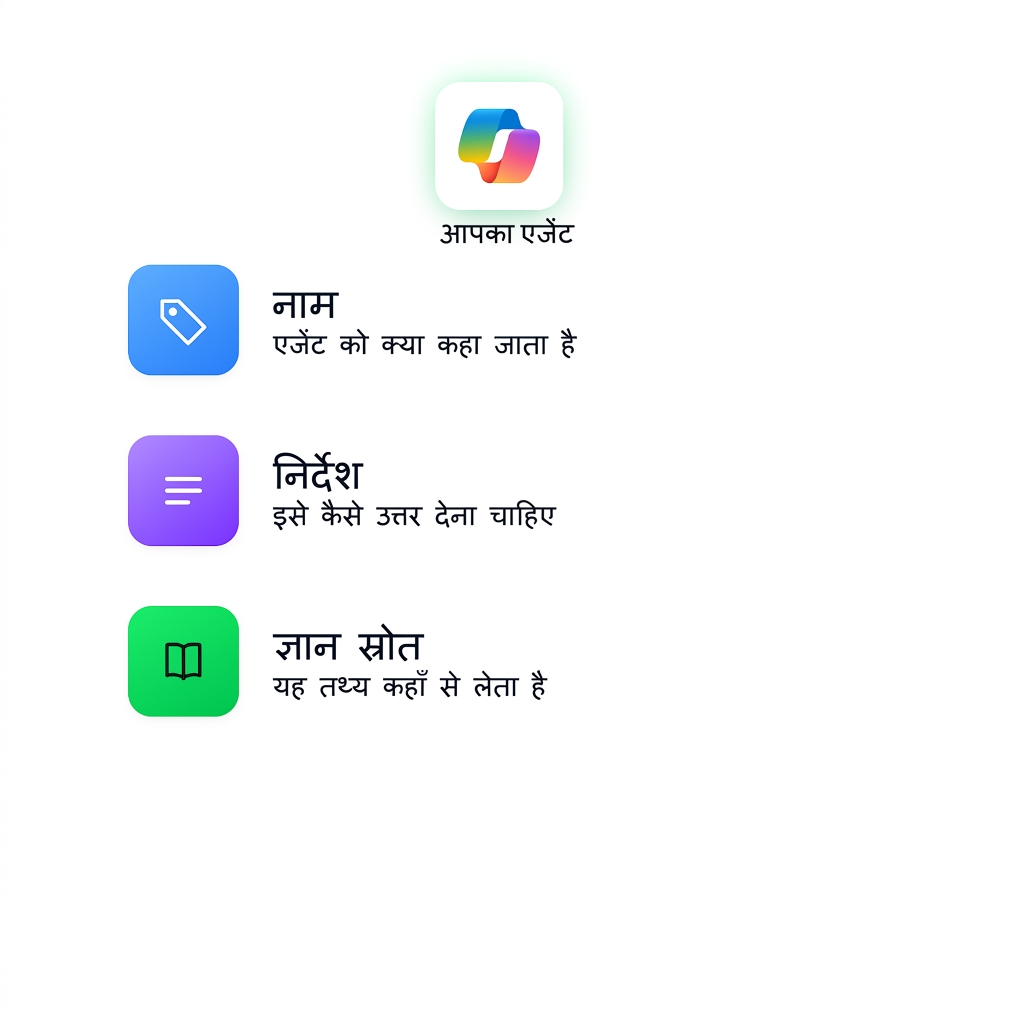
Give your agent a name that reflects its purpose


An agent being defined, with the Name field added first; Instructions and Knowledge source still to come

Working with Microsoft Copilot

What's involved in building an agent


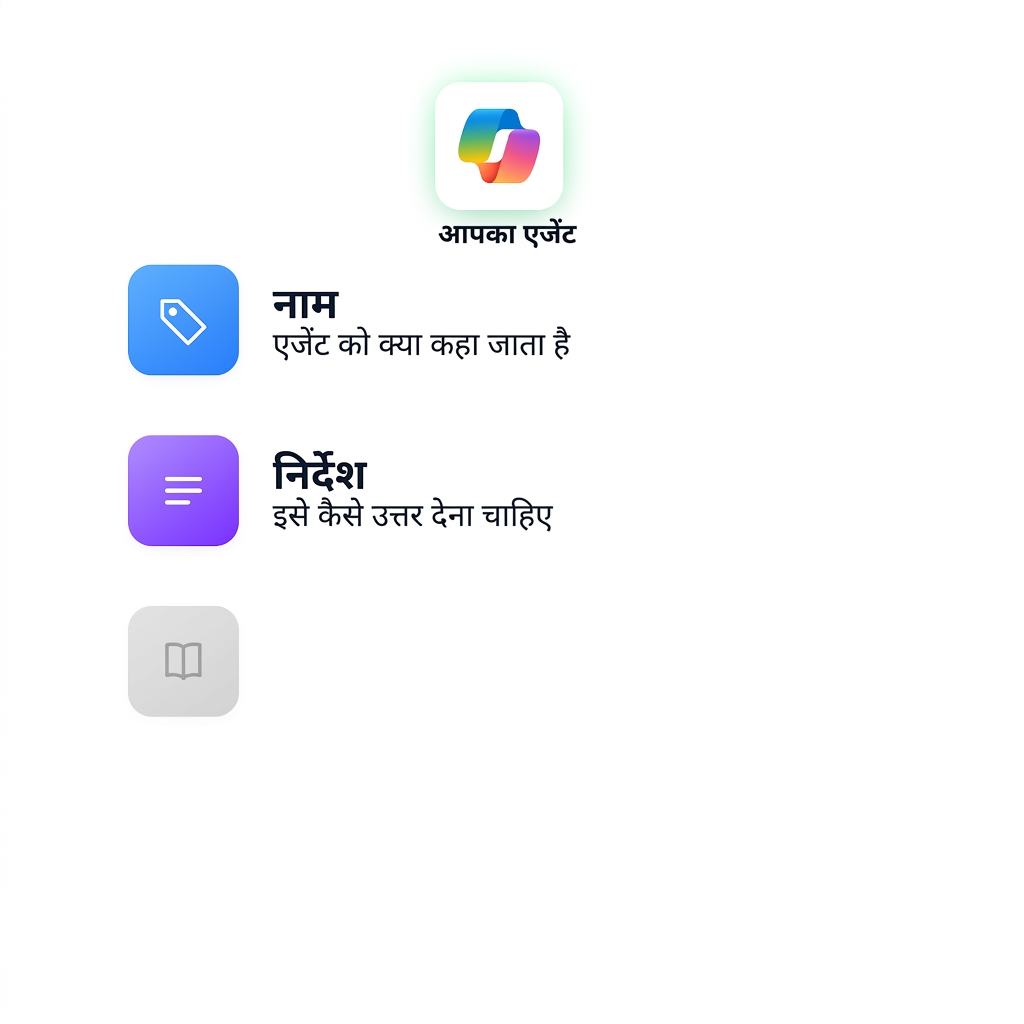
Write clear instructions for what it should do


The same agent definition with the Instructions card now added to Name

Working with Microsoft Copilot

What's involved in building an agent


Add one or more knowledge sources to ground its answers


The complete agent definition with Name, Instructions, and Knowledge source all added

Working with Microsoft Copilot

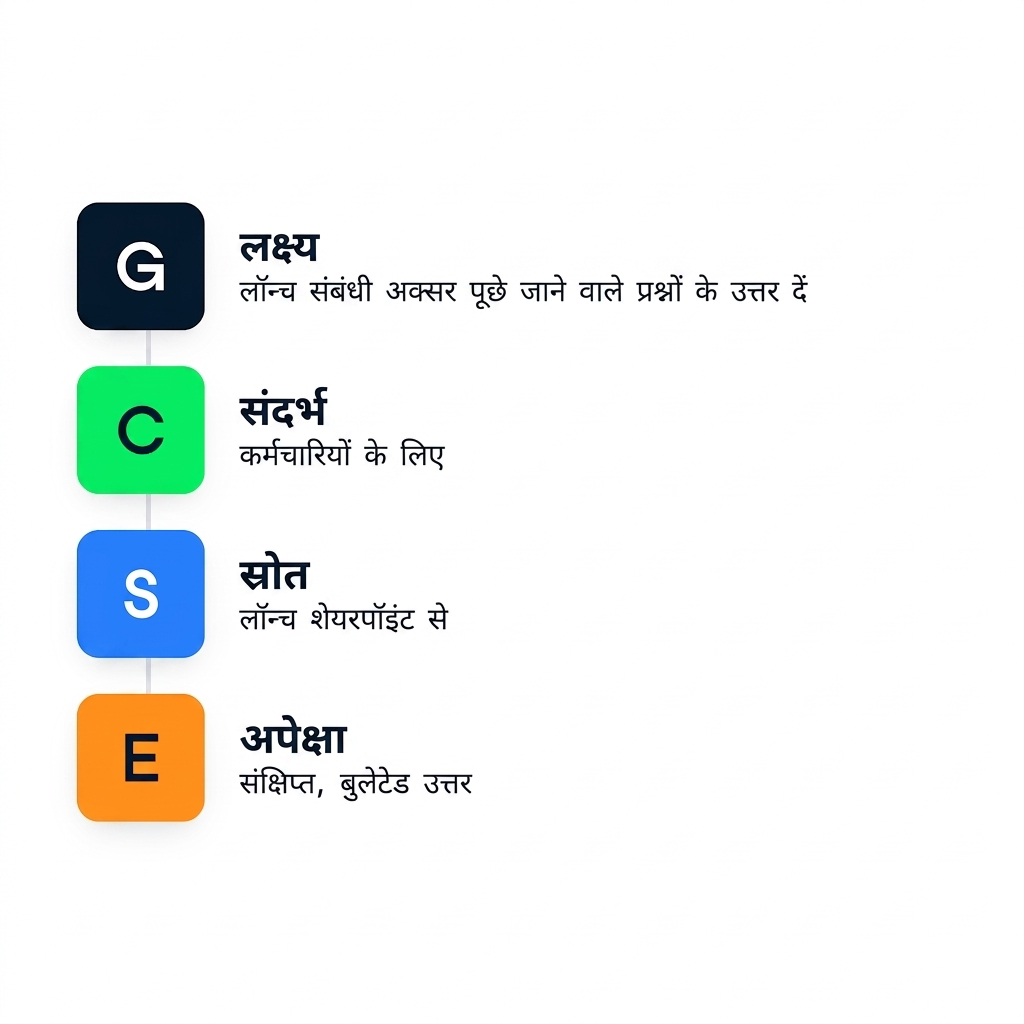
Plan your agent with GCSE


  • Goal: What do you want the agent to do?
  • Context: Who will use it and why?
  • Source: What content should it rely on (for example, SharePoint site)?
  • Expectation: How should responses be formatted?

The GCSE framework mapped onto an agent definition: Goal (answer launch FAQs), Context, Source, and Expectation

Working with Microsoft Copilot

Plan your agent with GCSE

$$

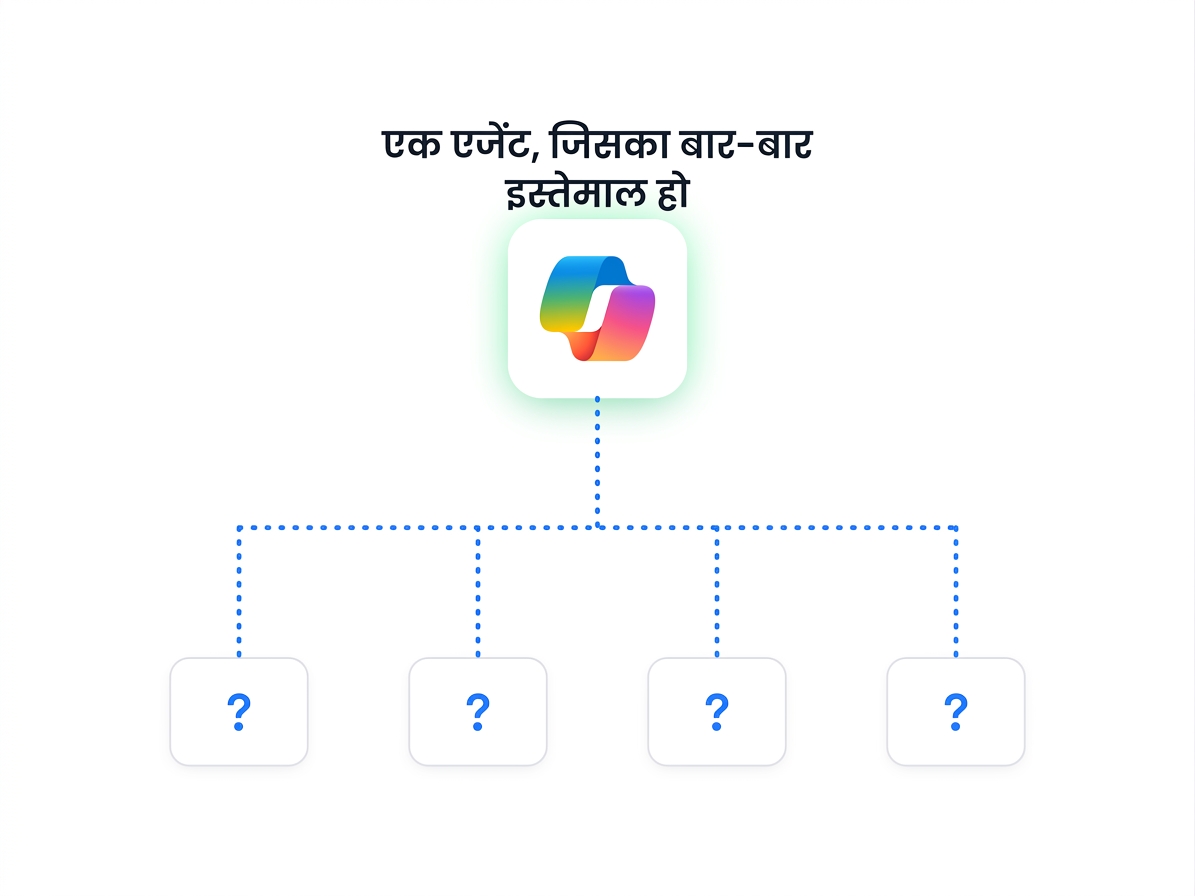
  • Agents are persistent, so clear Goals and Sources are key
  • Answer a repeated question once, not thirty times
  • The GCSE framework keeps agents focused and reliable

Hub-and-spoke diagram: one agent used again and again by many people asking questions

Working with Microsoft Copilot

Describe your agent

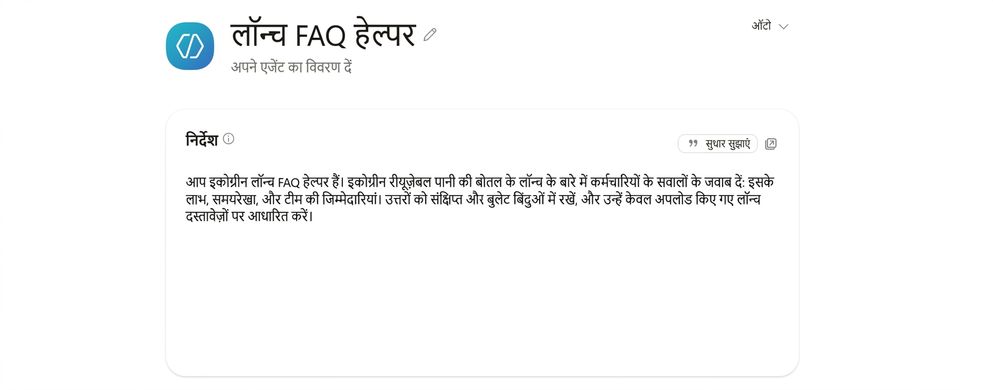
  • Name it for its job: "Launch FAQ Helper"
  • Instructions cover four things: who it is, what it covers, how to answer, and what to answer from

The Launch FAQ Helper agent named, with its Instructions filled in the Agent Builder Configure pane

Working with Microsoft Copilot

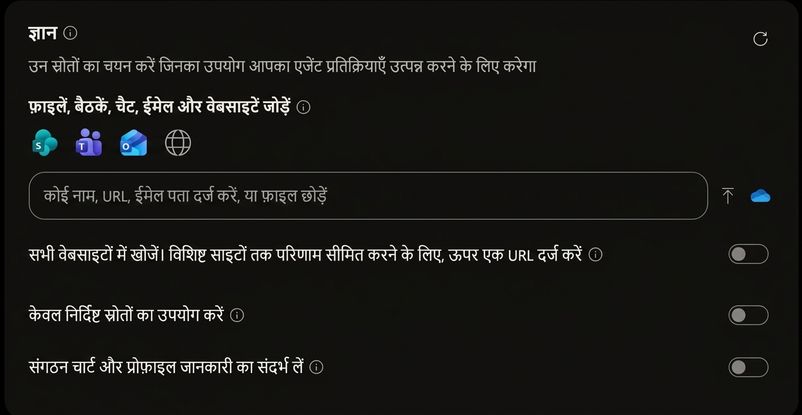
Add a knowledge source


Point the agent at one trusted source:

"Paste the SharePoint URL for your launch docs"

$$

The Knowledge panel with a single source added in Agent Builder

Working with Microsoft Copilot

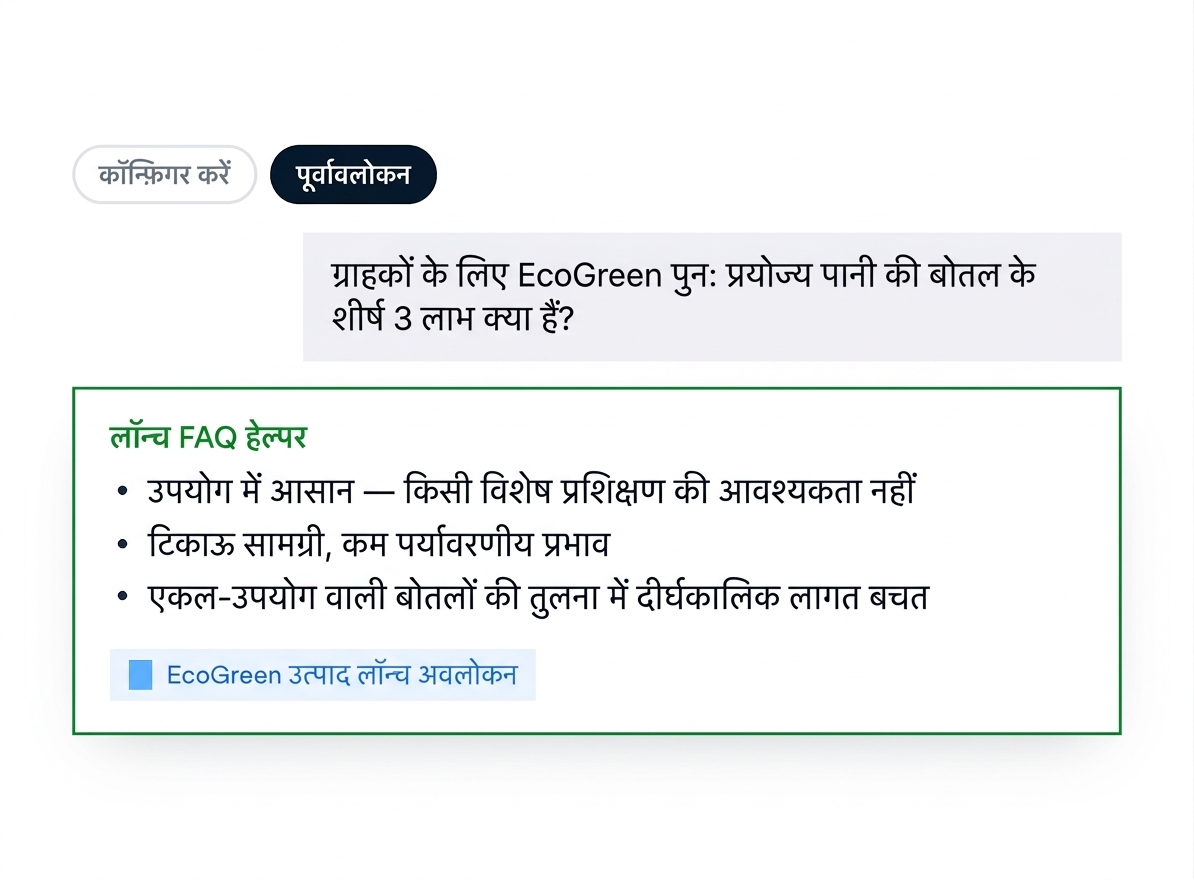
Test and refine


Switch to Preview and ask a real question:

What are the top 3 benefits of the EcoGreen reusable water bottle for customers?

Diagram of the Preview panel: the test question, the agent answering in three bullets, and the knowledge source it cites

Working with Microsoft Copilot

Let's practice!

Working with Microsoft Copilot

Preparing Video For Download...