Congratulations

Working with Microsoft Copilot

Susanth Sutheesh

Copilot Solution Engineer, Microsoft

Chapter 1: prompting with intent

$$

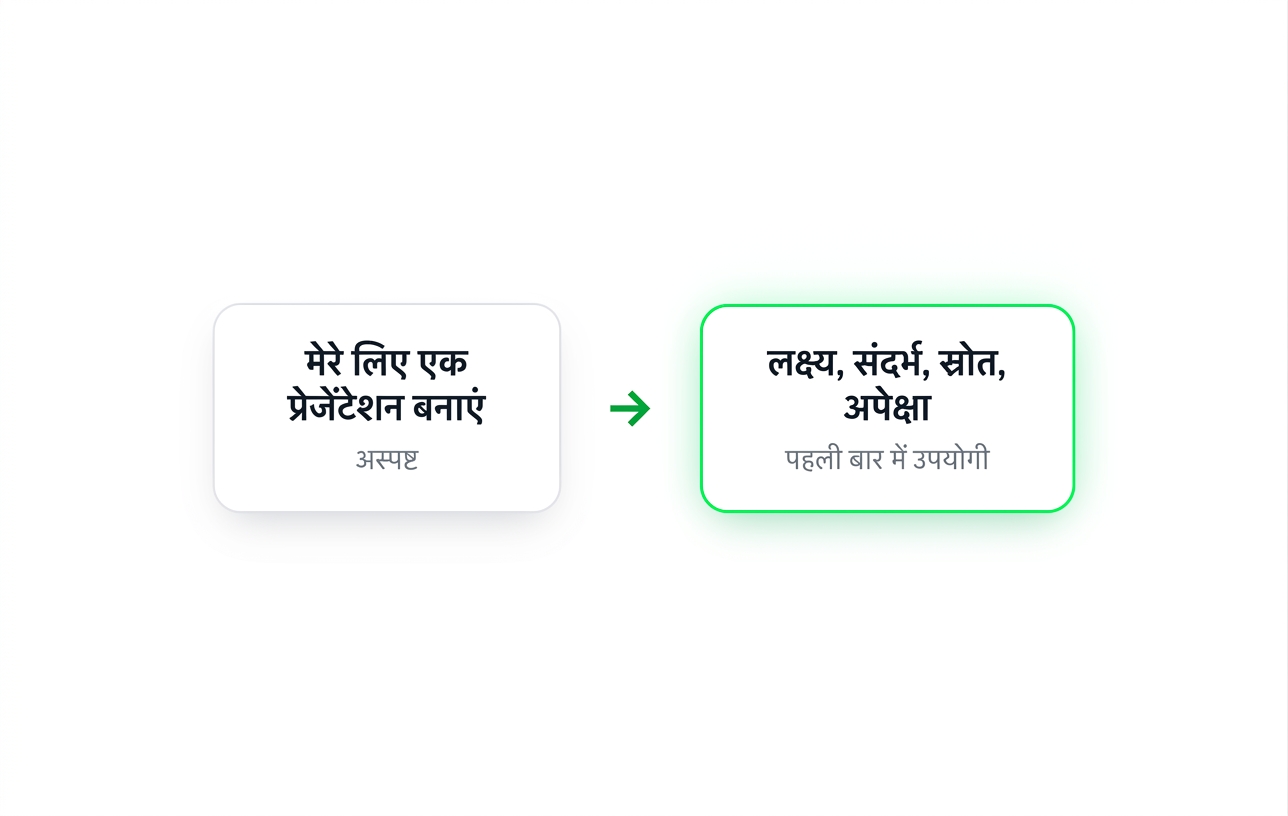
  • Wrote prompts with GCSE: Goal, Context, Source, Expectation
  • Broke larger tasks into a chain of prompts
  • Refined answers with follow-ups instead of restarting

$$

A vague prompt, "Make me a deck", beside the same request written with Goal, Context, Source and Expectation, which is usable first time

Working with Microsoft Copilot

Chapter 2: Copilot inside the apps

$$

  • Drafted and rewrote documents in Word
  • Built a deck from a single prompt in PowerPoint
  • Turned a spreadsheet into tables and charts in Excel
  • Summarized threads and drafted replies in Outlook

$$

The four app icons covered in this chapter: Word, Excel, PowerPoint and Outlook

Working with Microsoft Copilot

Chapter 3: building your own agents

$$

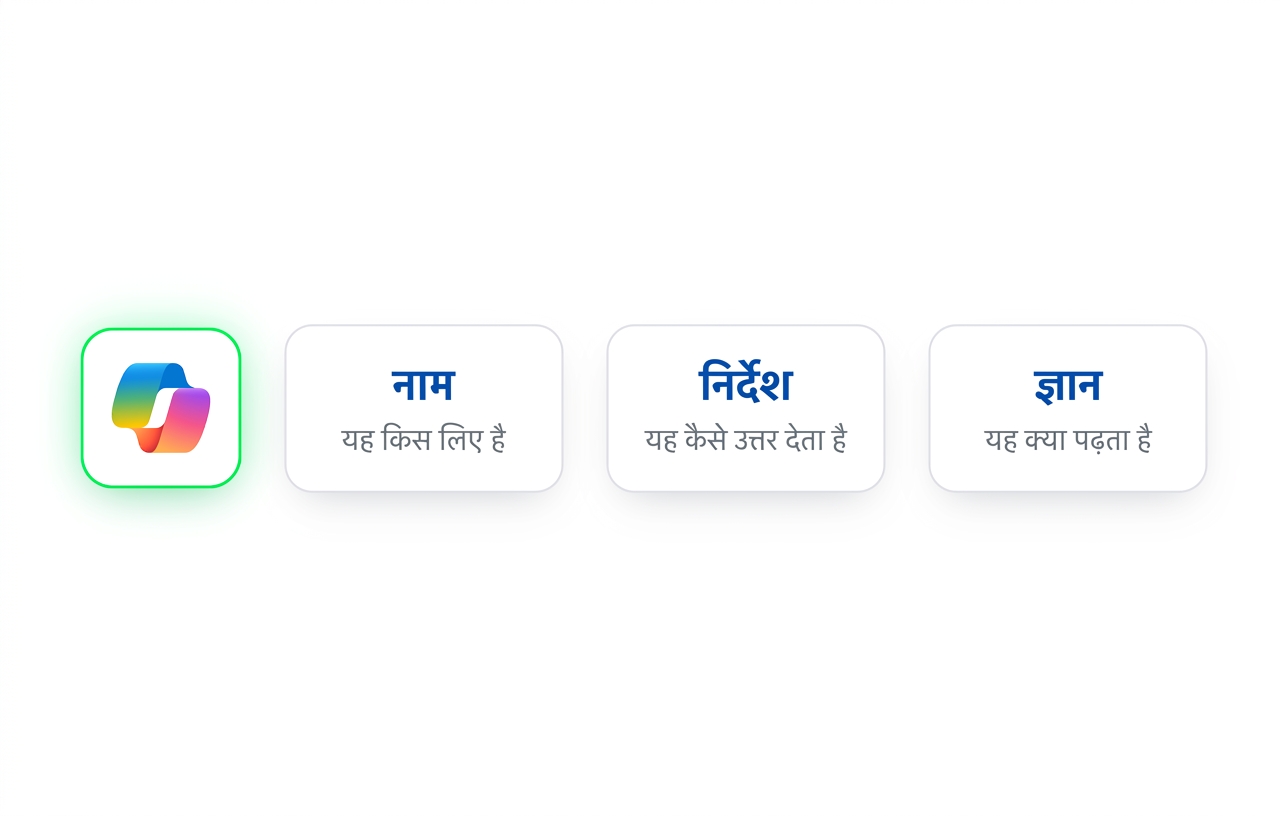
  • Created an agent in Agent Builder with a clear name and instructions
  • Grounded it in a single trusted knowledge source
  • Tested and refined it in Preview
  • Extended it with Code Interpreter and image generation

$$

An agent alongside its three defining fields: Name, Instructions and Knowledge

Working with Microsoft Copilot

Chapter 4: working across everything

$$

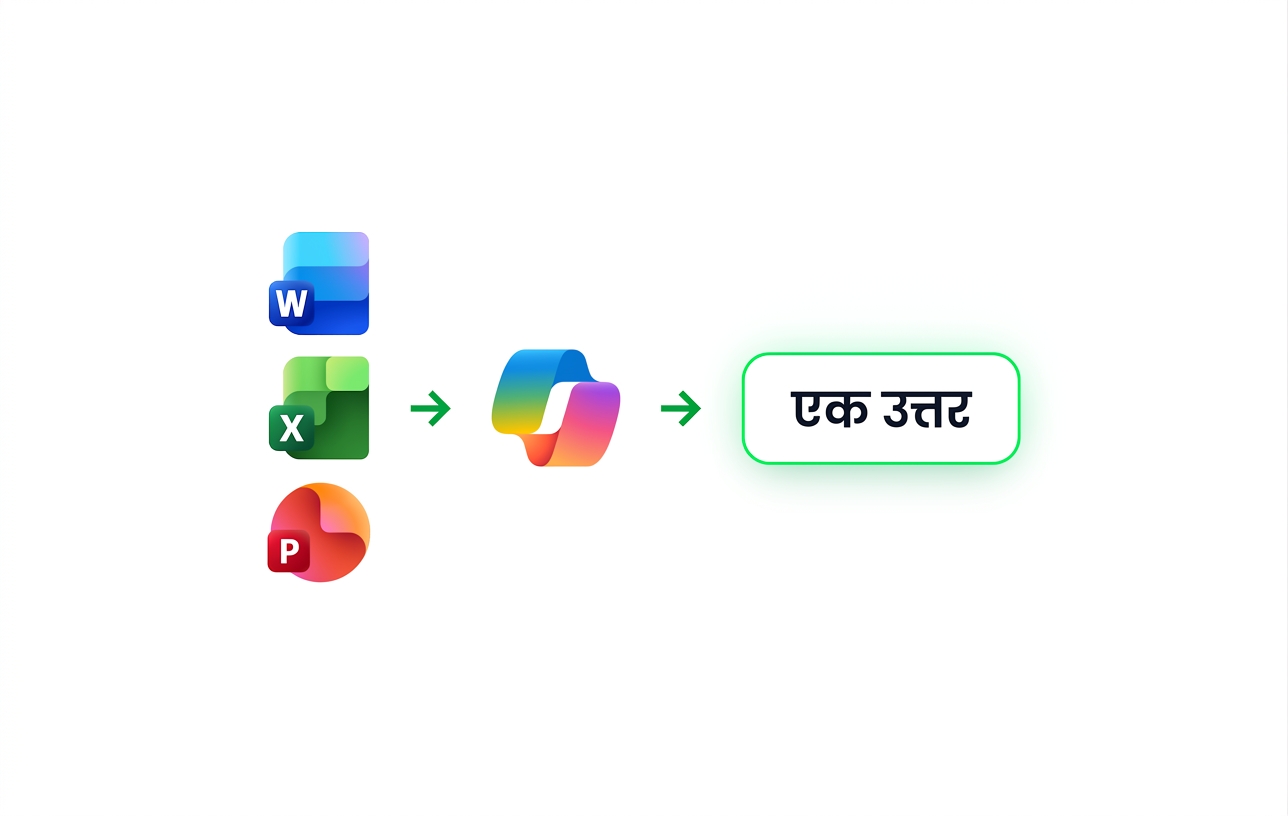
  • Combined several files in one conversation in the Copilot app
  • Used the Analyst agent for data questions, with its reasoning shown
  • Used Researcher for deeper, source-backed investigation
  • Carried one thread of work across Word, Excel and PowerPoint

$$

Word, Excel and PowerPoint files feeding into Copilot, which returns one answer

Working with Microsoft Copilot

Where next

$$

The Microsoft Copilot logo

$$

  • Start with the task you repeat most, and write it as a GCSE prompt
  • Save the prompts that work and reuse them
  • Build an agent when a question keeps coming back to your team
  • Check out app-specific courses
Working with Microsoft Copilot

Congratulations!

Working with Microsoft Copilot

Preparing Video For Download...