What is Microsoft Copilot?

Working with Microsoft Copilot

Susanth Sutheesh

Copilot Solution Engineer, Microsoft
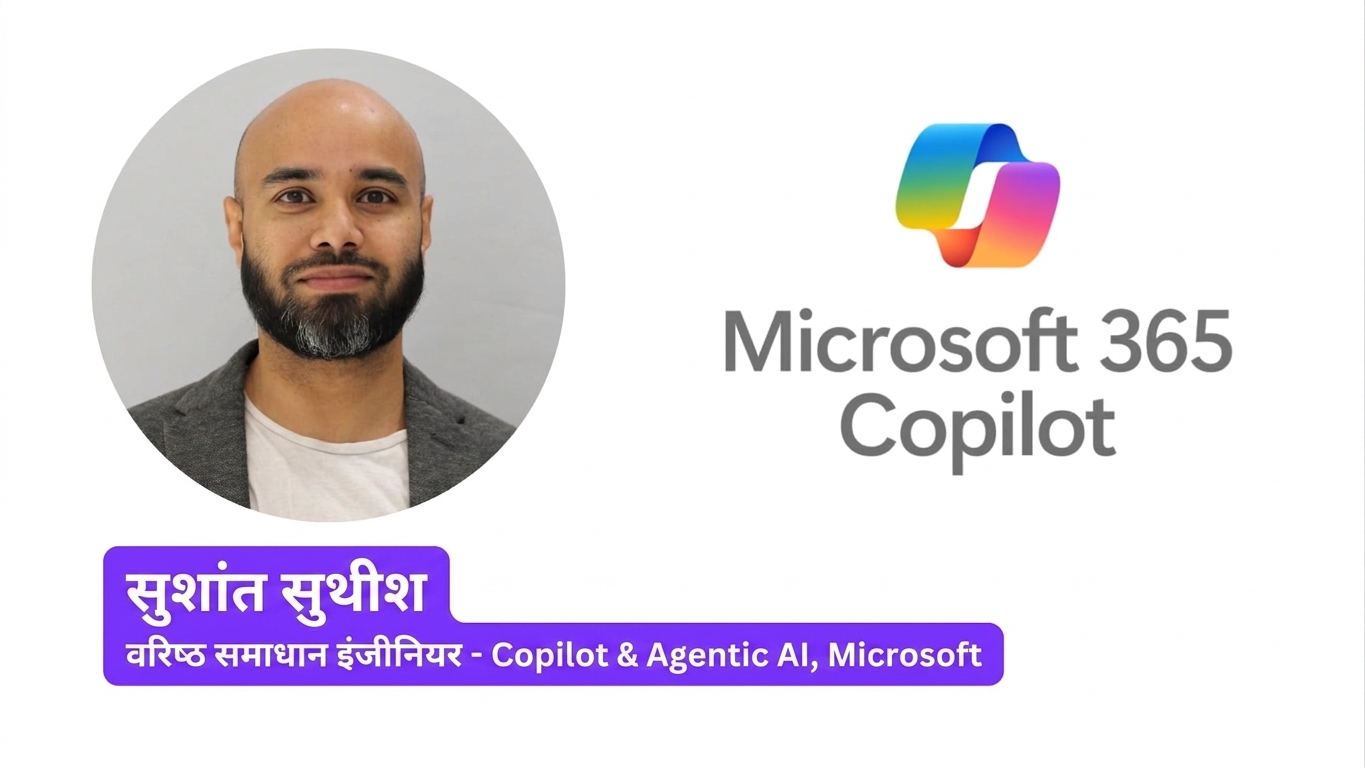
An intro card for the instructor, Susanth Sutheesh, a Copilot Solution Engineer at Microsoft

Working with Microsoft Copilot

What you'll learn

$$

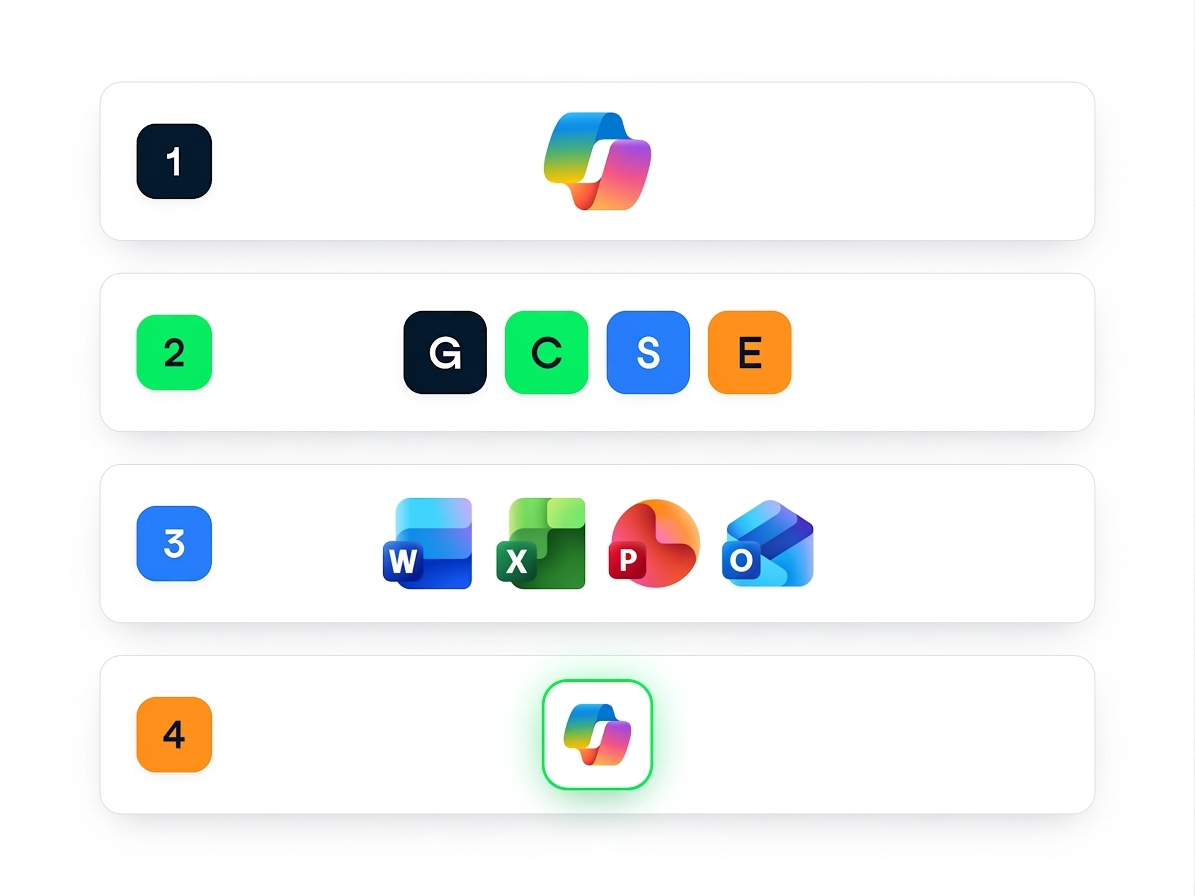
  • What Copilot is, and how it can help
  • The GCSE framework for writing better prompts
  • Copilot inside Word, Excel, PowerPoint and Outlook
  • Building your own agents


A four-step course roadmap: the Copilot logo, the G, C, S and E framework tiles, the Word, Excel, PowerPoint and Outlook logos, and an agent symbol

Working with Microsoft Copilot

Same name, different products


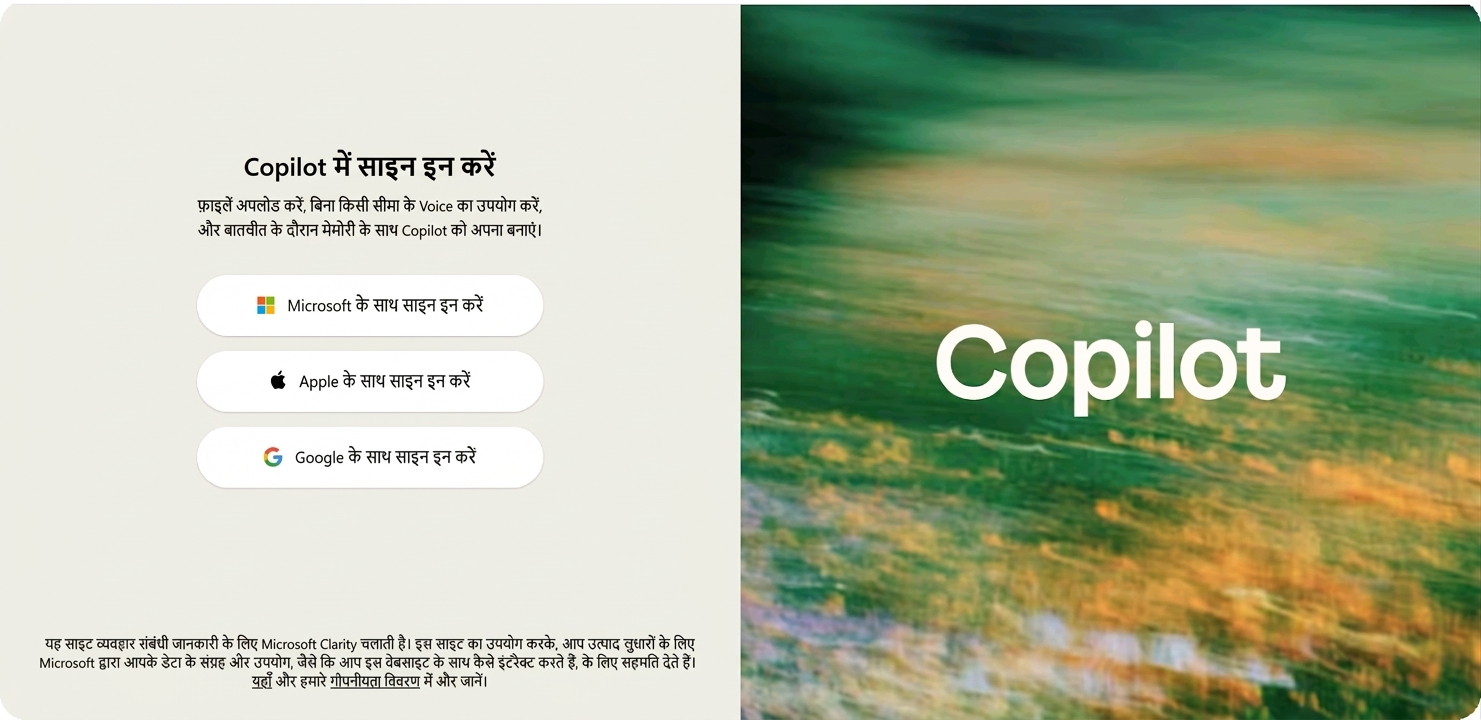
The consumer Copilot sign-in page at copilot.microsoft.com, offering sign-in with Microsoft, Apple, or Google


  • Work account - Microsoft 365 Copilot, on the web or inside Word, Excel and PowerPoint
  • Personal account - the consumer version, on the web only
  • Licensed separately: Security Copilot, Copilot Studio
Working with Microsoft Copilot

What Copilot is made of

$$

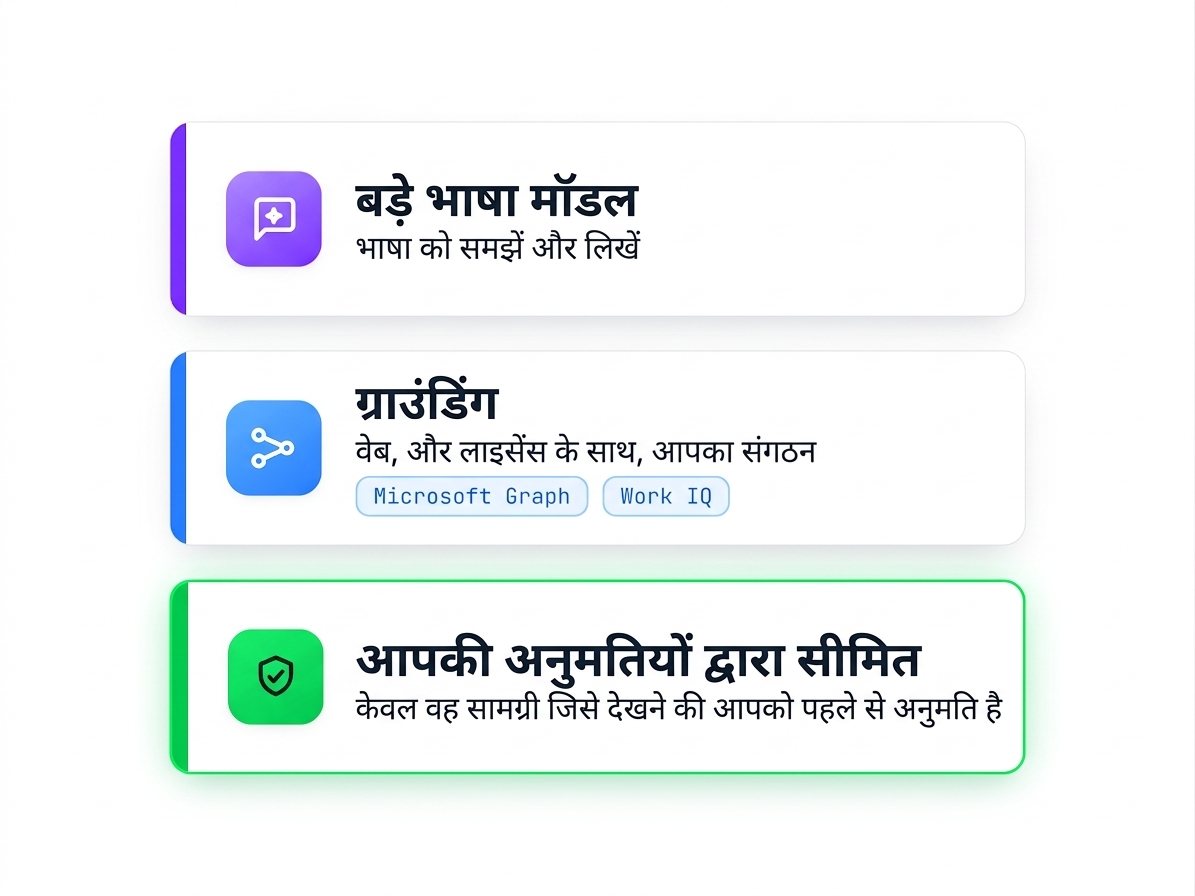
  • A large language model handles the language
  • Grounding connects it to real information
  • Work IQ is the part that reaches your work content
  • It only sees what your permissions already allow

$$

A three-layer stack: large language models handle the language, grounding reaches the web and your organization through Microsoft Graph and Work IQ, and everything stays bounded by the permissions you already hold

Working with Microsoft Copilot

Where Copilot shows up

$$

$$

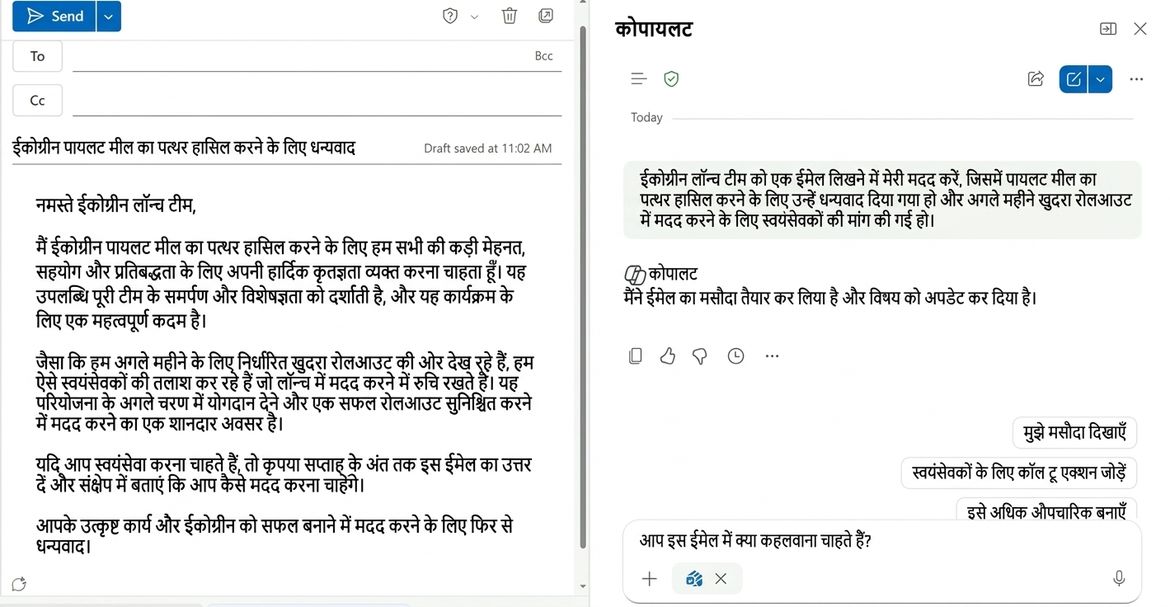
Copilot drafting an email inside Outlook, with the Copilot pane showing the request and refinement options

$$

  • The Copilot app at m365.cloud.microsoft
  • Inside the apps themselves

    • Word: draft and rewrite
    • Excel: analyze data and build charts
    • PowerPoint: build and reshape decks
    • Outlook: draft replies and shorten threads
    • Teams: recap meetings
Working with Microsoft Copilot

Copilot isn't included by default

$$

  • Some Copilot comes with eligible Microsoft 365 licenses - but web data only
  • The paid add-on also reaches your files, email and meetings
  • Your license decides what Copilot can reach

$$

$$

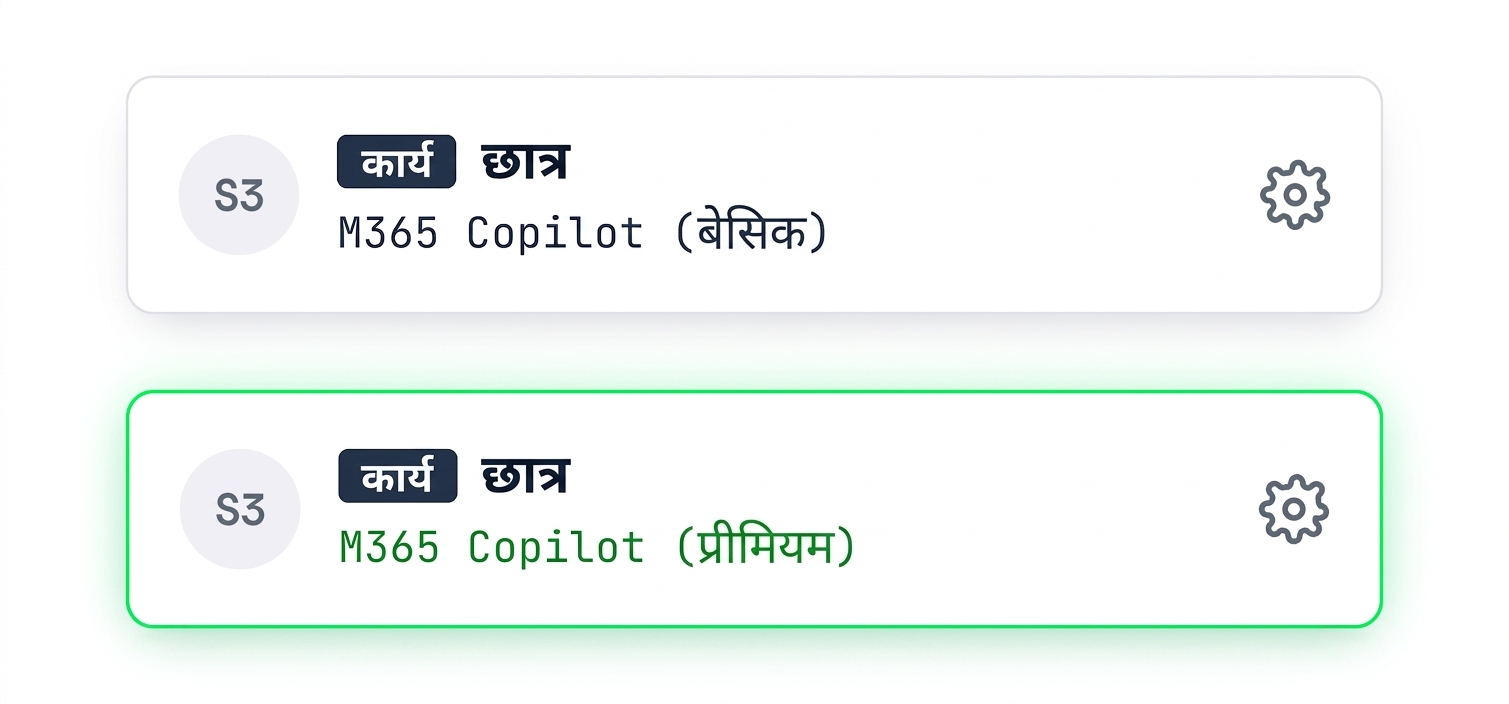
Two in-product labels, each with a Work badge: one reading M365 Copilot (Basic) and one reading M365 Copilot (Premium), the paid add-on, highlighted in green

Working with Microsoft Copilot

Your work data stays protected

$$

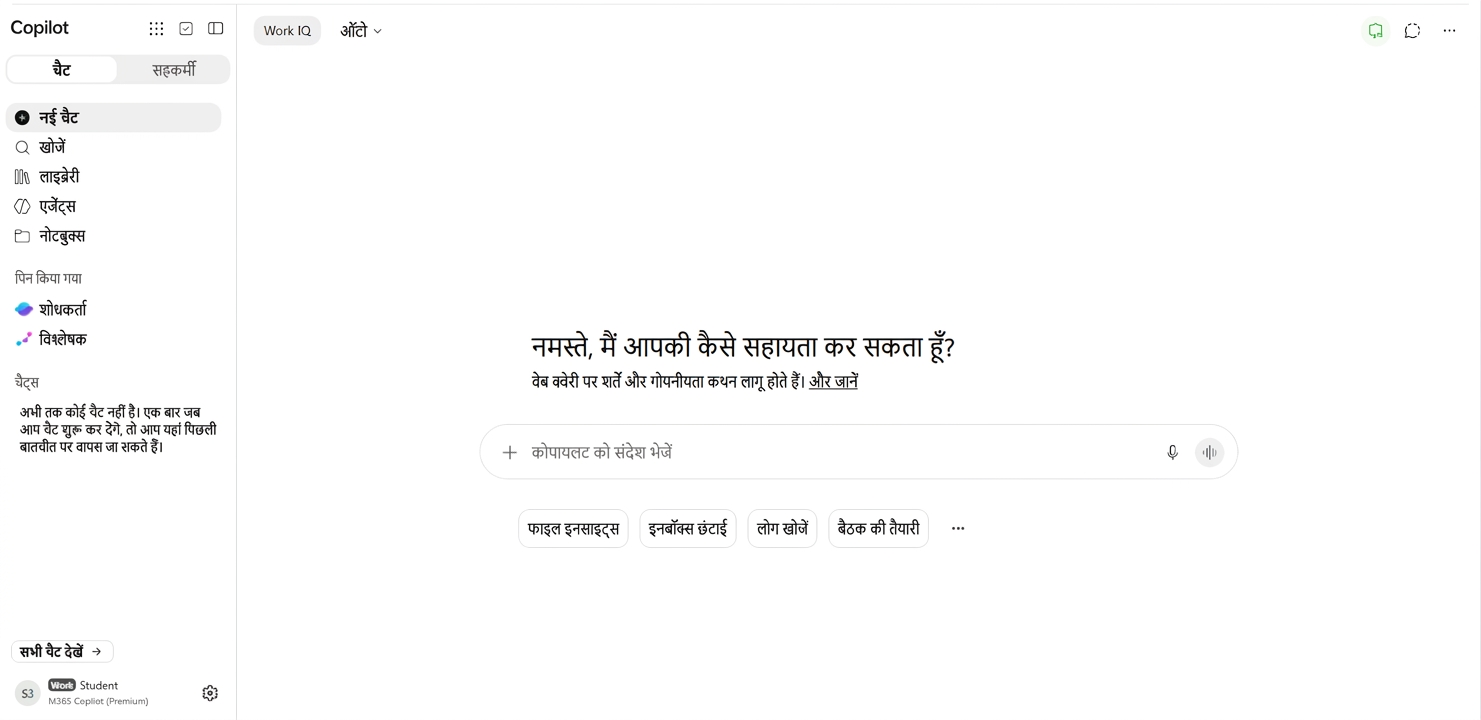
The Copilot chat page signed in with a work account, showing the Work badge and license label

$$

  • Prompts and responses are covered by Enterprise Data Protection
  • Your content is not used to train public models
  • Your data is kept in your own region
Working with Microsoft Copilot

You can choose the model

$$

  • Pick a model from different providers in the selector
  • Or ask for a quick response or a deeper reasoning pass
  • Switching model does not change your data protection
  • Your admin decides which models you see

$$

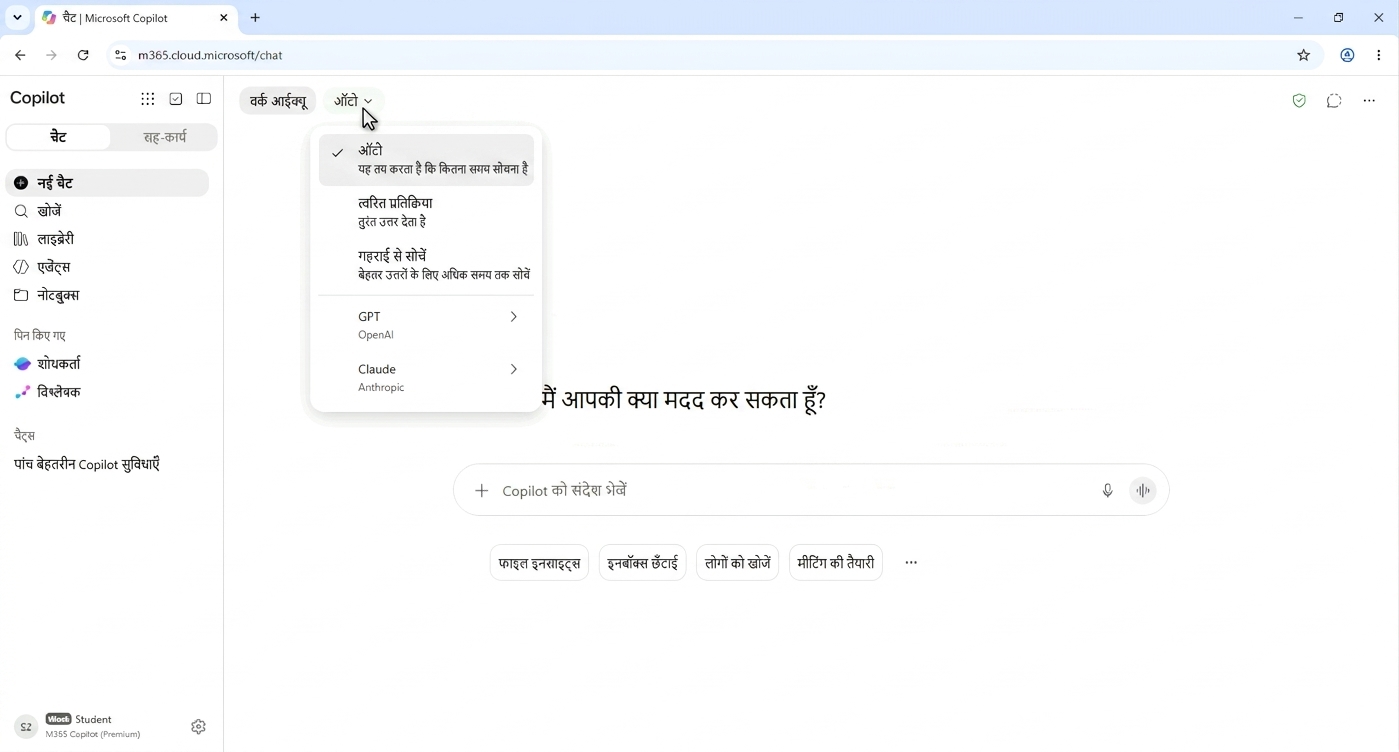
The Copilot model selector showing quick and deeper reasoning options alongside models from different providers

Working with Microsoft Copilot

Let's practice!

Working with Microsoft Copilot

Preparing Video For Download...