Arrays परिचय
Java परिचय

Jim White
Java Developer
Array है ...
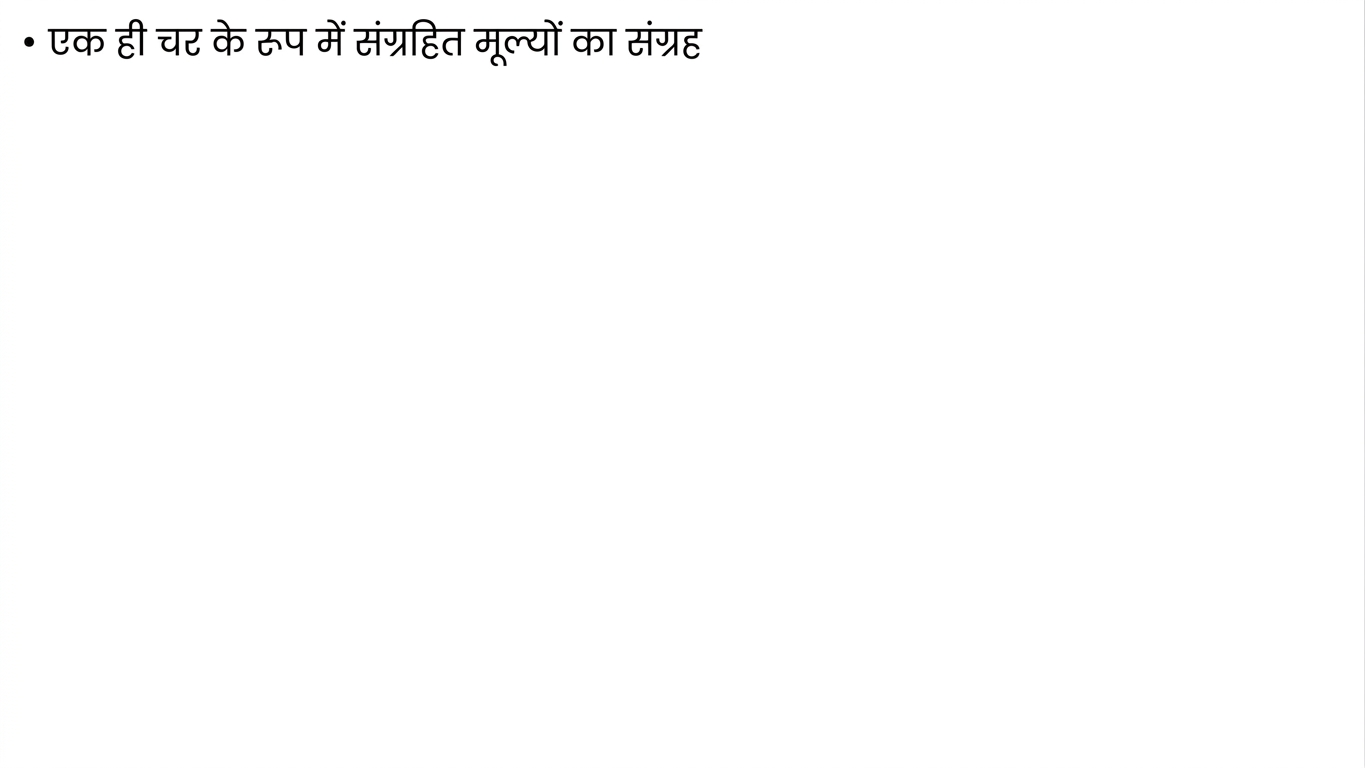
Array है ... लॉकरों की कतार!
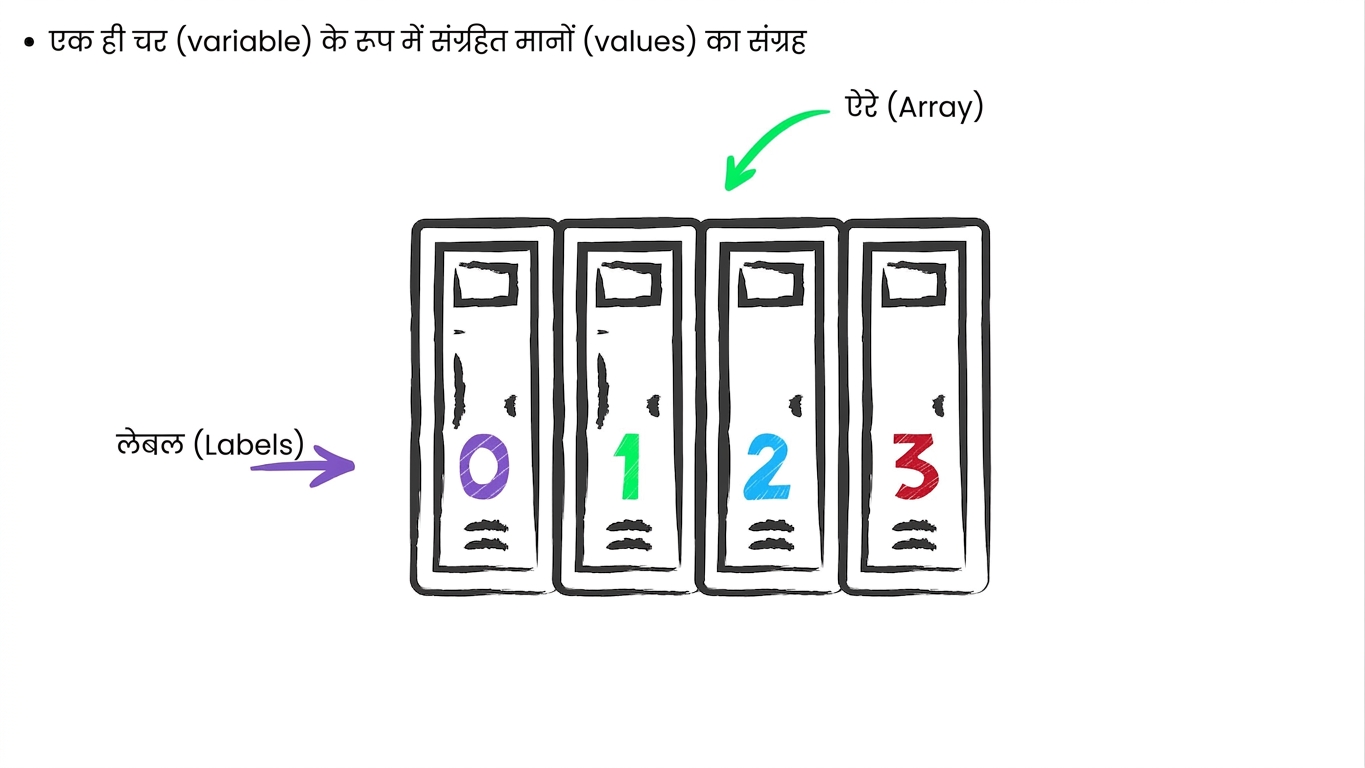
Arrays घोषित करना और भरना
- Square brackets
[]का उपयोग करें
// Declare array variable int[] prices;// Assign value prices = {10, 20, 30, 40};
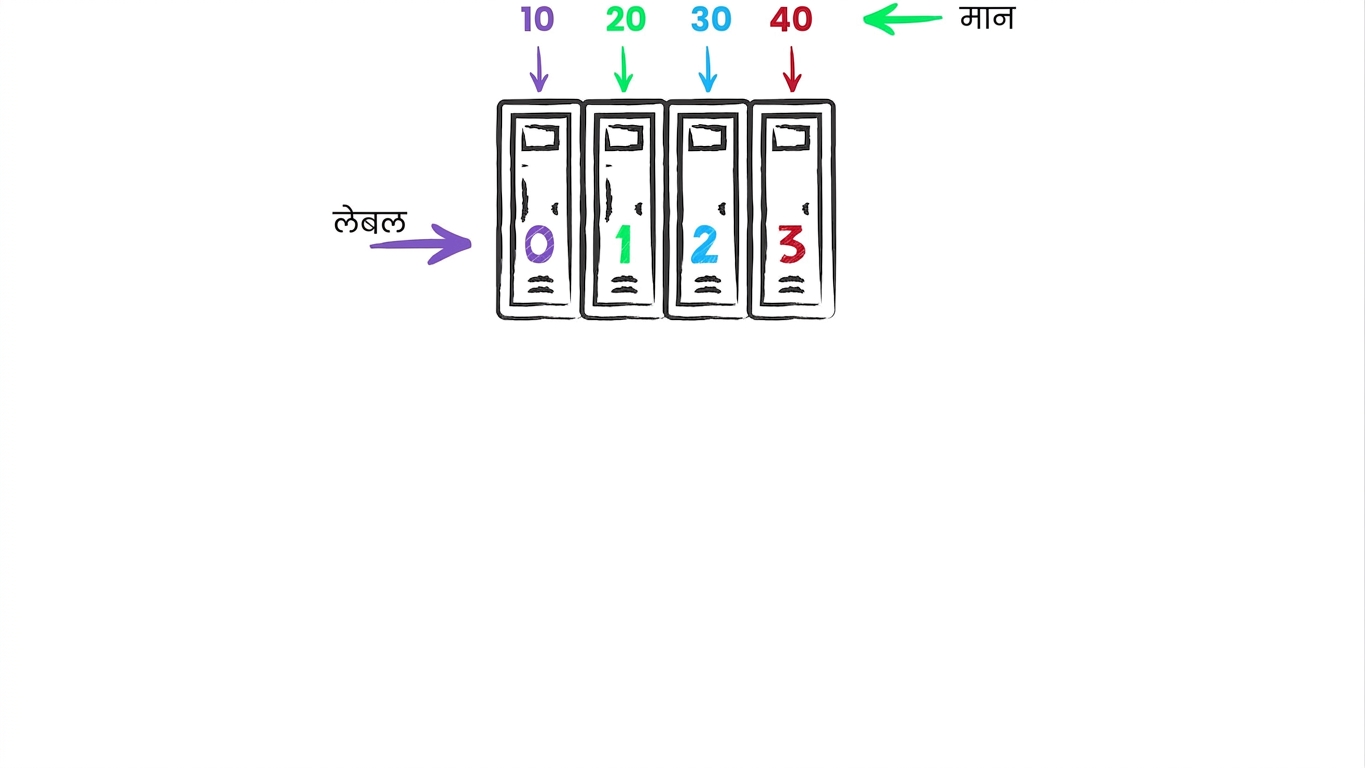
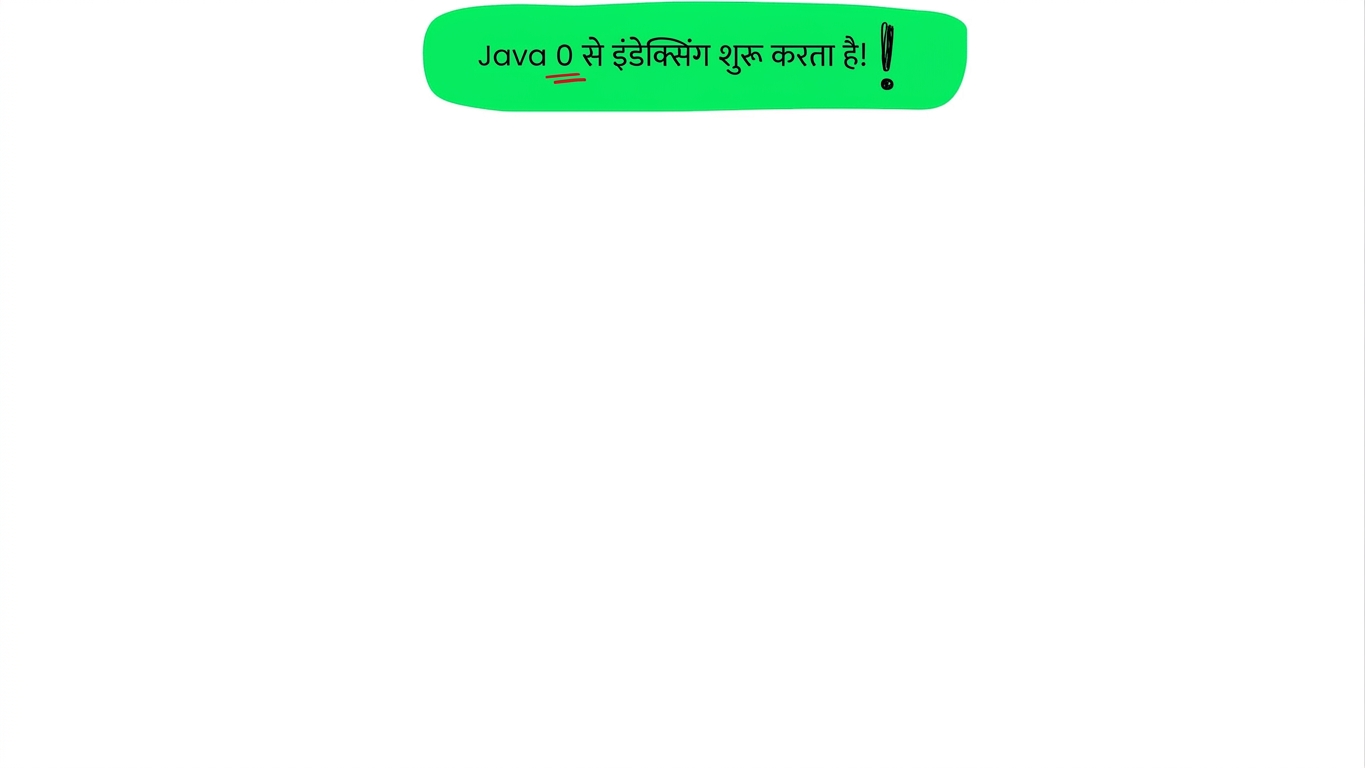
Elements access करना
[]का उपयोग:
int[] prices = {10, 20, 30, 40};

// Accessing first element
int firstElement = prices[0]; // Value is 10

// Accessing second element
int secondElement = prices[1]; // Value is 20
किसी element की value बदलना
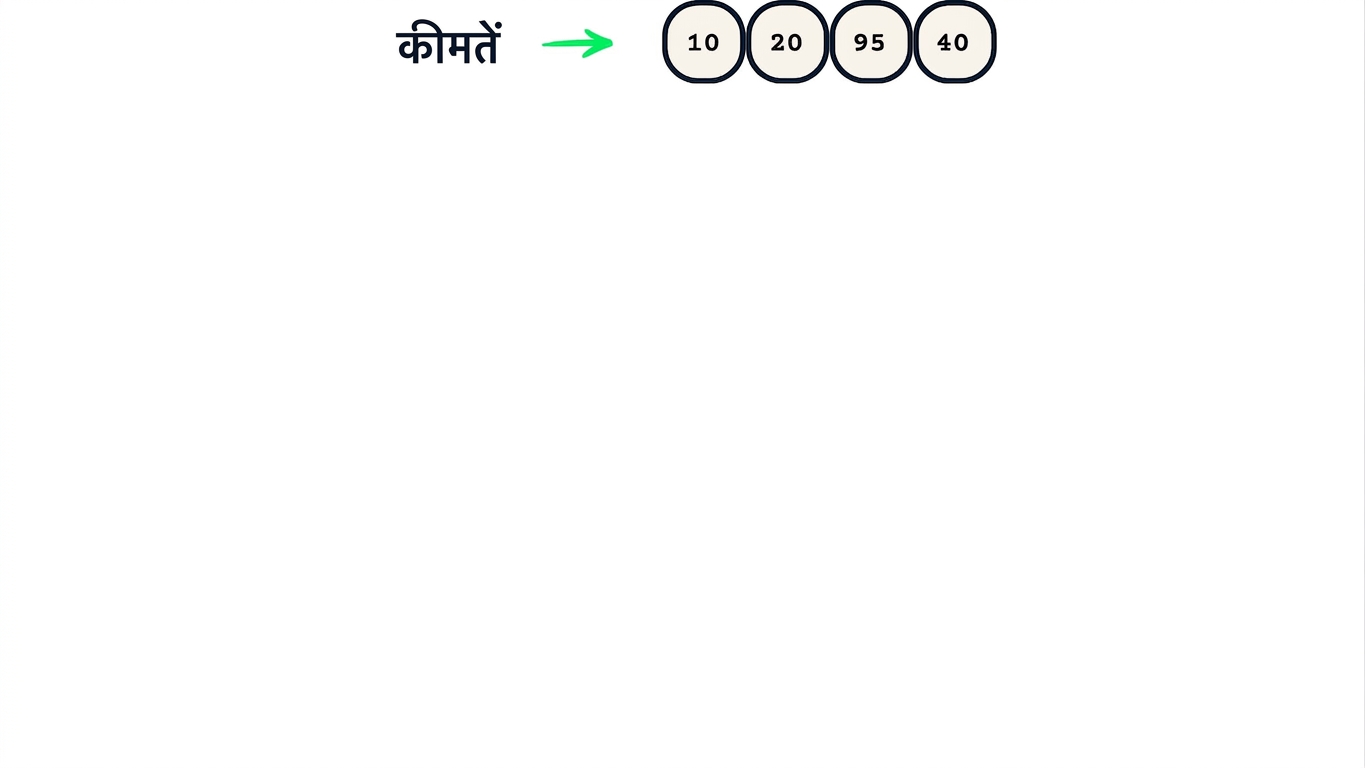
- किसी index पर नई value assign करके value बदलें
int[] prices = {10, 20, 30, 40};// तीसरे element की value 95 करें prices[2] = 95;
Array length fixed होती है
- Array की length बनते समय तय होती है
int[] itemIDs = {10, 20, 30, 40, 50};

// छठा element नहीं है फिर भी access करना
itemIDs[5] = 60; // <- इससे error आएगा
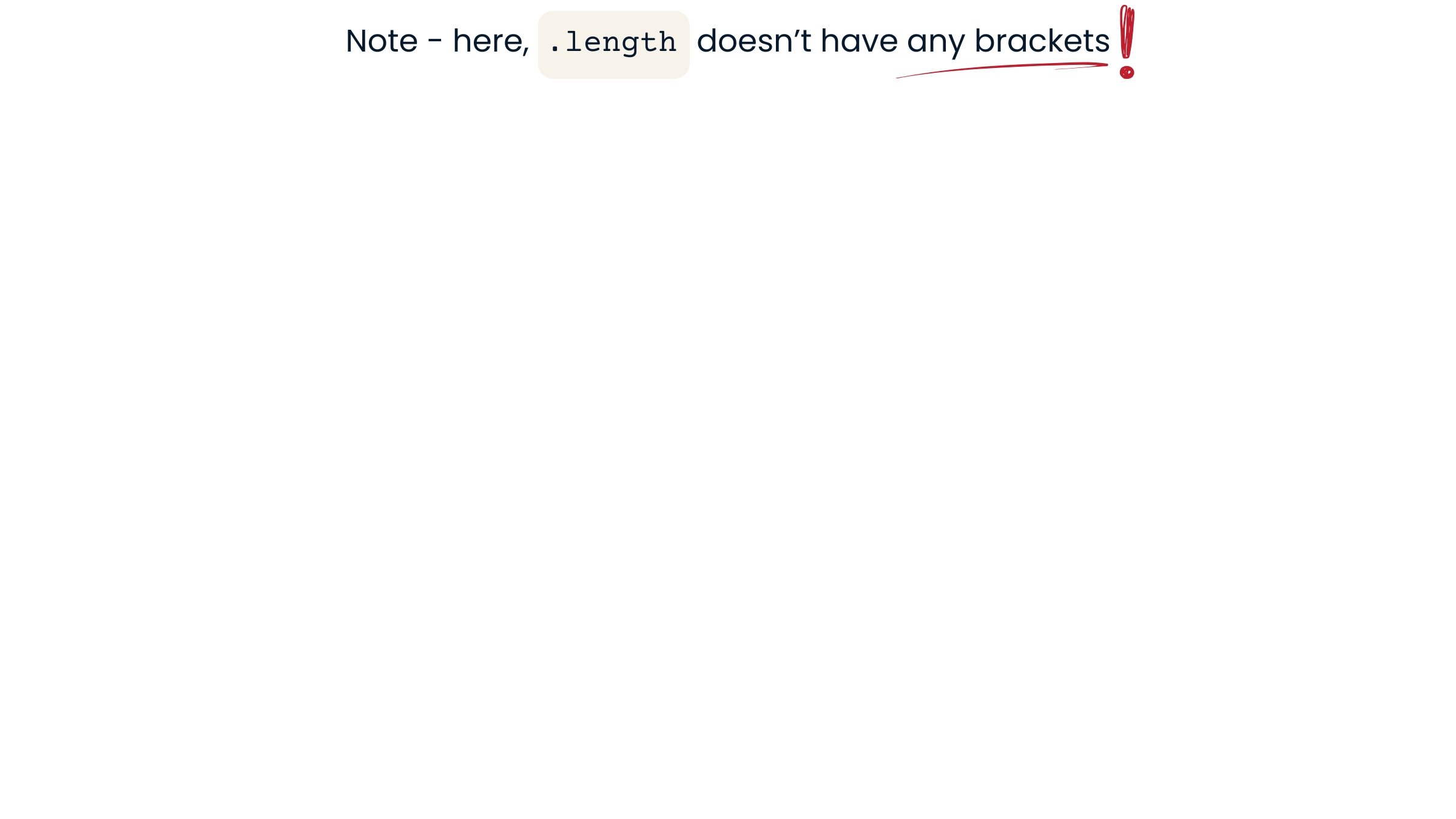
.lengthproperty से array की length जाँचें
int[] prices = {10, 20, 30, 40};

int pricesLength = prices.length; // Value is 4
Array में values
- केवल numbers या
Stringsतक सीमित नहीं