evaluate लाइब्रेरी

Python में LLMs का परिचय

Jasmin Ludolf

Senior Data Science Content Developer, DataCamp

evaluate लाइब्रेरी

import evaluate

accuracy = evaluate.load("accuracy")
print(accuracy.description)
Accuracy कुल प्रोसेस किए गए केसों में सही प्रेडिक्शंस का अनुपात है. इसे ऐसे निकाला जा सकता है:
Accuracy = (TP + TN) / (TP + TN + FP + FN)
जहाँ:
TP: True positive
TN: True negative
FP: False positive
FN: False negative


  • Metric: ground truth के आधार पर मॉडल परफॉर्मेंस आँकें


  • Comparison: दो मॉडलों की तुलना करें


  • Measurement: डेटासेट गुणों पर इनसाइट लें
Python में LLMs का परिचय

Features एट्रिब्यूट

print(accuracy.features)
{'predictions': Value(dtype='int32', id=None),
 'references': Value(dtype='int32', id=None)}

किसी metric के अपेक्षित इनपुट देखें

  • 'predictions': model outputs
  • 'references': ground truth
  • .features: क्लास लेबल के सपोर्टेड टाइप दिखाता है, जैसे 'int32' या 'float32'
f1 = evaluate.load("f1")
print(f1.features)
{'predictions': Value(dtype='int32', id=None),
 'references': Value(dtype='int32', id=None)}
pearson_corr = evaluate.load("pearsonr")
print(pearson_corr.features)
{'predictions': Value(dtype='float32', id=None),
'references': Value(dtype='float32', id=None)}
Python में LLMs का परिचय

LLM tasks और metrics


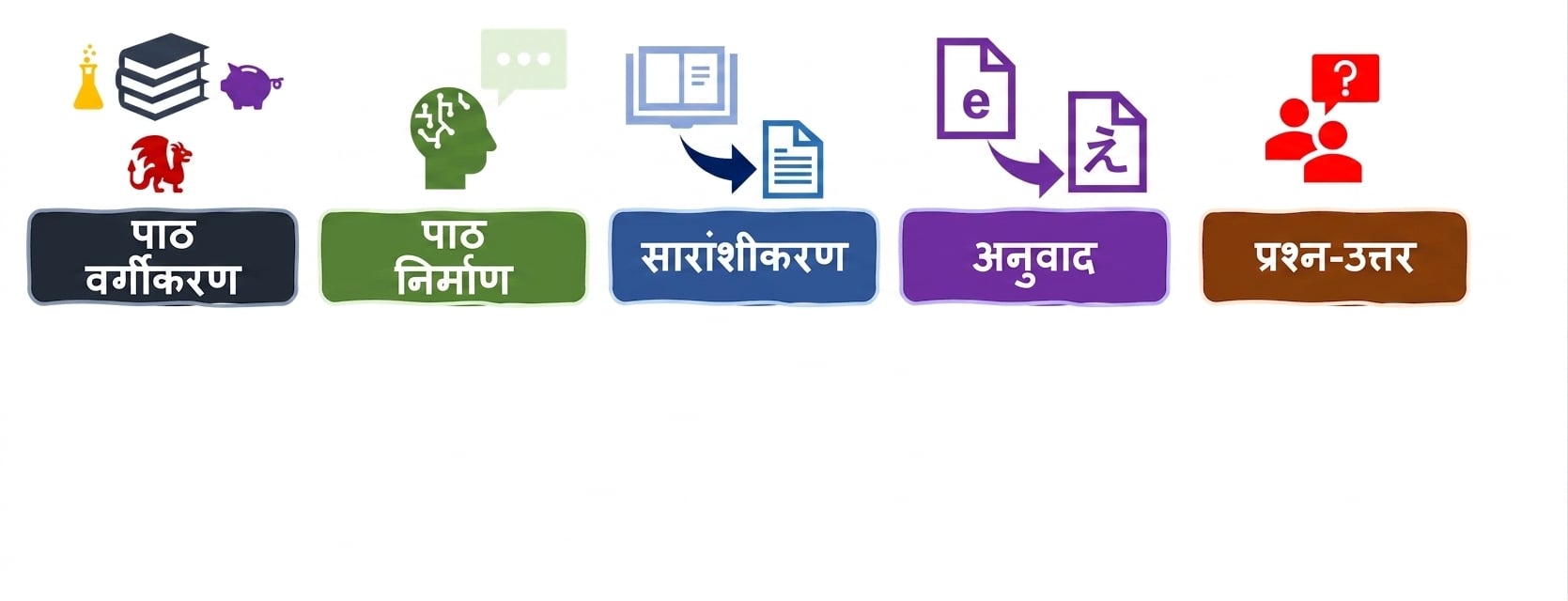
भाषा कार्यों के लिए मूल्यांकन metrics

Python में LLMs का परिचय

LLM tasks और metrics


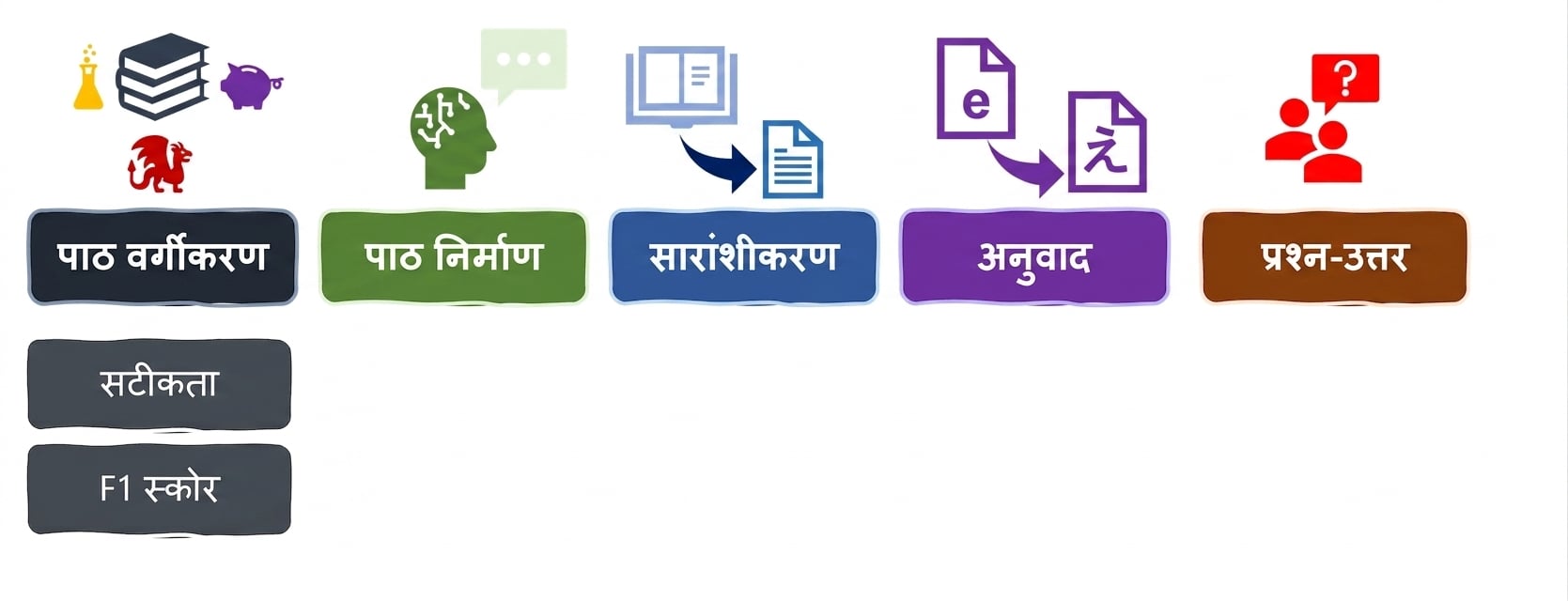
भाषा कार्यों के लिए मूल्यांकन metrics

Python में LLMs का परिचय

Classification metrics

accuracy = evaluate.load("accuracy")
precision = evaluate.load("precision")
recall = evaluate.load("recall")
f1 = evaluate.load("f1")
from transformers import pipeline

classifier = pipeline("text-classification", model=model, tokenizer=tokenizer)

predictions = classifier(evaluation_text)

predicted_labels = [1 if pred["label"] == "POSITIVE" else 0 for pred in predictions]
Python में LLMs का परिचय

Metric आउटपुट

real_labels = [0,1,0,1,1]
predicted_labels = [0,0,0,1,1]

print(accuracy.compute(references=real_labels, predictions=predicted_labels))
print(precision.compute(references=real_labels, predictions=predicted_labels))
print(recall.compute(references=real_labels, predictions=predicted_labels))
print(f1.compute(references=real_labels, predictions=predicted_labels))
{'accuracy': 0.8}
{'precision': 1.0}
{'recall': 0.6666666666666666}
{'f1': 0.8}
Python में LLMs का परिचय

हमारे fine-tuned मॉडल का मूल्यांकन

# सहेजे गए मॉडल और tokenizer को लोड करें 
# .from_pretrained("my_finetuned_files") के साथ


new_data = ["This is movie was disappointing!", "This is the best movie ever!"] new_input = tokenizer(new_data, return_tensors="pt", padding=True, truncation=True, max_length=64) with torch.no_grad(): outputs = model(**new_input) predicted = torch.argmax(outputs.logits, dim=1).tolist()
real = [0,1]
print(accuracy.compute(references=real,
                       predictions=predicted))
print(precision.compute(references=real,
                        predictions=predicted))
print(recall.compute(references=real,
                     predictions=predicted))
print(f1.compute(references=real, 
                 predictions=predicted))
{'accuracy': 1.0}
{'precision': 1.0}
{'recall': 1.0}
{'f1': 1.0}
Python में LLMs का परिचय

सही metric चुनना


  • सजग रहें: हर metric अपनी कुछ insights लाता है, और कुछ limitations भी


  • विस्तृत रहें: metrics के संयोजन का उपयोग करें (और जहाँ संभव हो, domain-specific KPIs भी)

जागरूकता, सोच और निर्णय लेने को दिखाने के लिए बल्ब वाले मस्तिष्क का चित्रण.

Python में LLMs का परिचय

अभ्यास करते हैं!

Python में LLMs का परिचय

Preparing Video For Download...