एरे को सेव और लोड करना

NumPy परिचय

Izzy Weber

Curriculum Manager, DataCamp

RGB एरे

rgb = np.array([[[255, 0, 0], [255, 0, 0], [255, 0, 0]],
                [[0, 255, 0], [0, 255, 0], [0, 255, 0]],
                [[0, 0, 255], [0, 0, 255], [0, 0, 255]]])
plt.imshow(rgb)
plt.show()
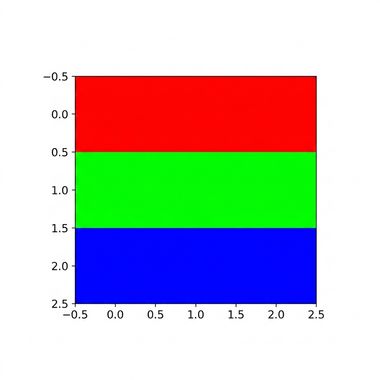
ऊपरी पंक्ति में लाल, बीच में हरा, और नीचे नीला दिखाता प्लॉटेड RGB डेटा

NumPy परिचय

RGB एरे

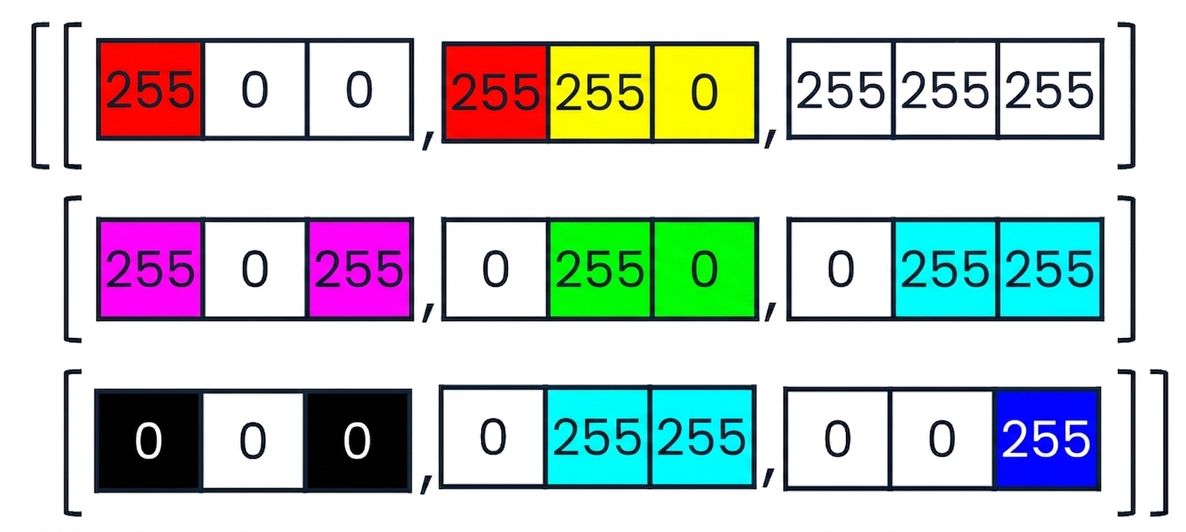
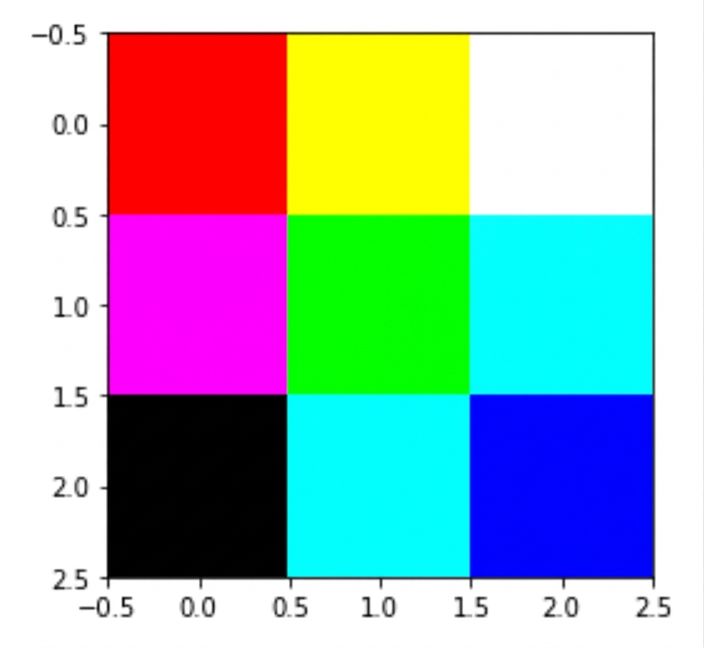
कलर-कोडेड कोड स्निपेट जो दिखाता है कि पिंक और येलो जैसे मिक्स्ड रंग RGB डेटा में कैसे दर्शाए जाते हैं पिछली इमेज के कोड से बना बहुरंगी तीन-बाई-तीन ग्रिड

NumPy परिचय

.npy फाइलें लोड करना


कई फॉर्मैट में एरे सेव करें:

  • .csv
  • .txt
  • .pkl
  • .npy
with open("logo.npy", "rb") as f:
    logo_rgb_array = np.load(f)
plt.imshow(logo_rgb_array)
plt.show()
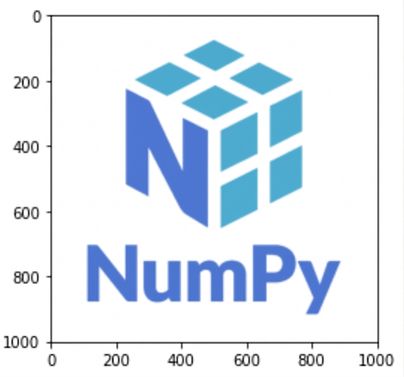
सफेद बैकग्राउंड पर नीला NumPy लोगो

NumPy परिचय

RGB डेटा की जाँच

red_array = logo_rgb_array[:, :, 0]
blue_array = logo_rgb_array[:, :, 1]
green_array = logo_rgb_array[:, :, 2]
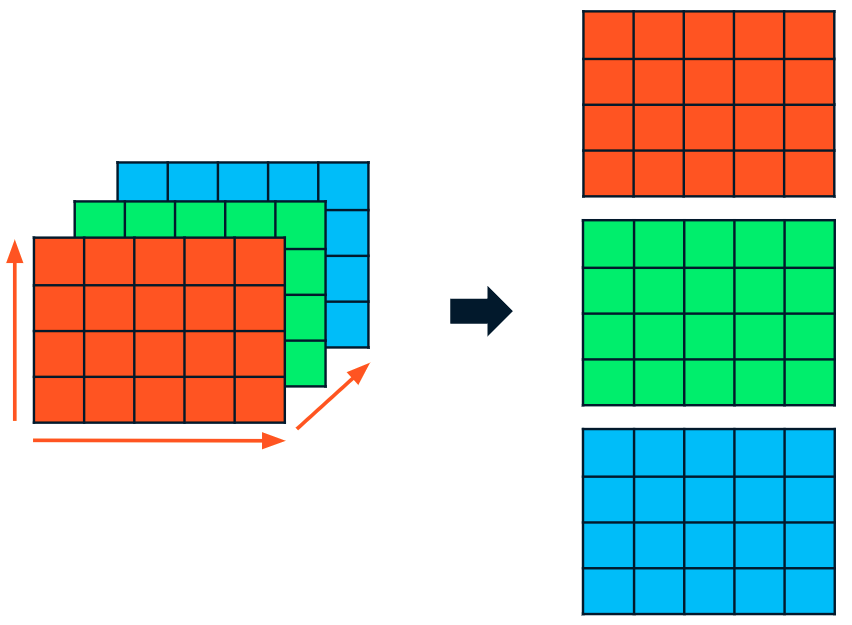
एक 3D RGB एरे को तीन 2D एरे में स्लाइस किया गया: एक लाल, एक हरा, एक नीला

NumPy परिचय

RGB डेटा की जाँच

red_array[1], green_array[1], blue_array[1]
(array([255, 255, 255, ..., 255, 255, 255]),
 array([255, 255, 255, ..., 255, 255, 255]),
 array([255, 255, 255, ..., 255, 255, 255]))
NumPy परिचय

RGB डेटा अपडेट करना

dark_logo_array = np.where(logo_rgb_array == 255, 50, logo_rgb_array)
plt.imshow(dark_logo_array)
plt.show()
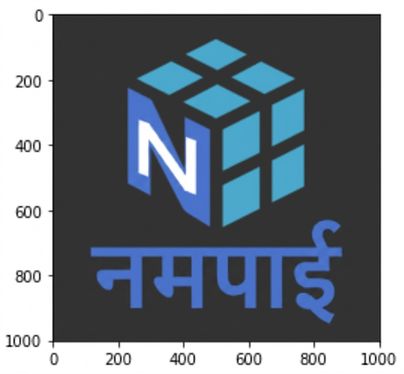
वही NumPy लोगो, लेकिन सफेद की जगह डार्क ग्रे बैकग्राउंड के साथ

NumPy परिचय

.npy फाइलों के रूप में एरे सेव करना

with open("dark_logo.npy", "wb") as f:
    np.save(f, dark_logo_array)
NumPy परिचय

अगर help() चाहिए तो...

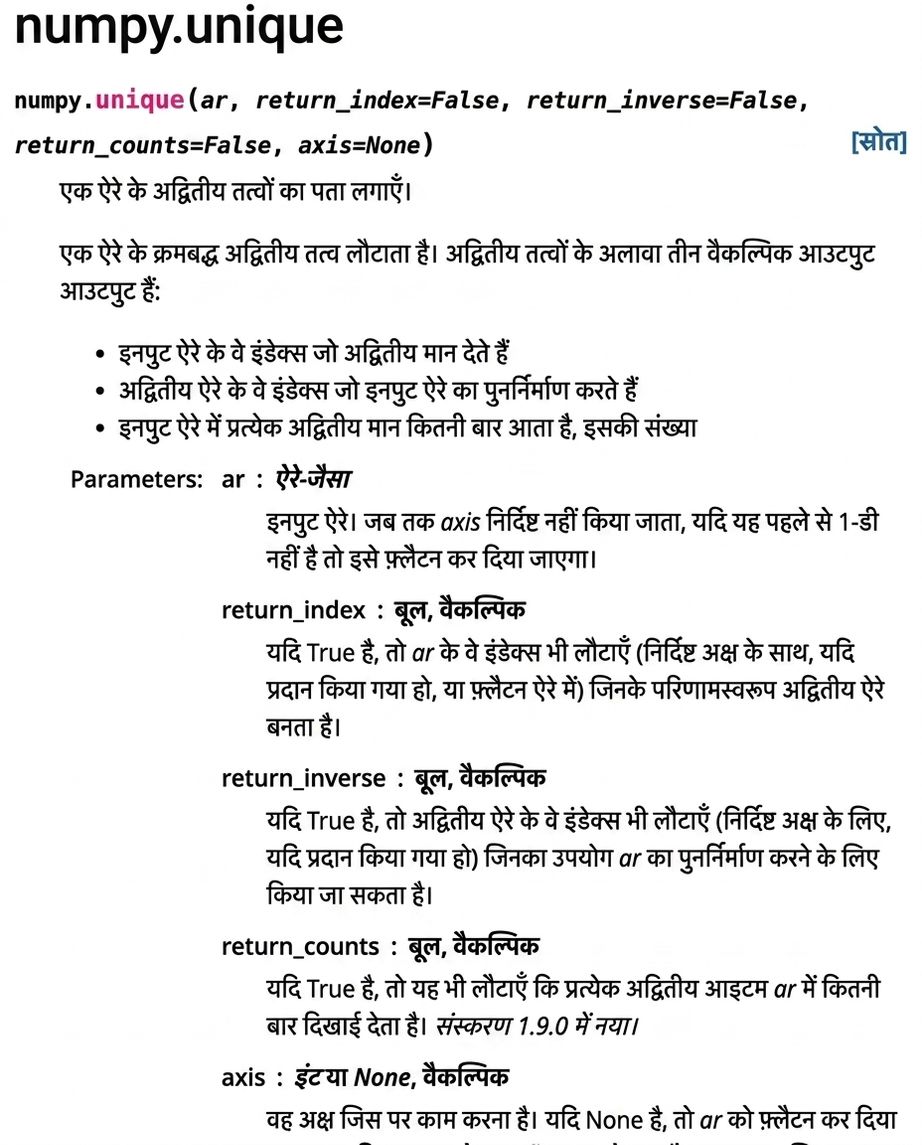
help(np.unique)
Help on function unique in module numpy:
unique(ar, return_index=False, return_inverse=False, return_counts=False,
        axis=None)

Find the unique elements of an array.

Returns the sorted unique elements of an array. There are three optional
outputs in addition to the unique elements:

* the indices of the input array that give the unique values...
NumPy परिचय

np.unique() के लिए numpy.org डॉक्यूमेंटेशन का स्क्रीनशॉट

NumPy परिचय

methods के साथ help()

help(np.ndarray.flatten)
Help on method_descriptor: flatten(...)
a.flatten(order='C')

Return a copy of the array collapsed into one dimension.

Parameters
<hr />-------
order : {'C', 'F', 'A', 'K'}, optional
    'C' means to flatten in row-major (C-style) order.
    'F' means to flatten in column-major (Fortran- ...
NumPy परिचय

अभ्यास करते हैं!

NumPy परिचय

Preparing Video For Download...