GitHub Copilot के साथ Software Development
Thalia Barrera
AI Engineering Curriculum Manager, DataCamp


$$
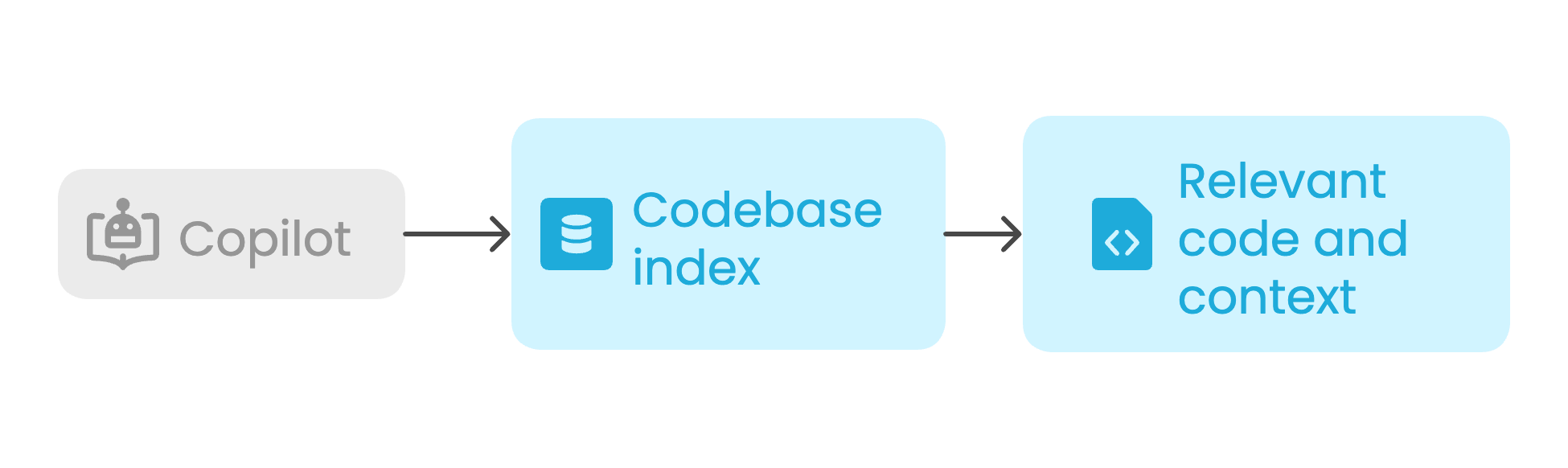
#codebase: पूरे प्रोजेक्ट में सेमांटिक कोड सर्च करता है
Example prompt:
How is user authentication handled? #codebase
Result:

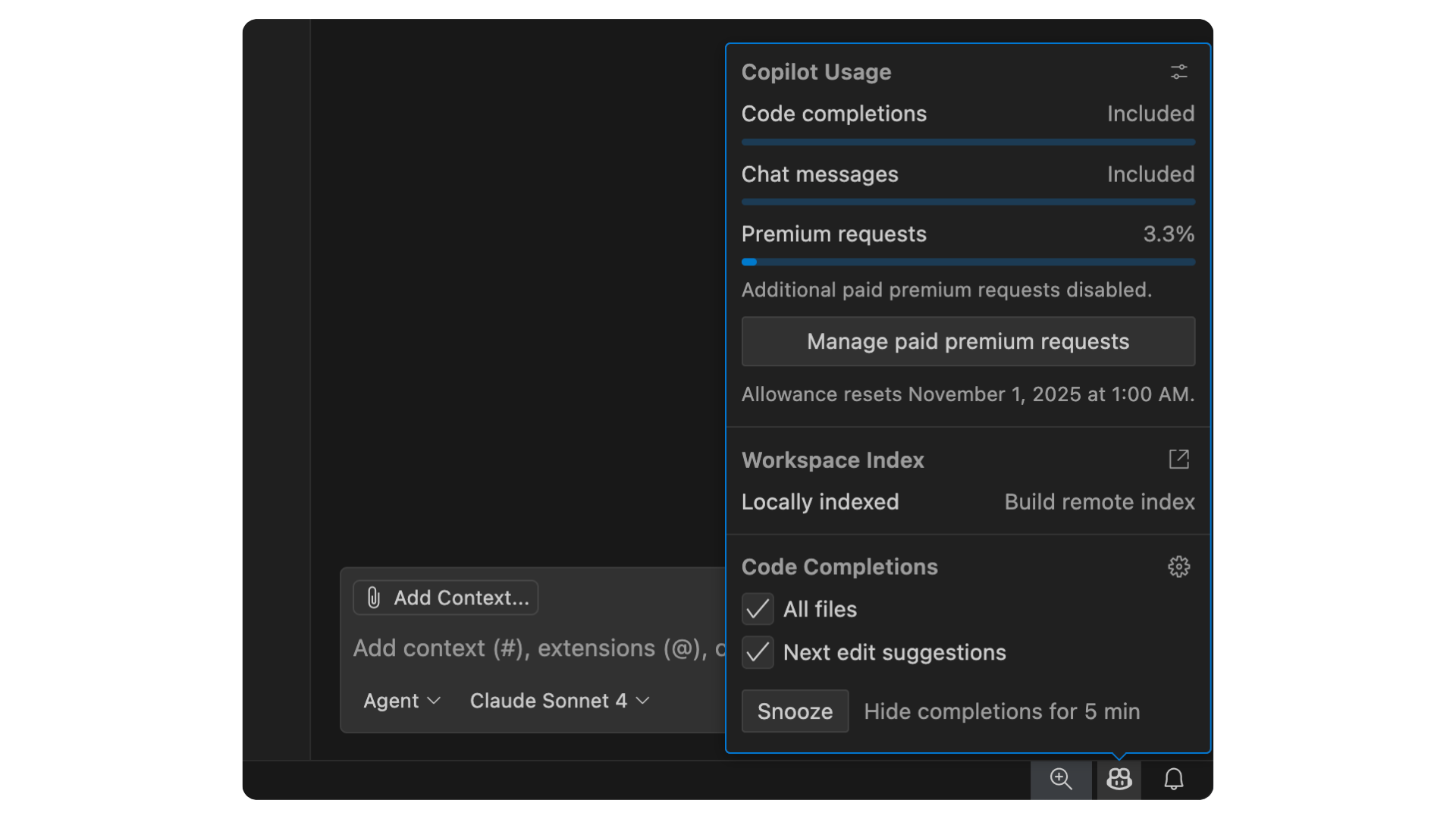
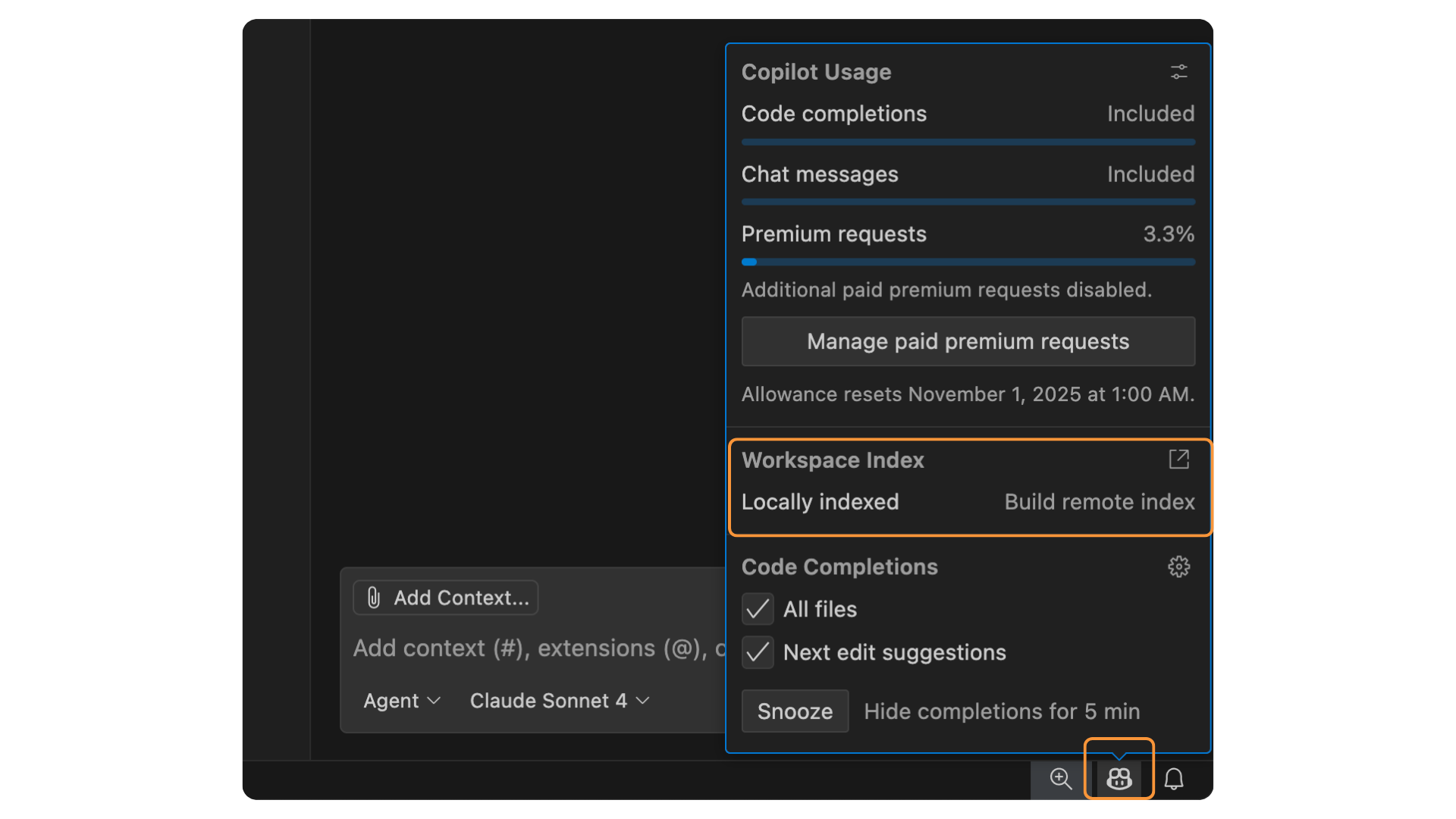
इंडेक्स के प्रकार:


$$
#changes: सबसे नए सोर्स कंट्रोल बदलावों को संदर्भित करता है
Example prompt:
Will any of these changes break the login flow? #changes
Use when:
$$
#selection: हाइलाइट किए गए कोड ब्लॉक्स को संदर्भित करता है
Example prompt:
Can you refactor this? #selection
Use when:
$$
#fetch: किसी वेब पेज की सामग्री लाता है
Example prompt:
Summarize this documentation for me #fetch https://example.com/docs
Result:
$$
#files: किसी प्रॉम्प्ट से विशिष्ट फाइलें अटैच करता है
Example prompt:
Can you check this file for error handling issues? #files:utils/data_loader.py
Result:
$$
| Variable/tool | Description |
|---|---|
#search |
वर्तमान वर्कस्पेस में फाइलें सर्च करें। |
#testFailure |
यूनिट टेस्ट फेल्योर जानकारी पाएँ। टेस्ट चलाने और डायग्नोस करने में उपयोगी। |
#problems |
Problems पैनल से वर्कस्पेस इश्यू और प्रॉब्लम्स को संदर्भ में जोड़ें। कोड ठीक करने या डिबगिंग के दौरान उपयोगी। |
#terminalLastCommand |
आखिरी रन किए गए टर्मिनल कमांड और उसका आउटपुट पाएँ। |
#githubRepo |
किसी GitHub repo में कोड सर्च करें। |
एकल, जटिल प्रॉम्प्ट:
Add PostgreSQL integration with authentication, persistence, sessions, error handling, and connection pooling
क्रमशः बढ़ती जटिलता का फ्लो:
#codebase


GitHub Copilot के साथ Software Development