इंडेक्स मैनेज करना

Pinecone के साथ AI Applications बनाना

James Chapman

Curriculum Manager, DataCamp

इंडेक्स से कनेक्ट करना

pc = Pinecone(api_key="API_KEY")

pc.create_index(
    name='datacamp-index',
    dimension=1536,
    spec=ServerlessSpec(
        cloud='aws', 
        region='us-east-1'
    )
)


index = pc.Index('datacamp-index')
Pinecone के साथ AI Applications बनाना

इंडेक्स से कनेक्ट करना

index = pc.Index('datacamp-first')
...
pinecone.core.client.exceptions.NotFoundException: (404)
Reason: Not Found
HTTP response headers: HTTPHeaderDict({'content-type': 'text/plain; charset=...
HTTP response body: {"error":{"code":"NOT_FOUND","message":"Resource datacamp-first
not found"},"status":404}
Pinecone के साथ AI Applications बनाना

इंडेक्स आँकड़े

index.describe_index_stats()
{'dimension': 1536,
 'index_fullness': 0.0,
 'namespaces': {},
 'total_vector_count': 0}
Pinecone के साथ AI Applications बनाना

Namespaces


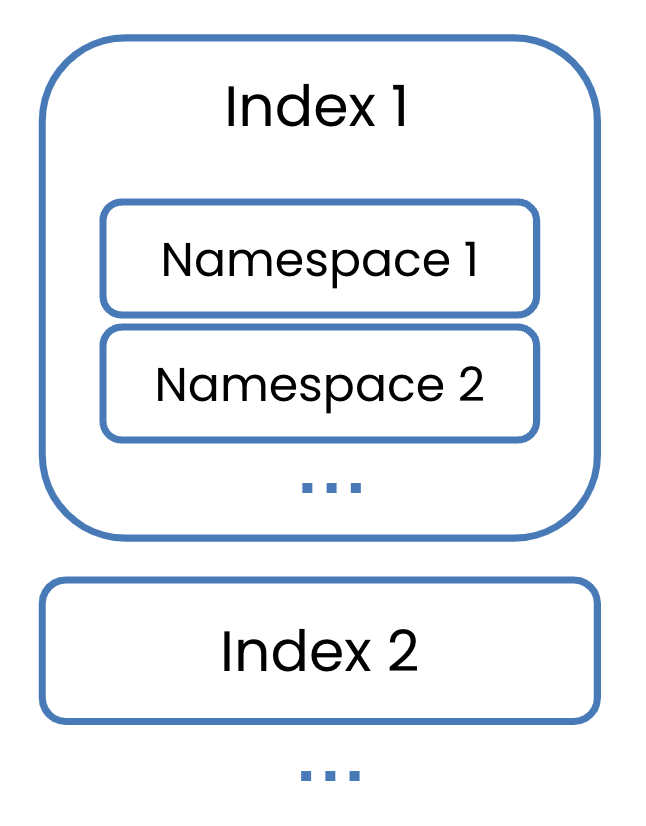
  • इंडेक्स को partition करने के लिए कंटेनर
    • अलग-अलग डेटासेट
    • डेटा वर्ज़निंग
    • अलग समूह


अभी single namespace पर ध्यान दें

उनके अंदर कई namespaces वाले इंडेक्स।

Pinecone के साथ AI Applications बनाना

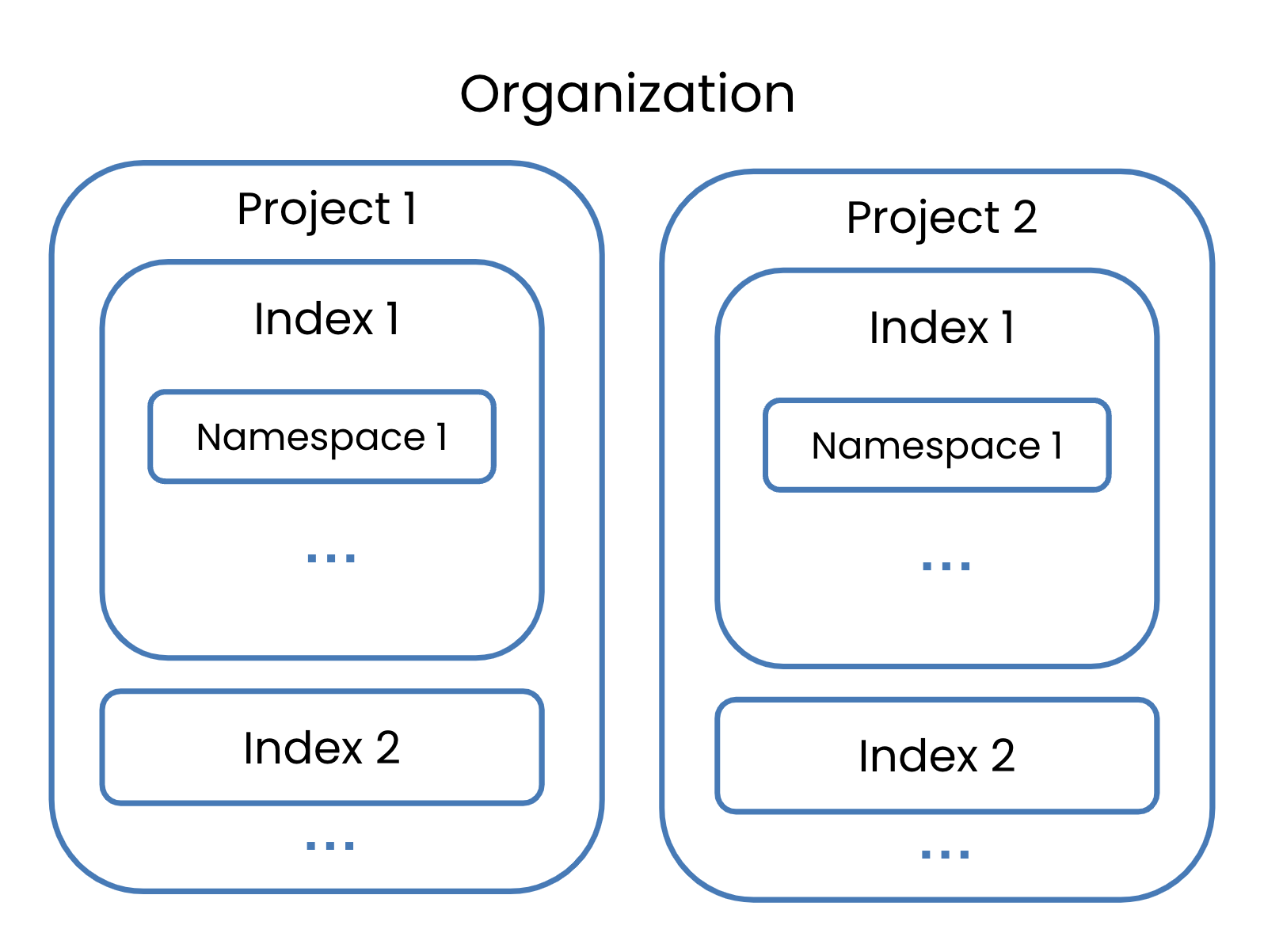
Organizations

एक organization जिसमें दो projects हैं, हर एक के अपने indexes।

Pinecone के साथ AI Applications बनाना

Organizations

organization owners का समूह।

  • पूरी org पर permissions
  • बिलिंग, यूज़र्स, सभी projects मैनेज करें
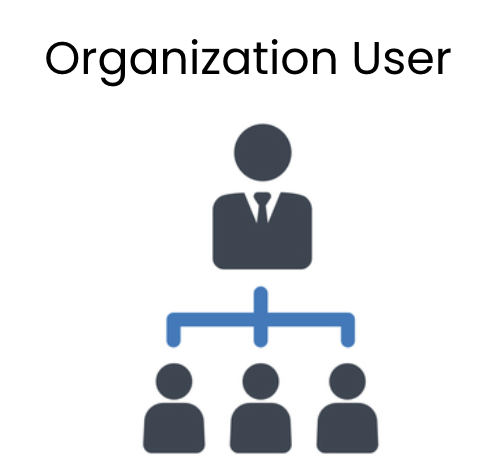
एक owner जिसके नीचे कई users हैं।

  • org-लेवल permissions सीमित
  • खास projects में invite किए जाते हैं
  • उन projects के owner बनते हैं
Pinecone के साथ AI Applications बनाना

इंडेक्स हटाना

pc.delete_index('datacamp-index')


pc.list_indexes()
{'indexes': []}
Pinecone के साथ AI Applications बनाना

अभ्यास करते हैं!

Pinecone के साथ AI Applications बनाना

Preparing Video For Download...