Introduktion till Power Query

Introduktion till Power Query i Excel

Lyndsay Girard

Performance Analytics Consultant

Vad är Excel Power Query?
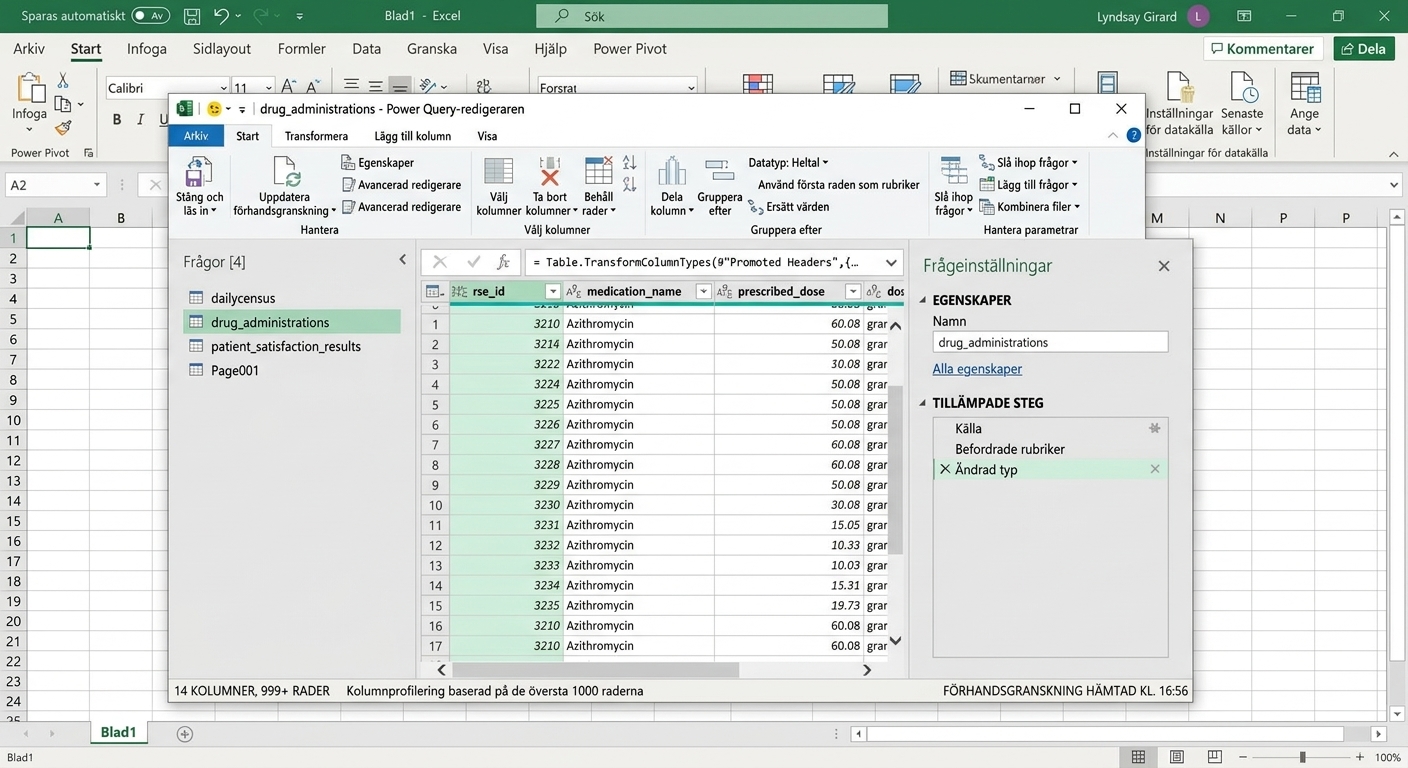
  • Kraftfullt verktyg inbyggt i Microsoft Excel (och Power BI)!
  • Effektiv dataimport, transformation och laddning.
  • Förenklar manuella processer.
  • Användarvänligt gränssnitt.

Ch1_Excel_Power_Query_Window.png

Introduktion till Power Query i Excel

Excel-arbetsbok vs Power Query Editor

Excel-arbetsböcker:

  • Kalkylbladsprogram.
  • Manuell datainmatning och formatering.
  • Passar analys, rapportering och visualisering.

Excel Power Query Editor:

  • Tillägg i Excel.
  • Integrerad databearbetning och transformation.
  • Effektiviserar dataarbetsflöden.
Introduktion till Power Query i Excel

Kraften i Power Query

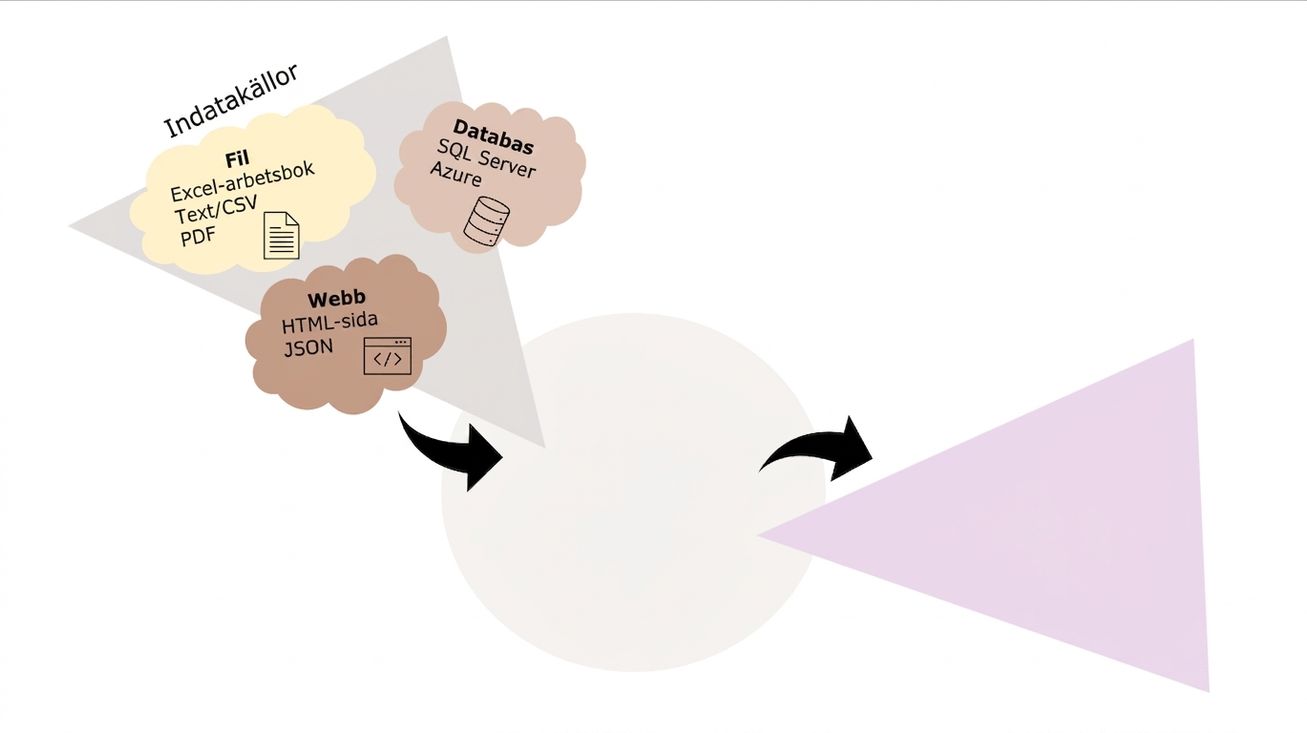
Ch1_Excel_Power_Query_Cupcake_Schematic_1of3.png

Introduktion till Power Query i Excel

Kraften i Power Query

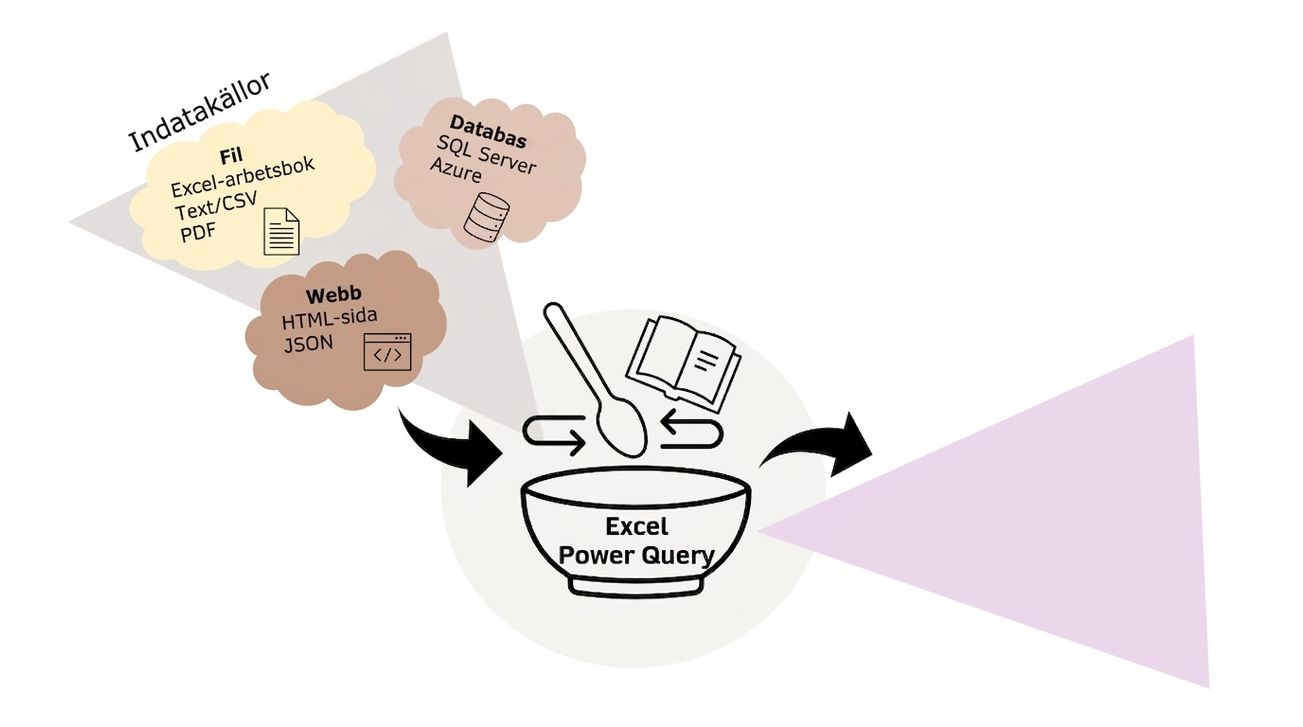
Ch1_Excel_Power_Query_Cupcake_Schematic_2of3.png

Introduktion till Power Query i Excel

Kraften i Power Query

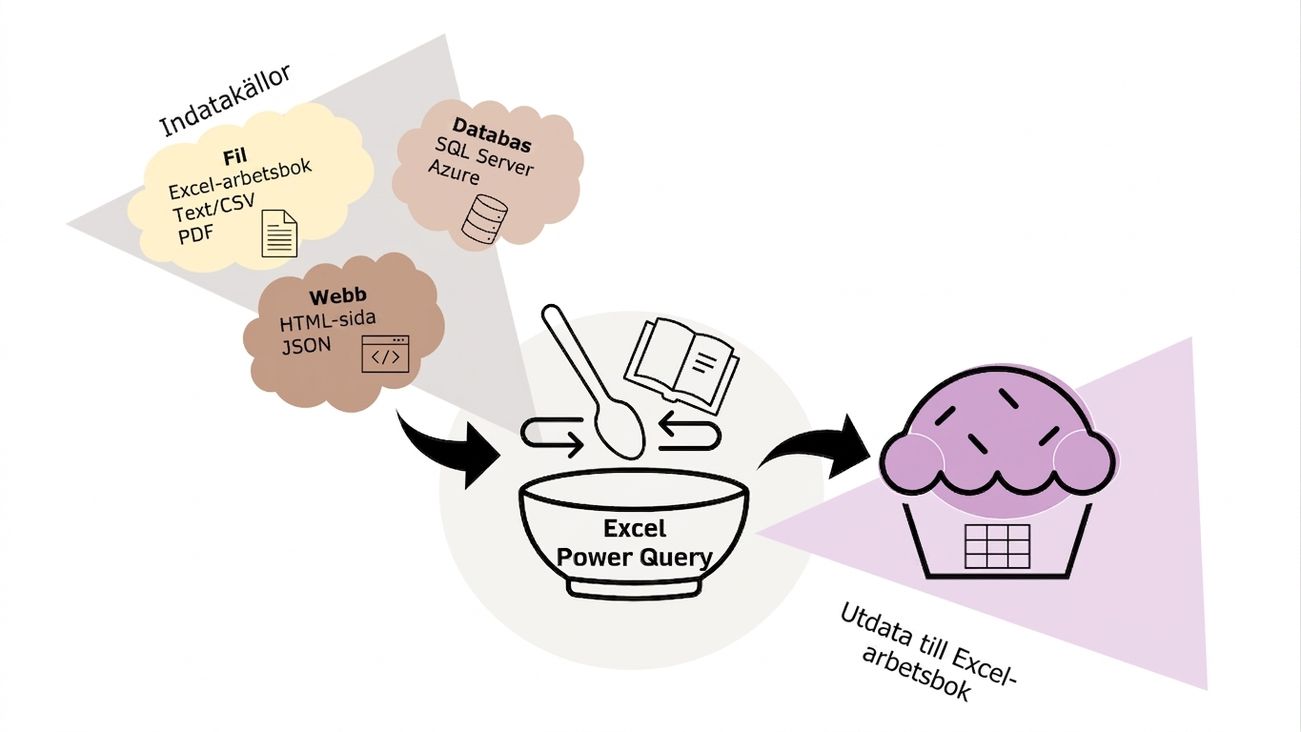
Ch1_Excel_Power_Query_Cupcake_Schematic_3of3.png

Introduktion till Power Query i Excel

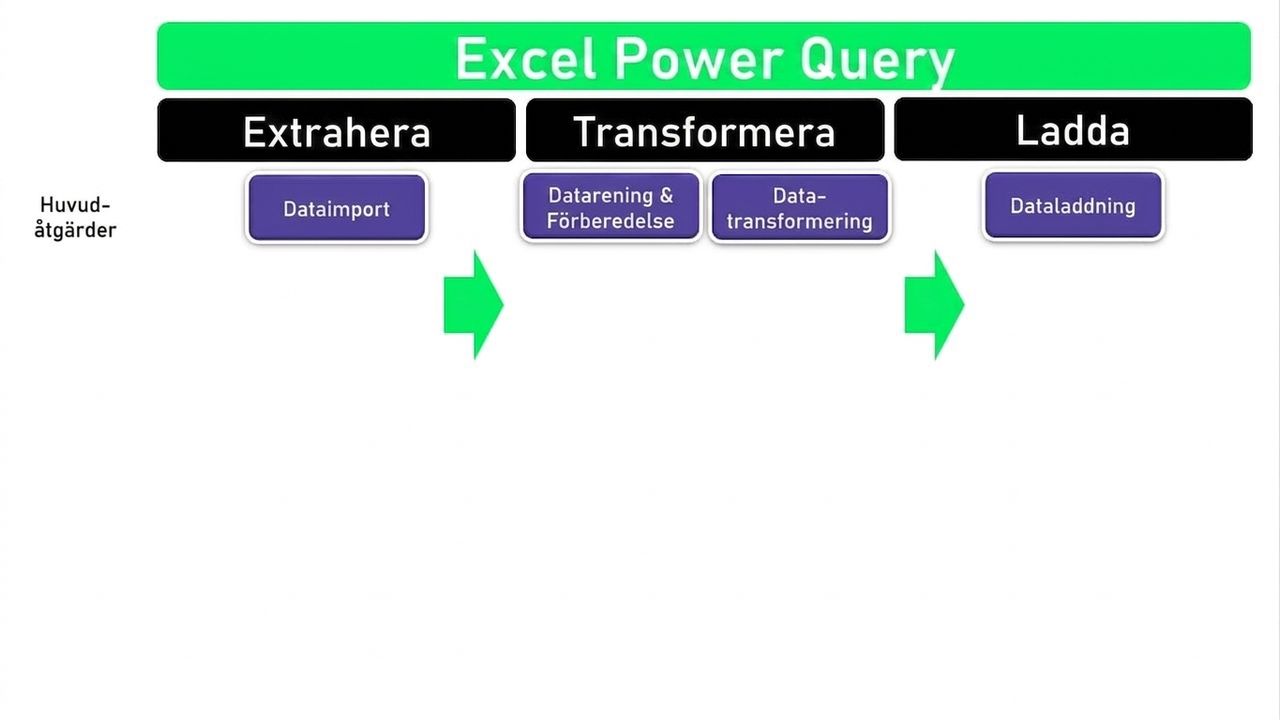
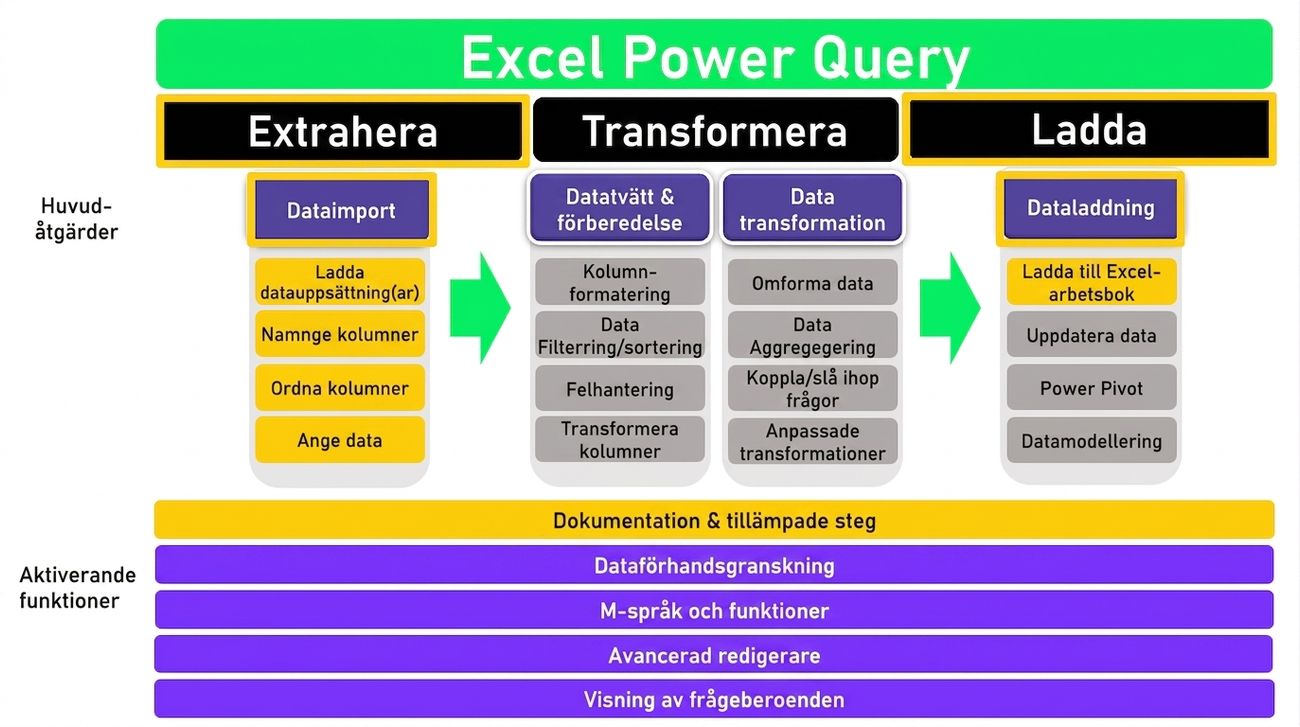
ETL i Excel Power Query

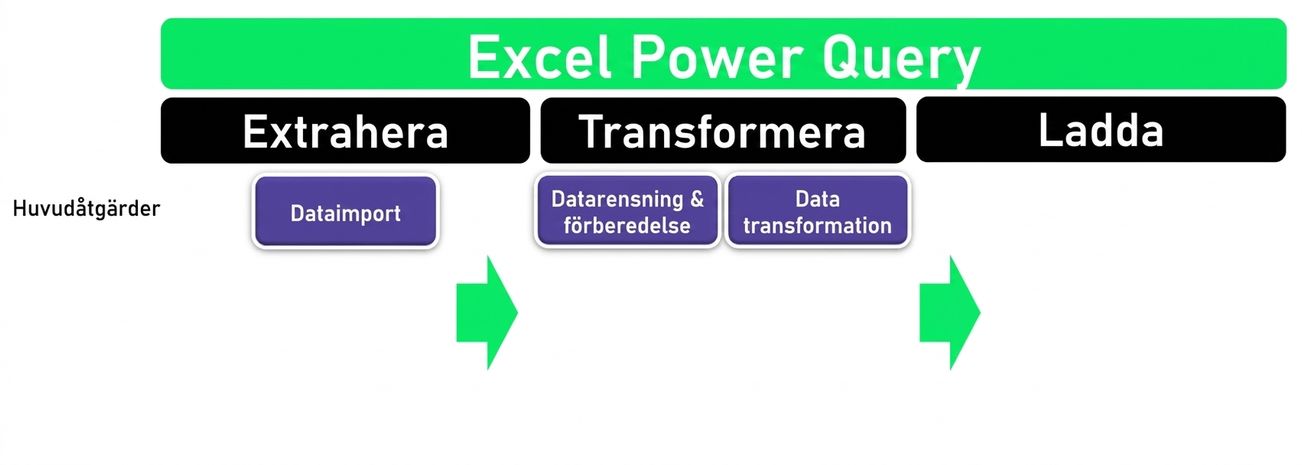
Ch1_ETL_Headers.png

Introduktion till Power Query i Excel

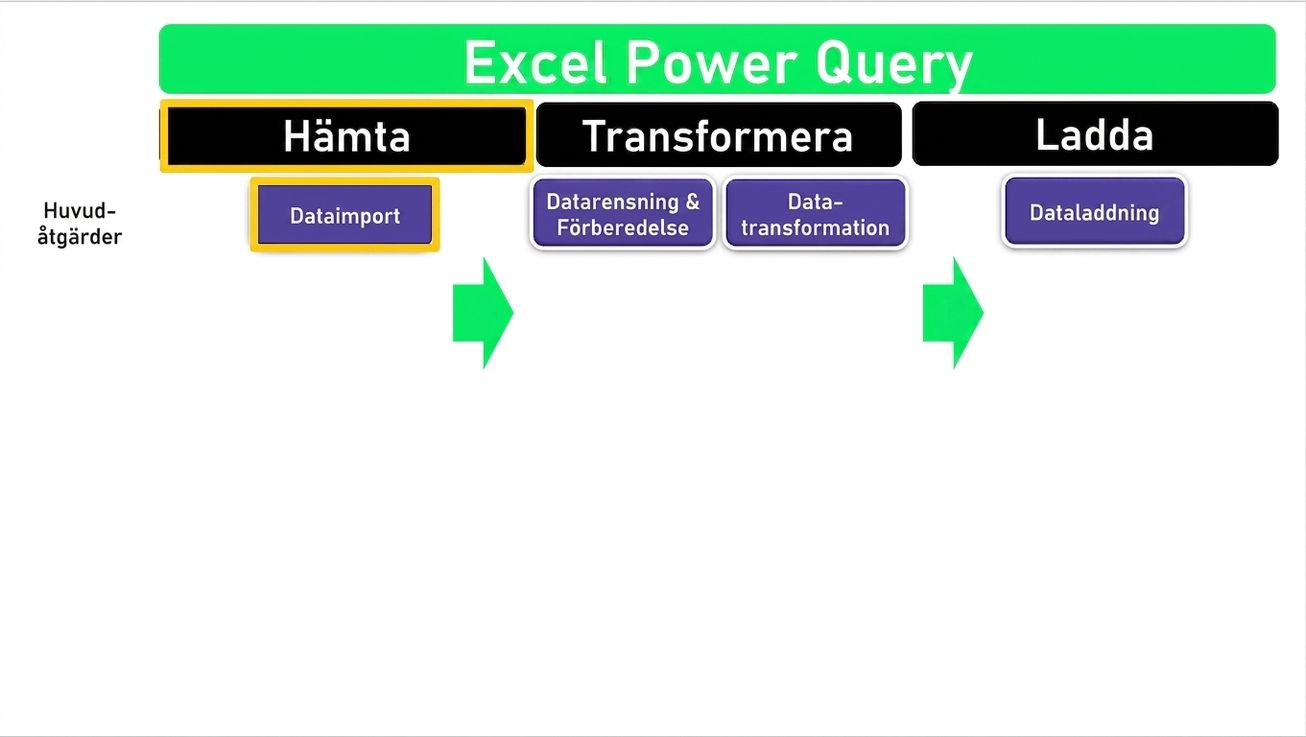
ETL i Excel Power Query

Ch1_ETL_Headers_Extract.png

Introduktion till Power Query i Excel

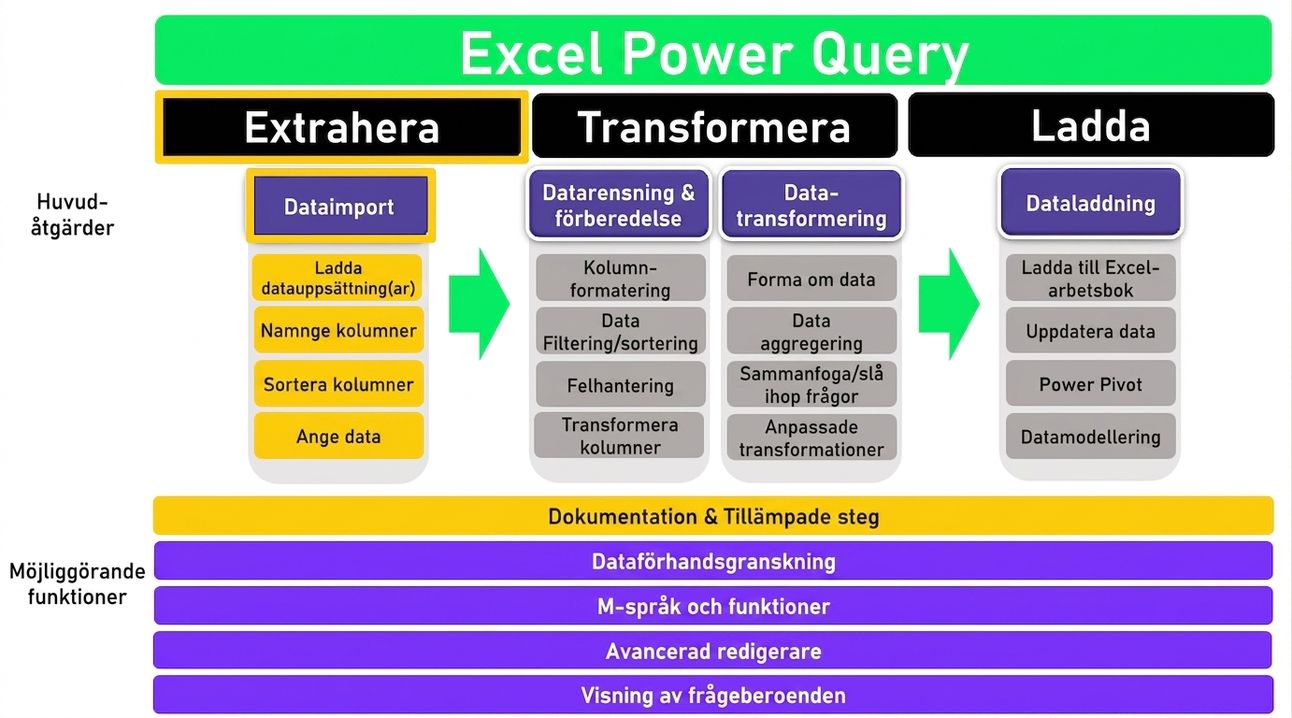
ETL i Excel Power Query

Ch1_ETL_Headers_Transform.png

Introduktion till Power Query i Excel

ETL_Schematic_2of4.jpg

Introduktion till Power Query i Excel

Ch1_ETL_image2.png

Introduktion till Power Query i Excel

Ch1_ETL_Image3.png

Introduktion till Power Query i Excel

Ch1_ETL_Image4.png

Introduktion till Power Query i Excel

Ch1_ETL_image5.png

Introduktion till Power Query i Excel

Datakällor

  • Dagliga folkräkningsaktiviteter
  • Läkemedelstransaktioner
  • Enkät för patientupplevelse
  • Svar på enkät för patientupplevelse

Illustration av fyra olika sjukhus av olika storlek

Introduktion till Power Query i Excel

Nu kör vi en övning!

Introduktion till Power Query i Excel

Preparing Video For Download...