Git ระดับกลาง
George Boorman
Curriculum Manager, DataCamp
origin
git fetch origin
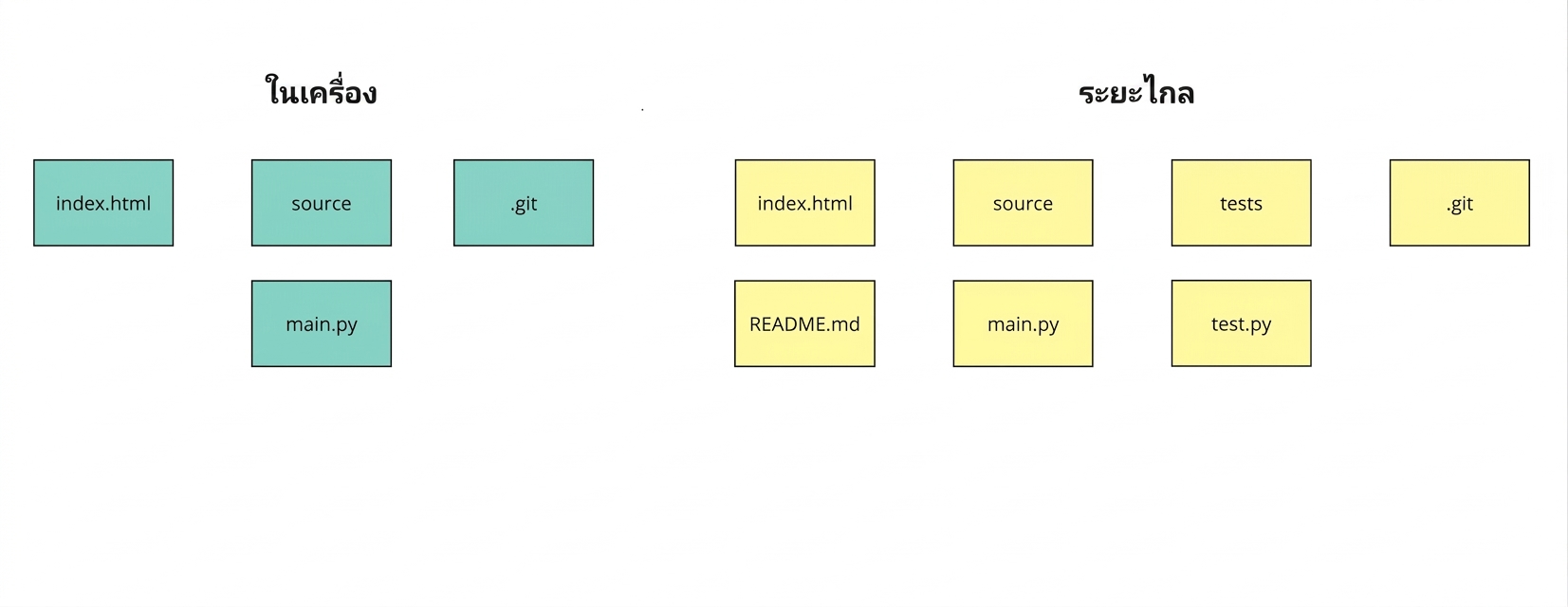
ดึงข้อมูลจาก remote branch ทั้งหมด
อาจสร้าง local branch ใหม่ หากมีเฉพาะใน remote
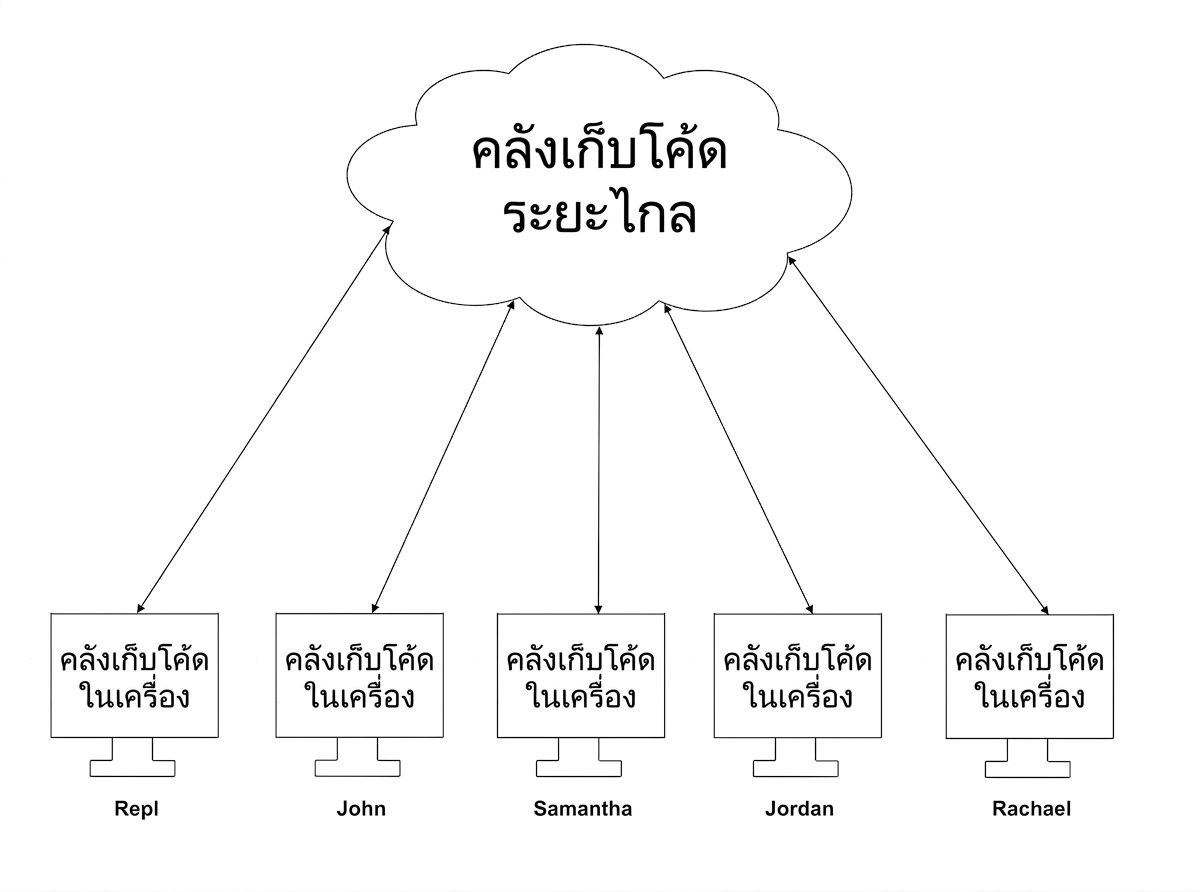
remote
ไม่รวม (merge) เนื้อหาจาก remote เข้า local repo
main
git fetch origin main
From https://github.com/datacamp/project
 * branch                main     -> FETCH_HEAD
git merge origin
Updating 9dcf4e5..887da2d
Fast-forward
 tests/tests.py | 13 +++++++++++++
 README.md     | 10 ++++++++++
 2 files changed, 23 insertions (+)
Git ช่วยให้กระบวนการนี้ง่ายขึ้น!
fetch และ merge จาก default branch (main) ของ remote เข้ากับ branch ปัจจุบันใน local repo
git pull origin
dev
git pull origin dev
From https://github.com/datacamp/project
 * branch                dev     -> FETCH_HEAD
Updating 9dcf4e5..887da2d
Fast-forward
 tests/tests.py | 13 +++++++++++++
 README.md     | 10 ++++++++++
 2 files changed, 23 insertions (+)
Updating 9dcf4e5..887da2d
error: Your local changes to the following files would be overwritten by merge:
       README.md
Please commit your changes or stash them before you merge.
Aborting