การทดสอบและคุณภาพโค้ดด้วย Copilot

การพัฒนาซอฟต์แวร์ด้วย GitHub Copilot

Thalia Barrera

AI Engineering Curriculum Manager, DataCamp

สิ่งที่ได้เรียนรู้


  • Code completions — แนะนำโค้ดขณะพิมพ์
  • Copilot Chat — ถามคำถาม รับคำอธิบาย และ refactor โค้ด
  • Agent mode — ทำงานหลายขั้นตอนแบบอัตโนมัติ
  • Custom tools — ขยายความสามารถของ Copilot
การพัฒนาซอฟต์แวร์ด้วย GitHub Copilot

มาลองใช้งานกัน

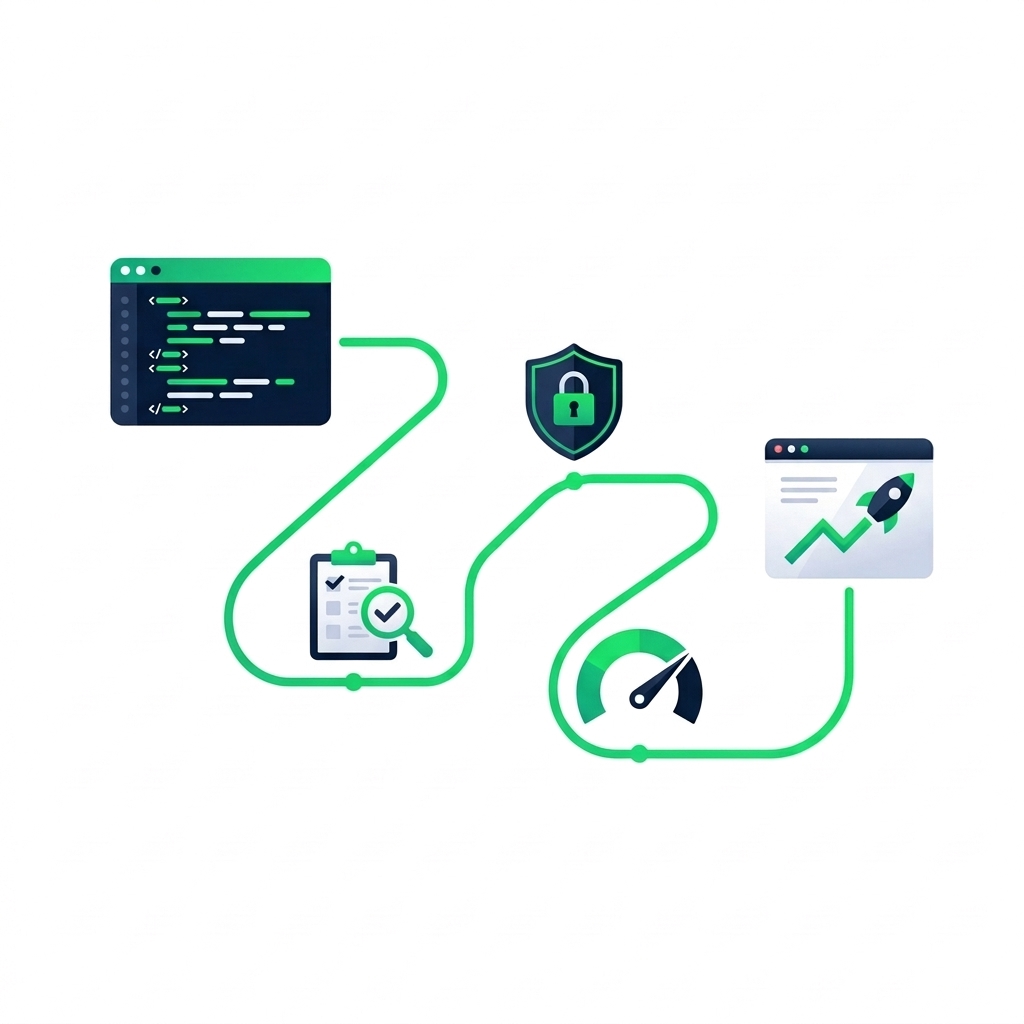
nanobanana: half: เส้นทางของนักพัฒนาที่มีไอคอนไมล์สโตน 3 จุด ได้แก่ การทดสอบ ความปลอดภัย และประสิทธิภาพ นำจาก code editor ไปสู่แอปพลิเคชันที่พร้อม deploy ภาพประกอบแบบ flat vector


  • การทดสอบ — จับบักก่อนขึ้น production
  • ความปลอดภัย — ค้นหาช่องโหว่ตั้งแต่เนิ่น ๆ
  • ประสิทธิภาพ — เขียนโค้ดที่รองรับการขยายตัวได้
การพัฒนาซอฟต์แวร์ด้วย GitHub Copilot

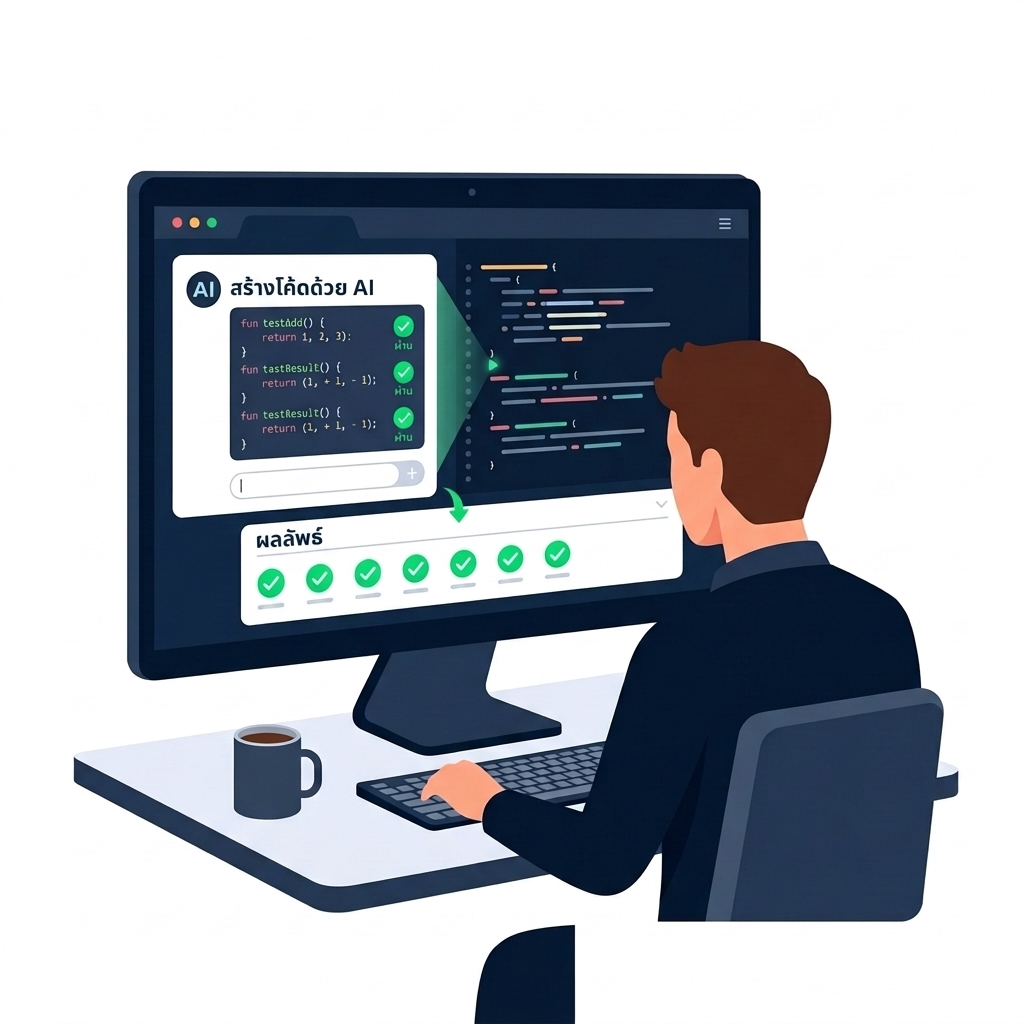
Copilot ช่วยให้การทดสอบง่ายขึ้น

nanobanana: half: AI assistant สร้างโค้ดทดสอบบนหน้าจอของนักพัฒนา พร้อมเครื่องหมายถูกสีเขียวแสดงผลการทดสอบ ภาพประกอบแบบ flat vector


  • ✔ สร้าง test suite ครบชุด
  • 💡 จับ edge case
  • 🤖 จัดการ boilerplate
การพัฒนาซอฟต์แวร์ด้วย GitHub Copilot

Edge case ที่มักถูกมองข้าม


def calculate_discount(price, discount_pct):
    discount = price * (discount_pct / 100)
    return price - discount

calculate_discount(50, 20)  # → 40.0 ✓


แล้วถ้าเกิด...

  • price ติดลบ
  • discount_pct > 100
  • ออเดอร์ที่มีจำนวนเป็นศูนย์
การพัฒนาซอฟต์แวร์ด้วย GitHub Copilot

[screencast]

การพัฒนาซอฟต์แวร์ด้วย GitHub Copilot

[screencast]

การพัฒนาซอฟต์แวร์ด้วย GitHub Copilot

เมื่อต้องการรายละเอียดมากขึ้น

nanobanana: half: นักพัฒนาซอฟต์แวร์กำลังพิมพ์ข้อความใน AI chat บนแล็ปท็อป ภาพถ่ายแบบ focused

กรณีทั่วไป

  • /tests


กรณีพิเศษ

Write pytest unit tests for calculate_discount covering: negative price, discount > 100%, and empty item list. Use parametrize for edge cases.

การพัฒนาซอฟต์แวร์ด้วย GitHub Copilot

เกินกว่า unit test

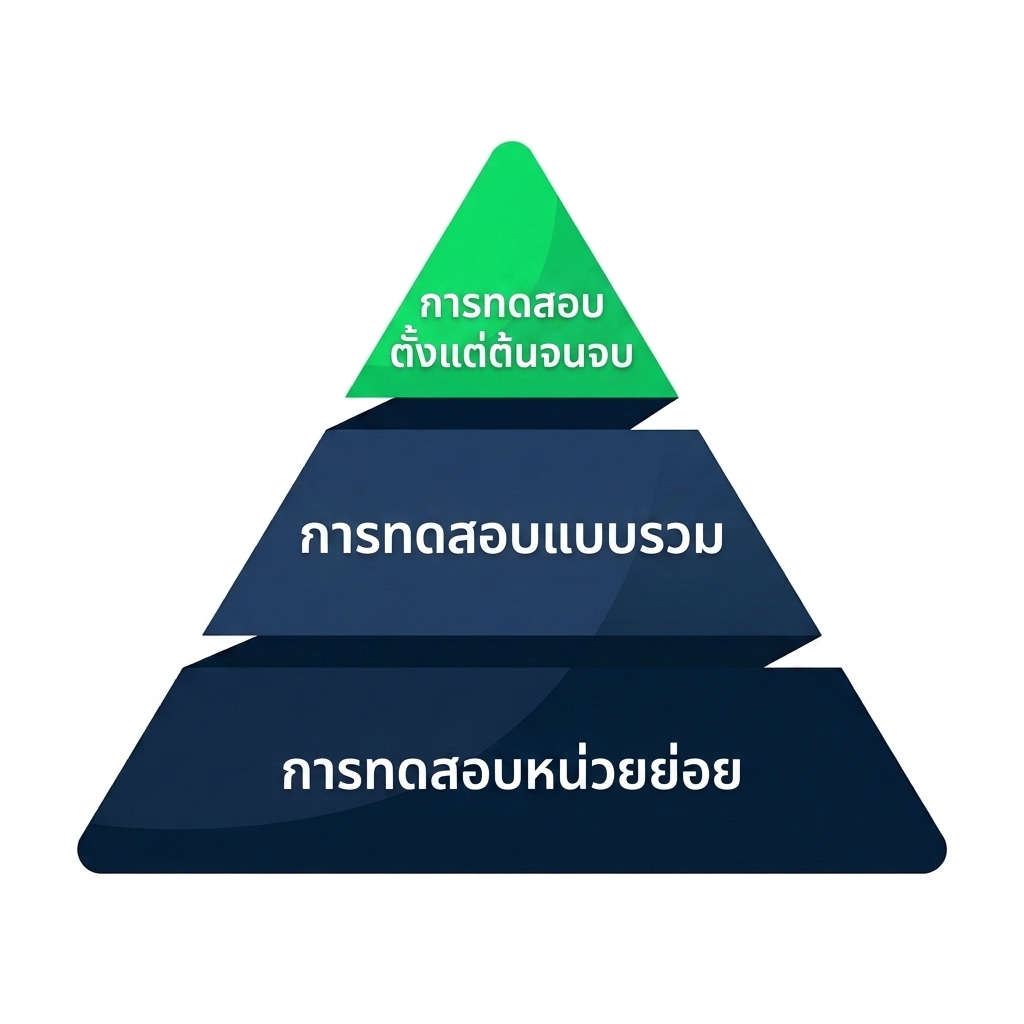
nanobanana: half: พีระมิดการทดสอบที่มี 3 ชั้น ฐานกว้างคือ unit tests ชั้นกลางคือ integration tests และยอดแคบคือ end-to-end tests


  • Unit/tests หรือ prompt อย่างง่าย
  • Integration — อธิบายว่าคอมโพเนนต์เชื่อมกันอย่างไร
  • End-to-end — ใช้ context ของ codebase ทั้งหมด
การพัฒนาซอฟต์แวร์ด้วย GitHub Copilot

Integration tests


  • แนบไฟล์ที่เกี่ยวข้องด้วย #file:
  • อธิบาย interaction และ mocking strategy
  • ใช้ /fixTestFailure เมื่อ test ล้มเหลว


Write integration tests for the checkout flow. Use #file:cart.py and #file:payment.py. Mock the payment gateway and assert that order status updates correctly.

การพัฒนาซอฟต์แวร์ด้วย GitHub Copilot

End-to-end tests


  • @workspace ค้นหาโค้ดที่เกี่ยวข้องโดยอัตโนมัติ
  • ทำงานได้ดีกับ Playwright และ Cypress
  • ใช้ #terminalLastCommand เพื่อ debug ข้อผิดพลาด


@workspace Write Playwright end-to-end tests for the user registration flow. Assert that the confirmation email is triggered.

การพัฒนาซอฟต์แวร์ด้วย GitHub Copilot

[screencast]

การพัฒนาซอฟต์แวร์ด้วย GitHub Copilot

มาฝึกกันเถอะ!

การพัฒนาซอฟต์แวร์ด้วย GitHub Copilot

Preparing Video For Download...