# 读取文件的 W-AB 和 AR 列,跳过元数据表头
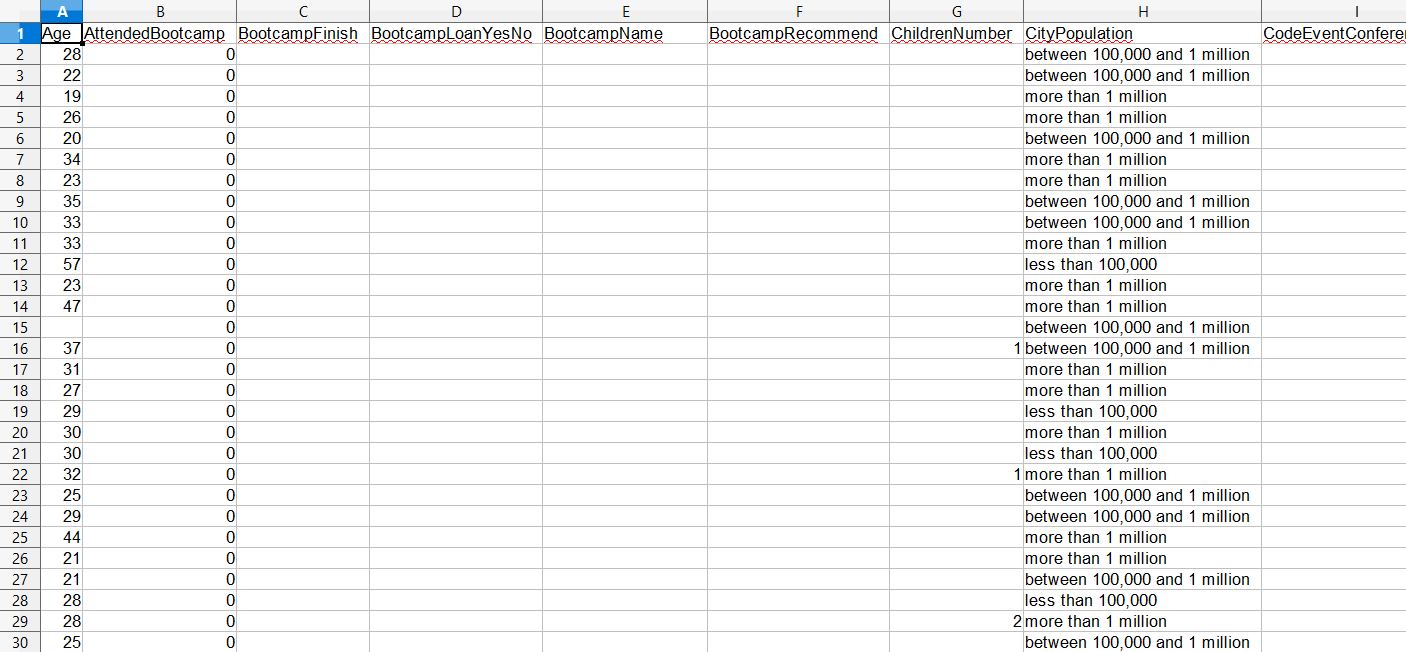
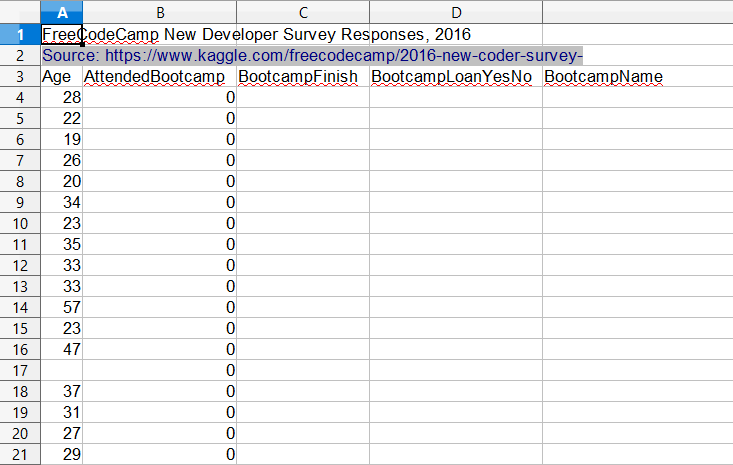
survey_data = pd.read_excel("fcc_survey_with_headers.xlsx",
                            skiprows=2,
                            usecols="W:AB, AR")


# 查看数据
print(survey_data.head())
   CommuteTime            CountryCitizen  ...    EmploymentFieldOther    EmploymentStatus   Income
0         35.0  United States of America  ...                     NaN  Employed for wages  32000.0
1         90.0  United States of America  ...                     NaN  Employed for wages  15000.0
2         45.0  United States of America  ...                     NaN  Employed for wages  48000.0
3         45.0  United States of America  ...                     NaN  Employed for wages  43000.0
4         10.0  United States of America  ...                     NaN  Employed for wages   6000.0

[5 rows x 7 columns]