Python 测试入门
Alexander Levin
Data Scientist
autouse=True
当需要为所有测试进行统一的环境准备或修改时。
例如,我们希望确保所有测试:
以上情况应使用 "autouse" 参数。
"自动使用" fixture 示例:
import pytest
import pandas as pd

# 自动使用的 fixture
@pytest.fixture(autouse=True)
def set_pd_options():
    pd.set_option('display.max_columns', 5000)

# 测试函数
def test_pd_options():
    assert pd.get_option('display.max_columns') == 5000
错误 的"自动使用" fixture 示例:
import pytest
import pandas as pd

# 错误的自动使用 fixture
@pytest.fixture(autouse=True)
def wrong_fixture():
    return [1,2,3,4,5]

# 测试函数
def test_type():
    assert type(wrong_fixture) == list
修正 的 fixture 示例:
import pytest
import pandas as pd

# 修正的 fixture(非自动使用)
@pytest.fixture
def correct_fixture():
    return [1,2,3,4,5]

# 测试函数
def test_type(correct_fixture):
    assert type(correct_fixture) == list
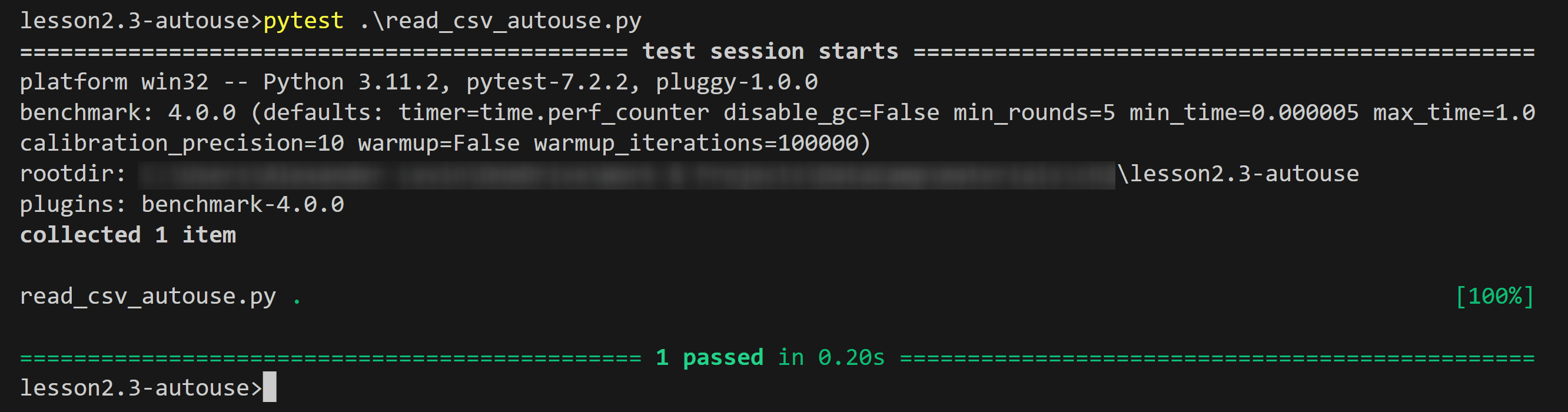
示例输出:
autouse
@pytest.fixture(autouse=True)