变换

Python 图像处理

Rebeca Gonzalez

Data Engineer

为何变换图像?

  • 为图像分类机器学习模型做准备
  • 图像优化与压缩
  • 以相同比例保存图像

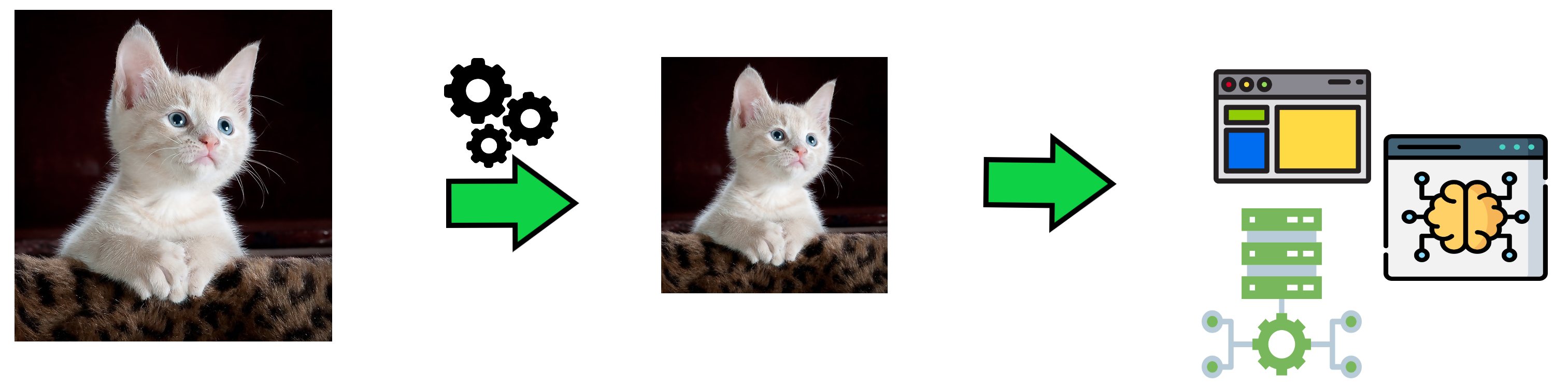
一张猫的图片被处理并降采样

Python 图像处理

旋转

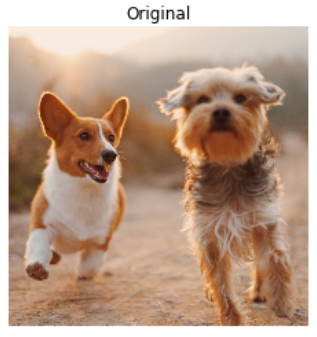
两只狗在玩耍、行走

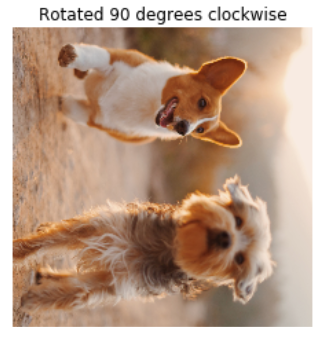
两只狗在玩耍、行走的照片,顺时针旋转 90 度

Python 图像处理

旋转

两只狗在玩耍、行走

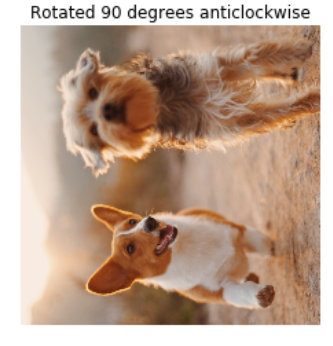
两只狗在玩耍、行走,逆时针旋转 90 度

Python 图像处理

顺时针旋转

from skimage.transform import rotate

# 将图像顺时针旋转 90 度 image_rotated = rotate(image, -90)
show_image(image, 'Original') show_image(image_rotated, 'Rotated 90 degrees clockwise')
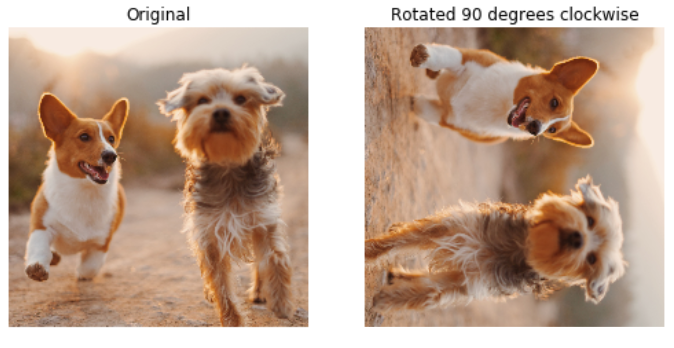
两张狗的原图,旁边是顺时针旋转后的图

Python 图像处理

逆时针旋转

from skimage.transform import rotate

# 将图像逆时针旋转 90 度 image_rotated = rotate(image, 90)
show_image(image, 'Original') show_image(image_rotated, 'Rotated 90 degrees anticlockwise')
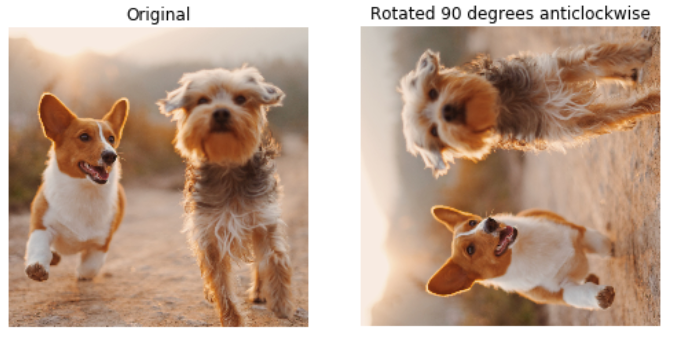
两张狗的原图,旁边是逆时针旋转 90 度的图

Python 图像处理

缩放(Rescale)

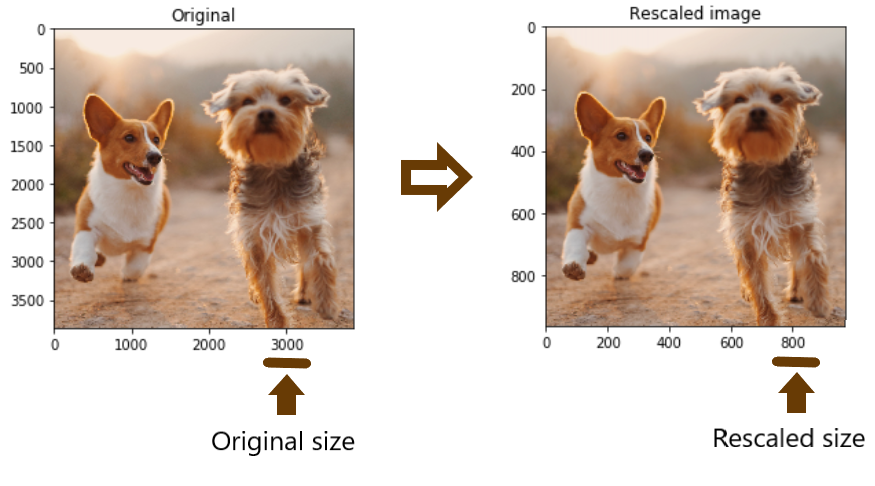
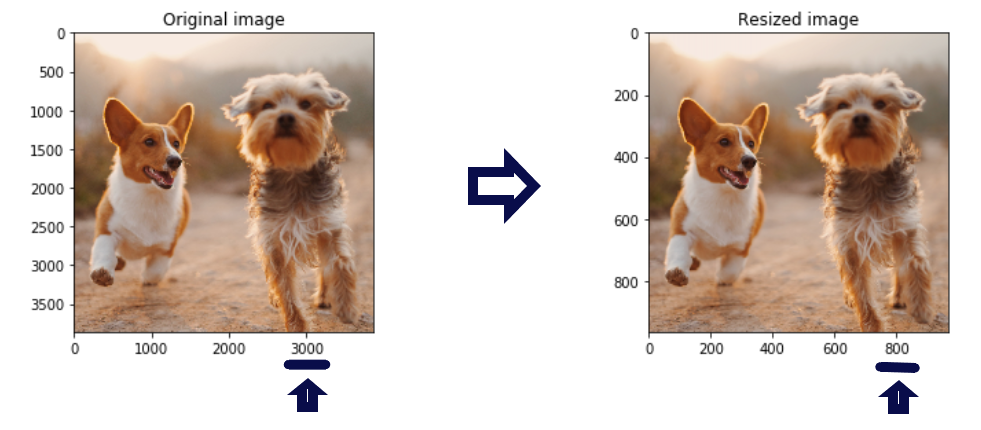
两只狗的原图(3000 像素)与缩放到 800 像素的图对比

Python 图像处理

缩放(Rescale)

降采样
from skimage.transform import rescale

# 将图像缩小为原来的 1/4 大小 image_rescaled = rescale(image, 1/4, anti_aliasing=True, multichannel=True)
show_image(image, 'Original image') show_image(image_rescaled, 'Rescaled image')
Python 图像处理

缩放(Rescale)

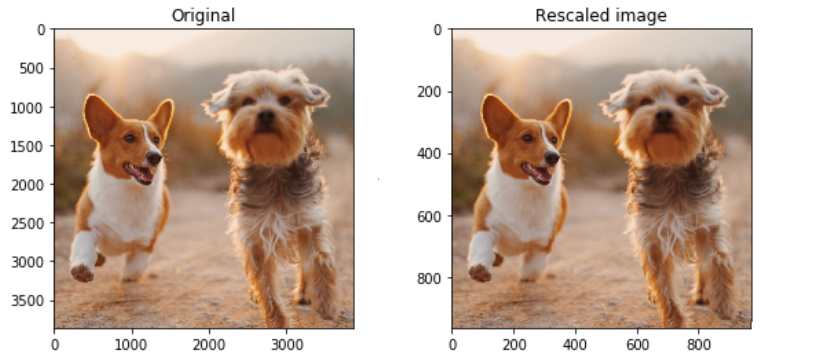
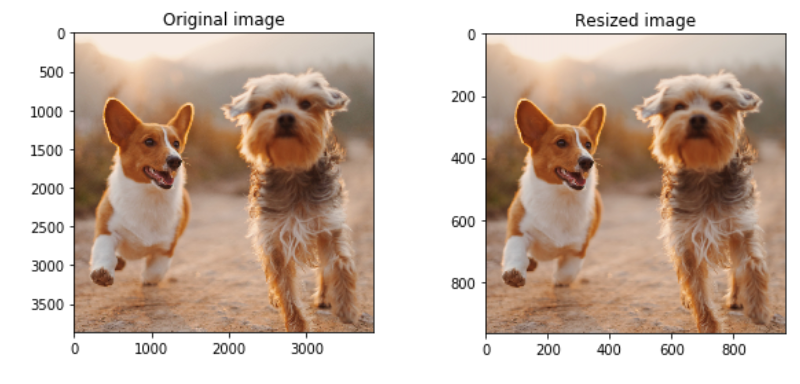
两只狗的原图(3000 像素)与缩放到 800 像素的图对比(无坐标轴)

Python 图像处理

数字图像中的混叠

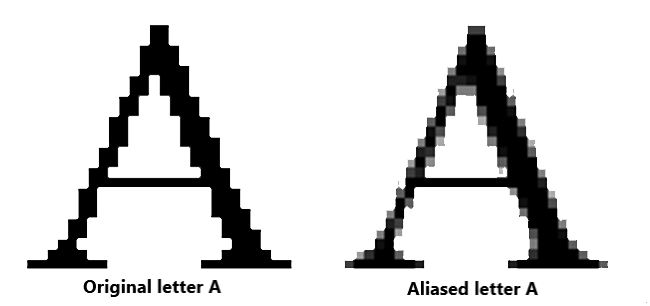
字母 A:无锯齿 与 有锯齿 的对比图

Python 图像处理

数字图像中的混叠

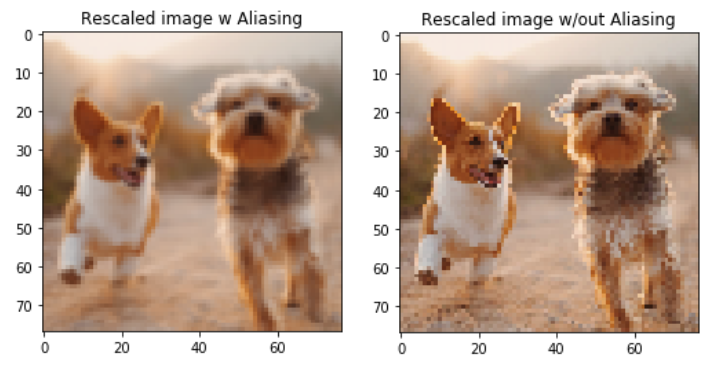
两只狗的缩放图:左侧有锯齿,右侧无锯齿

Python 图像处理

调整尺寸(Resize)

原图(3000 像素)与调整为 800 像素的图对比

Python 图像处理

调整尺寸(Resize)

from skimage.transform import resize

# 目标高度与宽度 height = 400 width = 500
# 调整尺寸 image_resized = resize(image, (height, width), anti_aliasing=True)
# 显示原图与结果图 show_image(image, 'Original image') show_image(image_resized, 'Resized image')
Python 图像处理

调整尺寸(Resize)

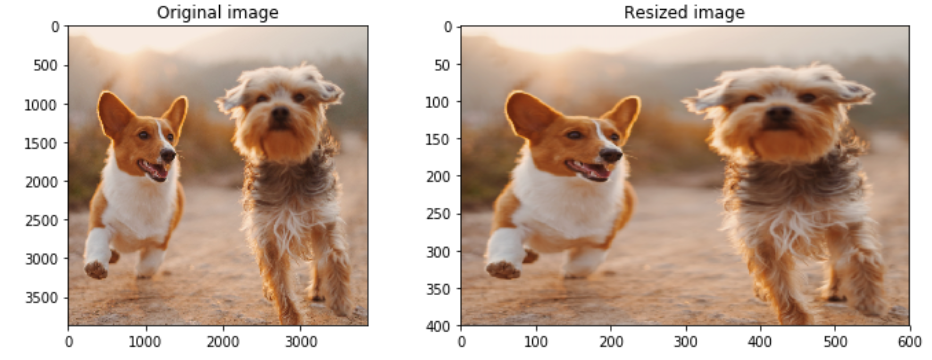
两只狗的原图(3000 像素)与调整后但比例失真的图对比

Python 图像处理

按比例调整尺寸

from skimage.transform import resize

# 按比例设置高度和宽度为原来的 1/4 height = image.shape[0] / 4 width = image.shape[1] / 4
# 调整尺寸 image_resized = resize(image, (height, width), anti_aliasing=True)
show_image(image_resized, 'Resized image')
Python 图像处理

按比例调整尺寸

两只狗的原图(3000 像素)与按比例调整到 800 像素的图对比

Python 图像处理

Passons à la pratique !

Python 图像处理

Preparing Video For Download...