开始使用滤波

Python 图像处理

Rebeca Gonzalez

Data Engineer

滤波器

  • 增强图像
  • 强调或去除特征
  • 平滑
  • 锐化
  • 边缘检测
Python 图像处理

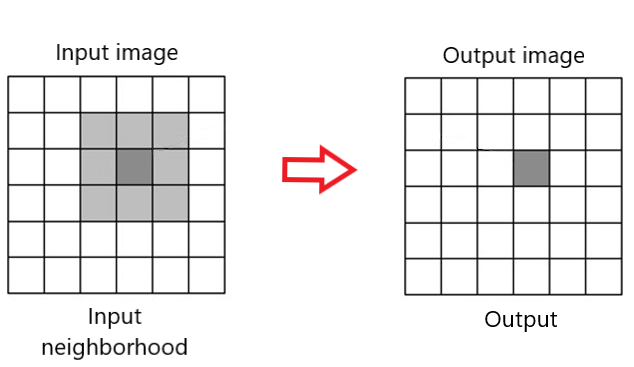
邻域

滤波邻域

Python 图像处理

边缘检测

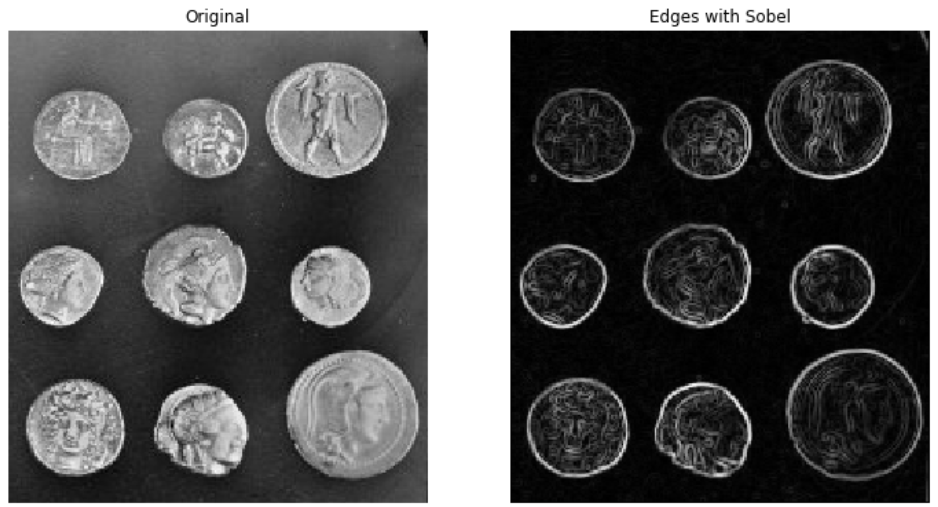
检测出边缘的硬币图像

Python 图像处理

边缘检测

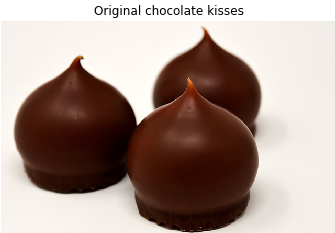
巧克力之吻的原始图像

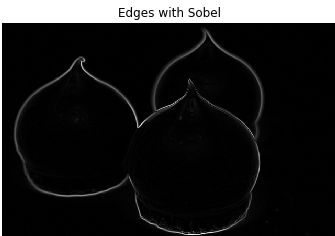
检测出边缘的巧克力之吻图像

Python 图像处理

边缘检测

Sobel
# Import module and function 
from skimage.filters import sobel

# Apply edge detection filter edge_sobel = sobel(image_coins)
# Show original and resulting image to compare plot_comparison(image_coins, edge_sobel, "Edge with Sobel")
Python 图像处理

边缘检测

Sobel

硬币图像,检测出边缘以展示形状

Python 图像处理

对比绘图

def plot_comparison(original, filtered, title_filtered):

    fig, (ax1, ax2) = plt.subplots(ncols=2, figsize=(8, 6), sharex=True,
                                   sharey=True)
    ax1.imshow(original, cmap=plt.cm.gray)
    ax1.set_title('original')
    ax1.axis('off')
    ax2.imshow(filtered, cmap=plt.cm.gray)
    ax2.set_title(title_filtered)
    ax2.axis('off')
Python 图像处理

高斯平滑

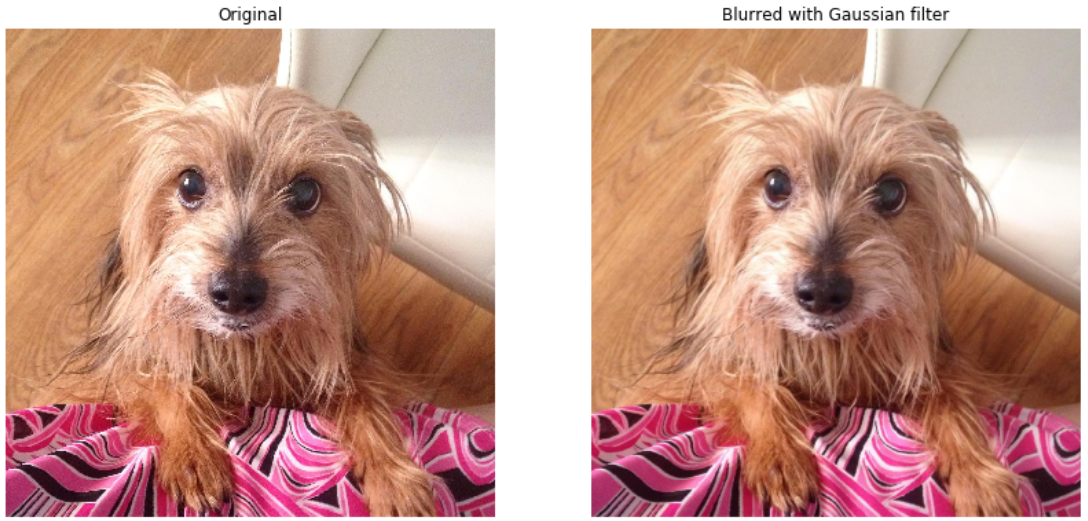
一张狗的原图与应用高斯滤波后的图并排

Python 图像处理

高斯平滑

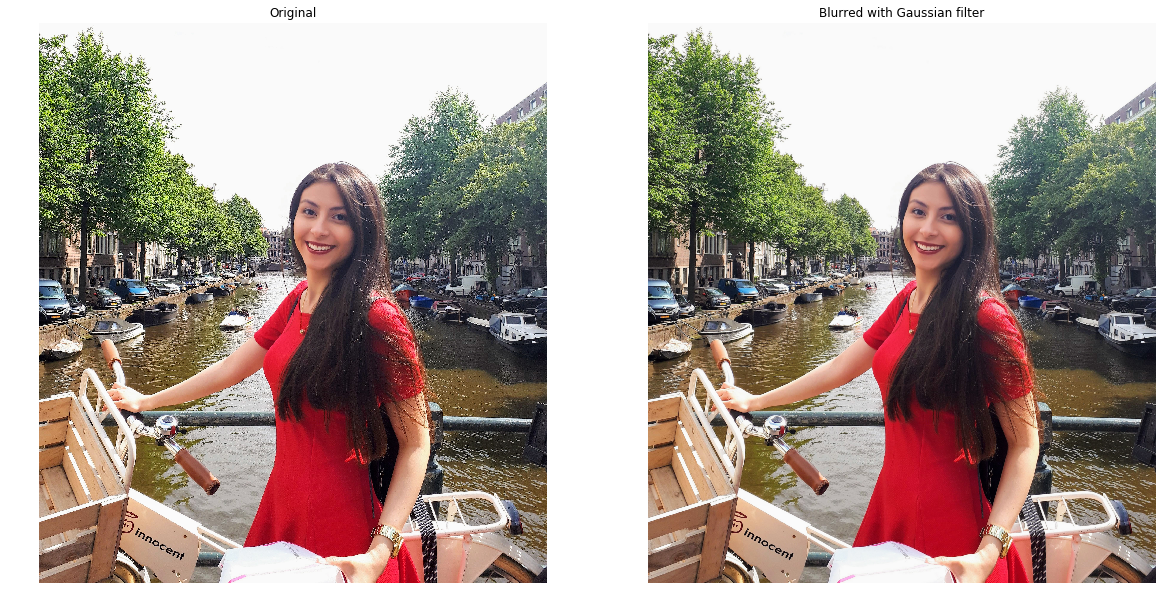
Rebeca 在阿姆斯特丹桥上推着自行车的照片

Python 图像处理

高斯平滑

# Import the module and function
from skimage.filters import gaussian

# Apply edge detection filter gaussian_image = gaussian(amsterdam_pic, multichannel=True)
# Show original and resulting image to compare plot_comparison(amsterdam_pic, gaussian_image, "Blurred with Gaussian filter")
Python 图像处理

高斯平滑

结果图像

Python 图像处理

高斯平滑

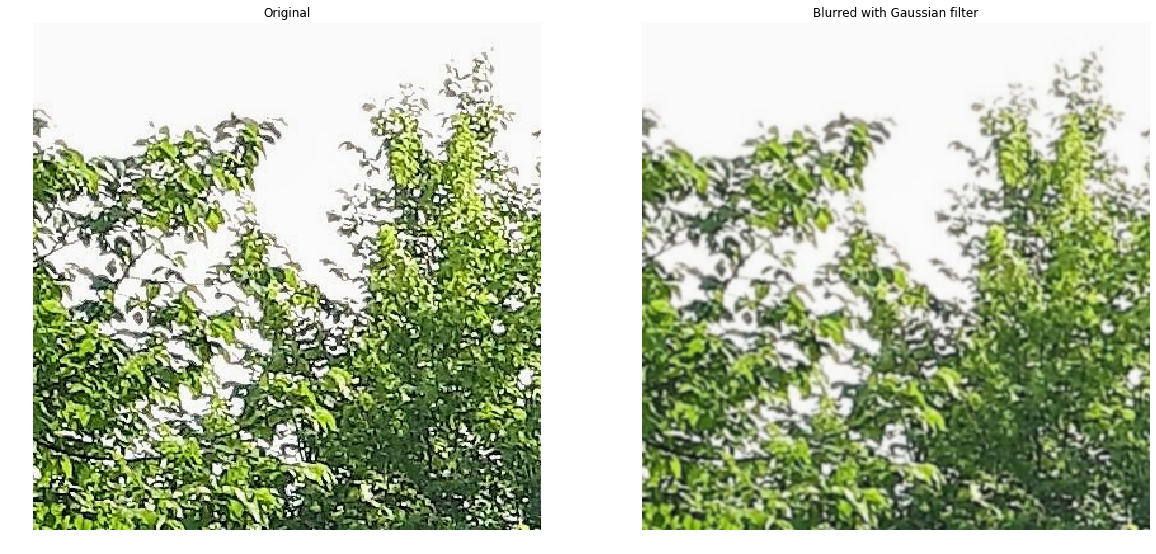
结果图像(放大)

Python 图像处理

Vamos praticar!

Python 图像处理

Preparing Video For Download...