扩展与排查 Web 应用

Azure App Services

Florin Angelescu

Azure Cloud Architect

为何需要扩展

 

纵向扩展


横向扩展

  • 纵向扩展
    • 提升资源(CPU、内存等)
  • 横向扩展
    • 增加实例数量
Azure App Services

手动 vs 自动扩展


手动扩展


自动扩展

  • 手动扩展
    • 直接控制实例数量
  • 自动扩展
    • 自动调整资源
    • 基于你定义的规则
Azure App Services

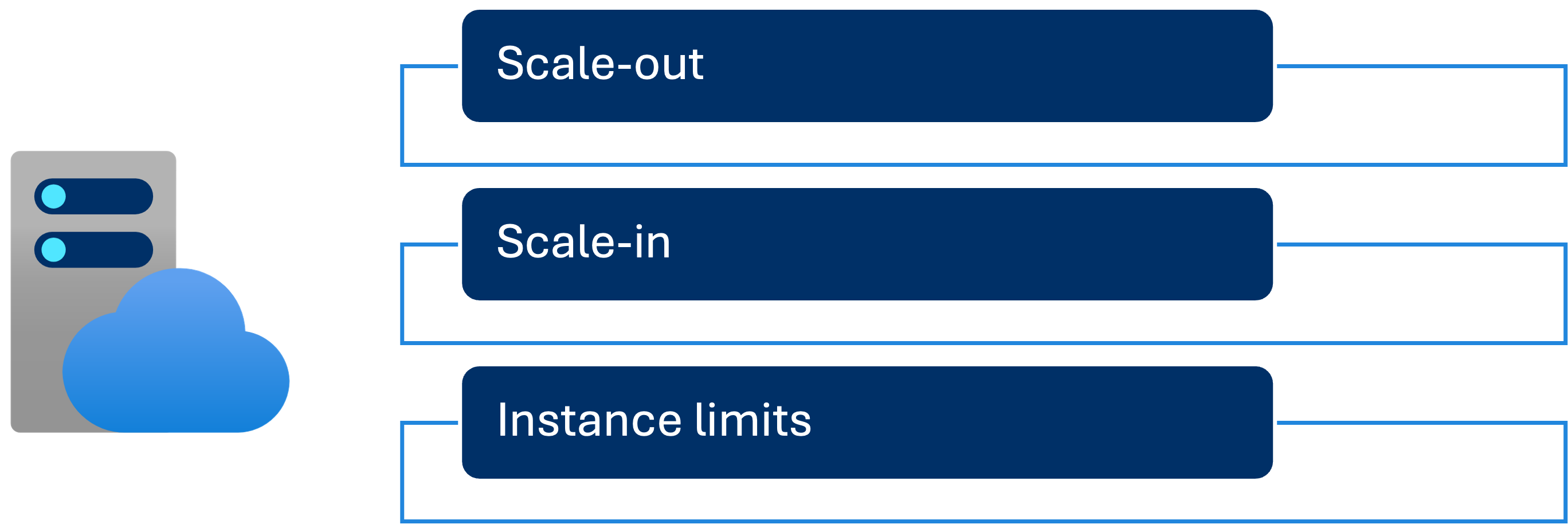
配置自动扩展规则


自动扩展

  • 当 CPU 使用率连续 10 分钟高于 70% 时添加实例
  • 设定上限以避免实例过多
Azure App Services

监控你的 Web 应用

监控

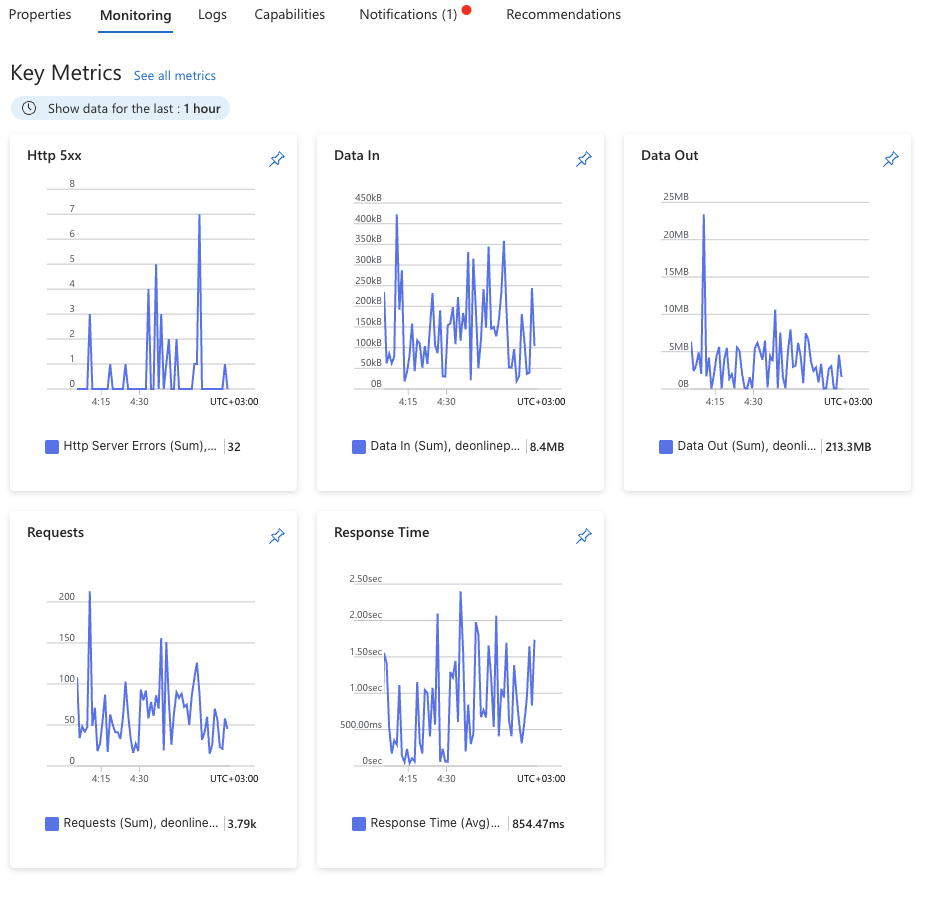
  • 监控:
    • 及早发现问题
    • 支持数据驱动决策
  • Azure 提供内置指标,如:
    • 响应时间
    • 请求速率
    • 错误次数
  • 指标可实时查看
  • 基础指标已具洞察力
  • 有效排障需更深入分析
Azure App Services

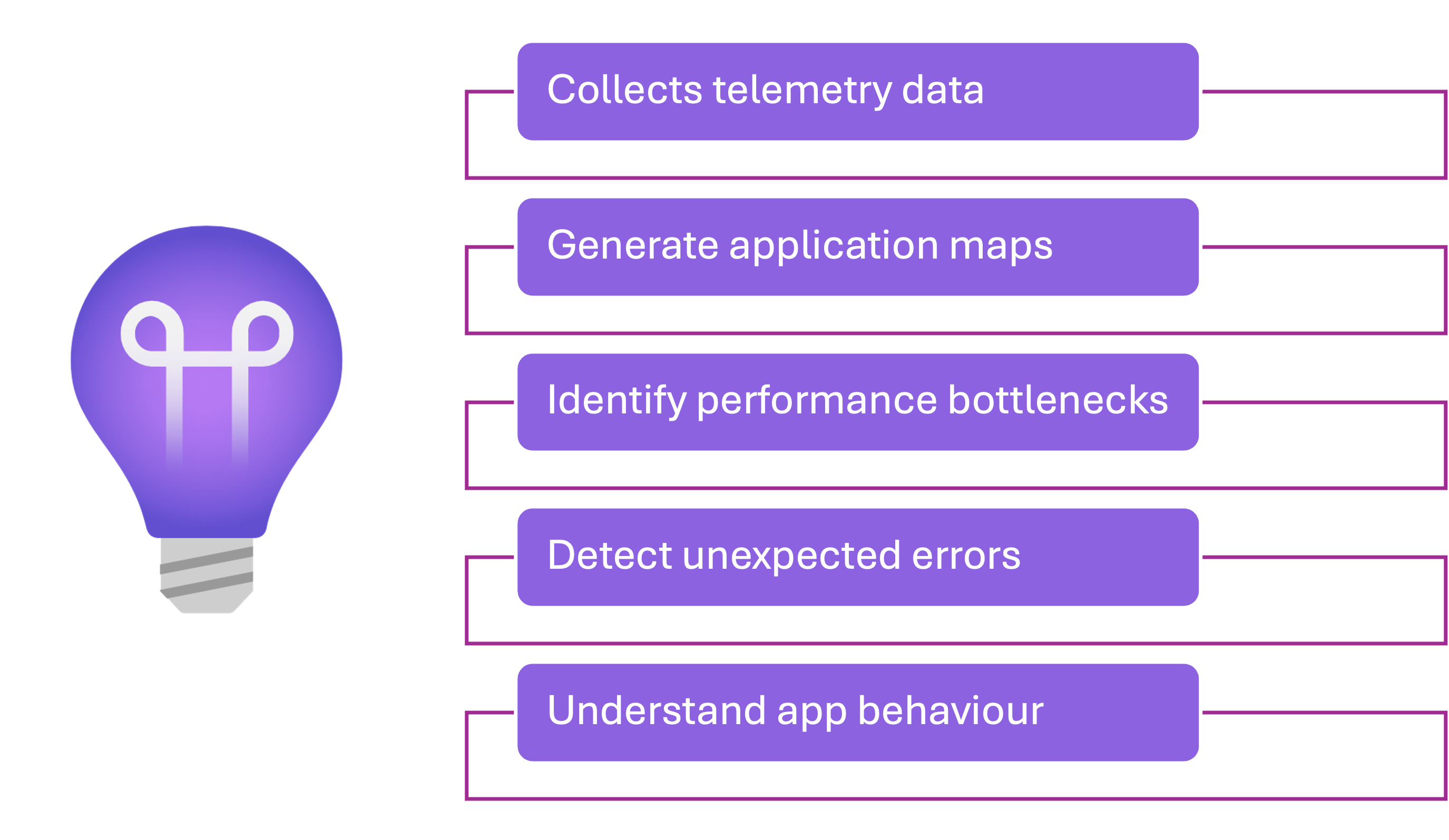
什么是 Application Insights?

Application Insights

Azure App Services

启用 Application Insights


启用 Application Insights


  • 启用 Application Insights
    • 直接在 Azure 门户中
  • 自动采集数据
    • 无需修改代码
Azure App Services

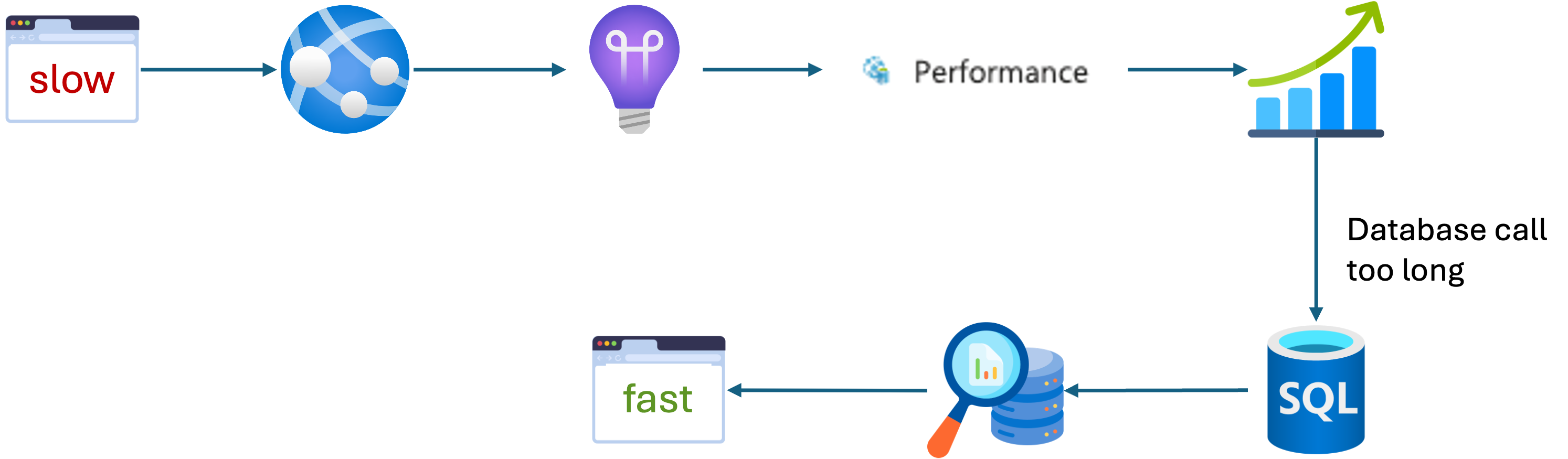
排障示例

Application Insights 示例

  • 在 Application Insights 中查看"Performance"选项卡
    • 这些时段响应时间陡增
  • 查看"Dependencies"
    • 某次数据库调用耗时过长
  • 优化数据库查询
    • 提升应用速度
Azure App Services

小结


横向扩展

纵向扩展

App Insights


  • 横向扩展
    • 增加实例以应对更高负载
  • 纵向扩展
    • 提升计算资源以加快性能
  • 监控
    • 跟踪性能并排查问题
Azure App Services

让我们来练习!

Azure App Services

Preparing Video For Download...