Dash 中的高级 CSS
使用 Dash 和 Plotly 构建仪表板

Alex Scriven
Data Scientist
对象间距的 CSS
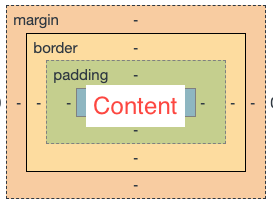
"盒模型"将每个 HTML 元素视为带有多层的盒子:
- 元素内容(
height和width属性) - 内边距(内容外侧)
- 边框(内边距与外边距之间)
- 外边距(边框外,分隔元素)
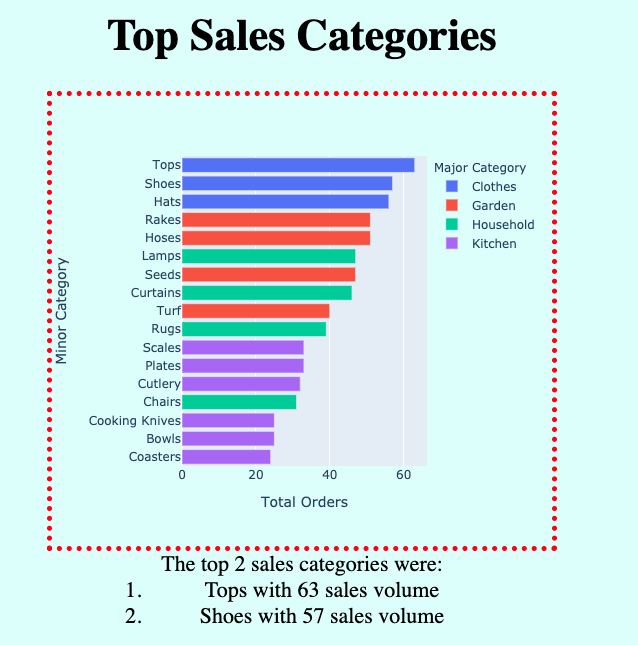
为应用添加边框
CSS 间距
$$
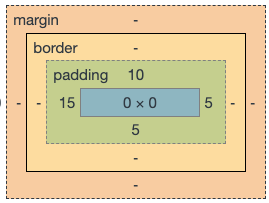
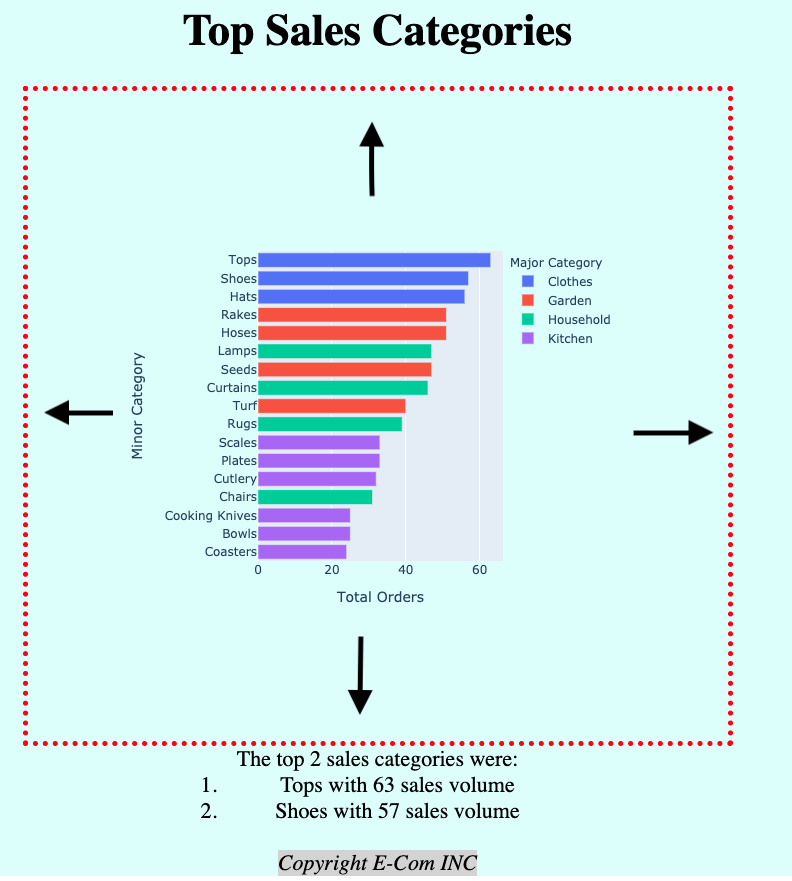
在 Dash 中添加内边距
无内边距:
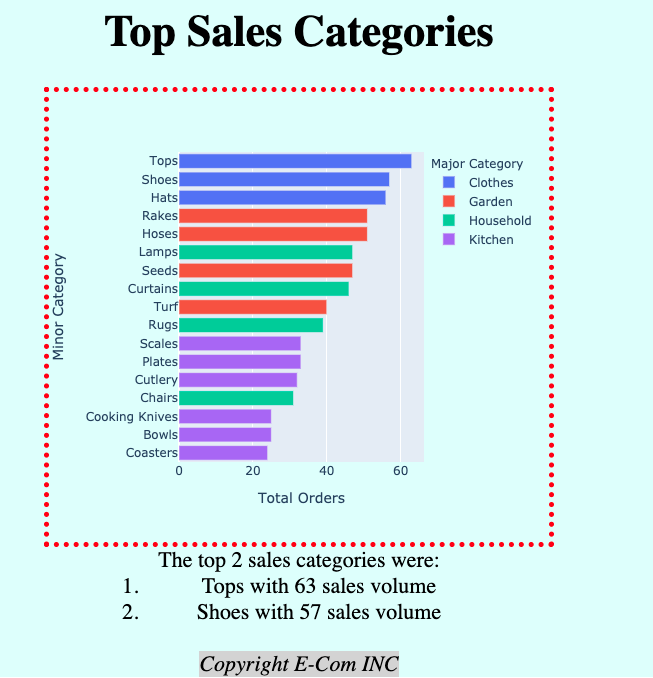
添加 'padding':'100px':
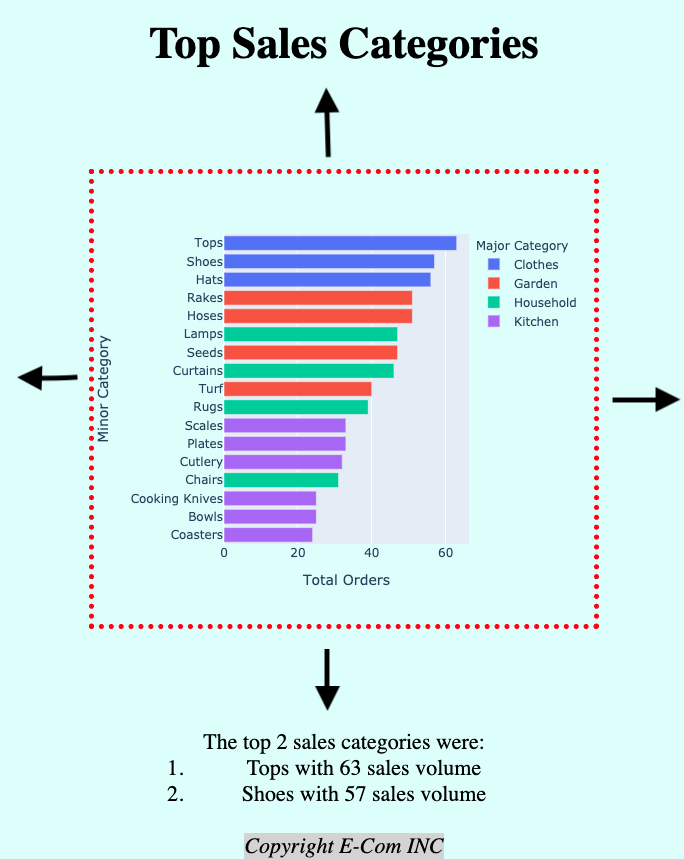
在 Dash 中添加外边距
无外边距:
添加 margin: 100px auto:
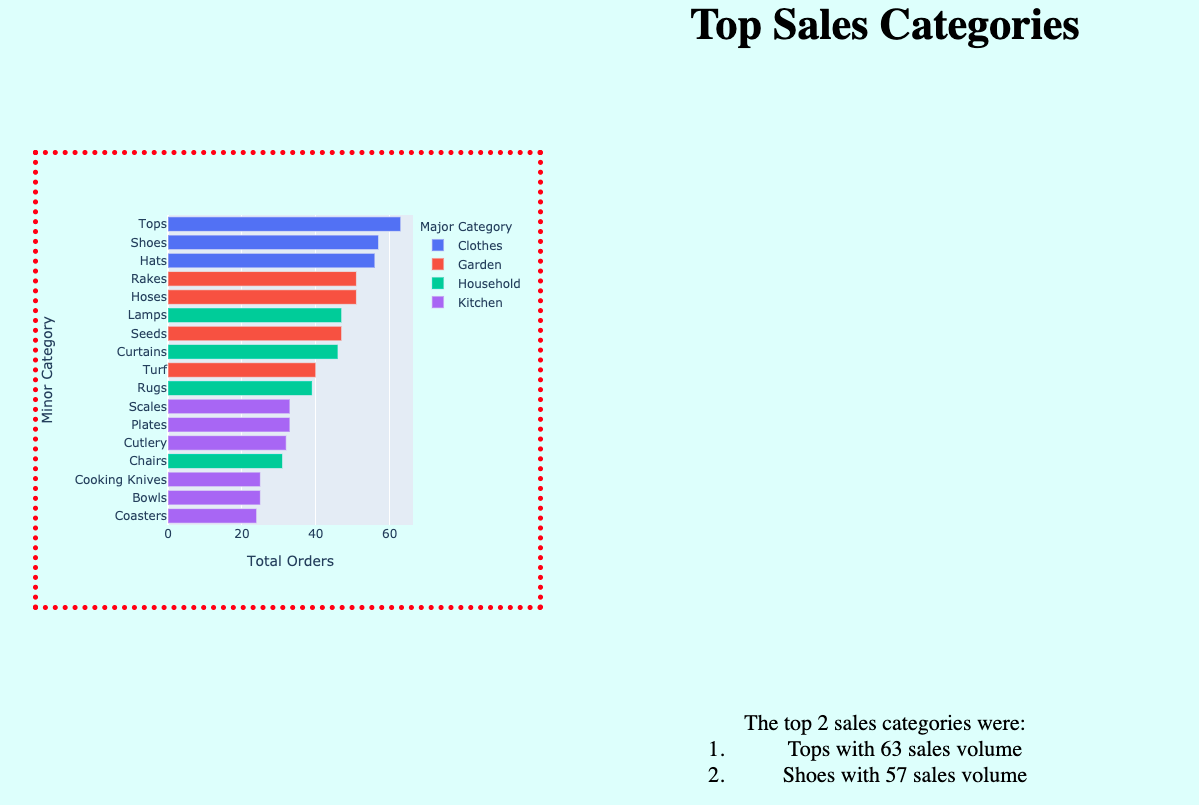
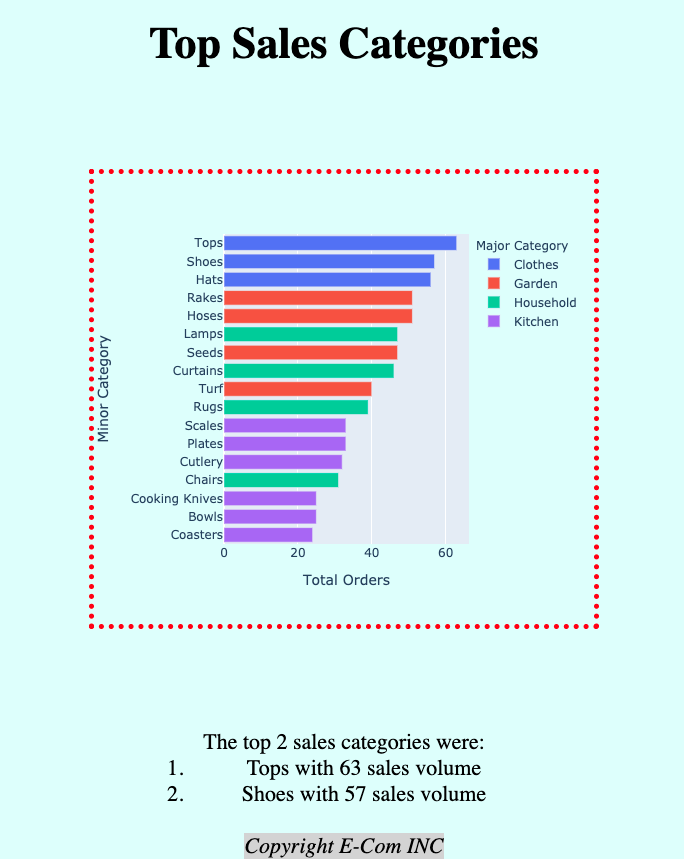
用 auto 外边距居中
使用:'margin':'100px'
使用:'margin':'100px auto'
inline-block 元素
$$