Shell 中的数据处理
Susan Sun
Data Person
Python
文档:
man python
...
-V ,  --version
    Prints the Python version number of the executable and exits.
python --version
Python 3.5.2
示例:使用系统自带 Python
which python
/usr/bin/python
在终端启动 Python 交互式会话:
python
Python 3.5.2 (default, Nov 23 2017, 16:37:01)
[GCC 5.4.0 20160609] on linuxType "help", "copyright", "credits" or
"license" for more information.
>>>
在会话中仅使用 Python 语法:
>>> print('hello world')
hello world
退出会话返回终端:
>>> exit()
$
Python 交互式会话:
替代方案:
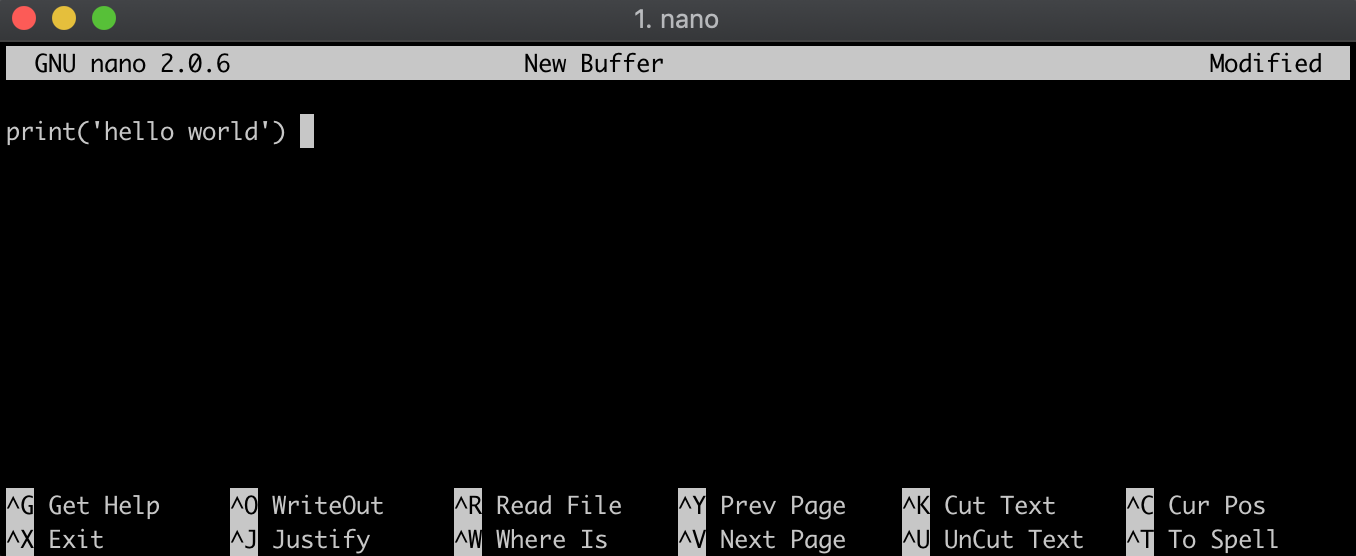
.py
方法 1
方法 2
echo
hello_world.py
echo "print('hello world')" > hello_world.py
校验文件内容:
cat hello_world.py
print('hello world')
确保与 .py 文件在同一目录:
ls
在文件名前加 python 来执行:
python hello_world.py
hello world