输入数据

Python 中的 TensorFlow 入门

Isaiah Hull

Visiting Associate Professor of Finance, BI Norwegian Business School

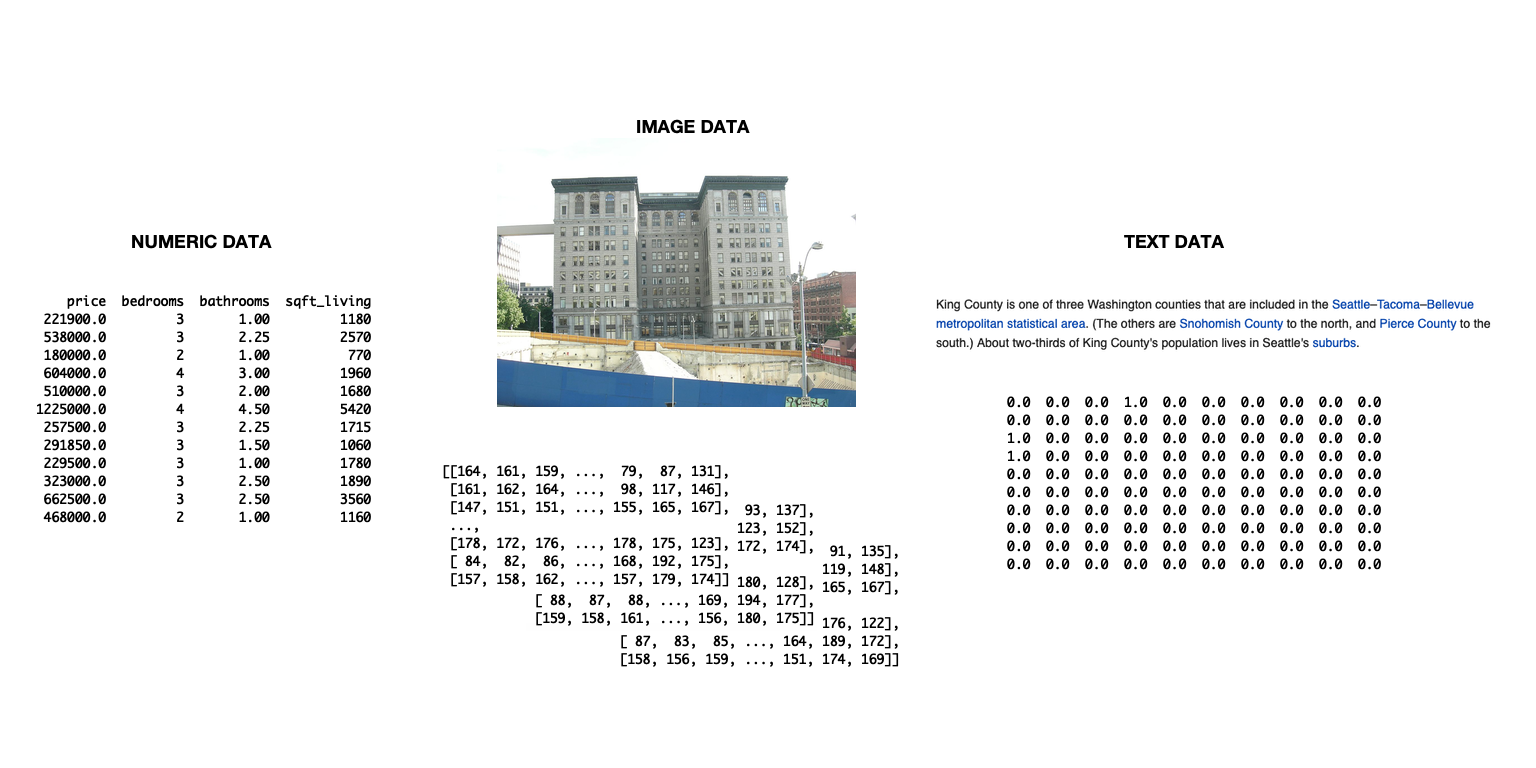
该幻灯片展示三种数据类型的示意图:文本、图像和数值数据。

Python 中的 TensorFlow 入门

为 TensorFlow 导入数据

  • 可用 tensorflow 导入数据
    • 适合管理复杂流水线
    • 本章不必使用
  • 本章采用更简单的方法
    • pandas 导入数据
    • 转为 numpy 数组
    • 直接在 tensorflow 中使用
Python 中的 TensorFlow 入门

如何导入并转换数据

# Import numpy and pandas
import numpy as np
import pandas as pd

# Load data from csv
housing = pd.read_csv('kc_housing.csv')

# Convert to numpy array
housing = np.array(housing)
  • 本章聚焦于 csv 格式数据
  • Pandas 也可处理其他格式
    • read_json()read_html()read_excel()
Python 中的 TensorFlow 入门

read_csv() 的参数

参数 说明 默认值
filepath_or_buffer 接受文件路径或 URL。 None
sep 列分隔符。 ,
delim_whitespace 是否用空白分隔(布尔)。 False
encoding 指定编码(如需)。 None
Python 中的 TensorFlow 入门

使用混合类型数据集

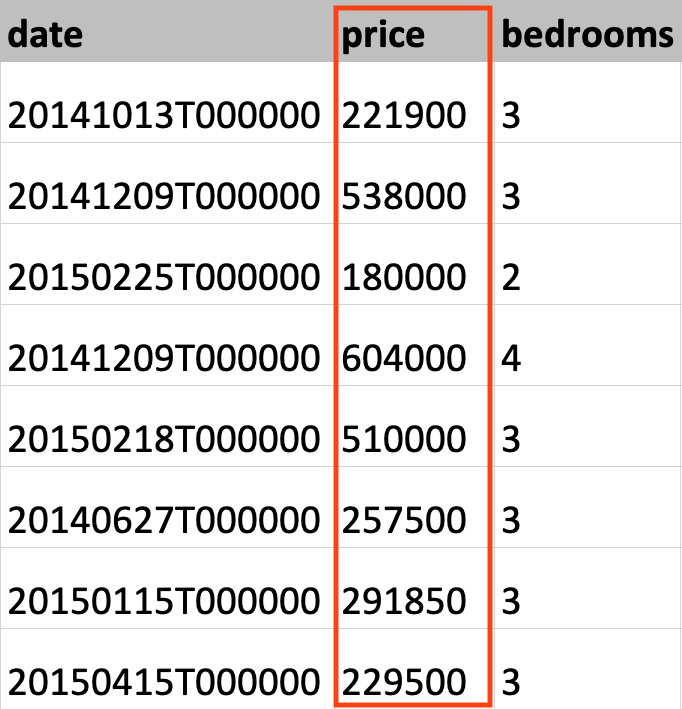
此图展示了金县(King County)房屋数据集,已高亮房价列。

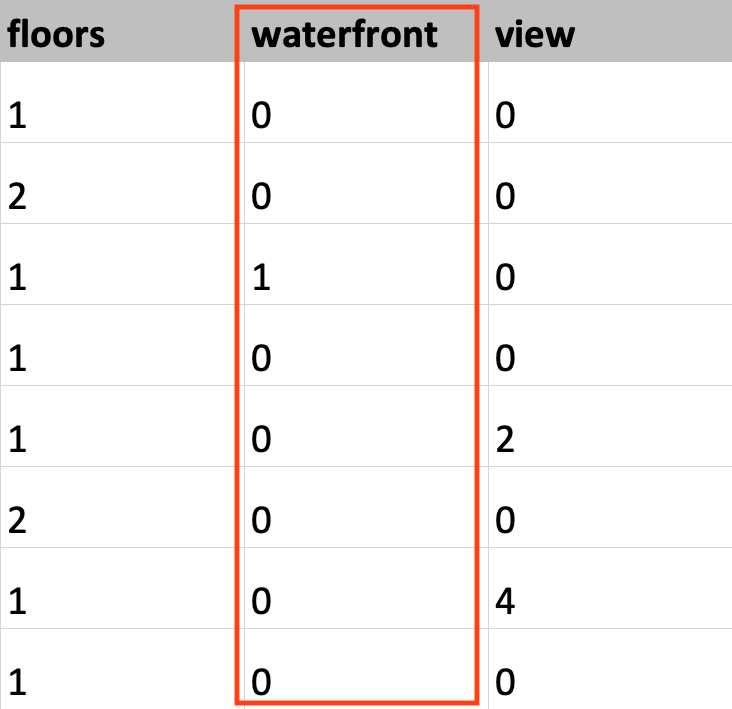
此图展示了金县(King County)房屋数据集,已高亮临水(waterfront)列。

Python 中的 TensorFlow 入门

设置数据类型

# Load KC dataset
housing = pd.read_csv('kc_housing.csv')

# Convert price column to float32
price = np.array(housing['price'], np.float32)

# Convert waterfront column to Boolean
waterfront = np.array(housing['waterfront'], np.bool)
Python 中的 TensorFlow 入门

设置数据类型

# Load KC dataset
housing = pd.read_csv('kc_housing.csv')

# Convert price column to float32
price = tf.cast(housing['price'], tf.float32)

# Convert waterfront column to Boolean
waterfront = tf.cast(housing['waterfront'], tf.bool)
Python 中的 TensorFlow 入门

Vamos praticar!

Python 中的 TensorFlow 入门

Preparing Video For Download...