RMarkdown 文件中的图像

在 Tidyverse 中用数据进行沟通

Timo Grossenbacher

Data Journalist
在 Tidyverse 中用数据进行沟通

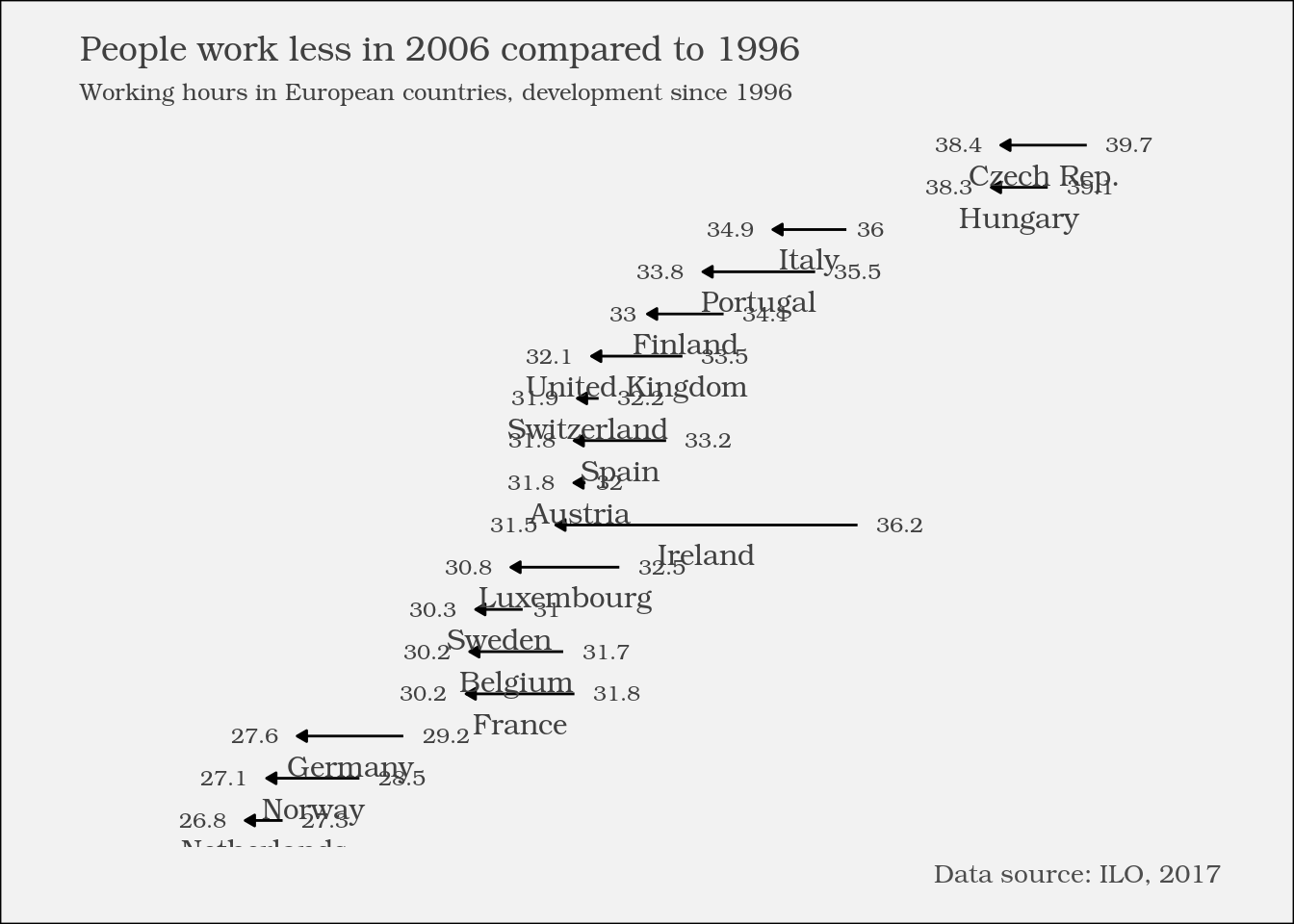
在 RMarkdown 中调整图形选项


```{r}

... ggplot2 code ...

----CODE_GLUE---- `

在 Tidyverse 中用数据进行沟通

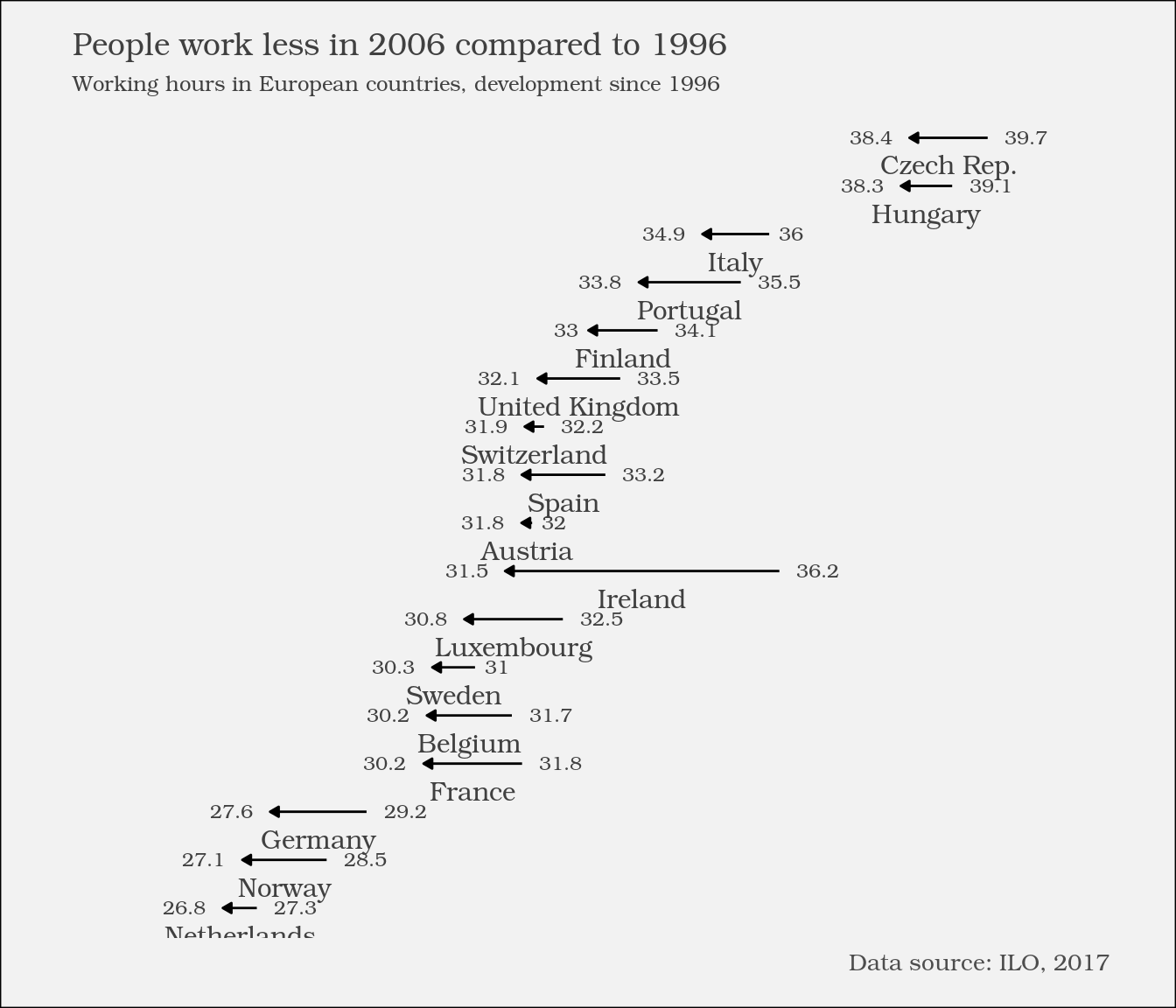
在 RMarkdown 中调整图形选项


```{r fig.height = 6}

... ggplot2 code ...

----CODE_GLUE---- `

在 Tidyverse 中用数据进行沟通

图形选项

选项 可取值 作用
fig.height 数值,英寸 图像高度(英寸)。
fig.width 数值,英寸 图像宽度(英寸)。
fig.align "left""right"或"center"之一 图像在报告中的对齐方式。

更多选项参见 knitr 包的相关帮助页面

在 Tidyverse 中用数据进行沟通

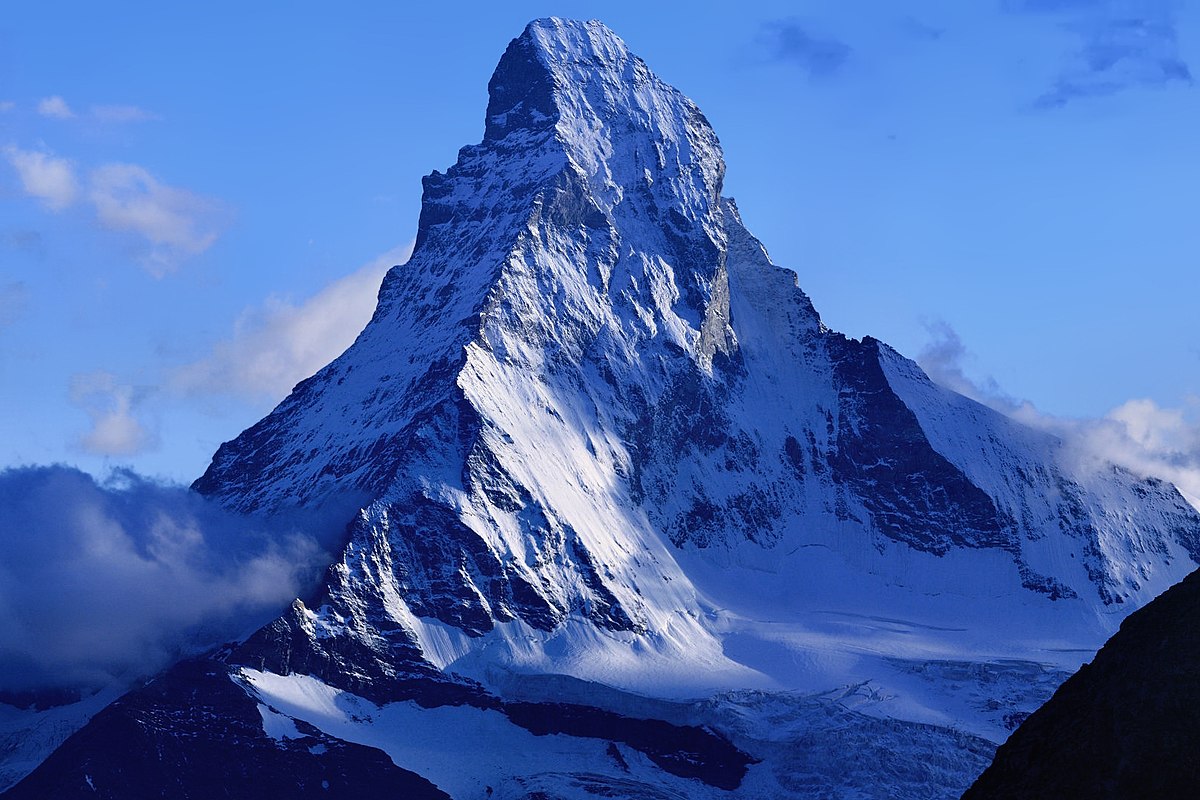
RMarkdown 报告中的外部图像

![An impressive mountain](https://upload.wikimedia.org/wikipedia/commons/thumb/6/60/
Matterhorn_from_Domh%C3%BCtte_-_2.jpg/1200px-Matterhorn_from_Domh%C3%BCtte_-_2.jpg)

一座壮观的高山 一座壮观的高山

在 Tidyverse 中用数据进行沟通

Passons à la pratique !

在 Tidyverse 中用数据进行沟通

Preparing Video For Download...