即用即搜的网页搜索
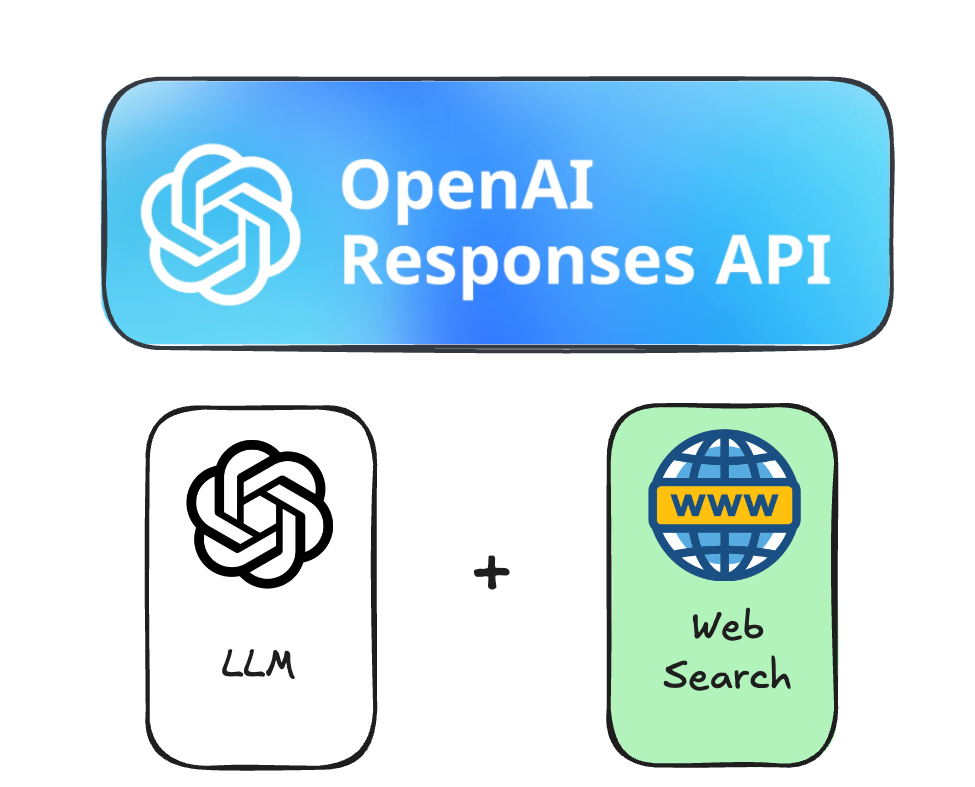
使用 OpenAI Responses API

James Chapman
AI Curriculum Manager, DataCamp
为何需要最新信息
- LLM → 存在"知识截断"
- 可能落后超过 1 年:
- 例如:GPT 4.1 为 2024 年 6 月
- 对编程、研究等有影响
- 可能落后超过 1 年:
知识截断的实际影响
response = client.responses.create(
    model="gpt-5.4-mini",
    input="What is the current temperature in Tokyo, Japan?"
)

print(response.output_text)
我无法访问实时数据,因此现在不能告诉你东京的实时气温。
开始使用网页搜索
response = client.responses.create( model="gpt-5.4-mini",tools=[{"type": "web_search"}],input="What is the current temperature in Tokyo, Japan?" ) print(response.output_text)
东京(日本)当前气温:46°F(8°C),有雾。(东京时间 2025 年 11 月 25 日)
网页搜索的内部流程
for item in response.output:
    print(item)
ResponseReasoningItem(id='...', summary=[], type='reasoning', content=None, encrypted_content=None, status=None)ResponseFunctionWebSearch(id='...', action=ActionSearch(query='weather: Tokyo, Japan', type='search', sources=None), status='completed', type='web_search_call')ResponseReasoningItem(id='...', summary=[], type='reasoning', content=None, encrypted_content=None, status=None)ResponseOutputMessage(id='...', content=[ResponseOutputText(annotations=[], text='Current temperature in Tokyo (Japan)...', type='output_text', logprobs=[])], role='assistant', status='completed', type='message')
包含所有来源
response = client.responses.create( model="gpt-5.4-mini", tools=[{"type": "web_search"}], input="What is the current temperature in Tokyo, Japan?",include=["web_search_call.action.sources"])for item in response.output: if item.type == "web_search_call": print(item)
ResponseFunctionWebSearch(id='...', action=ActionSearch(query='weather: Tokyo, Japan',
                          type='search', sources=[ActionSearchSource(type='api', url=None,
                          name='oai-weather')]), status='completed', type='web_search_call')
其他来源类型
response = client.responses.create(
    model="gpt-5.4-mini",
    tools=[{"type": "web_search"}],
    input="What is the latest Python version released?",
    include=["web_search_call.action.sources"]
)

for item in response.output:
    if item.type == "web_search_call":
        print(item.action.sources)
其他来源类型
[{'type': 'url', 'url': 'https://www.python.org/doc/versions/'},
 {'type': 'url', 'url': 'https://test.python.org/doc/versions/'},
 {'type': 'url', 'url': 'https://www.techradar.com/pro/...'}]

[{'type': 'url', 'url': 'https://www.python.org/downloads/latest/python3.14/'},
 {'type': 'url', 'url': 'https://www.python.org/downloads/release/python-3140rc1/'},
 {'type': 'url', 'url': 'https://blog.python.org/2025/10/python-3140-final-is-here.html'},
 {'type': 'url', 'url': 'https://www.python.org/downloads/release/python-3140rc2/'},
 {'type': 'url', 'url': 'https://peps.python.org/pep-0745/'},
 {'type': 'url', 'url': 'https://blog.python.org/2025/05/python-3140-beta-1-is-here.html'},
 {'type': 'url', 'url': 'https://www.python.org/downloads/release/python-3140rc3/'},
 {'type': 'url', 'url': 'https://blog.python.org/2025/10/'},
 {'type': 'url', 'url': 'https://blog.python.org/2025/07/python-314-release-candidate-1-is-go.html'},
 {'type': 'url', 'url': 'https://blog.python.org/2025/01/python-3140-alpha-4-is-out.html'},
 {'type': 'url', 'url': 'https://mail.python.org/archives/list/python-announce-list...'}]
Vamos praticar!
使用 OpenAI Responses API

