添加简单输入以修改图表

案例研究:使用 R 的 Shiny 构建 Web 应用

Dean Attali

Shiny Consultant

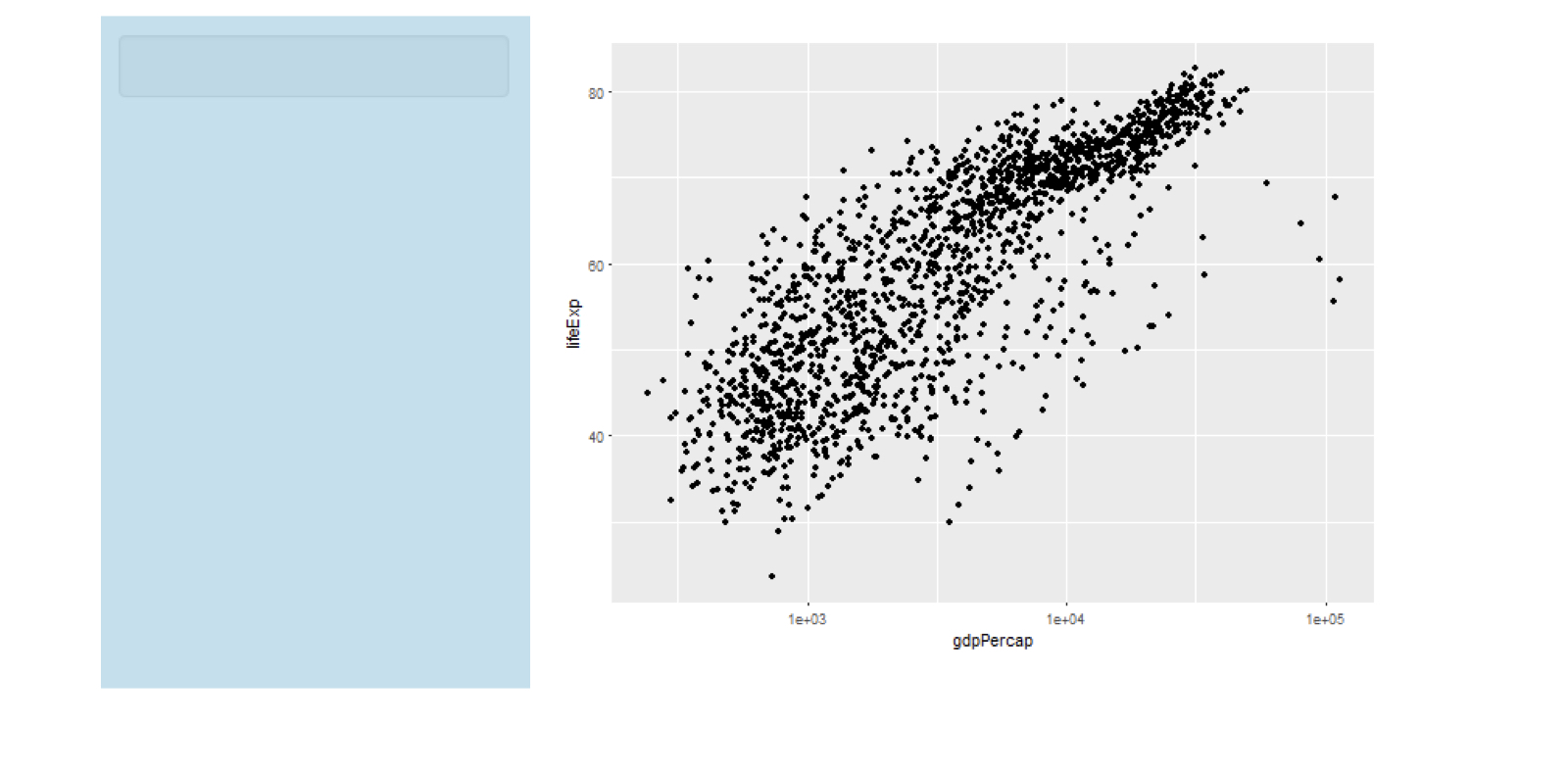
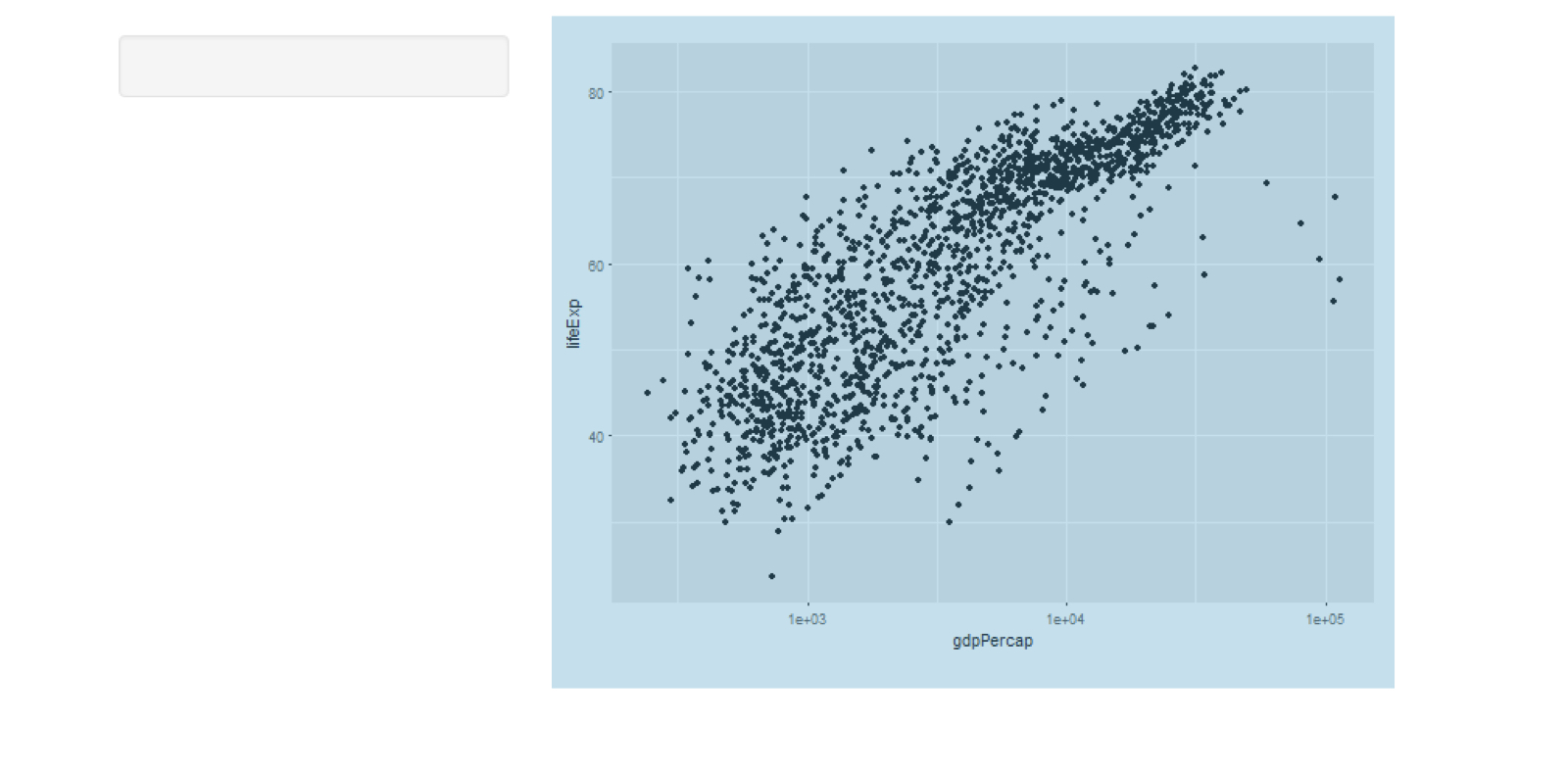
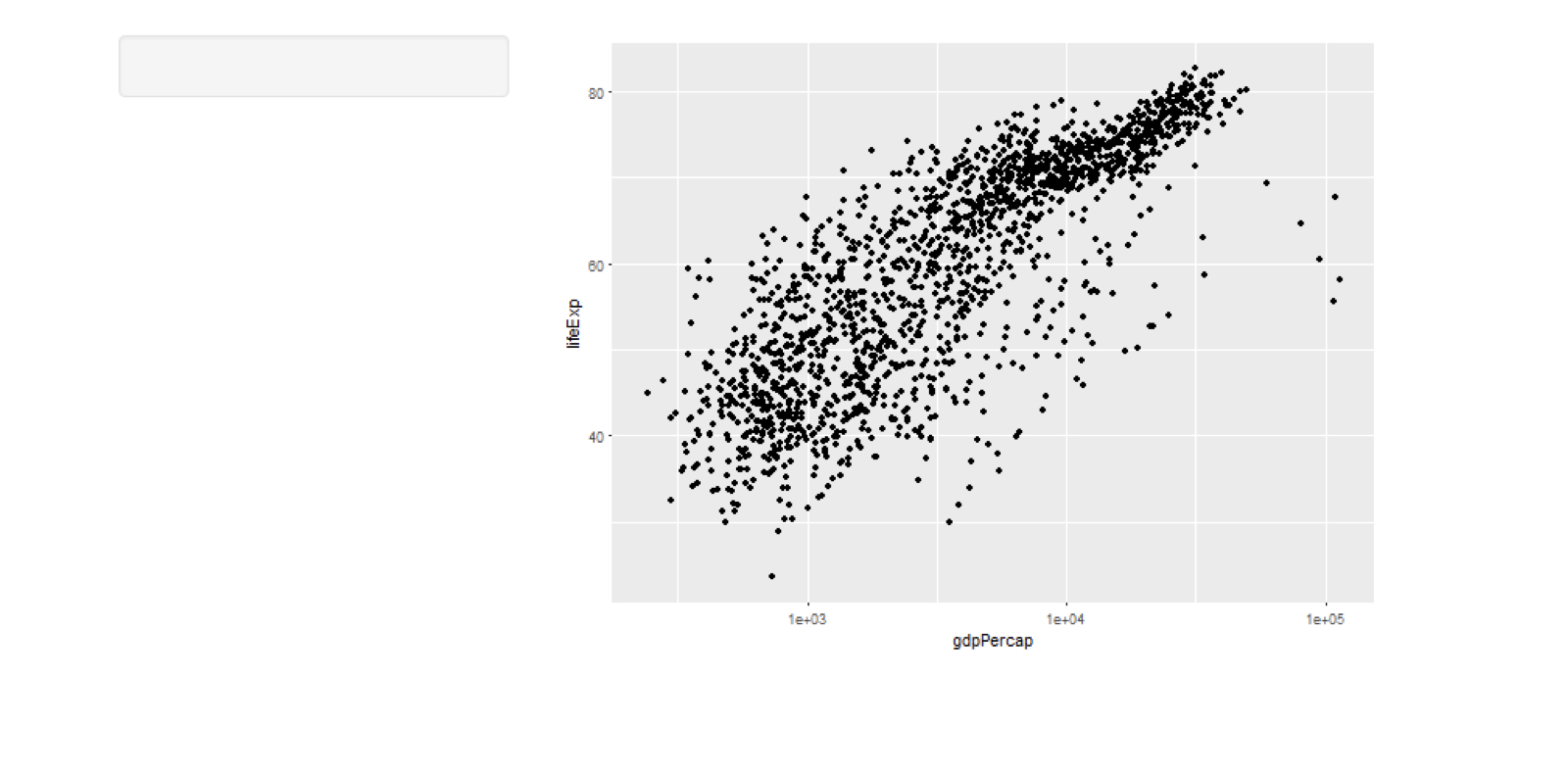
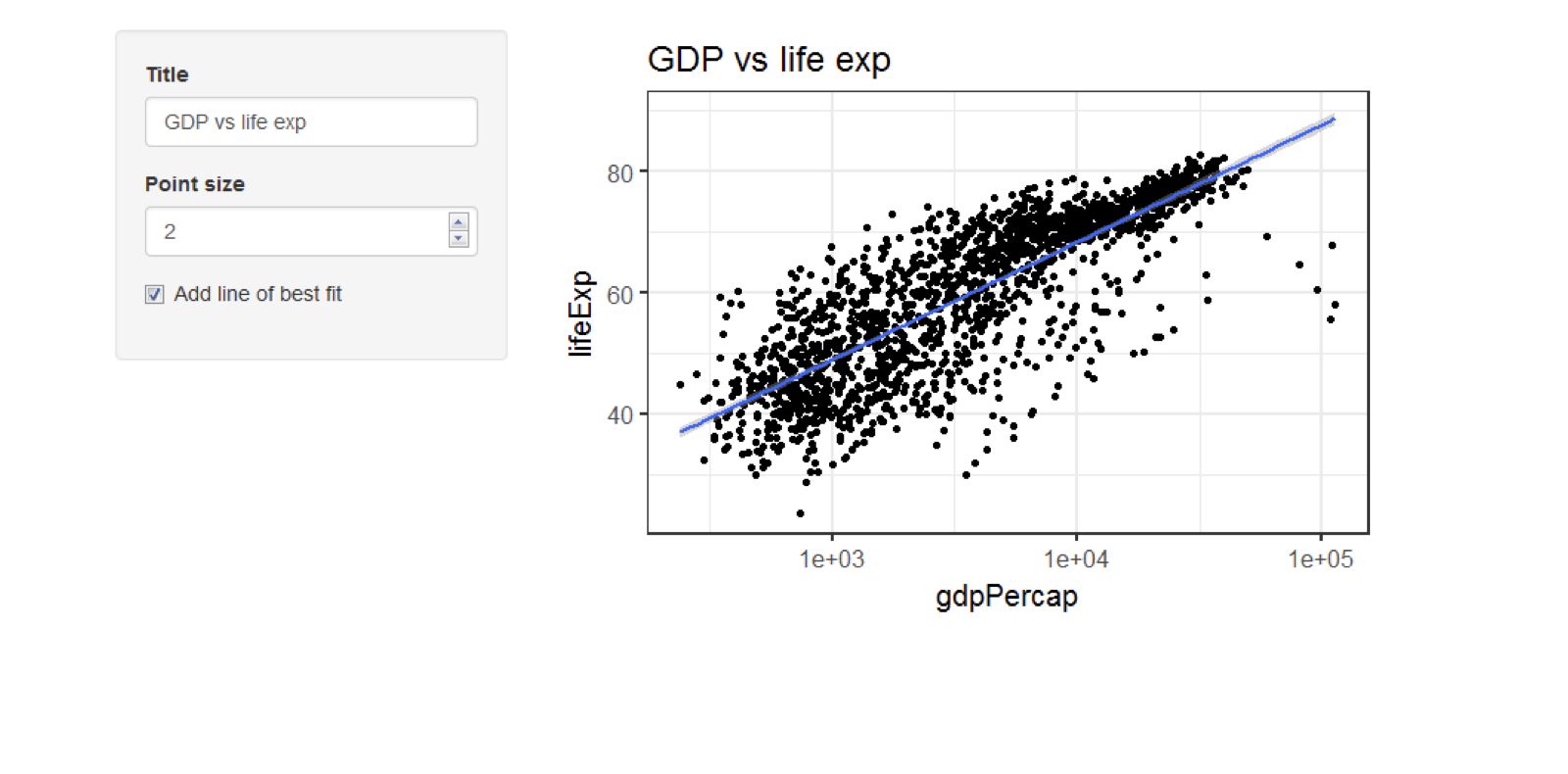
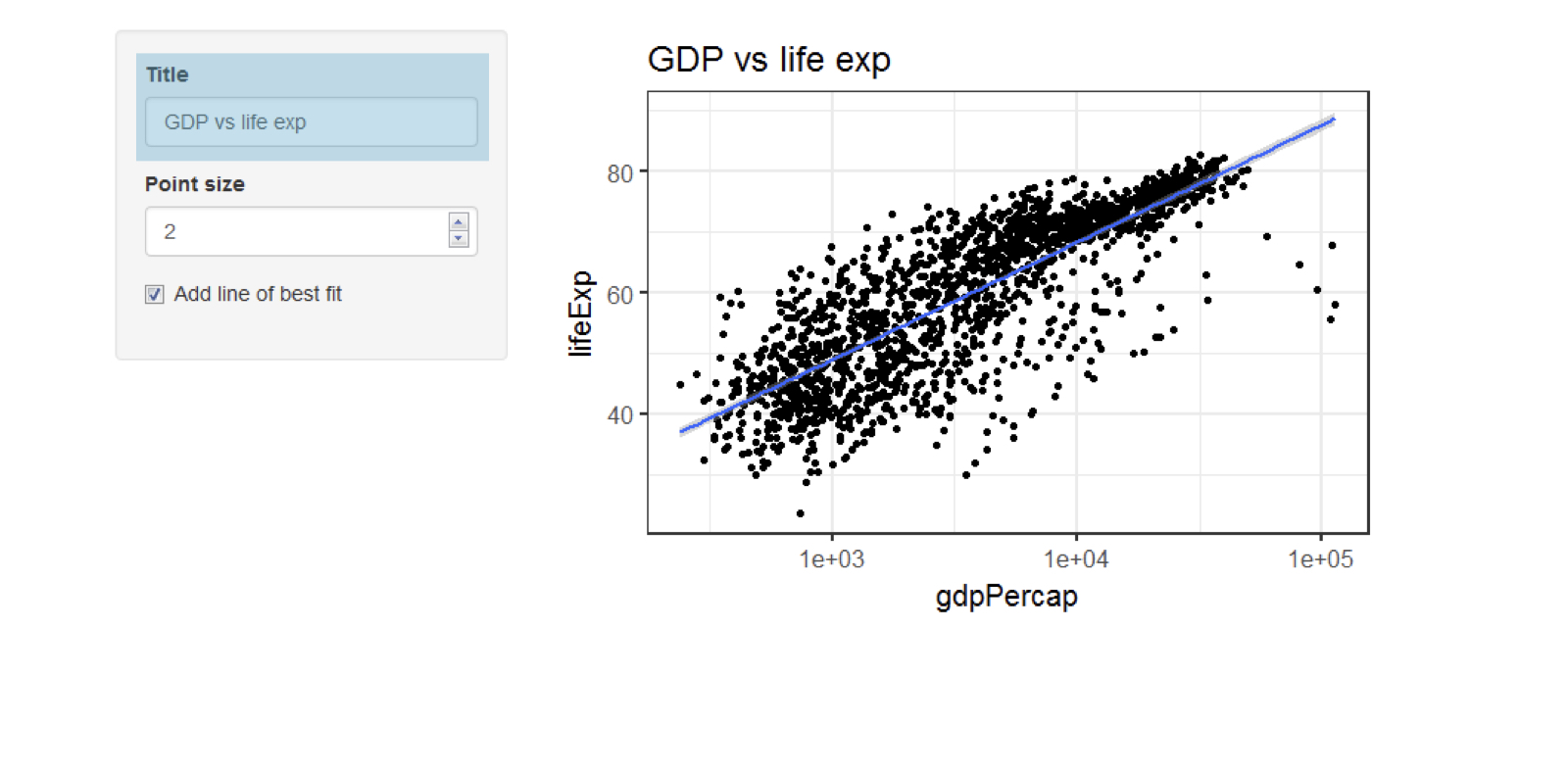
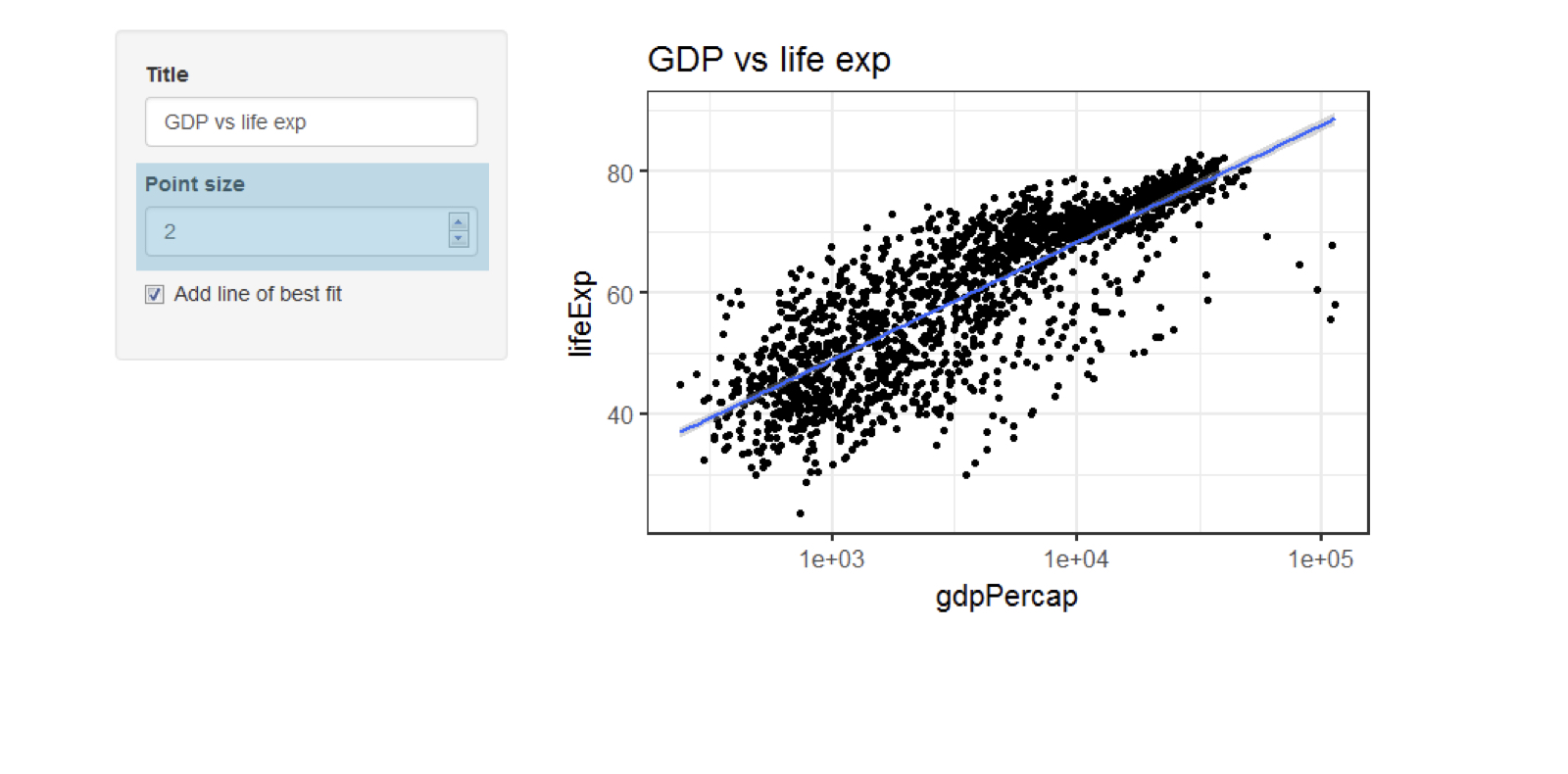
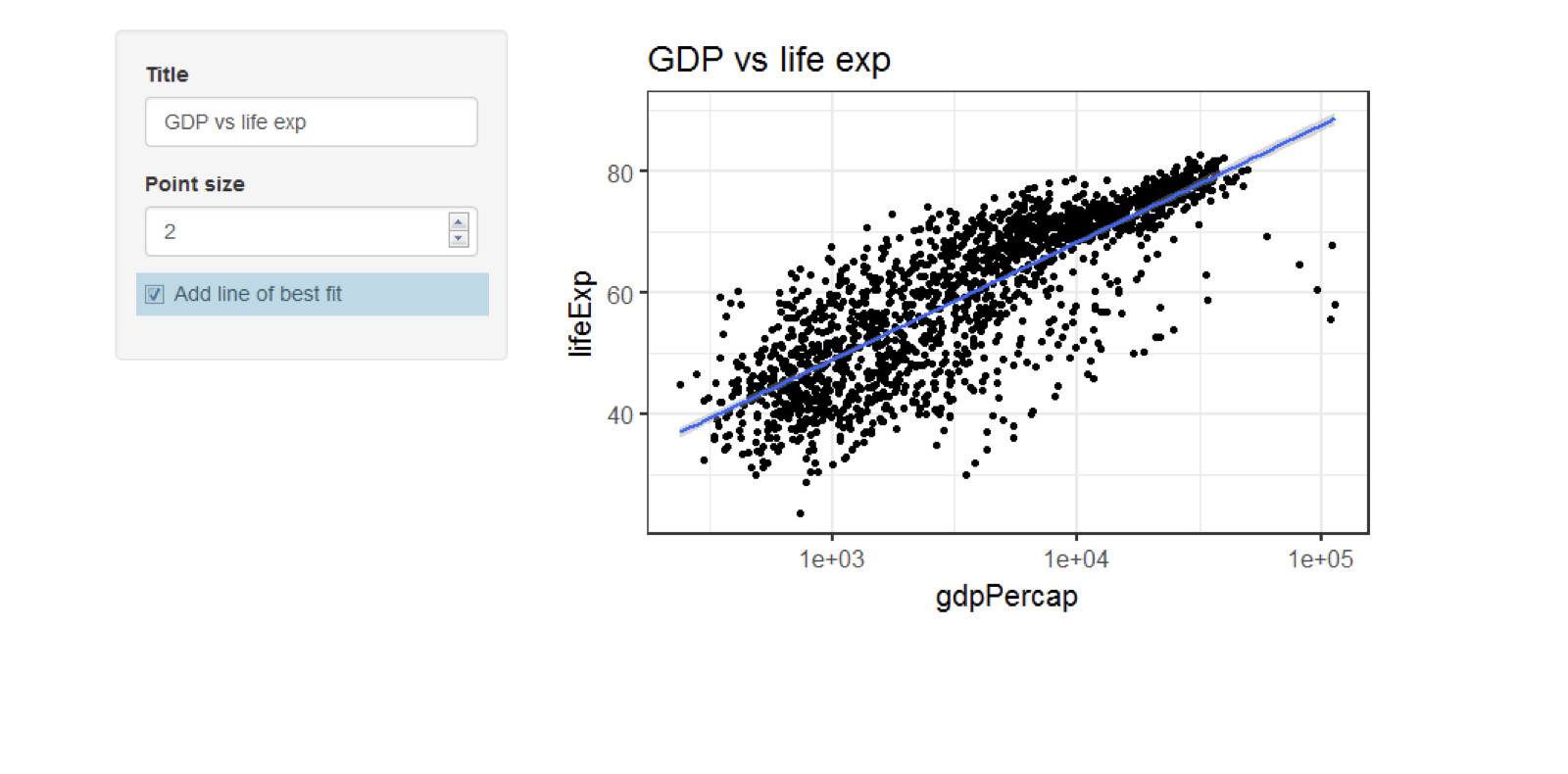
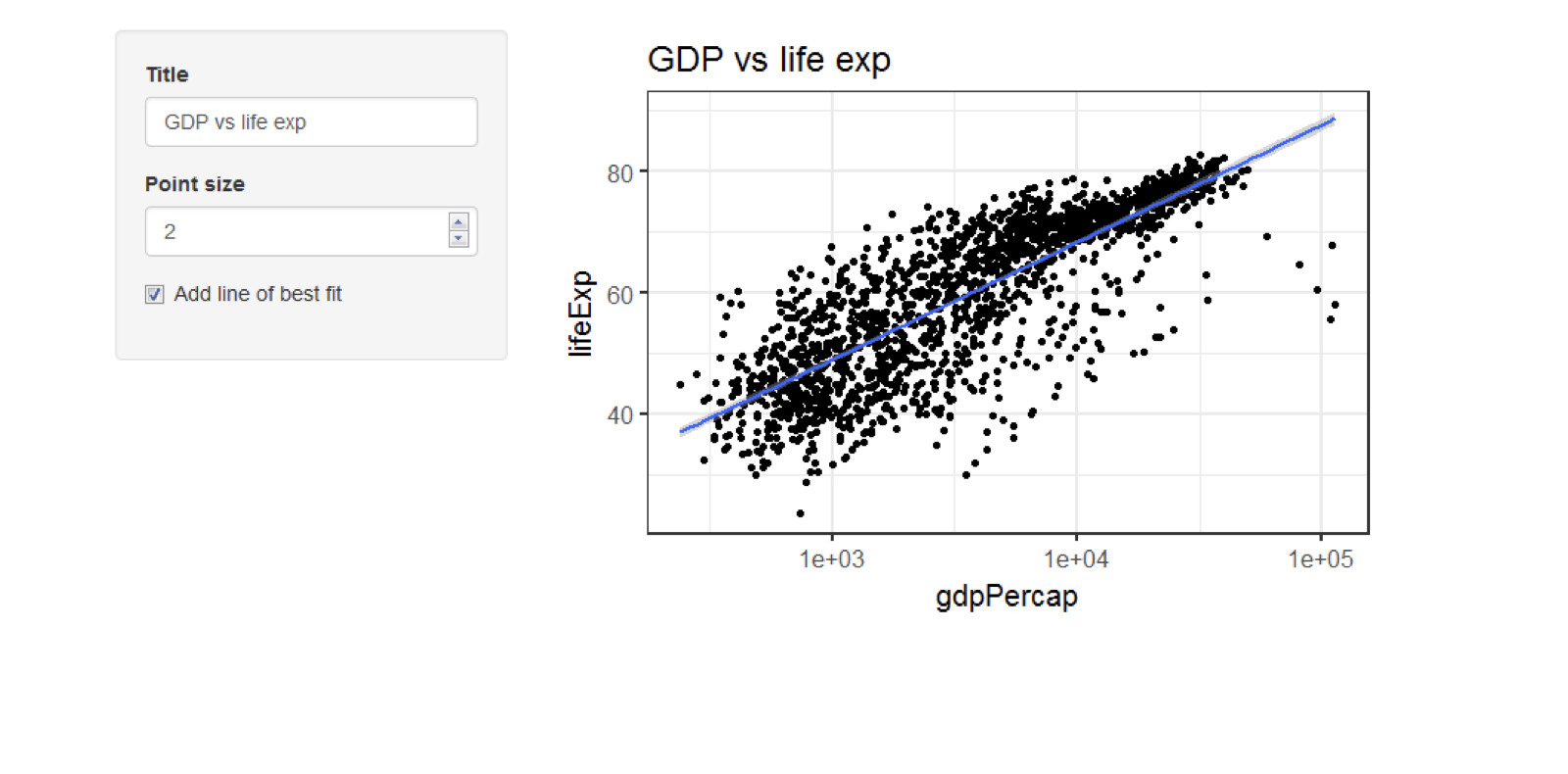
Gapminder 绘图应用
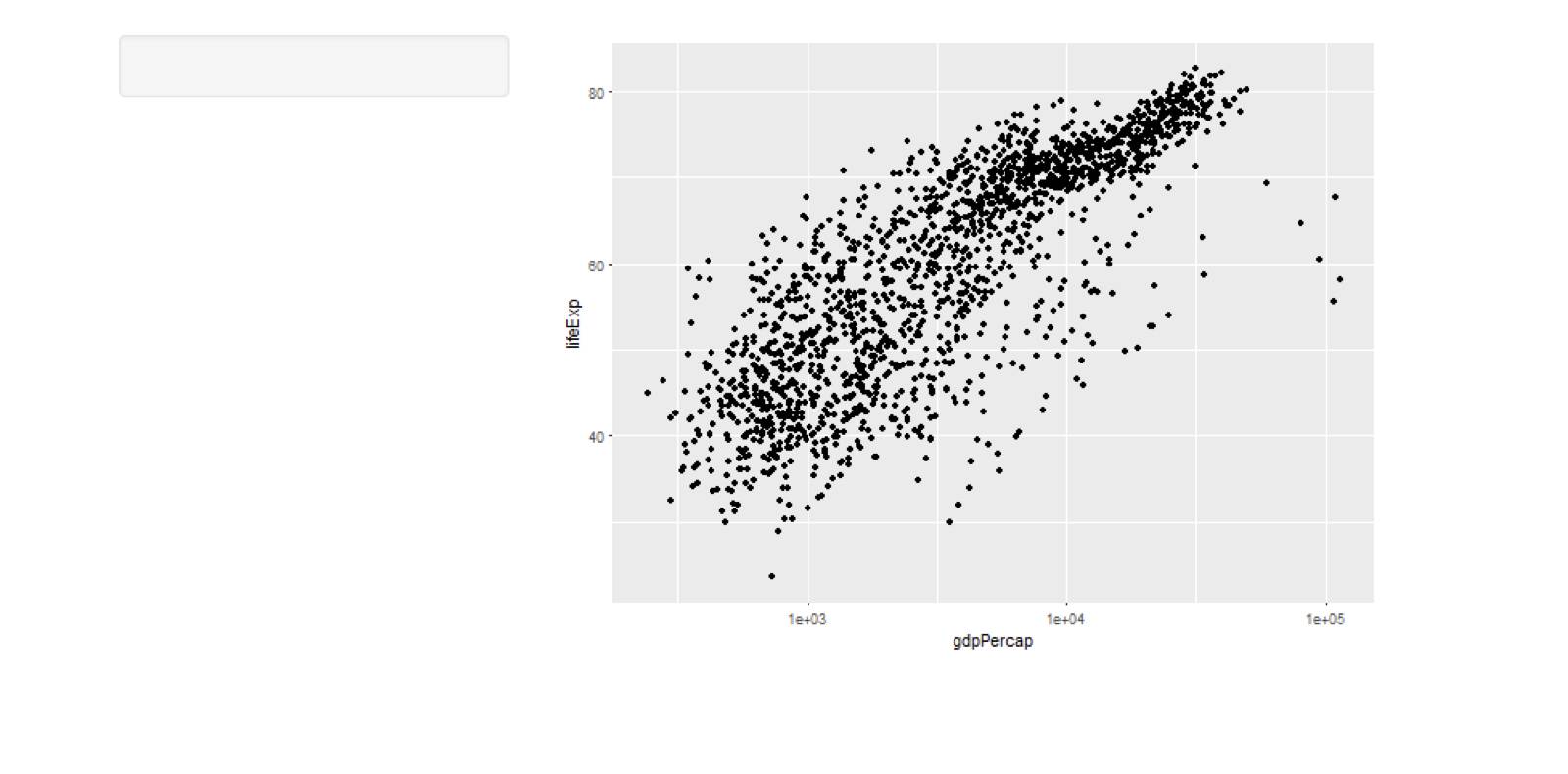
chapter2_2_adding_simple_inputs_to_modify_a_plot.003.png

案例研究:使用 R 的 Shiny 构建 Web 应用

Gapminder 绘图应用

chapter2_2_adding_simple_inputs_to_modify_a_plot.004.png

案例研究:使用 R 的 Shiny 构建 Web 应用

Gapminder 绘图应用

chapter2_2_adding_simple_inputs_to_modify_a_plot.005.png

案例研究:使用 R 的 Shiny 构建 Web 应用

Gapminder 绘图应用

chapter2_2_adding_simple_inputs_to_modify_a_plot.006.png

案例研究:使用 R 的 Shiny 构建 Web 应用

Gapminder 绘图应用

chapter2_2_adding_simple_inputs_to_modify_a_plot.007.png

案例研究:使用 R 的 Shiny 构建 Web 应用

Gapminder 绘图应用

chapter2_2_adding_simple_inputs_to_modify_a_plot.008.png

案例研究:使用 R 的 Shiny 构建 Web 应用

Gapminder 绘图应用

chapter2_2_adding_simple_inputs_to_modify_a_plot.009.png

案例研究:使用 R 的 Shiny 构建 Web 应用

Gapminder 绘图应用

chapter2_2_adding_simple_inputs_to_modify_a_plot.010.png

案例研究:使用 R 的 Shiny 构建 Web 应用

Gapminder 绘图应用

chapter2_2_adding_simple_inputs_to_modify_a_plot.011.png

案例研究:使用 R 的 Shiny 构建 Web 应用

文本输入

ui <- fluidPage( 
    textInput(inputId = "package", 
              label = "What's your favourite R package?",
              value = "shiny")
)

server <- function(input, output) {}
shinyApp(ui, server)

chapter2_2_adding_simple_inputs_to_modify_a_plot.012.png

str(input$package)
chr "shiny"
案例研究:使用 R 的 Shiny 构建 Web 应用

数值输入

numericInput("years", "How many years have you been using R?",
             value = 4, min = 0, max = 25)

chapter2_2_adding_simple_inputs_to_modify_a_plot.014.png

str(input$years)
int 4
案例研究:使用 R 的 Shiny 构建 Web 应用

复选框输入

checkboxInput("agree", "I agree to the terms and conditions",
              value = TRUE)

chapter2_2_adding_simple_inputs_to_modify_a_plot.020.png

str(input$agree)
logi TRUE
案例研究:使用 R 的 Shiny 构建 Web 应用

Passons à la pratique !

案例研究:使用 R 的 Shiny 构建 Web 应用

Preparing Video For Download...