状态、颜色与皮肤
使用 shinydashboard 构建仪表板

Png Kee Seng
Researcher
美化餐厅

1 图片来源:Freepik
shinydashboard 的状态
- 部分 shinydashboard 对象有
status属性 - 通过
status参数设置状态<object>(status = <status>, ...)

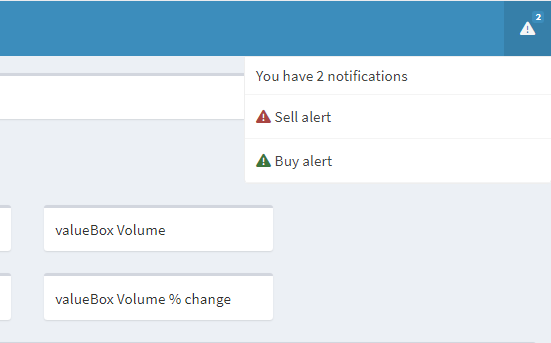
notificationItem 的状态
- 在页眉中添加两个通知项
- 将买入警报设为 success
- 将卖出警报设为 danger
notificationItem()的默认状态为"success"
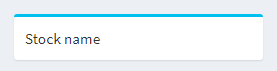
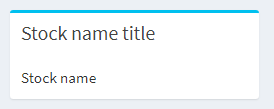
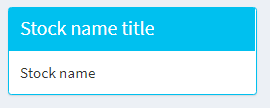
盒子的状态
为 shinydashboard 添加颜色
- 在部分 shinydashboard 对象中可设置
color - 假设
close价较昨日下跌 2%- 渲染红色的
valueBox()以提醒 Sally
- 渲染红色的

更多颜色
- shinydashboard 可用颜色:
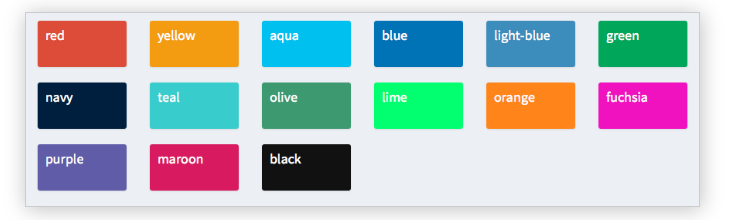
- 使用
?validStatuses与?validColors查看可用状态与颜色
尝试不同皮肤


