Teme personalizate ggplot2

Comunicarea cu date în Tidyverse

Timo Grossenbacher

Data Journalist

Avantajele unui aspect personalizat
Comunicarea cu date în Tidyverse

Funcția theme()

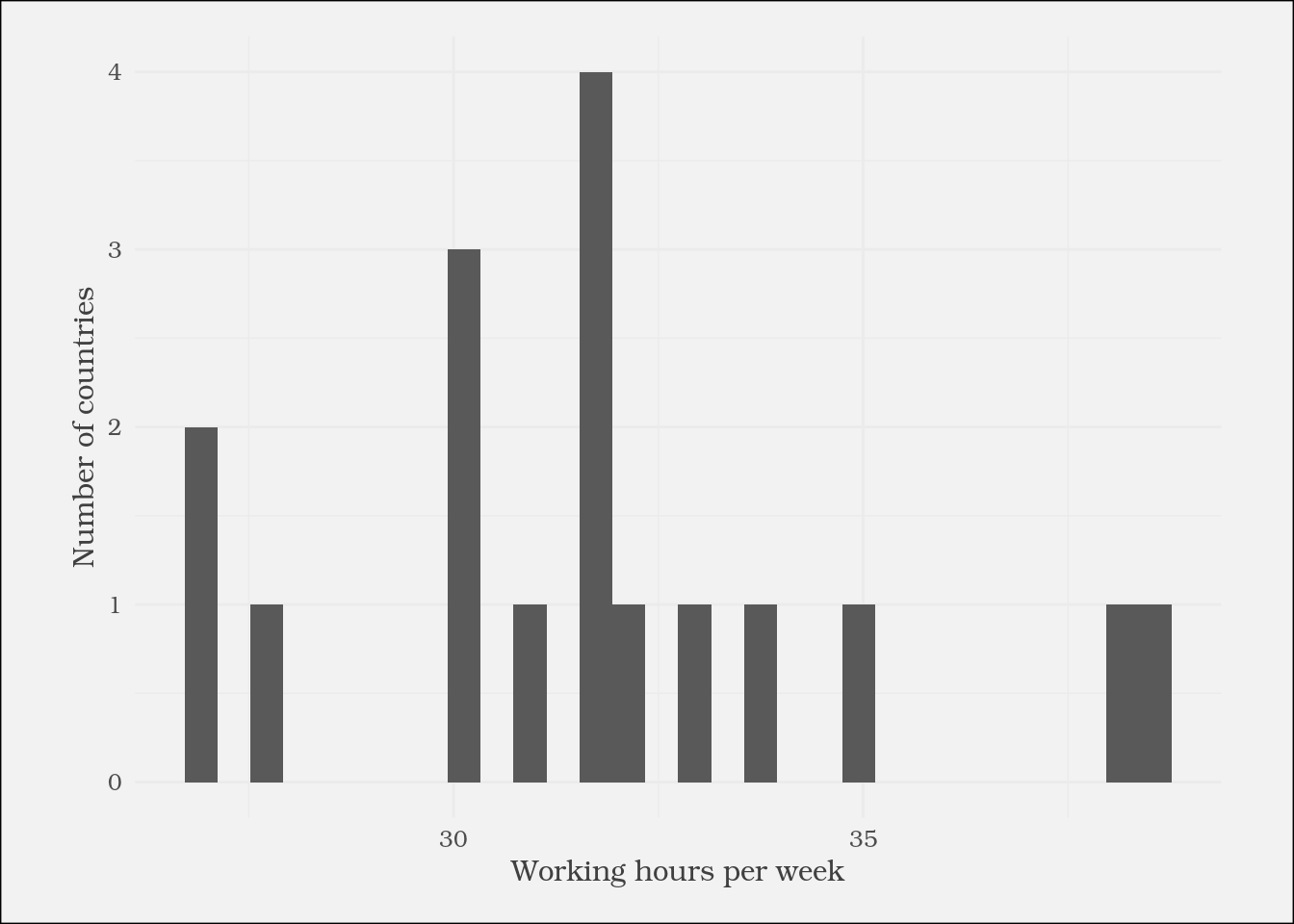
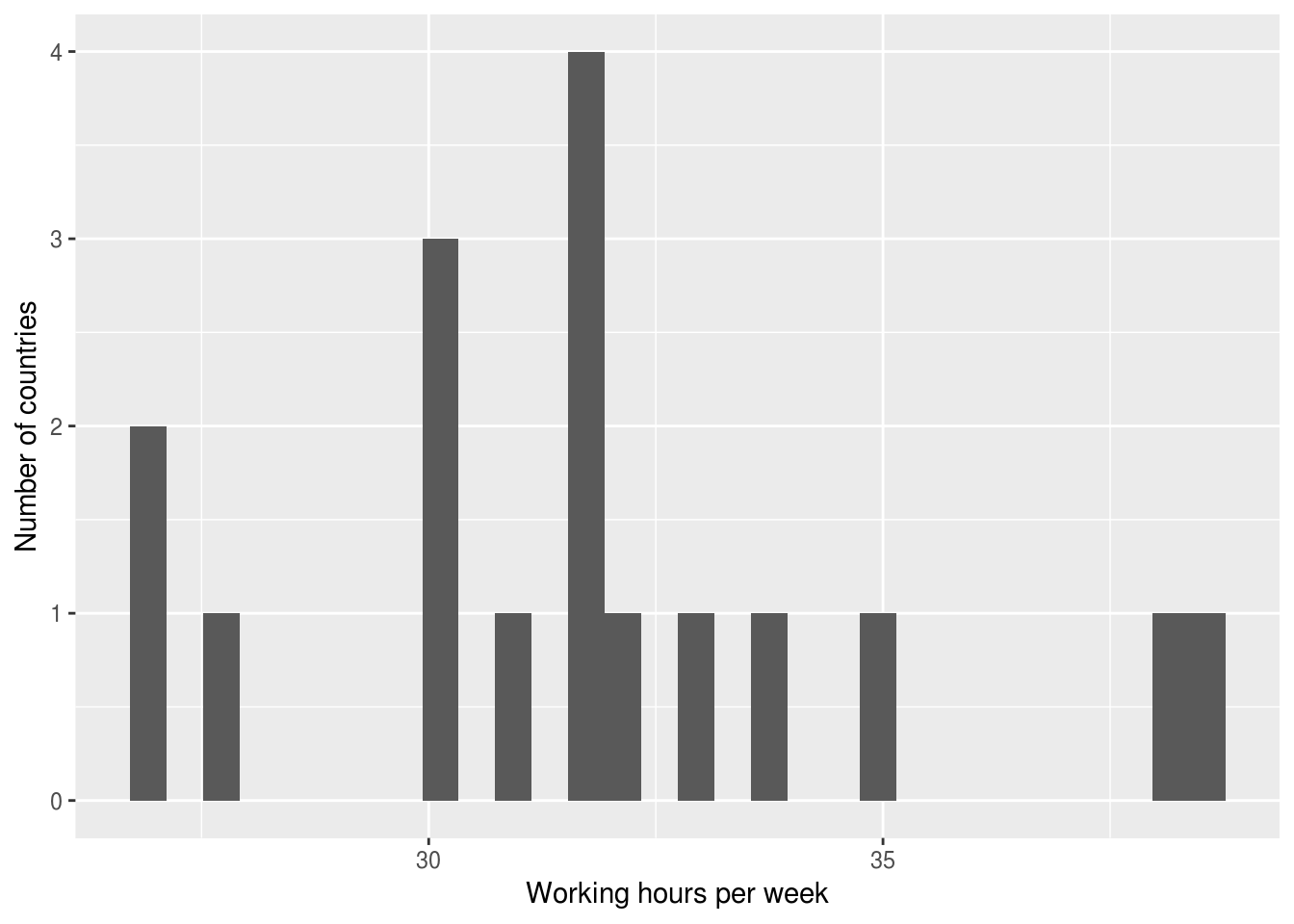
ggplot(plot_data) +
  geom_histogram(aes(
    x = working_hours)) +
  labs(x = "Working hours per week",
       y = "Number of countries") +
  theme(
    text = element_text(
      family = "Bookman",
      color = "gray25")
  )

Comunicarea cu date în Tidyverse

Teme implicite ggplot2

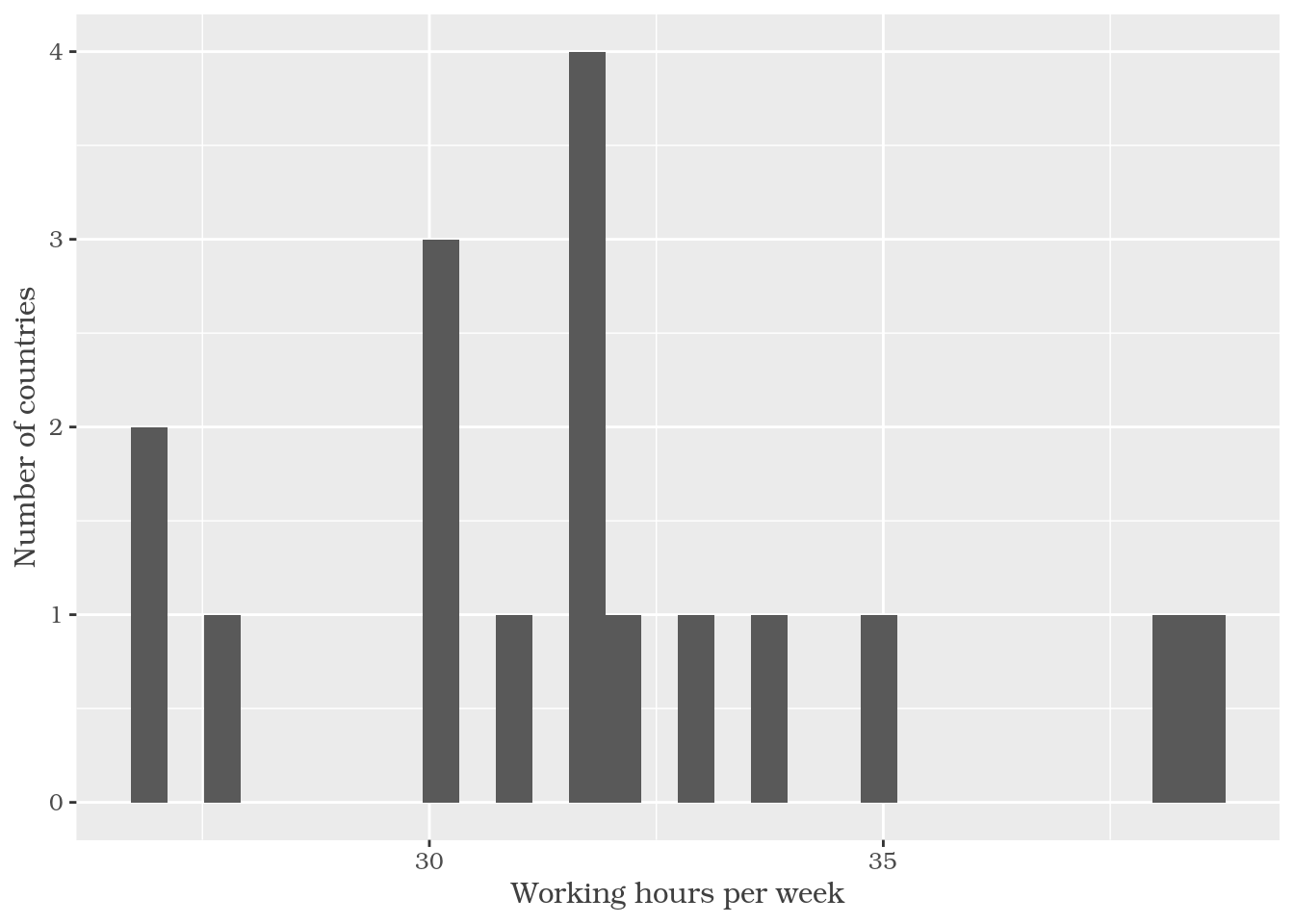
ggplot(plot_data) +
  geom_histogram(aes(
    x = working_hours)) +
  labs(x = "Working hours per week",
       y = "Number of countries") +

  theme_classic()

Comunicarea cu date în Tidyverse

Înlănțuirea apelurilor theme()

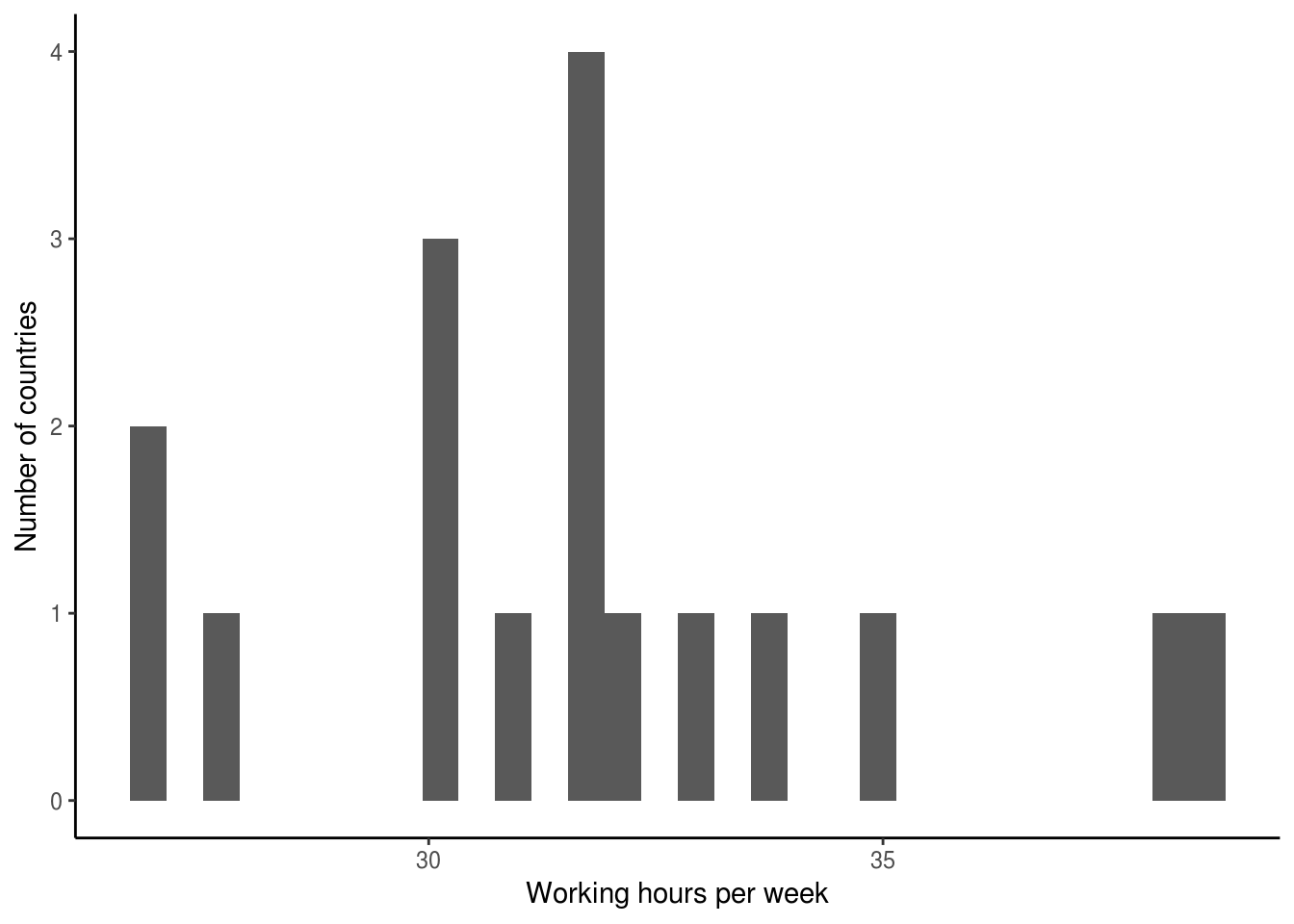
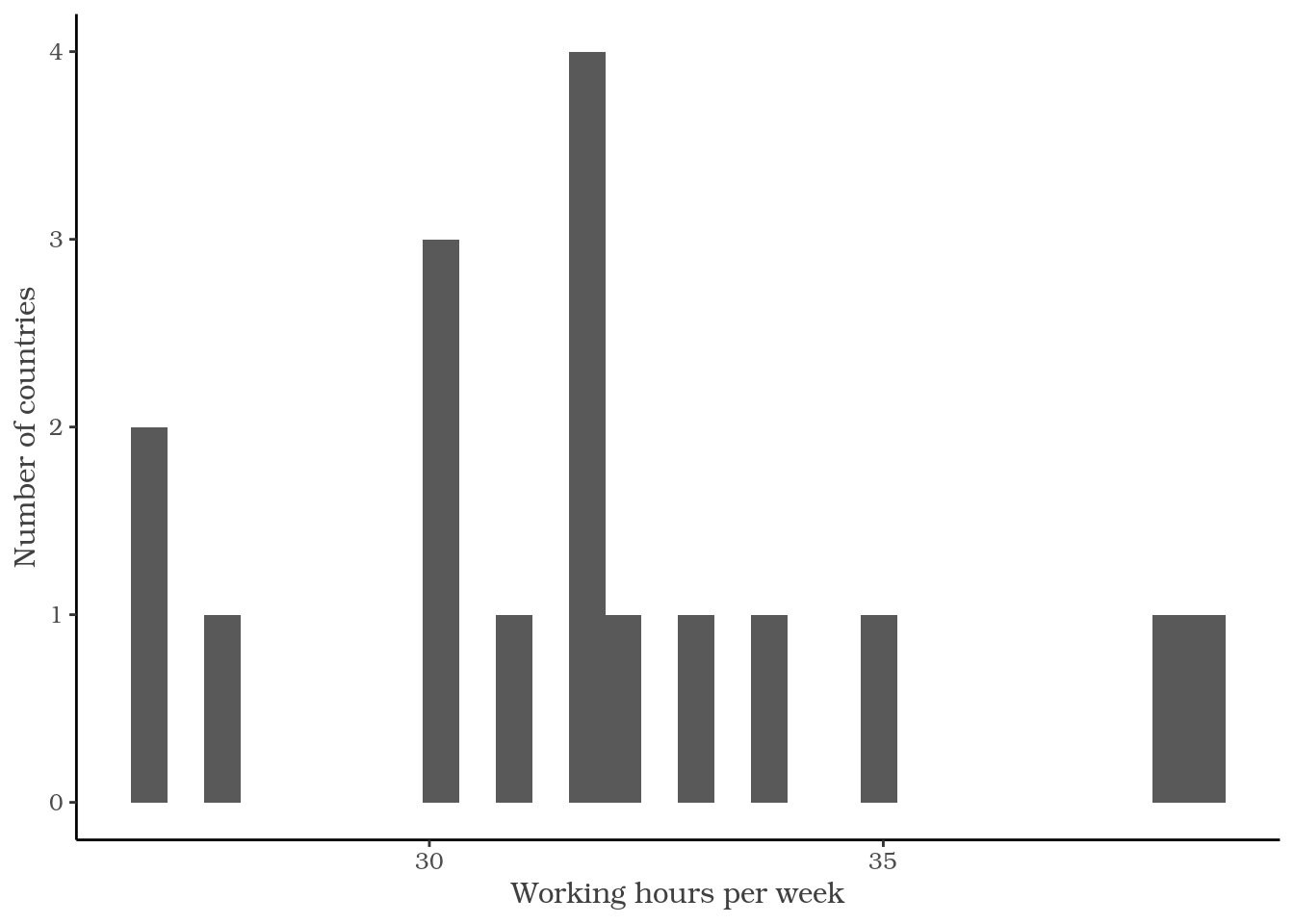
ggplot(plot_data) +
  geom_histogram(aes(
    x = working_hours)) +
  labs(x = "Working hours per week",
       y = "Number of countries") +

  theme_classic() +
  theme(
    text = element_text(
      family = "Bookman",
      color = "gray25")
  )

Comunicarea cu date în Tidyverse

Opțiuni de configurare a temei

?theme

axis.title
eticheta axelor (element_text; moștenește din text)

axis.title.x
eticheta axei x (element_text; moștenește din axis.title)

axis.title.x.top
eticheta axei x pe axa superioară (element_text; moștenește din axis.title.x)

axis.title.x.bottom
eticheta axei x pe axa inferioară (element_text; moștenește din axis.title.x)

Comunicarea cu date în Tidyverse

Familia de funcții element_*

element_text()
element_rect()
element_line()
element_blank()
ggplot(plot_data) +
  geom_histogram(aes(
    x = working_hours)) +
  labs(x = "Working hours per week",
       y = "Number of countries") +
  theme(
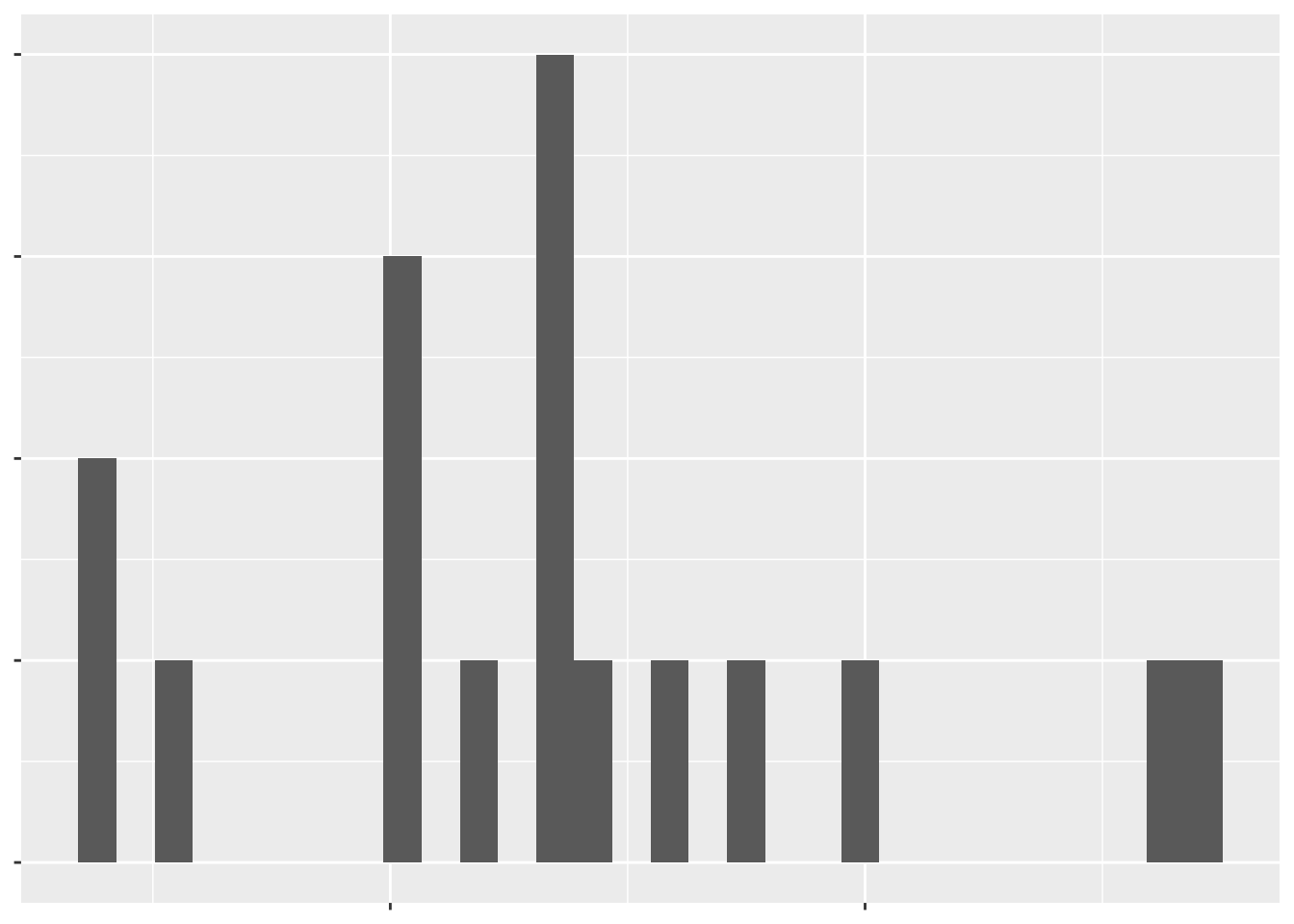
    text = element_blank()
  )

Comunicarea cu date în Tidyverse

Să exersăm temele!

Comunicarea cu date în Tidyverse

Preparing Video For Download...