MCP-Server von Drittanbietern

Einführung in das Model Context Protocol (MCP)

James Chapman

AI Curriculum Manager, DataCamp

Warum MCP-Server von Drittanbietern?
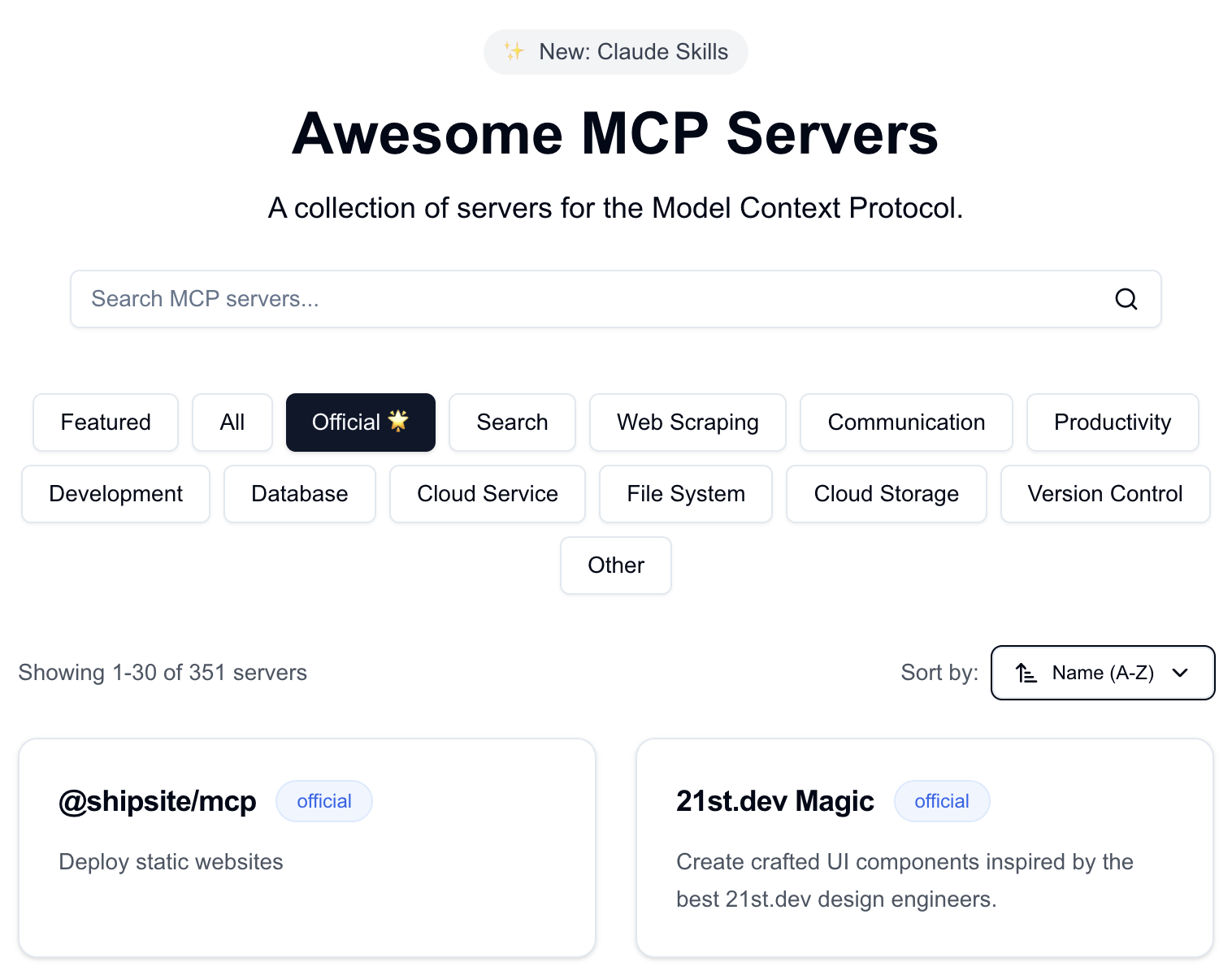
 

  • Speed: Dateisystem- und Datenbankzugriff ohne eigenen Server

MCP-Archiv

Einführung in das Model Context Protocol (MCP)

Warum MCP-Server von Drittanbietern?


  • Speed: Dateisystem- und Datenbankzugriff ohne eigenen Server
  • Von anderen gepflegt: du fokussierst dich auf Client und Anwendung
  • Integration: Client-Code kann für verschiedene MCP-Server geteilt und wiederverwendet werden

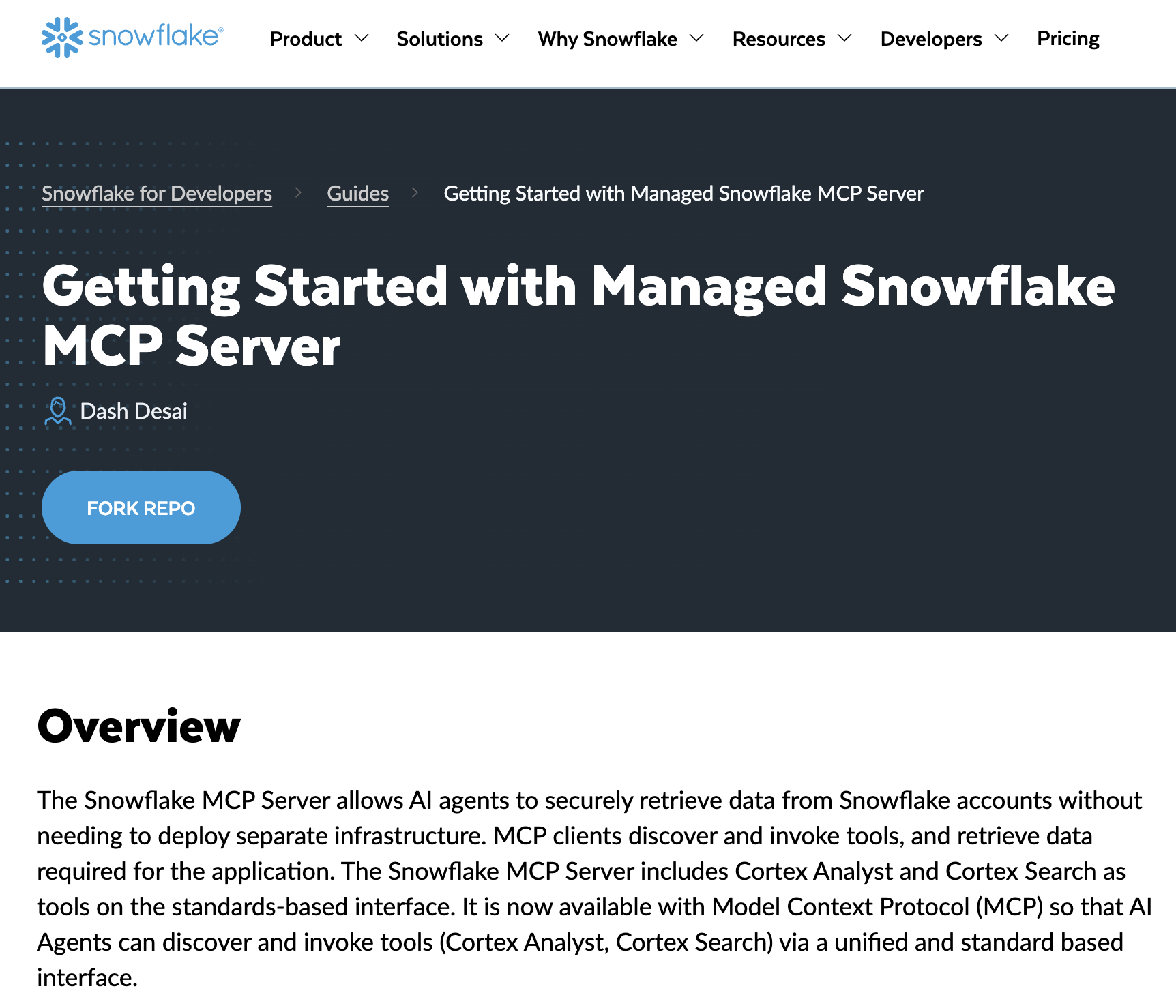
Snowflake MCP

1 https://www.snowflake.com/en/developers/guides/getting-started-with-snowflake-mcp-server/
Einführung in das Model Context Protocol (MCP)

Worauf achten vor Nutzung eines Drittanbieter-Servers

 

  • Vertrauen: Der Server führt Code aus und kann externe APIs aufrufen → prüfe die Quellen
  • Sicherheit: Sorgfältiger Umgang mit privaten Daten und Anmeldedaten nötig
  • Angriffsfläche: Mehr Tools = mehr Möglichkeiten fürs LLM; kenne, was jeder Server bereitstellt

Zu beachtende Punkte

Einführung in das Model Context Protocol (MCP)

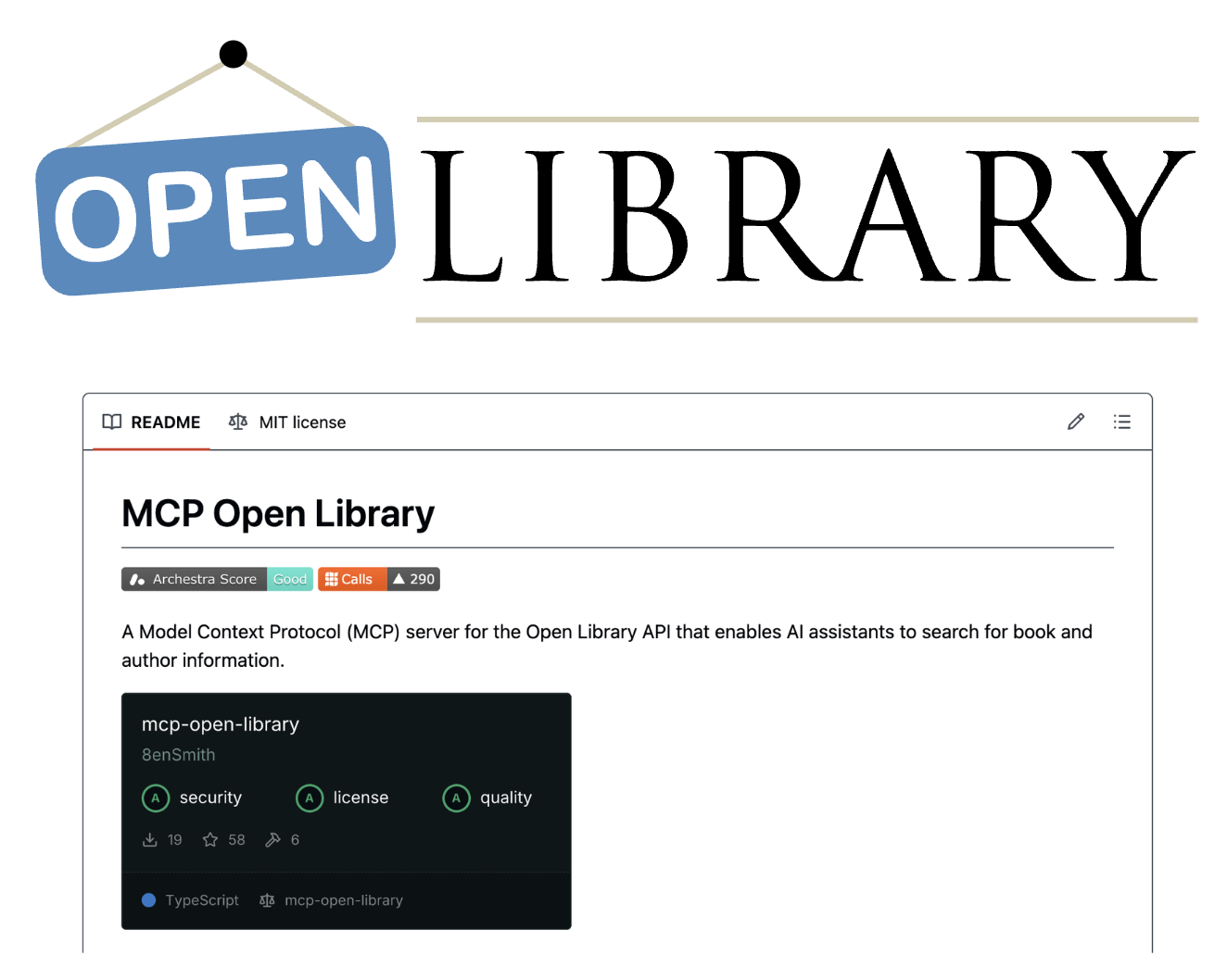
Open Library MCP

Open Library-Logo


  • mcp-open-library: MCP-Server für die Internet Archive Open Library API
  • Tools: get_book_by_title, get_authors_by_name, get_book_cover, get_book_by_id, ...
  • Kein API-Schlüssel nötig
1 https://github.com/8enSmith/mcp-open-library
Einführung in das Model Context Protocol (MCP)

Zugriff auf den Open Library MCP

from mcp import ClientSession, StdioServerParameters
from mcp.client.stdio import stdio_client

params = StdioServerParameters(
    command="open-library-server",
    args=[]
)
1 https://github.com/8enSmith/mcp-open-library?tab=readme-ov-file#installation
Einführung in das Model Context Protocol (MCP)

Open Library MCP verwenden

params = StdioServerParameters(command="open-library-server", args=[])


async with stdio_client(params) as (reader, writer): async with ClientSession(reader, writer) as session: await session.initialize()
response = await session.list_tools() print("Tools:", [t.name for t in response.tools]) result = await session.call_tool("get_book_by_title", {"title": "Dune"}) text = result.content[0].text print("Tool Call Result:", text)
Einführung in das Model Context Protocol (MCP)
Tools: ['get_book_by_title', 'get_authors_by_name', 'get_author_info',
'get_author_photo', 'get_book_cover', 'get_book_by_id']

Tool Call Result: [ { "title": "Dune", "authors": [ "Frank Herbert" ], "first_publish_year": 1965, ... }, ...
Einführung in das Model Context Protocol (MCP)

Lass uns üben!

Einführung in das Model Context Protocol (MCP)

Preparing Video For Download...