MCP Server จากบุคคลที่สาม

Model Context Protocol (MCP) เบื้องต้น

James Chapman

AI Curriculum Manager, DataCamp

ทำไมต้องใช้ MCP Server จากบุคคลที่สาม?
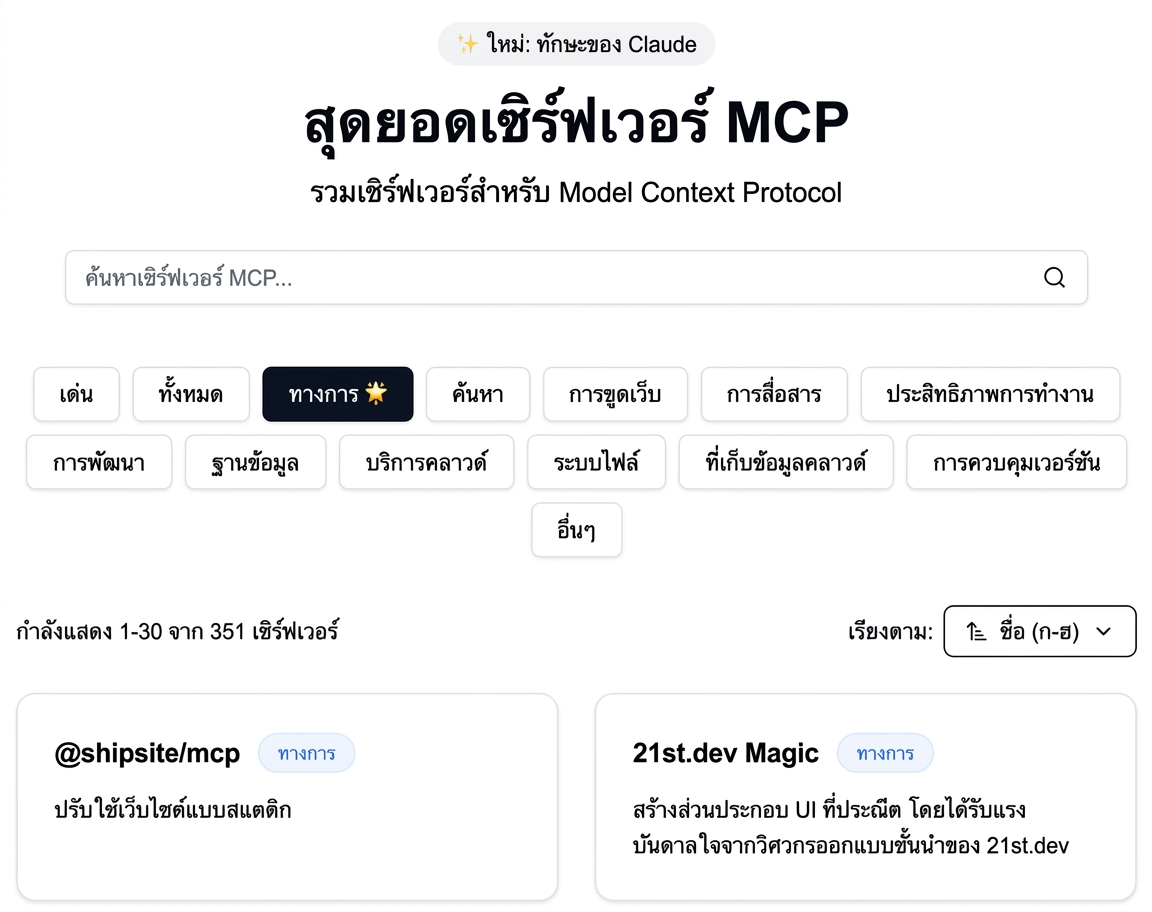
 

  • ความเร็ว: เข้าถึง filesystem และฐานข้อมูลโดยไม่ต้องเขียน server

mcp-archive.png

Model Context Protocol (MCP) เบื้องต้น

ทำไมต้องใช้ MCP Server จากบุคคลที่สาม?
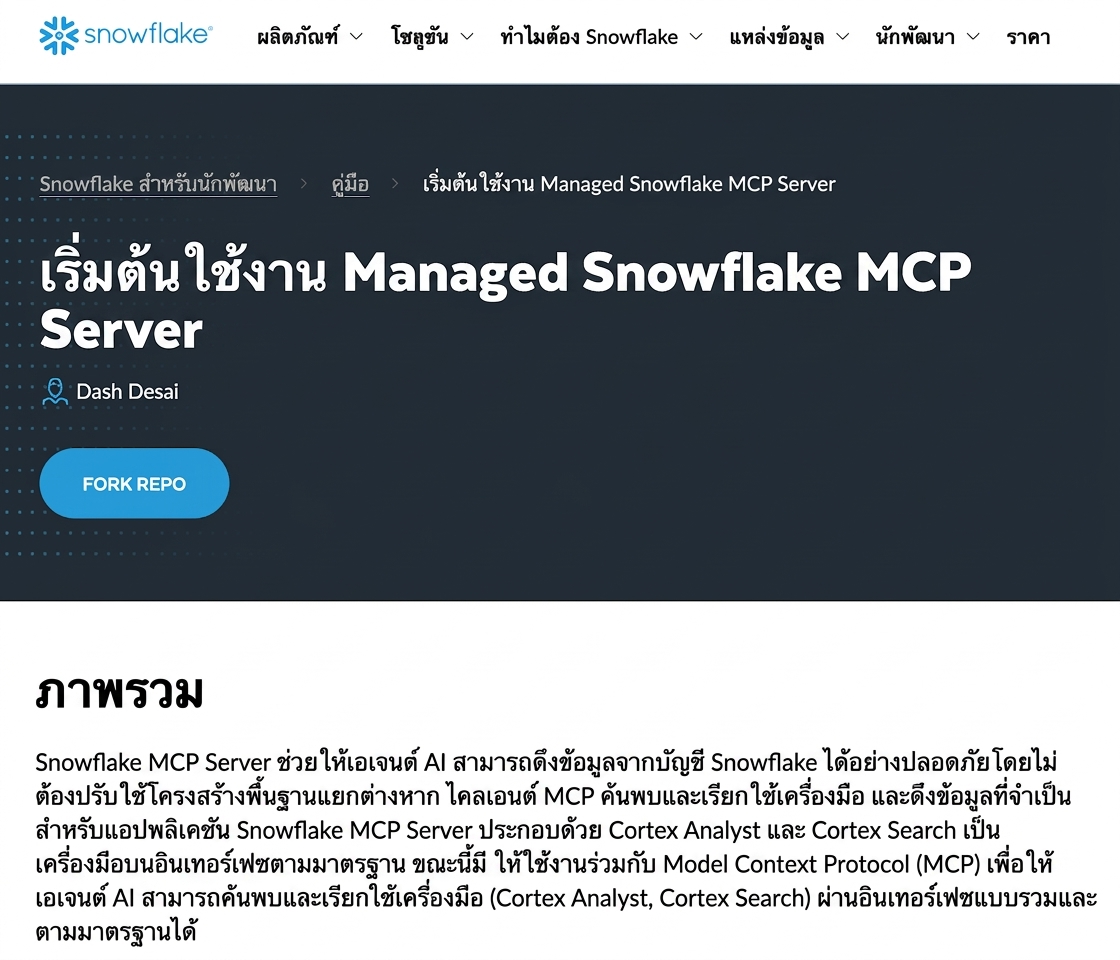
 

  • ความเร็ว: เข้าถึง filesystem และฐานข้อมูลโดยไม่ต้องเขียน server
  • ดูแลโดยผู้อื่น: มุ่งเน้นที่ client และแอปพลิเคชัน
  • การผสานรวม: โค้ด client ใช้ซ้ำกับ MCP server ต่าง ๆ ได้

snowflake-mcp.png

1 https://www.snowflake.com/en/developers/guides/getting-started-with-snowflake-mcp-server/
Model Context Protocol (MCP) เบื้องต้น

ข้อควรพิจารณาก่อนใช้ Server จากบุคคลที่สาม

 

  • ความน่าเชื่อถือ: server รันโค้ดและอาจเรียก API ภายนอก → ตรวจสอบแหล่งที่มา
  • ความปลอดภัย: ต้องจัดการข้อมูลส่วนตัวและ credential อย่างรอบคอบ
  • ขอบเขตการใช้งาน: เครื่องมือมากขึ้น = LLM ทำได้มากขึ้น ควรทราบว่าแต่ละ server เปิดเผยอะไรบ้าง

considerations.png

Model Context Protocol (MCP) เบื้องต้น

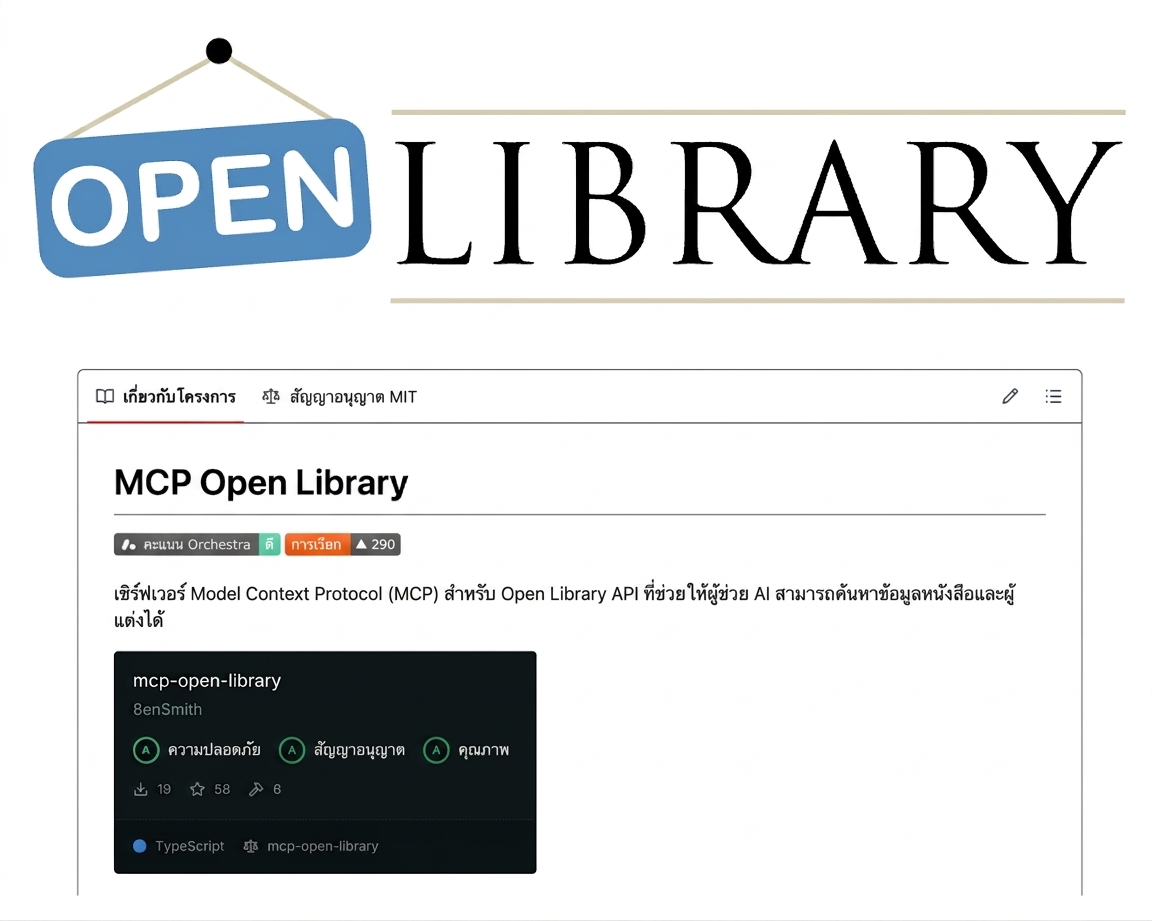
Open Library MCP

open-library.png


  • mcp-open-library: MCP server สำหรับ Internet Archive Open Library API
  • เครื่องมือ: get_book_by_title, get_authors_by_name, get_book_cover, get_book_by_id, ...
  • ไม่ต้องใช้ API key
1 https://github.com/8enSmith/mcp-open-library
Model Context Protocol (MCP) เบื้องต้น

การเข้าถึง Open Library MCP

from mcp import ClientSession, StdioServerParameters
from mcp.client.stdio import stdio_client

params = StdioServerParameters(
    command="open-library-server",
    args=[]
)
1 https://github.com/8enSmith/mcp-open-library?tab=readme-ov-file#installation
Model Context Protocol (MCP) เบื้องต้น

การใช้งาน Open Library MCP

params = StdioServerParameters(command="open-library-server", args=[])


async with stdio_client(params) as (reader, writer): async with ClientSession(reader, writer) as session: await session.initialize()
response = await session.list_tools() print("Tools:", [t.name for t in response.tools]) result = await session.call_tool("get_book_by_title", {"title": "Dune"}) text = result.content[0].text print("Tool Call Result:", text)
Model Context Protocol (MCP) เบื้องต้น
Tools: ['get_book_by_title', 'get_authors_by_name', 'get_author_info',
'get_author_photo', 'get_book_cover', 'get_book_by_id']

Tool Call Result: [ { "title": "Dune", "authors": [ "Frank Herbert" ], "first_publish_year": 1965, ... }, ...
Model Context Protocol (MCP) เบื้องต้น

ฝึกปฏิบัติกันเลย!

Model Context Protocol (MCP) เบื้องต้น

Preparing Video For Download...