Примеры использования: создание веб-приложений с Shiny в R
Dean Attali
Shiny Consultant


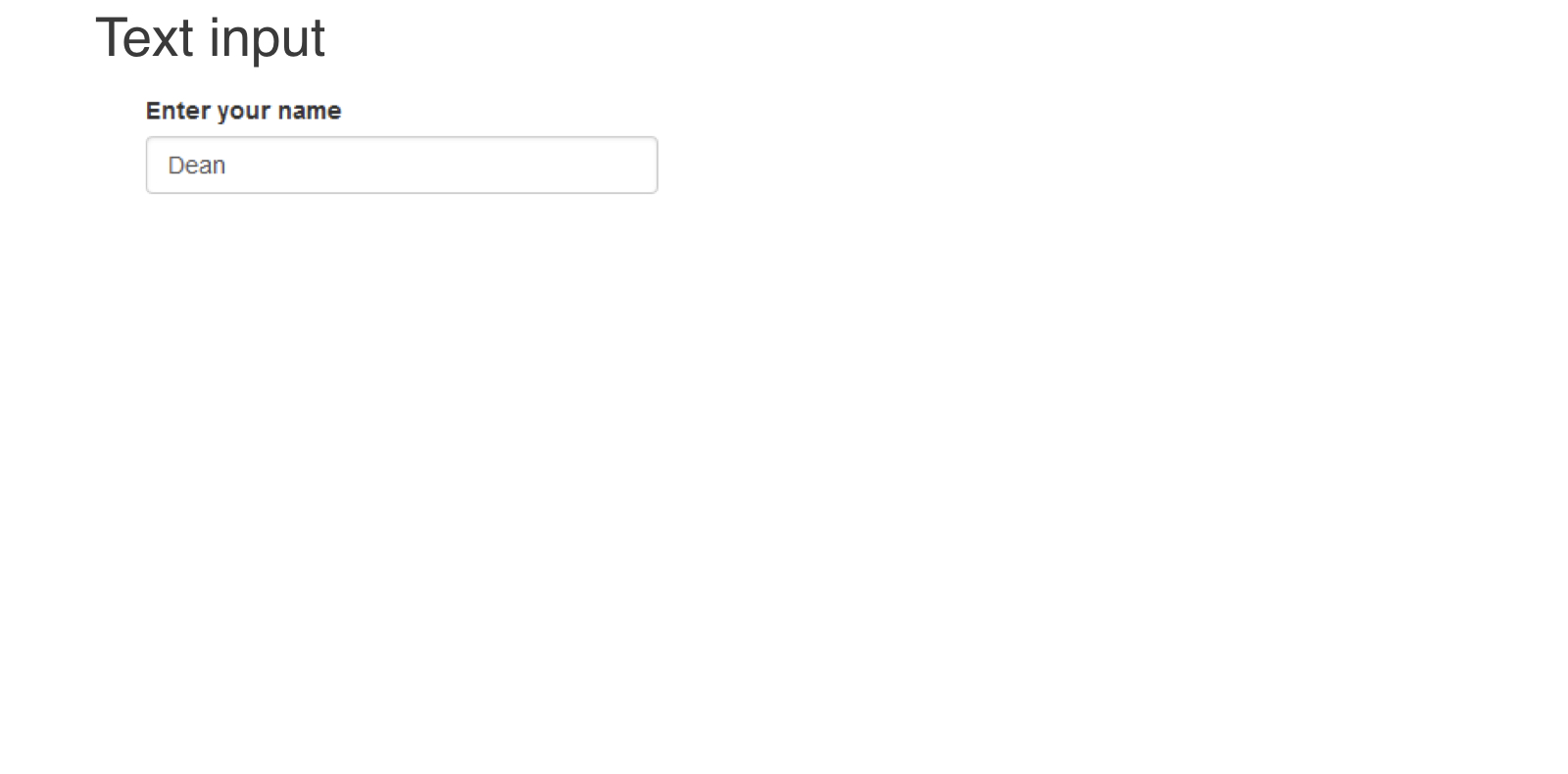
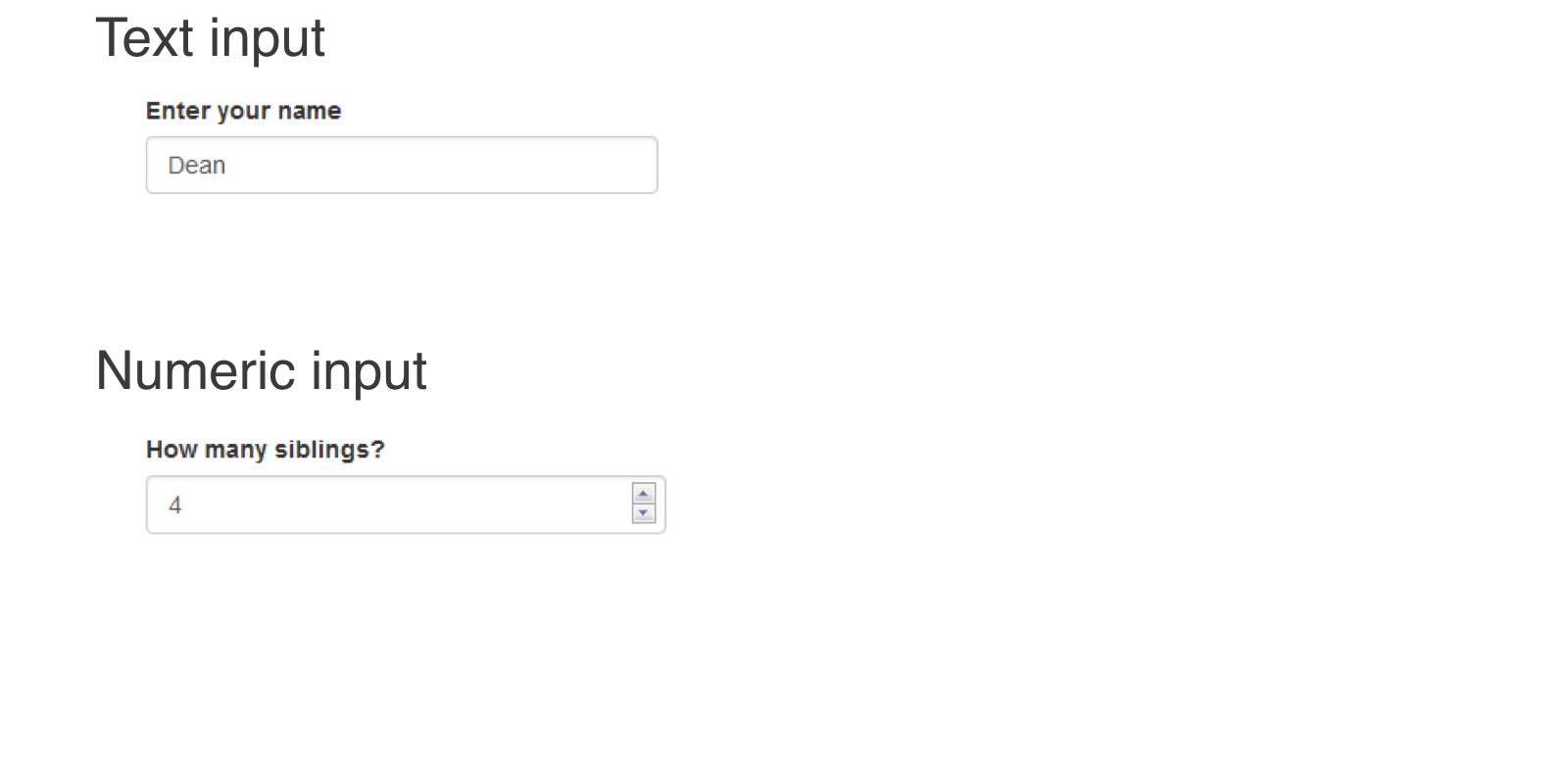
ui <- fluidPage(
textInput(inputId = "name", label = "Enter your name",
value = "Dean"),
numericInput(inputId = "sibs", label = "How many siblings?",
value = 4, min = 0)
)
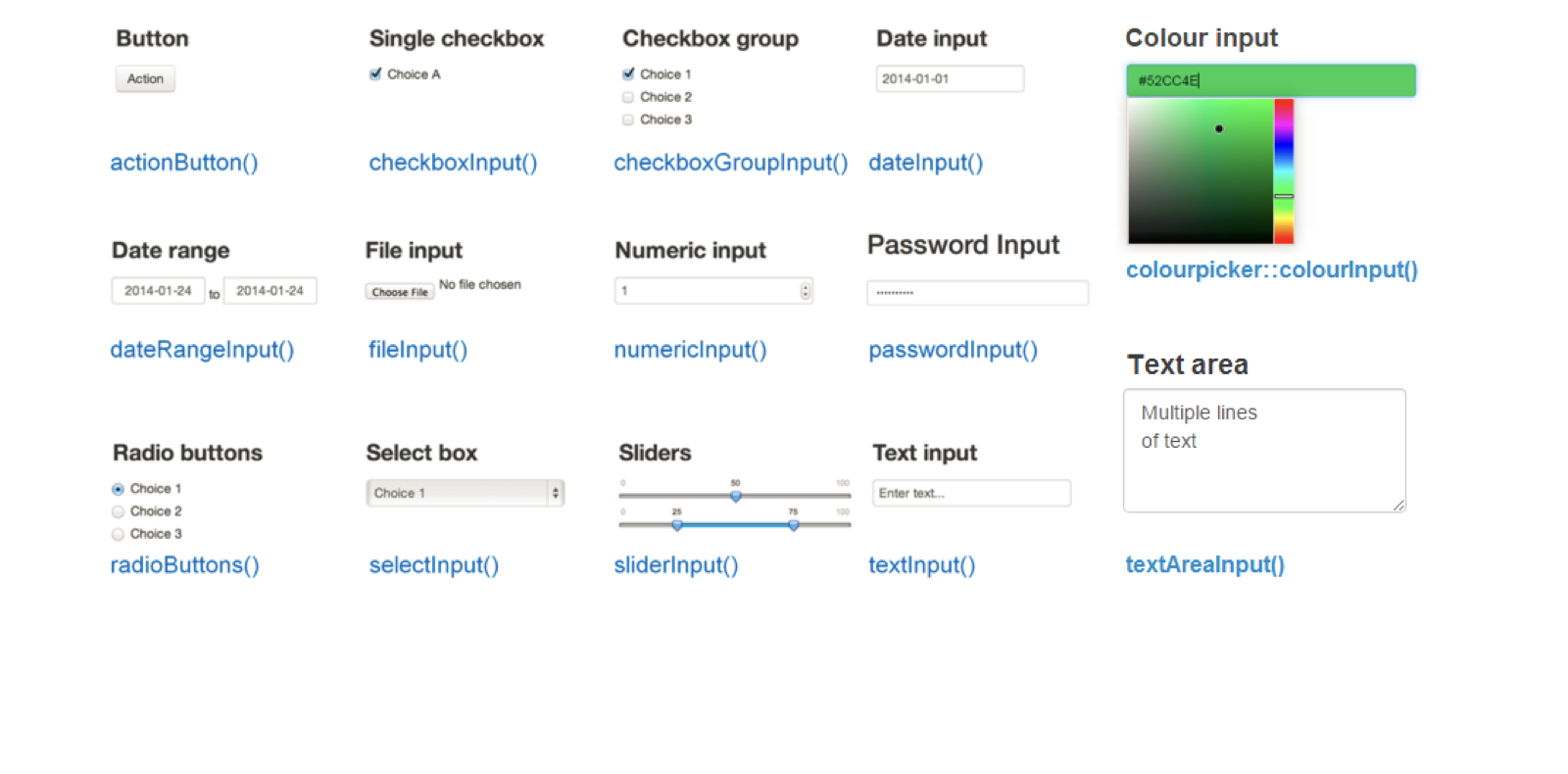
*Input(inputId, label, ...)inputId = уникальный идентификаторlabel = текст с описанием поля ввода... = дополнительные параметрыДва шага:
Создать заполнитель для вывода (в UI)
ui <- fluidPage(
"Plot goes here:",
plotOutput(outputId = "my_plot")
)
Написать код R для формирования вывода (в server)
server <- function(input, output) {
# Code for building outputs
}
inputoutputui <- fluidPage( numericInput("num", "Number of rows", value = 10, min = 0), tableOutput("my_table") )server <- function(input, output) { output$my_table <- renderTable({ head(iris, n = input$num) }) }
renderPlot(), renderText() и т. д.)output$<outputId>input$<inputId> для получения значения поля вводаПримеры использования: создание веб-приложений с Shiny в R