用于行为控制的系统消息

Claude 模型入门

Nikhil Rangarajan

Data Scientist

什么是系统消息?

  • 支持型机器人
  • 要求:
    • 礼貌
    • 简洁
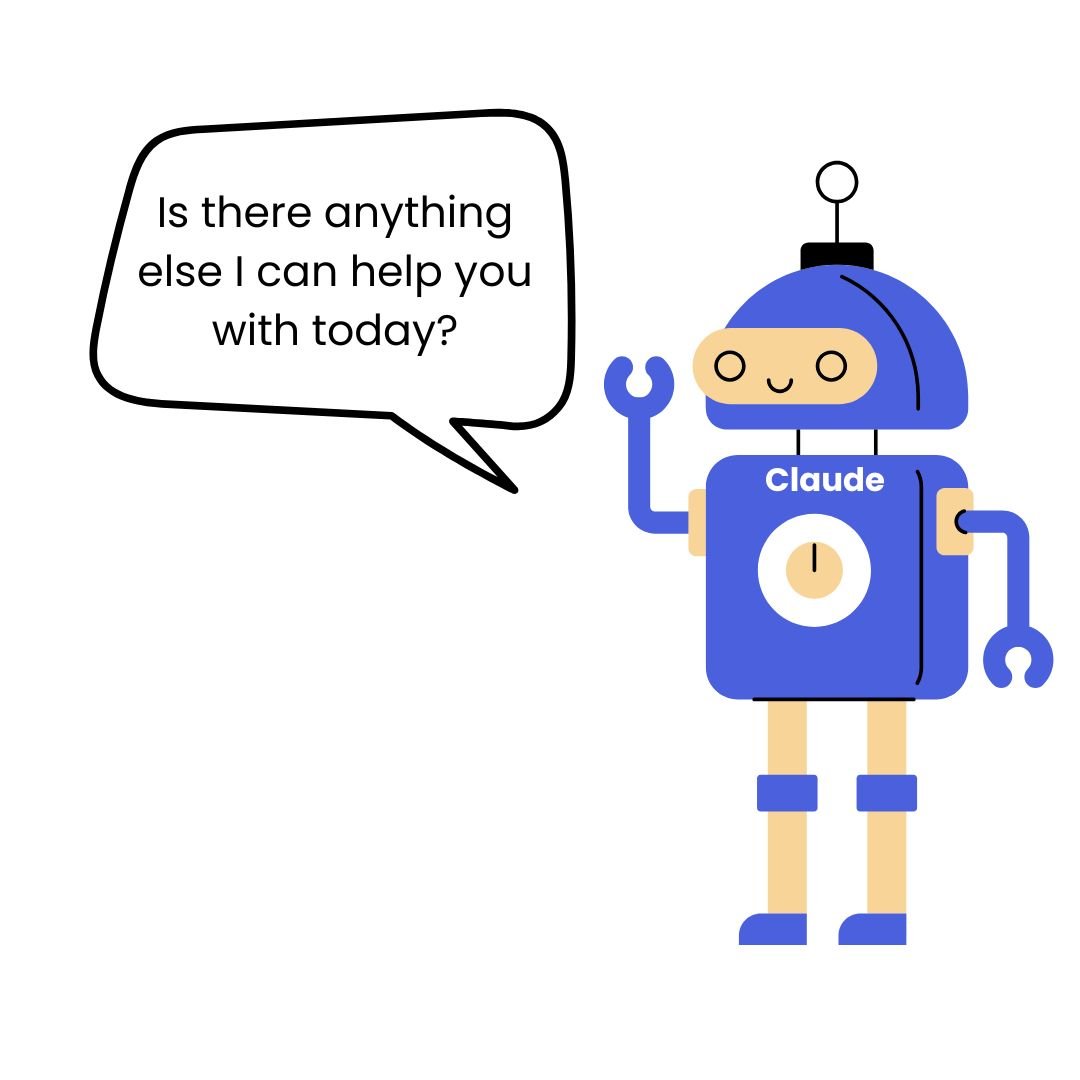
    • 每次回复以 "Is there anything else I can help you with today?" 结尾

一个机器人

Claude 模型入门

什么是系统消息?

  • 系统消息为 Claude 设定全局行为规则
  • 作用于整段对话,而非单次回复
  • 控制语气、约束、输出格式与人物设定

一个机器人在问 "Is there anything else I can help you with today?"

Claude 模型入门

如何编写有效的系统提示

  • 明确行为与约束
  • 指定 Claude 扮演的角色
system_msg = "Be helpful." # Weak

system_msg = "You are a technical writer. Use active voice, under 100 words, actionable advice only." # Strong
messages = [{"role": "user", "content": "How do I improve documentation?"}] response = client.messages.create(model="claude-sonnet-4-6", max_tokens=150, system=system_msg, messages=messages)
Claude 模型入门

常见的系统消息模式

  • 基于角色:定义 Claude 应扮演的身份

$$

  • 基于约束:限制长度或格式

$$

  • 基于语气:控制情感风格

$$

  • 基于任务:给出特定指令
# Role-based
"You are a customer service rep."

# Constraint-based  
"Respond in exactly 3 bullet points,
max 50 words."

# Tone-based
"Use enthusiastic, encouraging tone."

# Task-specific
"Debug Python code. Always ask for 
error messages first."
Claude 模型入门

测试与迭代系统消息

  • 用多样输入测试以发现边界情况
  • 监测不期望输出或行为漂移
  • 需要时细化表述以更具体
# System message causing issues
"Be concise and helpful."

# Problem: Responses too short, 
# missing context
"Provide helpful responses in 2-3 
sentences. Include relevant context 
but avoid unnecessary details."

# Test with various prompts 
Claude 模型入门

系统消息的高级技巧

$$

  • 结合指令并明确优先级
  • 用条件逻辑覆盖情境
  • 在系统消息中加入示例
  • 配合 few-shot 提示分层使用
system_msg = """Code reviewer. 
Priority: 1) Security 2) Performance 
3) Style
If no issues: "Code looks good" 
+ suggest improvement
Example: "Security: No issues. 
Performance: Consider caching here."
"""

messages = [{"role": "system", 
             "content": system_msg},
    {"role": "user", 
     "content": "Review: [code]"}]
Claude 模型入门

让我们一起练习吧!

Claude 模型入门

Preparing Video For Download...