Contours ढूँढना
Python में इमेज प्रोसेसिंग

Rebeca Gonzalez
Data Engineer
Contours ढूँढना
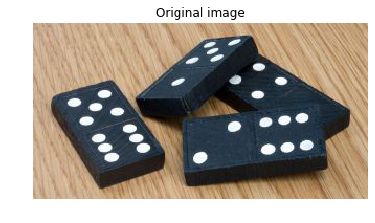
- आकार मापें
- आकृतियाँ वर्गीकृत करें
- ऑब्जेक्ट्स की संख्या तय करें
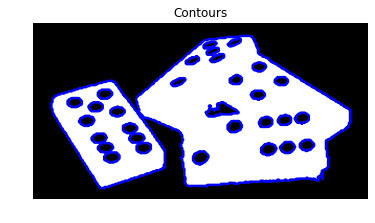
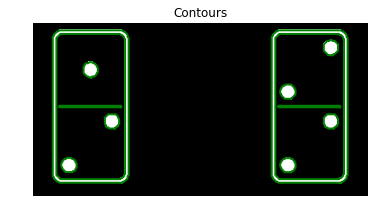
डोमिनो टोकन्स में कुल पॉइंट्स: 29.
बाइनरी इमेजेज
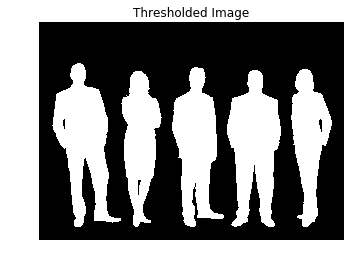
हम thresholding या edge detection लगाकर बाइनरी इमेज पा सकते हैं

scikit-image से contours ढूँढें
इमेज तैयार करना
इमेज को 2D ग्रेस्केल में बदलें।
# Make the image grayscale
image = color.rgb2gray(image)
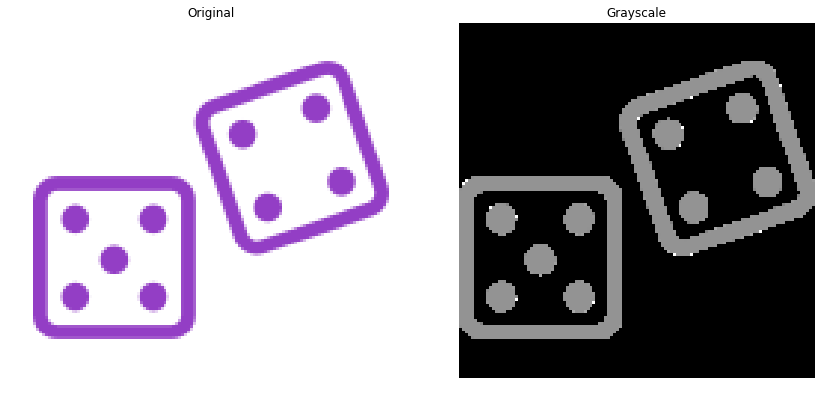
scikit-image से contours ढूँढें
इमेज तैयार करना
इमेज को बाइनराइज़ करें
# Obtain the thresh value
thresh = threshold_otsu(image)

# Apply thresholding
thresholded_image = image > thresh

scikit-image से contours ढूँढें
फिर find_contours() प्रयोग करें।
# Import the measure module
from skimage import measure

# Find contours at a constant value of 0.8
contours = measure.find_contours(thresholded_image, 0.8)
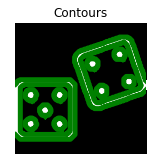
स्थिर लेवल वैल्यू
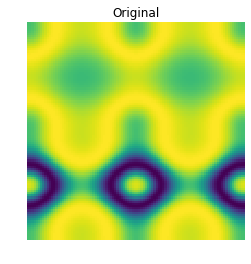
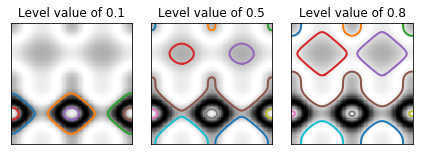
Contours पहचानने के स्टेप्स
नतीजा
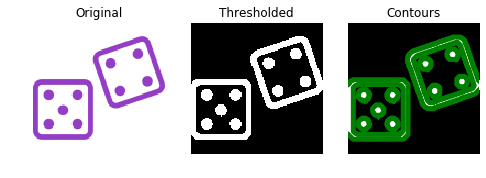
किसी contour का shape
किसी contour का shape
किसी contour का shape
किसी contour का shape
किसी contour का shape
डॉट्स की संख्या: 7.

