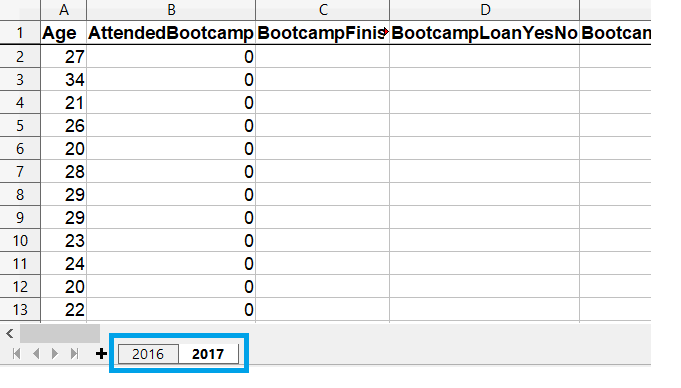
read_excel() डिफॉल्ट रूप से Excel फ़ाइल की पहली शीट लोड करता है
अन्य शीट लोड करने के लिए sheet_name आर्ग्युमेंट का उपयोग करें
शीट का नाम और/या (ज़ीरो-इंडेक्स्ड) पोज़िशन नंबर दें
एक साथ कई शीट लोड करने के लिए नाम/नंबर की सूची पास करें
read_excel() को दिए गए आर्ग्युमेंट सभी शीट पर लागू होते हैं
लोड करने के लिए शीट चुनना
चयनित शीट लोड करना
# Get the second sheet by position index
survey_data_sheet2 = pd.read_excel('fcc_survey.xlsx',
                                   sheet_name=1)


# Get the second sheet by name
survey_data_2017 = pd.read_excel('fcc_survey.xlsx',
                                 sheet_name='2017')


print(survey_data_sheet2.equals(survey_data_2017))
True
सभी शीट लोड करना
read_excel() को sheet_name=None देने पर वर्कबुक की सभी शीट पढ़ी जाती हैं
# Create empty dataframe to hold all loaded sheets
all_responses = pd.DataFrame()


# Iterate through dataframes in dictionary
for sheet_name, frame in survey_responses.items():
    # Add a column so we know which year data is from
    frame["Year"] = sheet_name


    # Add the dataframe to all_responses
    all_responses = pd.concat([all_responses, frame])


# View years in data
print(all_responses.Year.unique())