बधाई हो!
Excel में Power Pivot

Nick Edwards
Analyst at Roofstock
Power Pivot में शुरुआत
- Excel ऐड-ऑन में Power Pivot सक्षम किया
- Power Query से डेटा इम्पोर्ट और क्लीन किया
- विश्लेषण के लिए डेटा तैयार किया
डेटा मॉडलिंग
- Power Pivot में डेटा मॉडलिंग तकनीकें लागू कीं
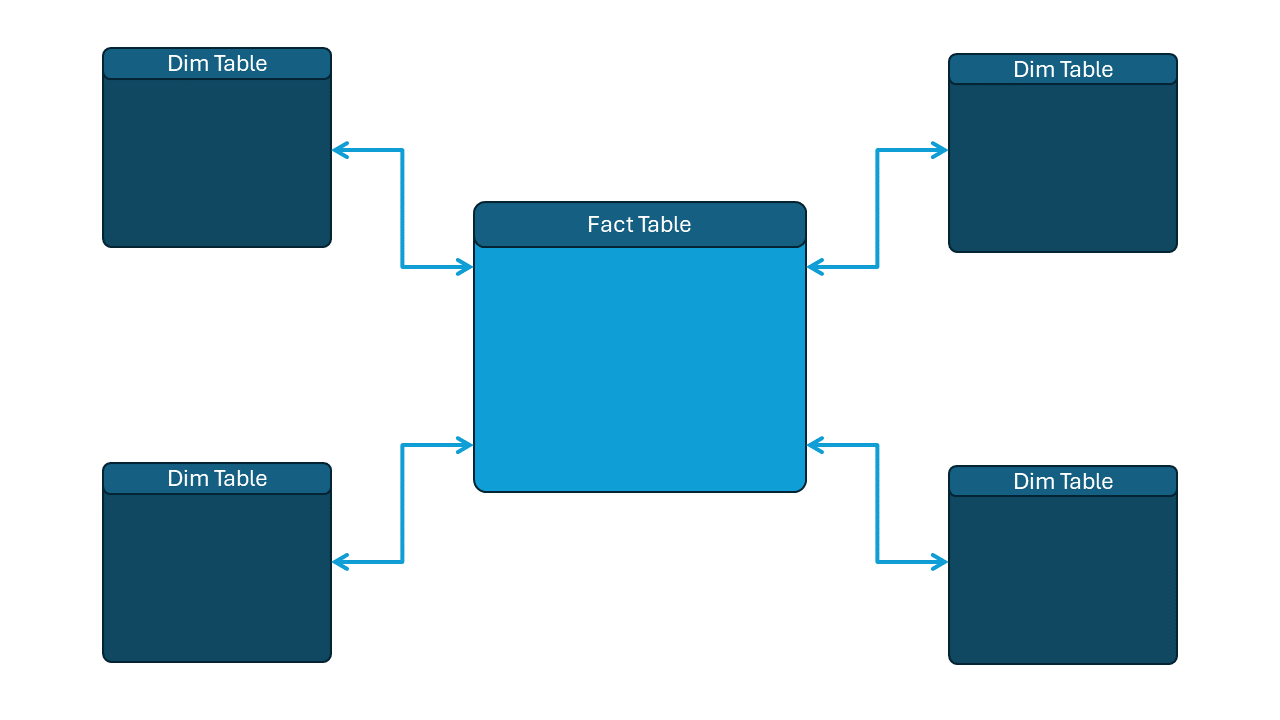
- रिलेशनशिप्स से स्टार स्कीमा बनाए
- डेटा संरचना के लिए हायरेरकियाँ बनाईं
Data Analysis Expressions
- Data Analysis eXpressions (DAX) की शुरुआत की
- Calculated columns और measures बनाए
SUM() और RELATED() जैसे functions इस्तेमाल किए- Measures को PivotTables में जोड़ा
डैशबोर्ड्स
- Power Pivot से डैशबोर्ड बनाए
- PivotTables, PivotCharts, slicers, और KPIs का संयोजन किया
- KPIs और ट्रेंड्स से डेटा स्टोरीज़ बताईं
- कनेक्टेड slicers से एक समग्र डैशबोर्ड बनाया
बधाई हो!
Excel में Power Pivot
 Preparing Video For Download...