Dash और Plotly के साथ डैशबोर्ड बनाना
Alex Scriven
Data Scientist
$$
अधिकांश वेबसाइट्स में CSS फाइलें होती हैं;
style प्रॉपर्टी
CSS को किसी HTML एलिमेंट पर भी लगाया जा सकता है
style प्रॉपर्टी उपयोग करें"property:value; property:value;"

<h1>Welcome to the website!</h1>
<h2 style="font-size:50px;color:red">
Enjoy your stay!
</h2>

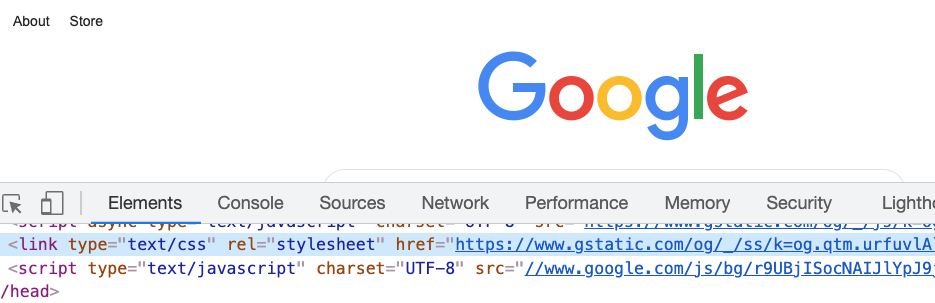
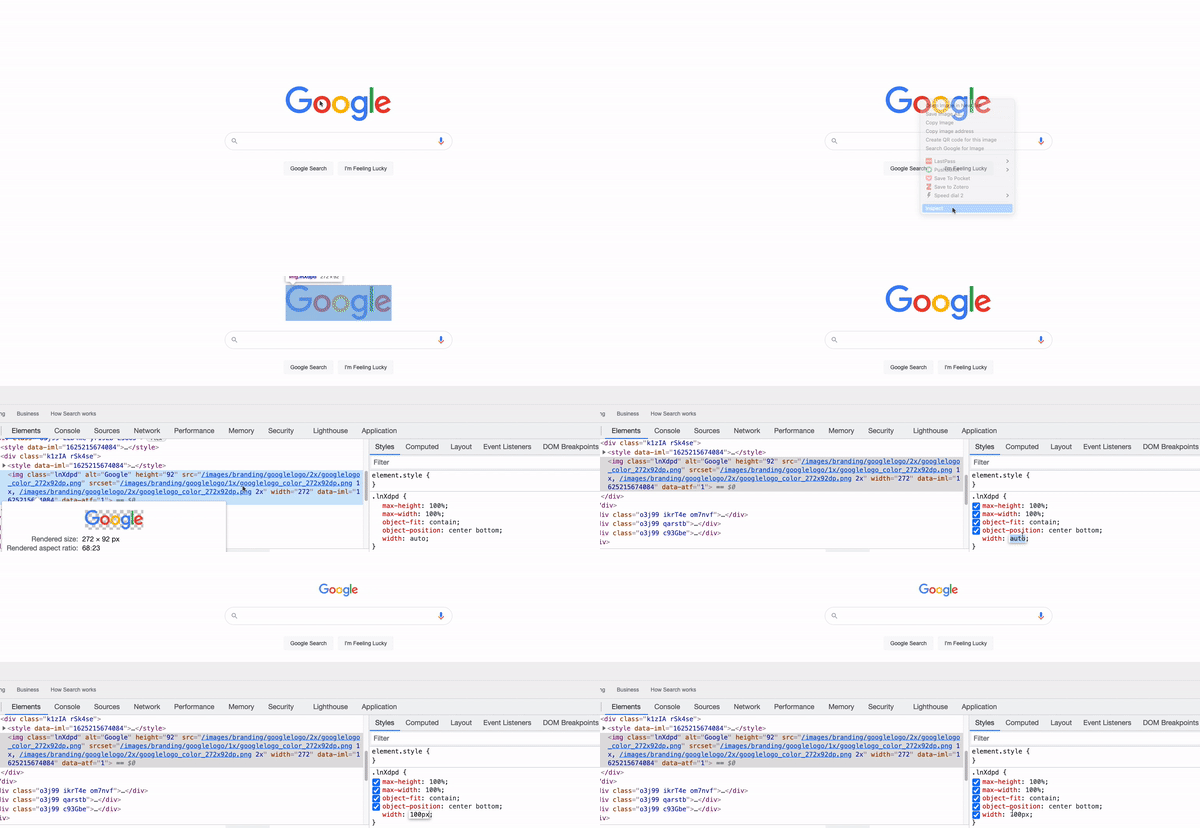
हम लाइव वेबसाइट पर कुछ CSS एडिट कर सकते हैं

Dash कंपोनेंट्स का style आर्ग्युमेंट
पिछले कोड में Dash कंपोनेंट:
app.layout = [
html.H1('Welcome to the website!'),
html.H2('Text',
style={'font-size':'50px',
'color':'red'})
]
CSS से आप सेट कर सकते हैं:
background-color)color)
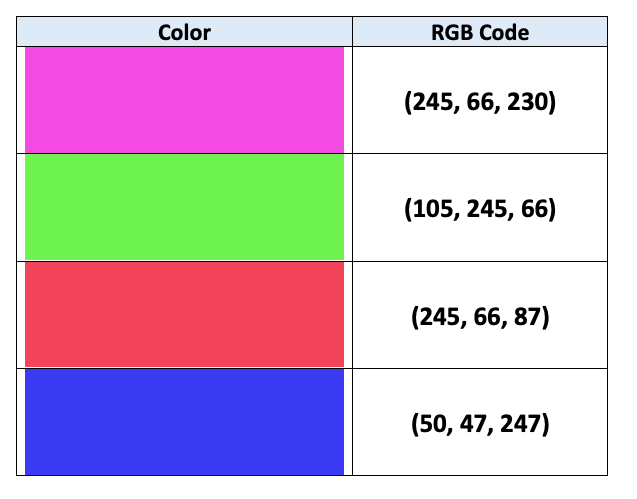
दोनों में strings (जैसे 'red') या RGB कोड्स (जैसे 'rgb(0,0,255)' यानी blue) स्वीकार होते हैं

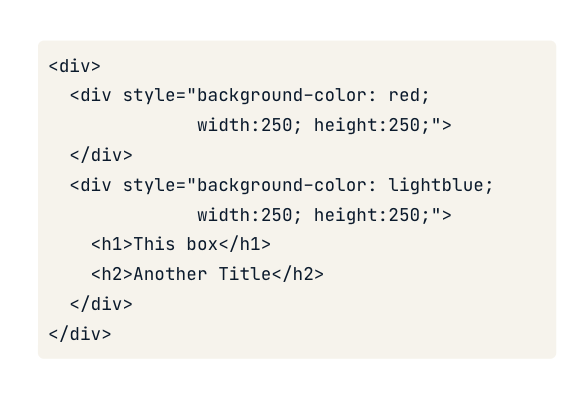
CSS width और height प्रॉपर्टीज़ से साइज सेट कर सकता है
app.layout = [
# Add & resize the company logo
html.Img(src=logo_link,
style={'width':'250px', 'height':'250px'})
]
app.layout = [
# Add & resize the company logo
html.Img(src=logo_link,
style={'width':'50%', 'height':'50%'})
]
Dash और Plotly के साथ डैशबोर्ड बनाना