Python में बायोमेडिकल इमेज विश्लेषण
Stephen Bailey
Instructor
$$1895$$
![विल्हेम रॉन्टगन द्वारा. - [1], पब्लिक डोमेन, https://commons.wikimedia.org/w/index.php?curid=5059748](https://assets.datacamp.com/production/repositories/2085/datasets/da638d73b243da7542e3ee94692e08884c19eb6b/Ch1_L1_First-XRay.gif)
$$2017$$
टूलबॉक्स
imageio: इमेज पढ़ें और सेव करेंImage ऑब्जेक्ट NumPy arrays होते हैं.import imageio.v2 as imageio im = imageio.imread('body-001.dcm')type(im)
imageio.core.Image
im
Image([[125, 135, ..., 110],
[100, 130, ..., 100],
...,
[100, 150, ..., 100]],
dtype=uint8)
im[0, 0]
125
im[0:2, 0:2]
Image([[125, 135],
[100, 130]],
dtype=uint8)
मेटाडेटा: इमेज हासिल करने का who, what, when, where, how
Image ऑब्जेक्ट में meta dictionary attribute से उपलब्ध
im.meta
im.meta['Modality']
im.meta.keys()
Dict([('StudyDate', '2017-01-01'),
('Modality', 'MR'),
('PatientSex', F),
...
('shape', (256, 256)])
'MR'
odict_keys(['StudyDate',
'SeriesDate',
'PatientSex',
...
'shape'])
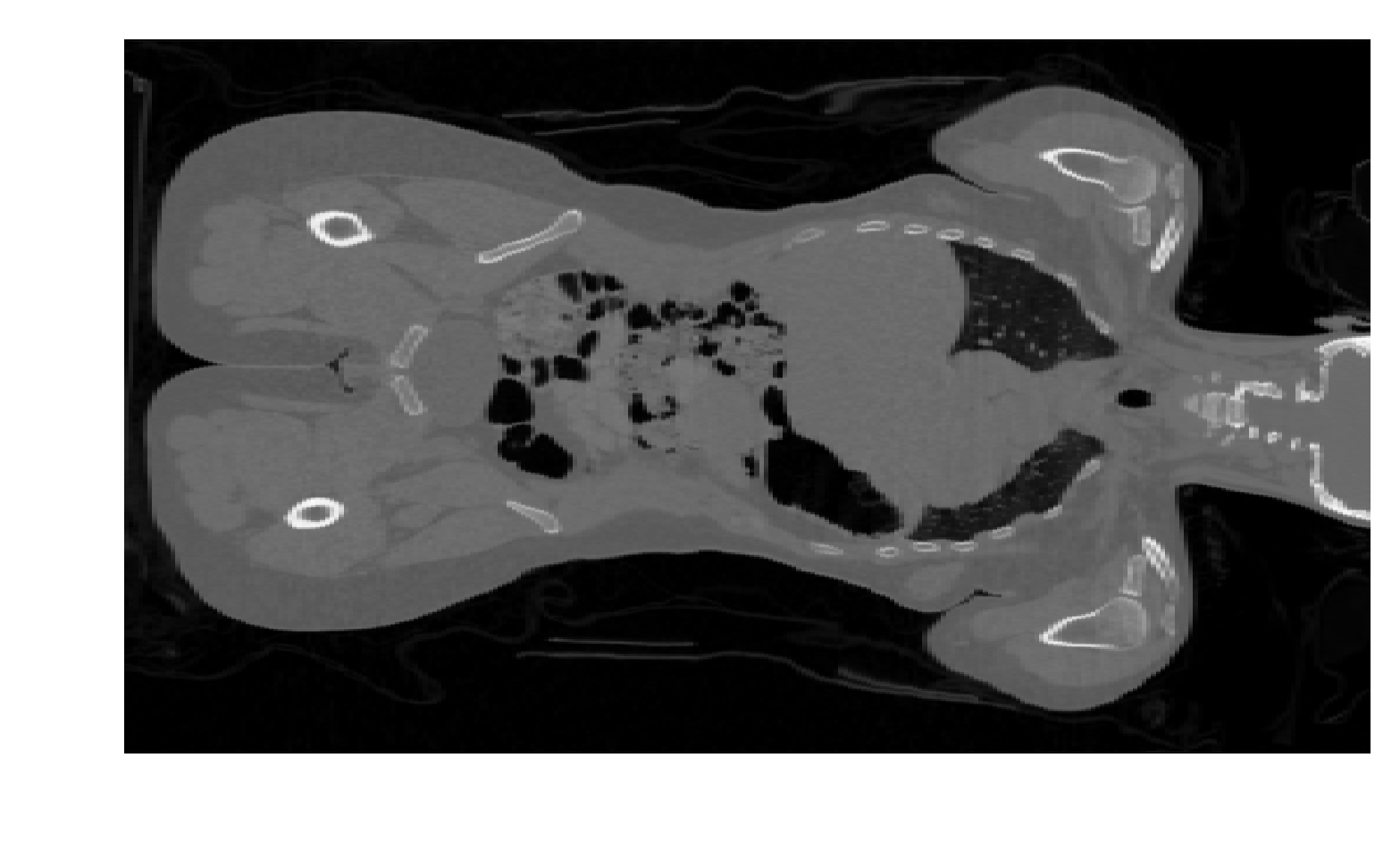
Matplotlib का imshow() फंक्शन 2D इमेज डेटा दिखाता है
कई colormaps हैं, पर अक्सर grayscale (cmap='gray') में दिखाते हैं
Axis ticks और labels इमेज के लिए अक्सर उपयोगी नहीं होते
import matplotlib.pyplot as pltplt.imshow(im, cmap='gray')plt.axis('off')plt.show()
Python में बायोमेडिकल इमेज विश्लेषण